


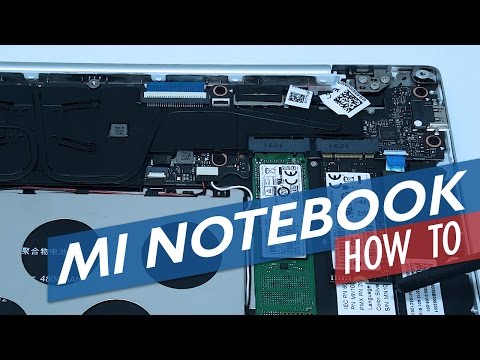
How to open the Mi Notebook Air and add a second SSD.
The Mi Notebook Air (Both models) have a spare slot for another SSD. Now this is meant to be added by Xiaomi when you order your unit from them. However, it is possible with a bit of force to open the rear alloy housing up and add your own. In the below how to video, I show you how to open the Xiaomi Mi Notebook Air 12.5″, the 13.3″ model will be similar.
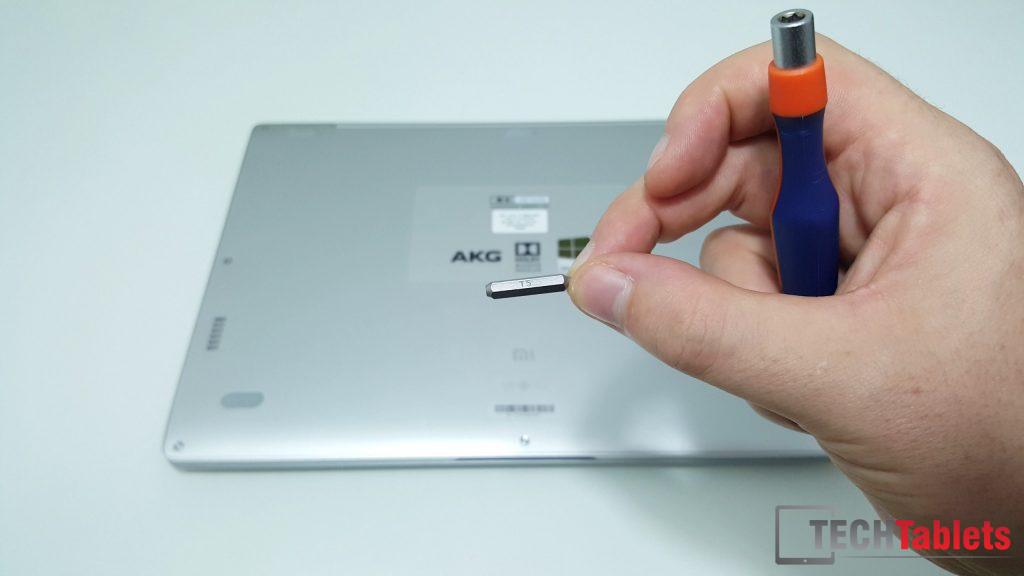
Not that for this job you’ll need a T5 sized Torx screwdriver and a plastic pry tool. Another larger M.2 2280 spec SATA3 drive if you want to replace the main drive and a PCIE drive for the spare M.2 bay. Now because I didn’t have a spare PCIE M.2 SSD lying around I cannot confirm if it’s gen2 PCIE or Gen3. If it’s gen3 that means even a Samsung 950 Pro could be placed in there. But why didn’t Xiamoi use the PCIE then as the main boot drive? Was it cost?
If anyone can answer if it is indeed PCIE M.2 Gen3 spec or not, please let us know in the comments so owners can buy the correct spec!
All the rest is in the video above (It’s much easier than writing a huge how to!)