Jumper’s EZBook 3 is the 2nd of the new Apollo Lake powered laptops out from China, the 3rd being the Onda Xiaoma 41 which I do plan to review once released. This model, unlike the Chuwi Lapbook 14.1 is powered by a dual-core Celeron N3350, with a maximum turbo of 2.4 Ghz. The rest of the specs are rather standard, 4GB of dual channel 1600Mhz RAM, a 64GB eMMC, 9000mAh or 38Wh battery and RealTek Wireless N. Sadly no wireless AC. It sells for around the same price as the Lapbook 14.1 going for $309 over at Gearbest where I got this one.

Now some of you may think, why did I get this if the Lapbook 14.1 has better specs? Well the Jumper EZBook 2 was quite a popular model when it released and I’m keen to see if this is an improvement and just how the dual-core Apollo Lake would perform, would I noticed the lack of two other cores at this entry level spec or not? So far I can say that the N3350 seems to perform in Windows, docs and Edge web browsers just as fast as the N3450, only in benchmarks I’ve seen the difference with lower multi-core scores. But the N3450 is still a big step up in performance over the EZBook 2’s Atom X5 Z8300. However, I still feel Jumper should have gone for the N3450 or was it battery life and thermals that made them opt for the dual core instead?
I’m down in New Zealand at the moment having a bit of a break before the influx of new tech arrives after Chinese New Year celebrations and MWC 2017. But that still won’t stop me checking out a few devices while I’m here. The great thing too about being in New Zealand is customs here don’t tax me on items under $400 dollars, so this one arrived tax-free with DHL something that never happens in Spain.
First impressions:
- Around 150 grams lighter than the Chuwi Lapbook 14.1, but around the same dimensions. The EZBook 3 is marginally thinner.
- The build quality is okay but doesn’t feel as solid as the Lapbook 14.1
- Not a bad touchpad, also comes with an application preinstalled called touchpad blocker. Helps block out gestures and miss-touches.
- The keyboard feels poor, with some flex and bounce as seen in my unboxing video. I had hoped Jumper would have improved this.
- USB 3.0 and USB 2.0 ports will power can external hard drives.
- The eMMC is a Toshiba
- No keyboard shortcuts for screens brightness and touchpad to disable it completely.
- The screen looks to be the same panel as used in the Jumper EZBook 2. Not a bad matte coated anti-glare screen. Vertical viewing angles aren’t so great.
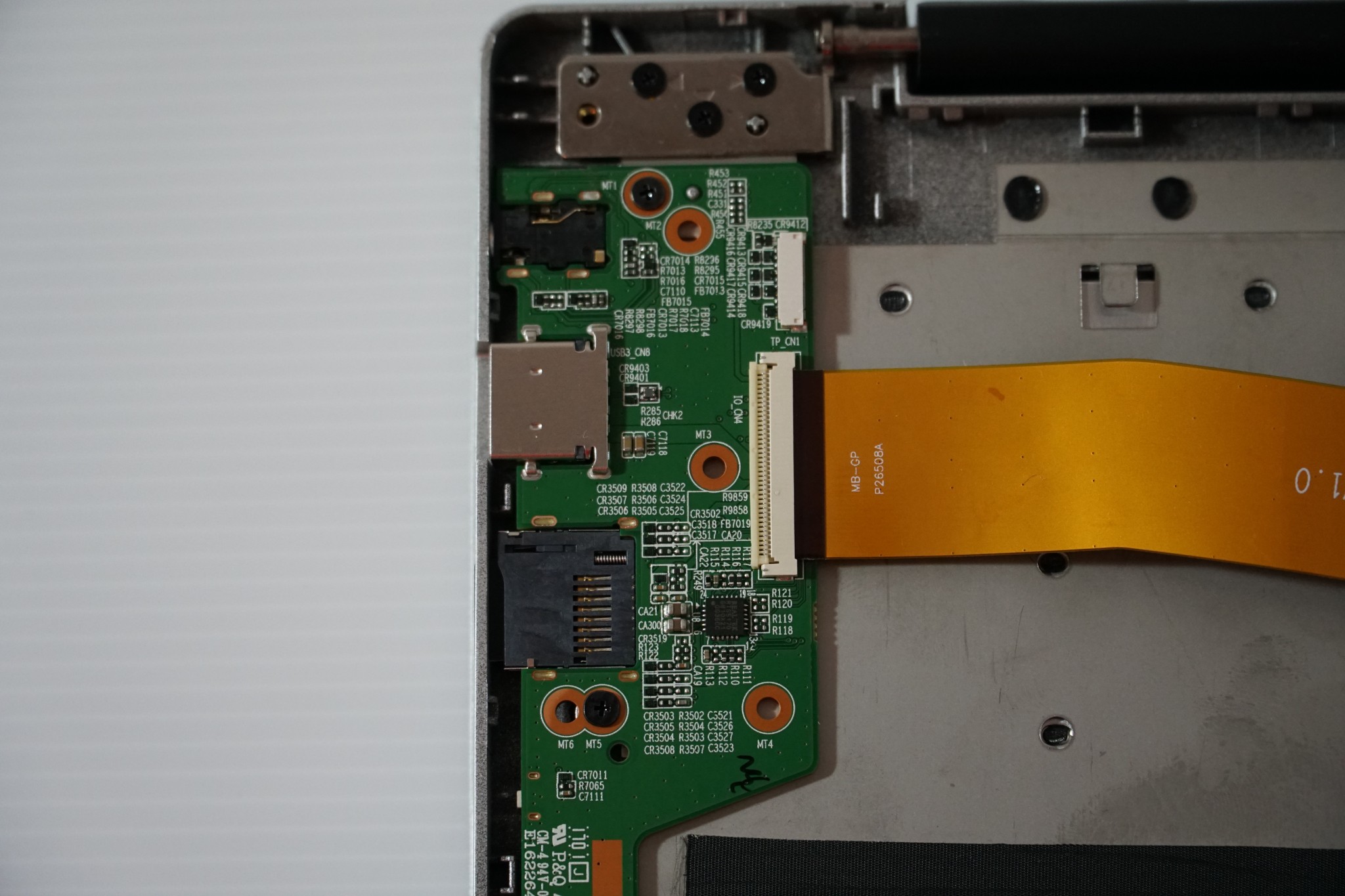
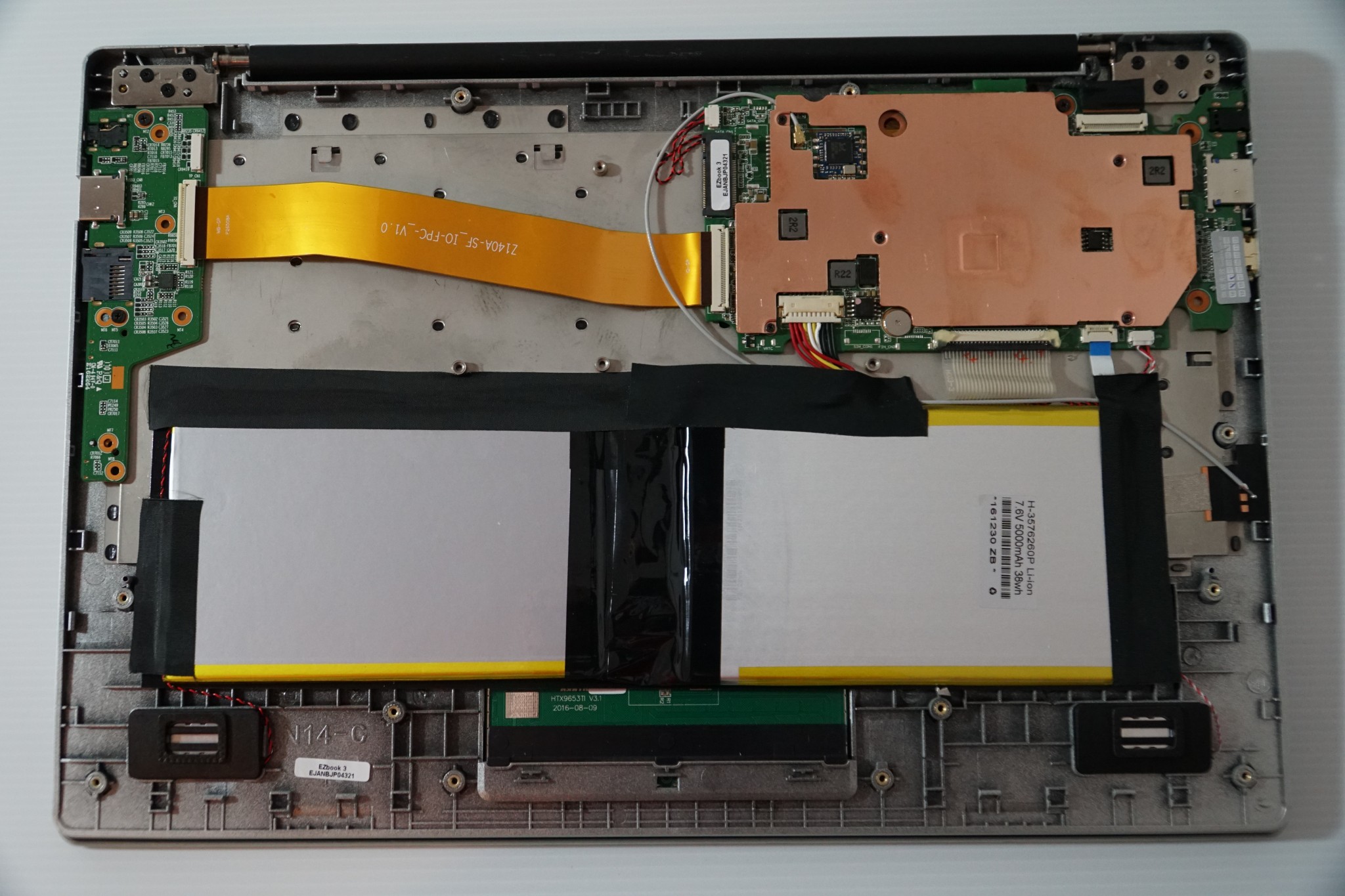
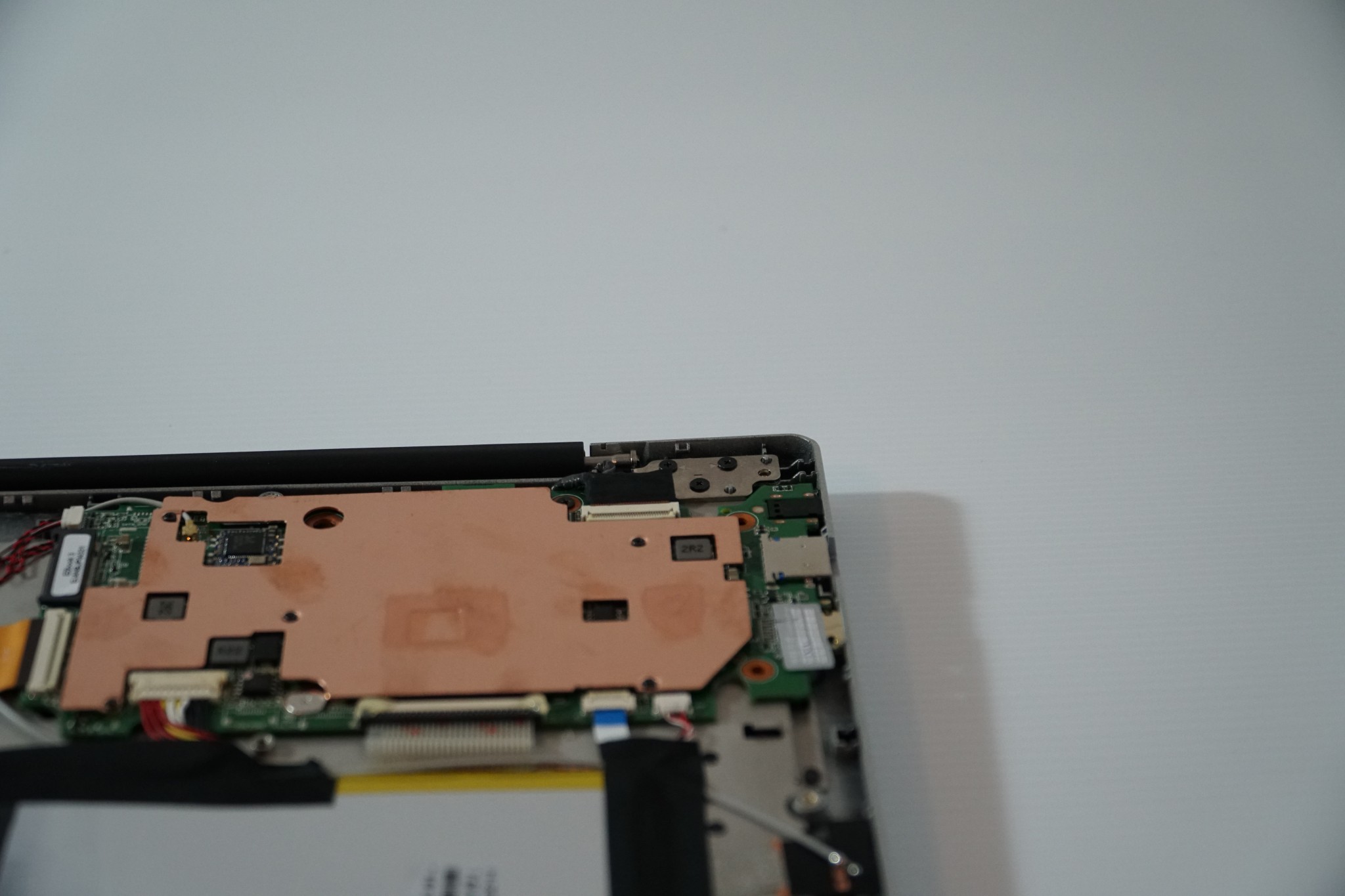
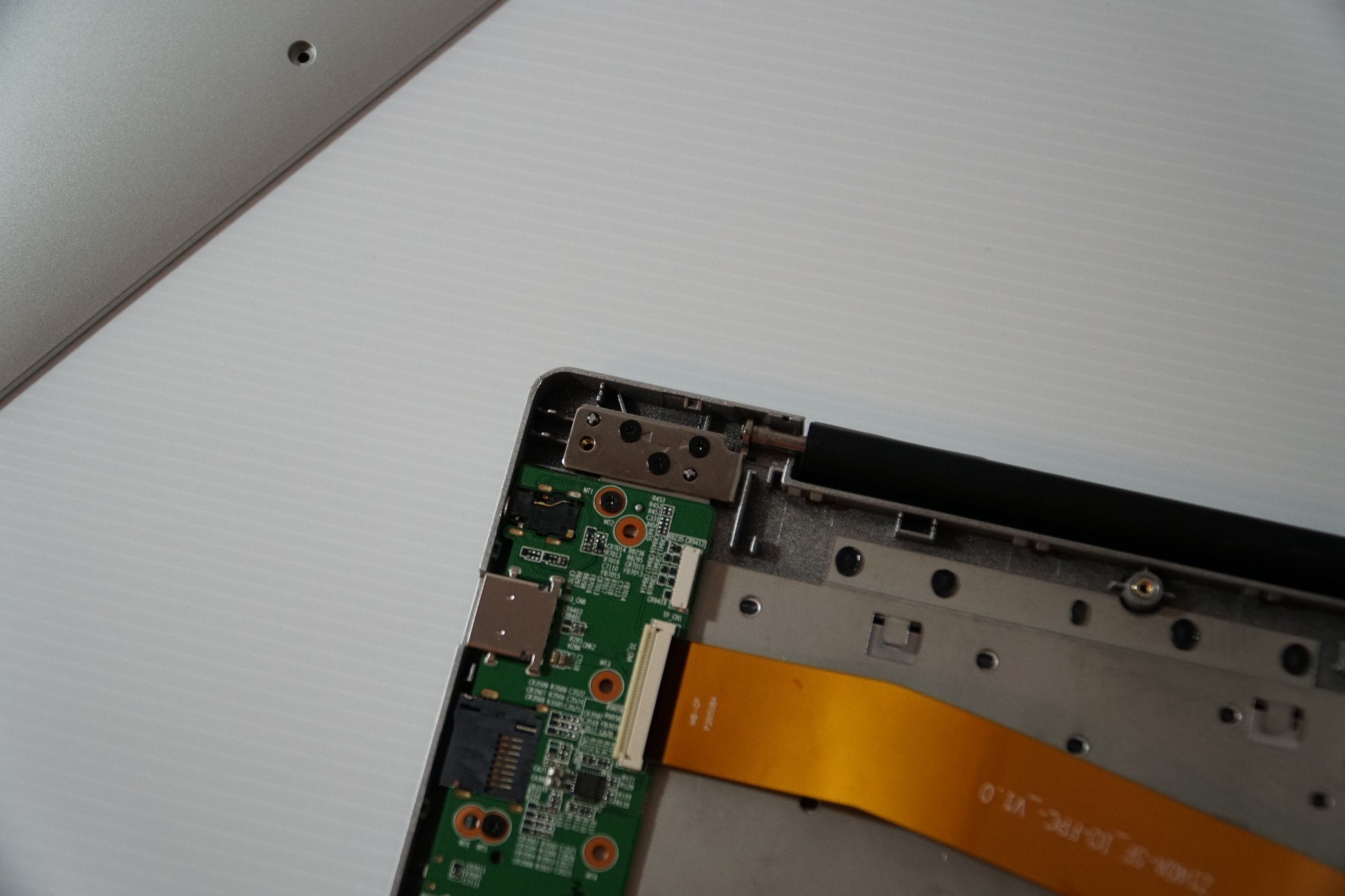
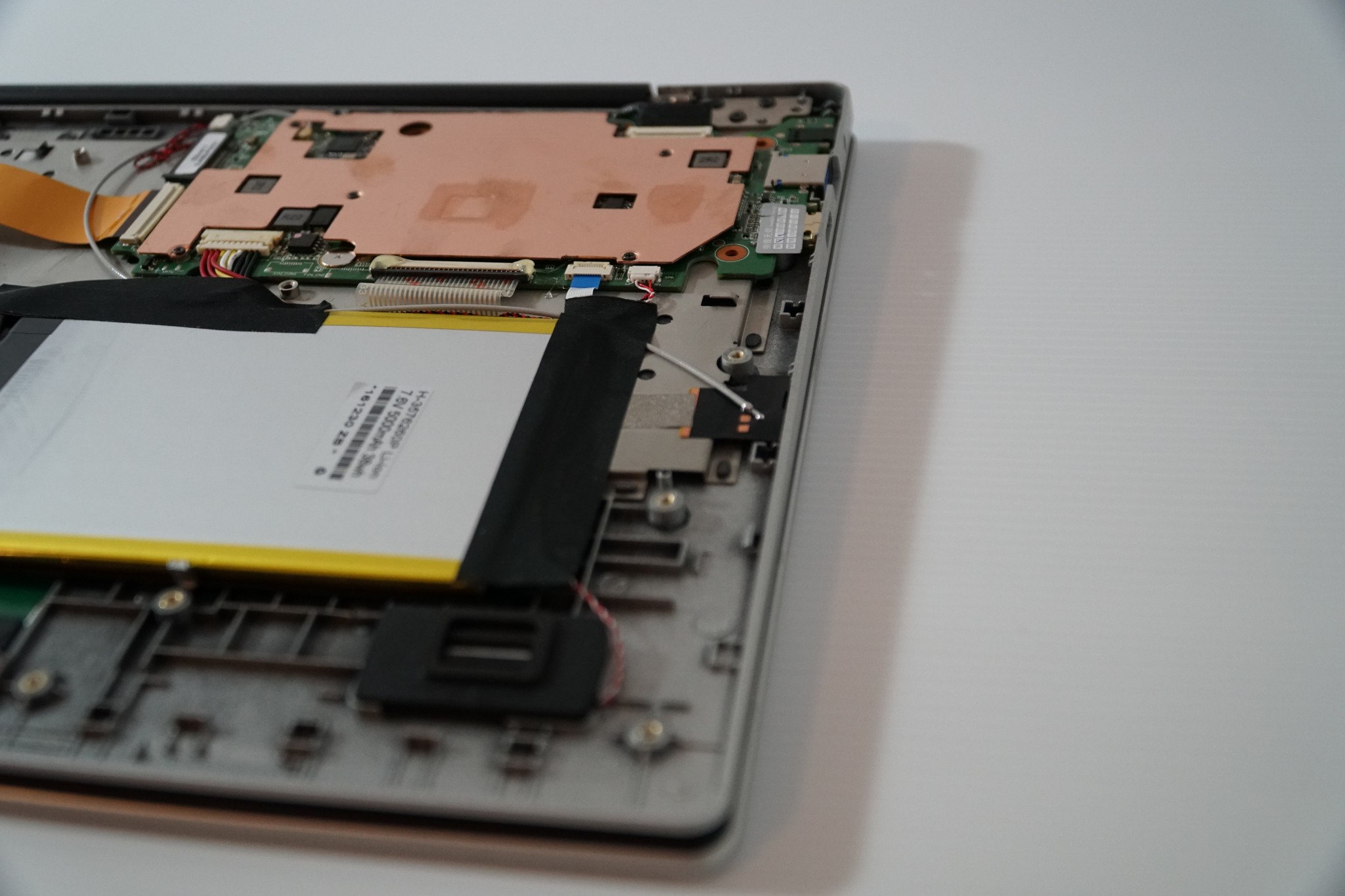
- Internals of the laptop (Photos below) show we have a spare empty SATA3 2242 bay for expanding storage or using it as the boot drive.
- Web camera location is on the bottom bezel, only shots in 480p and the quality is rather poor.
- Thermals are looking much better than the Lapbook 14.1, Jumper used a very large copper heatsink which covers the CPU, and eMMC. So far It has kept temps below 65 degrees. I’ll push it hard soon when I test out some games to see if it will reach 99 degrees like my Lapbook 14.1’s N3450 did.