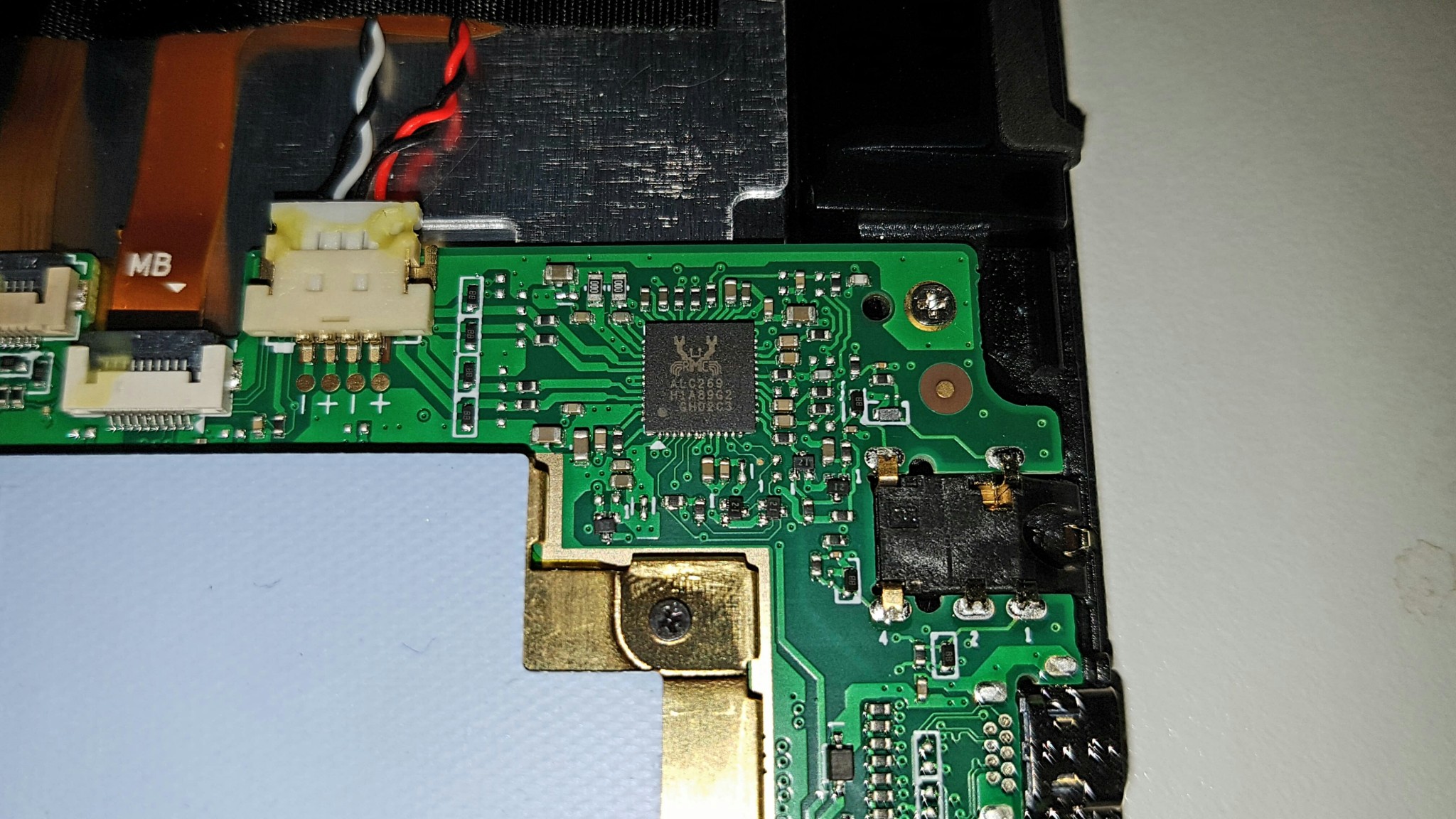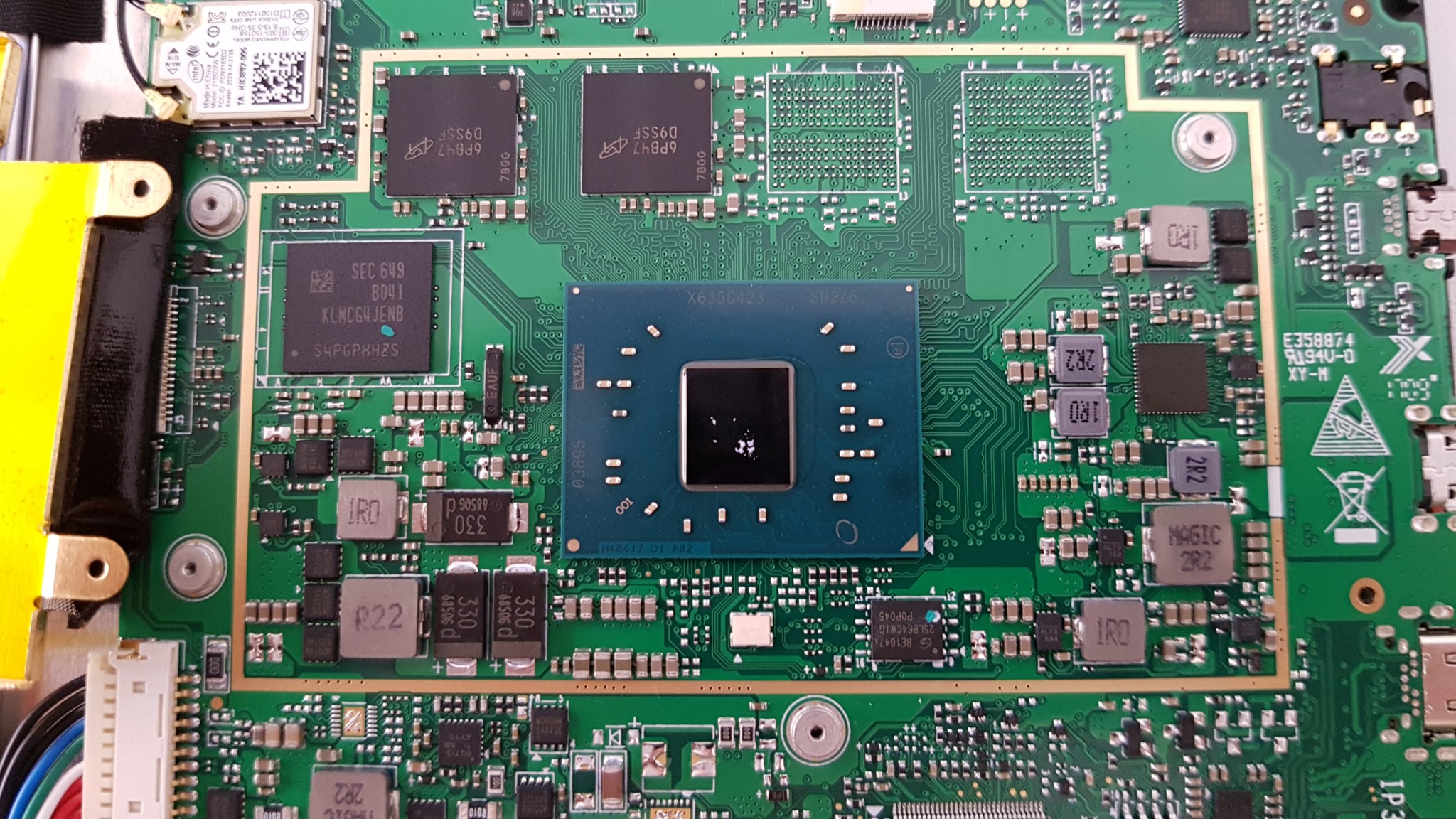
Just posted this video recently on YouTube, it’s a look at the internals of the Chuwi Hi13. Dual antenna set up with the Intel Wireless-AC 3165 chipset, two 5000mah batteries, internal metal support frame and those weak four little speakers on each corner. There are no slots for M.2 2242 SSD’s, but I can see that Chuwi have at least plans for this or the motherboard in the future will allow it. There is space for two more 2GB RAM chips and two M.2 cards.

Opening the tablet up isn’t too hard due to its size, remove the four T4 Torx screws and use a pry tool to separate the two halves. Since thermals are good on the tablet (82 Degrees C max gaming on the CPU) I don’t see the need to do my copper heatsink mod on it. But there is room for improvement if you felt you wanted to do it to lower temps.
Great to see Chuwi using some copper in there unlike the Chuwi Lapbook
Some photos of the bios and other chips for those that are after this info.