


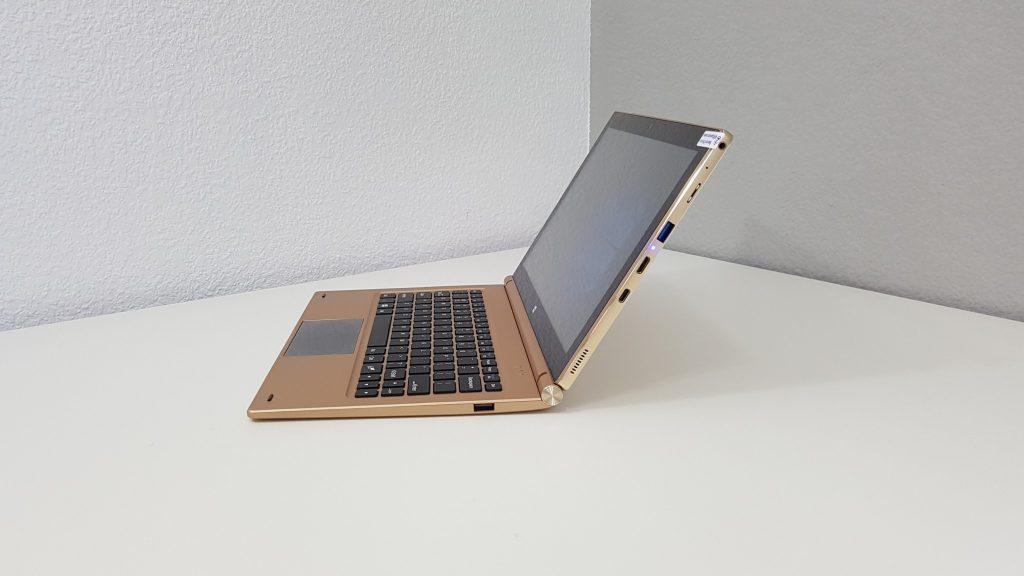
The keyboard for the Obook 11 Pro arrived today. It’s a little on the heavy side at 868 grams. When docked with the tablet brings the weight up to 1.75 kilos in total. There is obviously a counter weight inside it to stock it tipping over when docked. The whole thing is made out of plastic, apart from the hinge and pogo port. The keys feel okay to type on, 11.6 inches makes its wider than the likes of the 10.6″ Cube Mix Plus and the hinge I feel should be a little tighter as when docked flipped around it cannot take the weight of the tablet when under a 40-degree angle it will eventually drop down.

Any lower than this the hinge can’t take the weight of the tablet and slowly begins to drop when reversed in the dock.
Key travel is approximately 1.2mm and feels fine, no keyboard flex. A printscreen button is there but no brightness controls. And a dedicated button for disabling the touchpad which isn’t very large but so far seems to be quite sensitive.
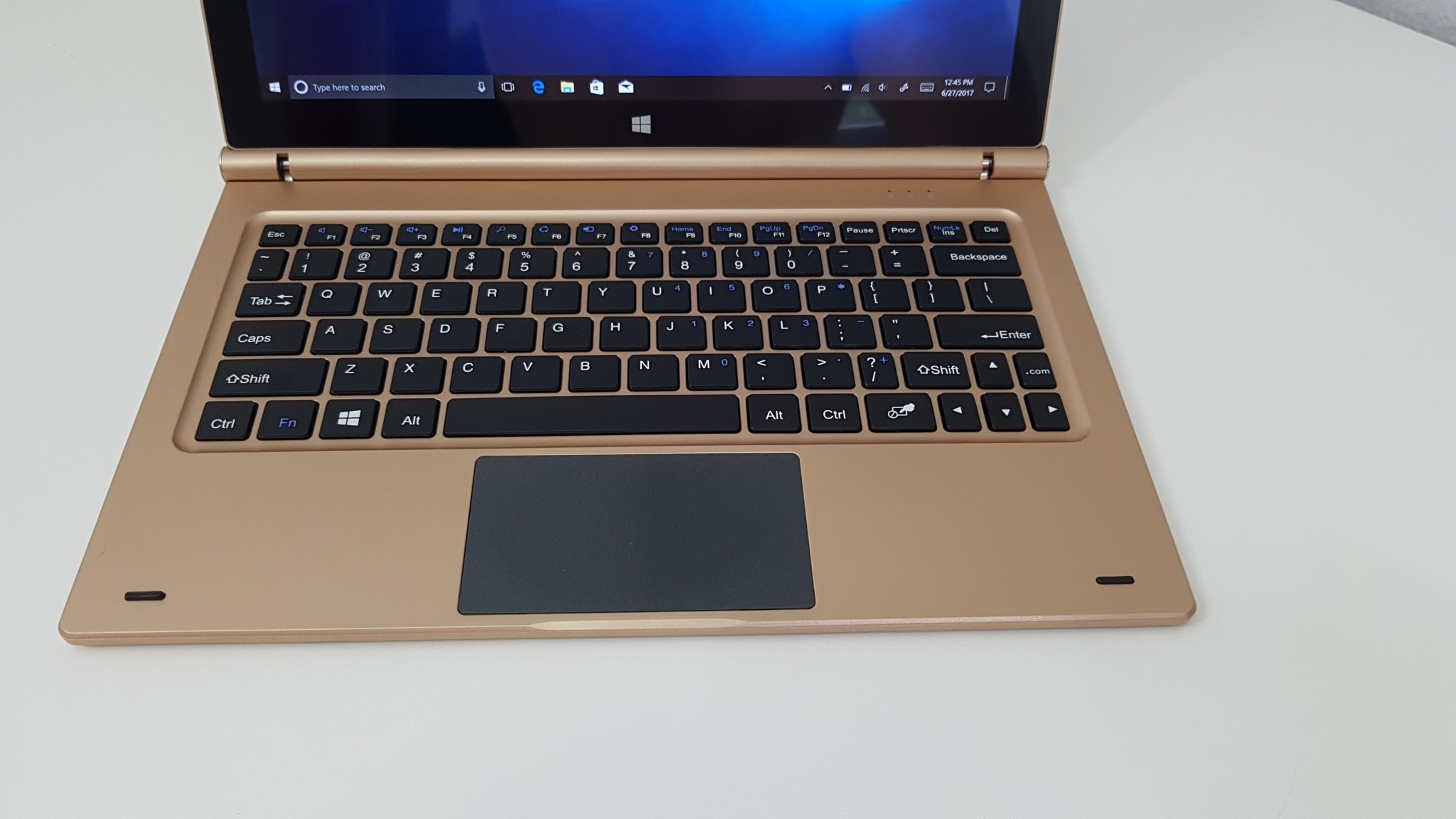
Two USB 2.0 ports on either side of the dock, sadly these do not output enough power to run USB external hard drives. Your mouse, USB pen drives and that’s about it, only low powered devices.

2 x USB 2.0 ports that can’t power external hard drives.
Overall the keyboard does the job, but it’s heavy, the hinge isn’t so strong and a bit plasticky feeling. Not as good as the Cube Mix Plus or i7 Book’s keyboard dock. More images of the keyboard and tablet can be found in the images section for the Obook 11 Pro.