
Onda Obook 11 Pro

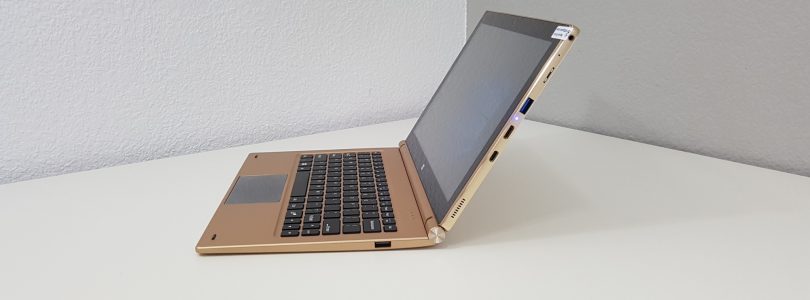

Onda Obook 11 Pro Keyboard – First Look
The keyboard for the Obook 11 Pro arrived today. It’s a little on the heavy side at 868 grams. When docked with the tablet brings the weight up to 1.75 kilos in total. There is obviously a counter weight inside it to stock it tipping over when docked. The whole thing is made out of plastic, apart from the hinge and pogo port. The keys feel okay to type on, 11.6 inches makes its wider than th...[Read More]
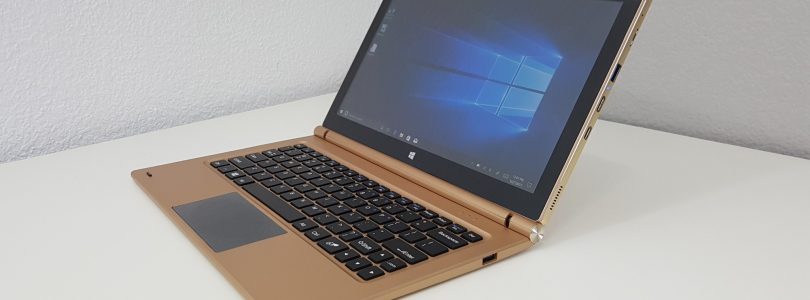

Onda Obook 11 Pro
Onda's premium Core M3-7Y30 tablet the Obook 11 Pro, features a thin all-metal design, metal optional keyboard dock with two x USB 2.0 ports and reversible docking. It's got an 11.6" 1920 x 1080 IPS. 4GB of DDR3 1866Mhz RAM. The SSD is only 64GB, but you can add your own M.2 SATA3 SSD up to 2TB. The tablet has a full-sized USB 3.0 port, MicroSD slot, mini HDMI out and USB 3.1 Type-C. An alternativ...[Read More]
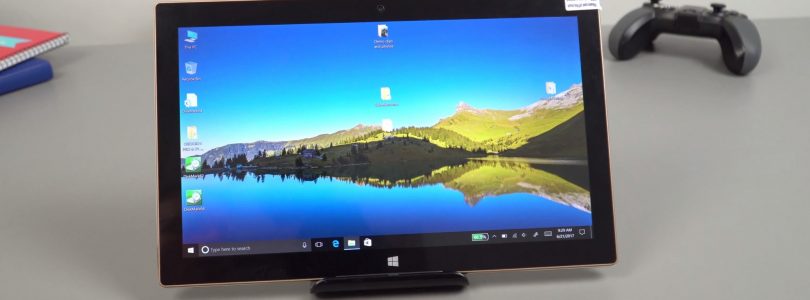

Onda Obook 11 Pro Unboxing, First Impressions & SSD Installation
It’s been some time since I looked at an Onda tablet, their build quality just wasn’t up to scratch. But after looking at the Xiaoma 41 laptop and seeing that they have improved in terms of build I decided to get the new Core M3-7Y30 tablet from them. This one has an 11.6″ 1080p IPS panel, 64GB eMMC for storage but it does have an M.2 SSD slot in it. 4GB fo 1600Mhz RAM (Not runni...[Read More]
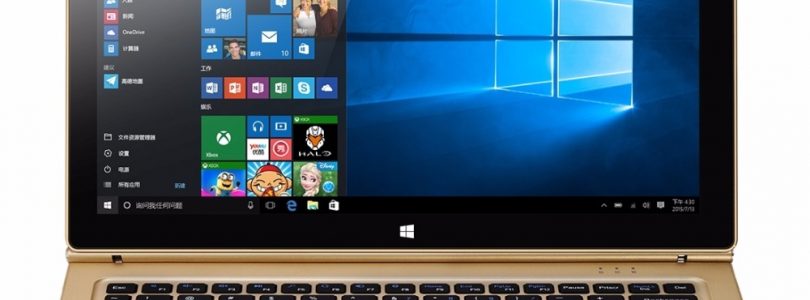

Onda Obook 11 Pro – $299 Core M3-7Y30 Windows 10 Tablet
Remember the first Obook 11 Pro design? Well, I sure do as it was a shameless Surface Book clone, it never made it past the prototype stage maybe due to legal reasons, but Onda now has the new Obook 11 Pro. This is thin 8.9mm all metal build 11.6″ 1080p tablet, it has the powerful fanless Core M3-7Y30 in it like the Cube Mix Plus. But unlike the Mix Plus, it’s got a full-size USB 3.0 p...[Read More]
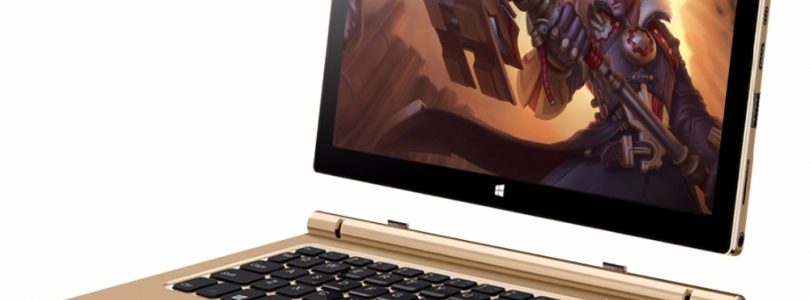

Onda Obook 11 Pro Images
Onda Obook 11 Pro image gallery
