Top 10 Best Laptop Accessories – Improve Your User Experience!
Pierpaolo
We all love our laptops and tablets but we often have to pair them with a couple accessories to get the best user experience out of them. So, we thought we’d make a list of what we believe are the top 10 best accessories for your laptop! Also, you could use it a holiday gift guide of you still haven’t purchased anything for yourself or somebody dear to you.
1. Backpack
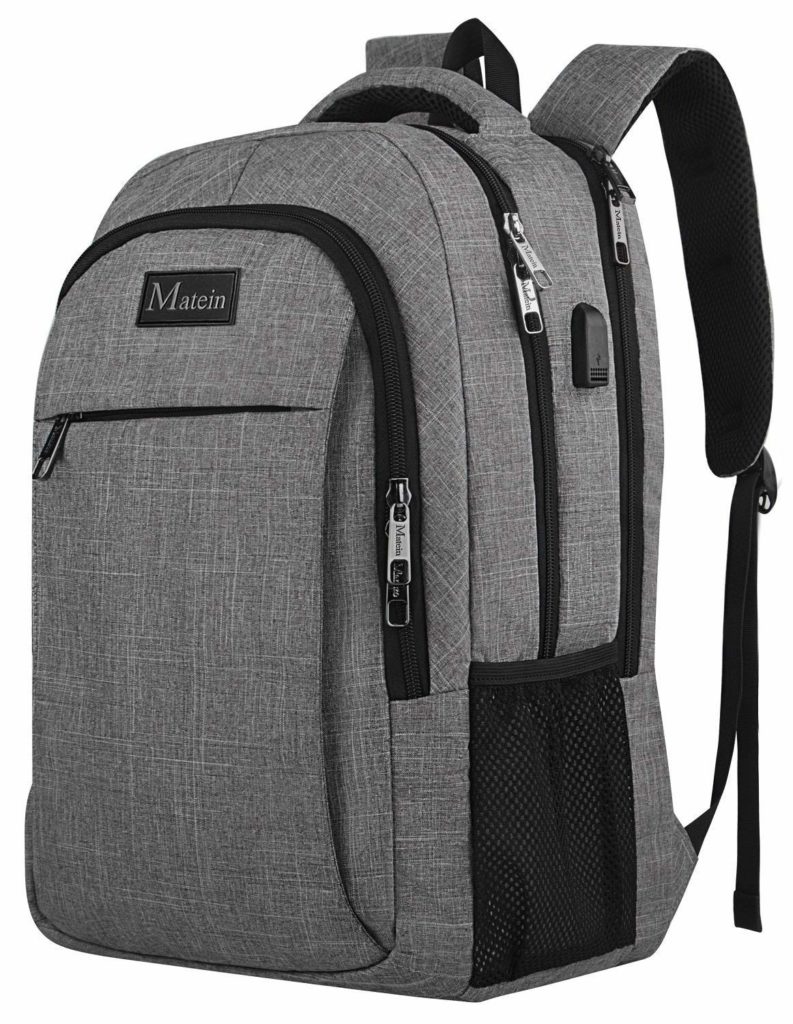
You can’t really say you own a laptop until you buy a backpack for it! A good backpack is probably the best and most useful accessory you’ll ever buy for your portable beast, or at least that’s so if you often carry it outside. The best backpack should be big enough to house the laptop and some main accessories, without getting to the size of a climbing pack, why are you even bothering buying a thin laptop in the first place otherwise?
Our backpack of choice is the very affordable one produced by Maiten with 4.7 stars rating over on Amazon. Meanwhile, if you’re in for something more premium, check out the SWISSGEAR 5358 with USB charging at this link.
You have a brand new laptop and you love it but you really can’t get used to move the cursor with the touchpad? Well, the solution is pretty simple – get a mouse! There are mainly two types of mice so we’ll pick one of each. If you are more of a practical person who doesn’t care about fancy looks or features and you aren’t willing to add a new item to the charging list, then get this super affordable Logitech M100 mouse here. Meanwhile if you want a very affordable wireless alternative, the Lenovo 300 Wireless Compact Mouse could be your pick.
Finally, for the pro-users out there that would like some more keys to speed up their work, the Logitech M510 Wireless Mouse might be up their alley with its additional side buttons.
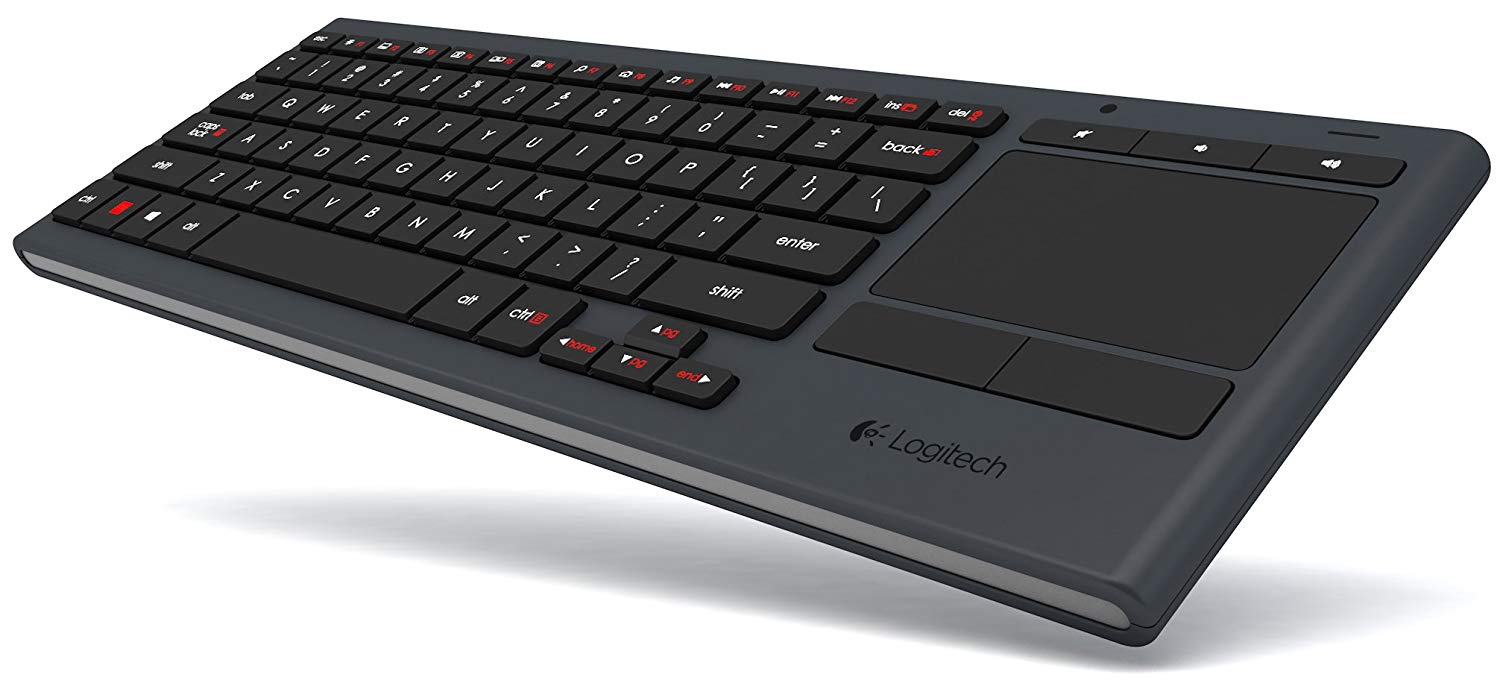
As far as keyboards are concerned, the Logitech K830 is of the wireless kind and it can be used both on laptops, tablets and phones through Bluetooth. Additionally, it sports backlit keys and a touchpad on the side so that you can control your device at up to 10 m (33 ft) without the need of a mouse.
If you’re out on the road, it’s very likely you won’t be able to take advantage of your laptop’s integrated speakers. In such cases, it’s better you pack up a nice of pairs of headphones, probably better of the wireless kind as you don’t want too many cables floating around in your backpack.
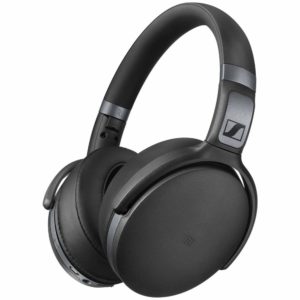
The ones we suggest are the Sennheiser HD 4.40s, a pair of over the ear wireless headphones that support Bluetooth 4.0 and aptX technologies, which means you can use them both on your Bluetooth-equipped laptop and your smartphone. Meanwhile, if you’re on a tighter budget and you don’t mind the cables, check out the slightly more affordable Sennheiser HD 4.20s.
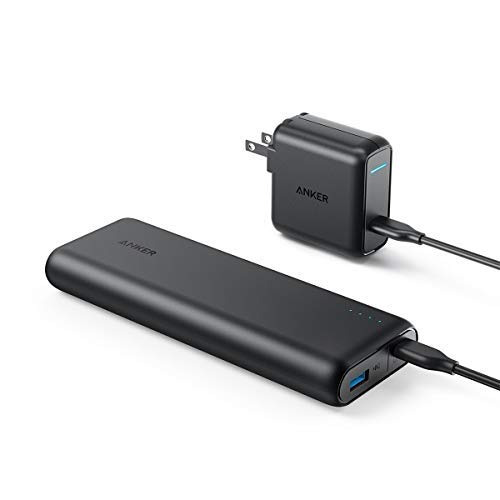
If you own any new of the newer low-power and USB Type-C / PD compatible laptops or tablets, a portable battery, a.k.a. power bank, is probably a really good traveling companion. In this category, the Anker PowerCore Speed 20000 PD with its 20100mAh integrated battery is a great option, it supports Power Delivery via the USB Type-C port to charge any device at up to 24W, plus you can do that while charging power bank at the same time as well.
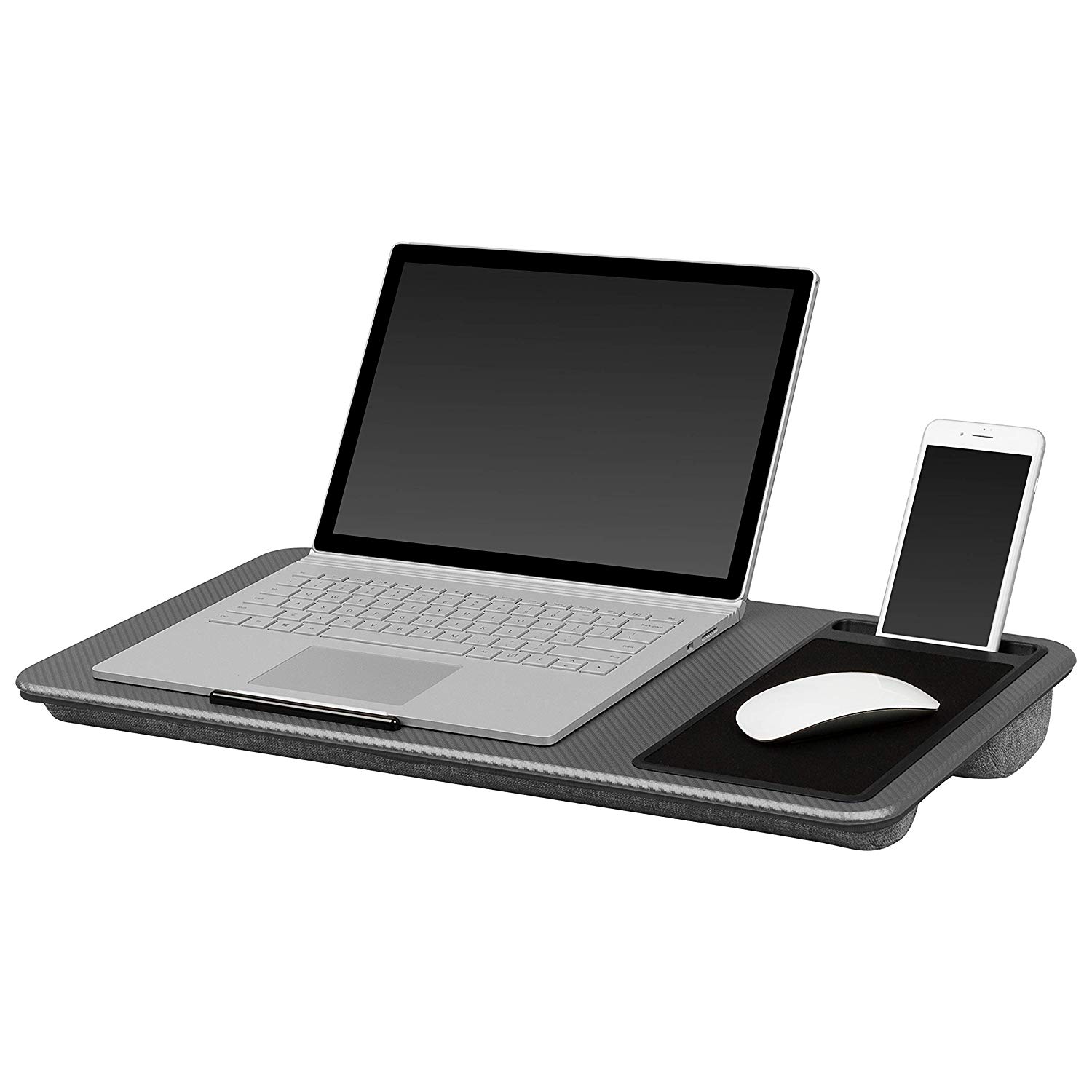
Since I became a laptop user, I felt the need of bringing my laptop to bed, *ahem* not in that way. Sadly, in most cases, you can’t just pick up your laptop and place it on your lap as it’ll restrict the airflow causing it to overheat, instead you can get a lap desk, an accessory designed to satisfy the laziest of us as it allows you to place your device on your lap quite comfortably.
The LapGear Home Office Lap Desk appears to be one of the better enabler with its padded bottom, a large are to fit up to 17-inch laptops and a dedicated place for your mouse or even your smartphone. Who’s getting up anymore?
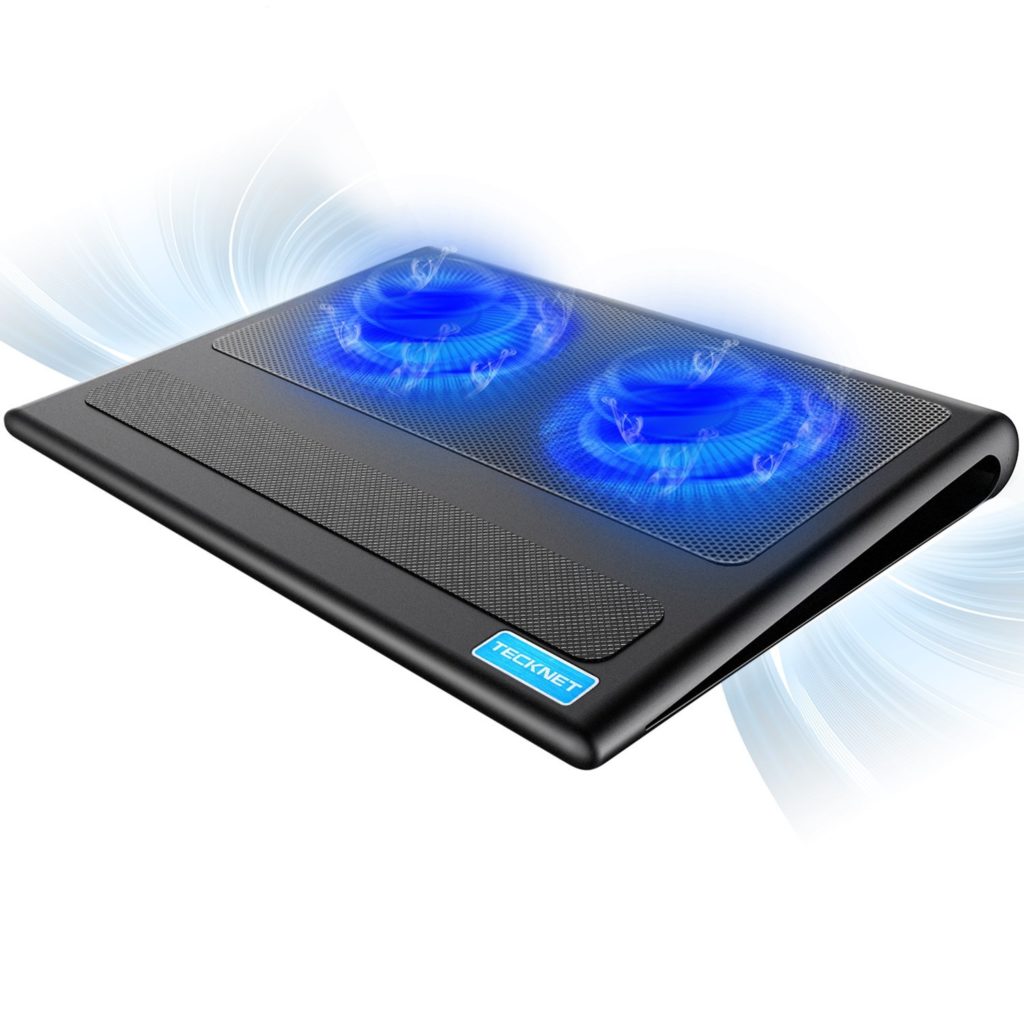
The lap desk we’ve seen above could also be paired with a nice cooling pad, which will allow you to use your laptop at full load or even game while in your bed or on a sofa.
Our cooling pad of choice is the Havit HV-F2056 which supports up to 17-inch laptops, packs three 110mm fans, two USB ports and a speed switch. Alternatively, have a look at the TeckNet Laptop Cooling Pad, a device that can even function as a small lap desk due to its very unique design.
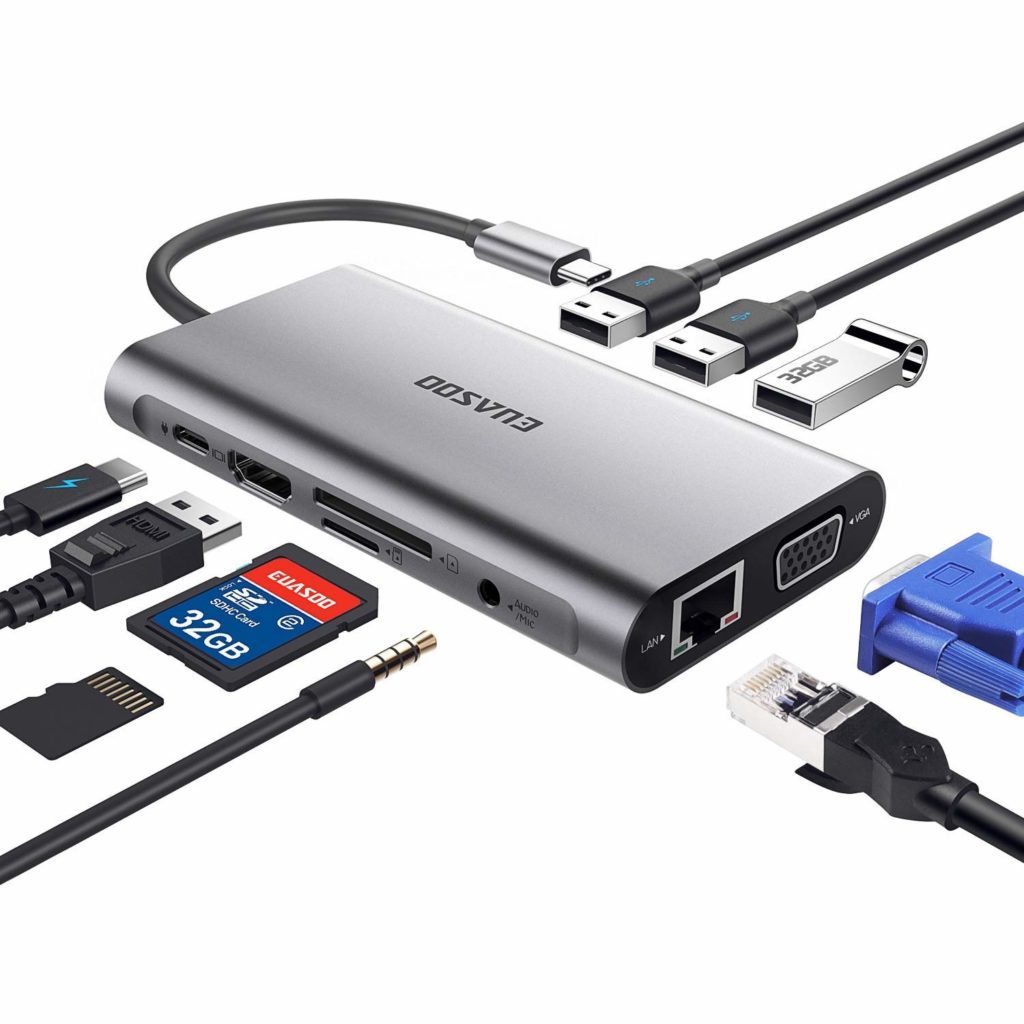
Did you want a thin and sleek looking laptop? Then you accepted the fact that you’ll need a couple HUBs or adapters for it, if you want to connect more than just mouse and headphones.
One of the more complete HUBs on sale appears to be the EUASOO 10 in 1 Thunderbolt 3 HUB. This accessory comes with, well, 10 different ports, including 3x USB 3.0 male-to-female ports, USB C female to male port, 4k HDMI video output, RJ 45 Gigabit Ethernet port, VGA male-to-female port, Audio/Mic 2-in-1 port and SD/Micro SD card reader.
Meanwhile, if your laptop does not feature an USB Type-C port, you can add a couple more USB ports with this very affordable AmazonBasics USB 3.1 HUB.
Did you buy your laptop as a desktop PC replacement and will connect it to an external monitor? Then you’ll probably want a stand you can place your laptop on. This will both provide a better airflow to the laptop, keeping it cooler, while allowing you to “create” some additional space on your desk, plus you can now use the laptop’s display as a secondary monitor (if you connect an external keyboard).
If you’re a very practical person like me, the Pyle Portable Adjustable Laptop Stand is your best choice. It’s very basic, allowing you to actually create a lot of space below the laptop, plus it can be adjusted in height from 6.3 to 10.9 inches.
Instead, if you’re still going to use the laptop’s keyboard while it sits on the stand, the iQunix Laptop Stand is a great option as it brings the laptop up just enough for you to have a good viewing and typing experience.
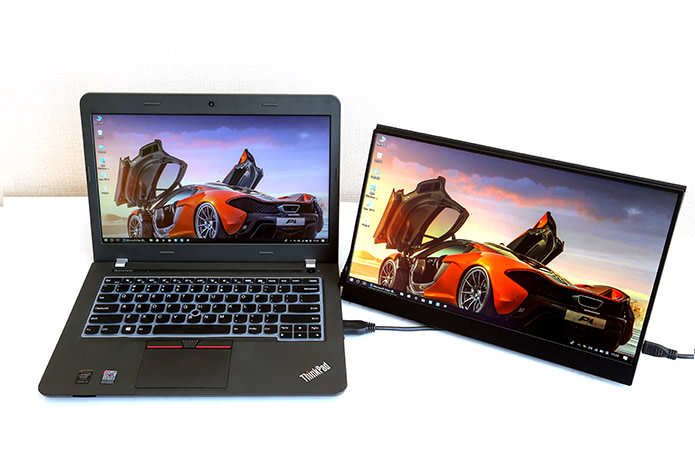
Are you always on the go or travel a lot? Have you ever thought about getting an external display to use as secondary monitor? If you did, then the Vinpok Split we reviewed a couple weeks back is probably one of the best options out in the market right now.
The Vinpok Split is indeed large at 15.6-inch, it sports Full HD IPS panel, it has HDMI and USB Type-C inputs and best-of-all: it’s touchscreen as well! This means you can even connect it to your phone and basically have an almost tablet-like experience.
10. Storage Upgrade (int. / ext. HDD)
Finally, it’s not too much of a laptop accessory, but an upgrade to it – we’re talking about internal and external disks. At this time and age we only suggest going with SSD (Solid State Drive Disk) as they’re faster than older HDD, but more importantly they’re much more durable – they don’t get damaged by shocks.
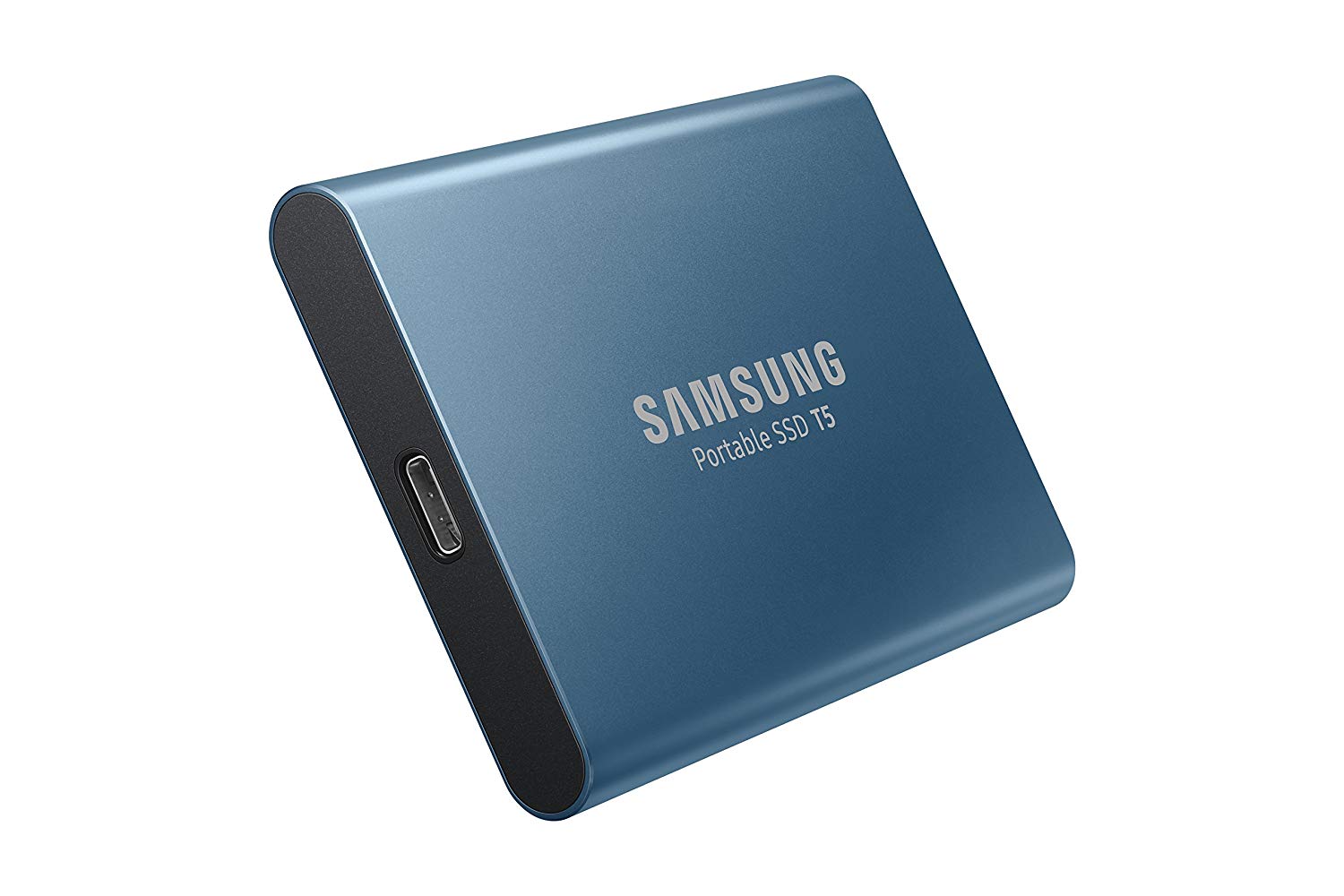
In this category Samsung is king, with both external and internal options. As far as the external one we suggest the Samsung T5 with a capacity of 500GB selling for less than $100 (you could also get the 1TB variant if money isn’t a problem). Meanwhile as far as internal drives we suggest the affordable Samsung 860 EVO (once again, there are larger capacity options if you can afford those).
Last but not least, if your laptop allows it, the Samsung 970 EVO 500GB is probably the best M.2 NVMe SSD you can get at this time with a price tag of just over $120.
With Samsung’s ultra-fast NvME SSD we conclude our top 10 best laptop accessories list. Did you guys find your next gift idea among our picks? Also, please let us know if you like this type of lists and which would you like to see next!