


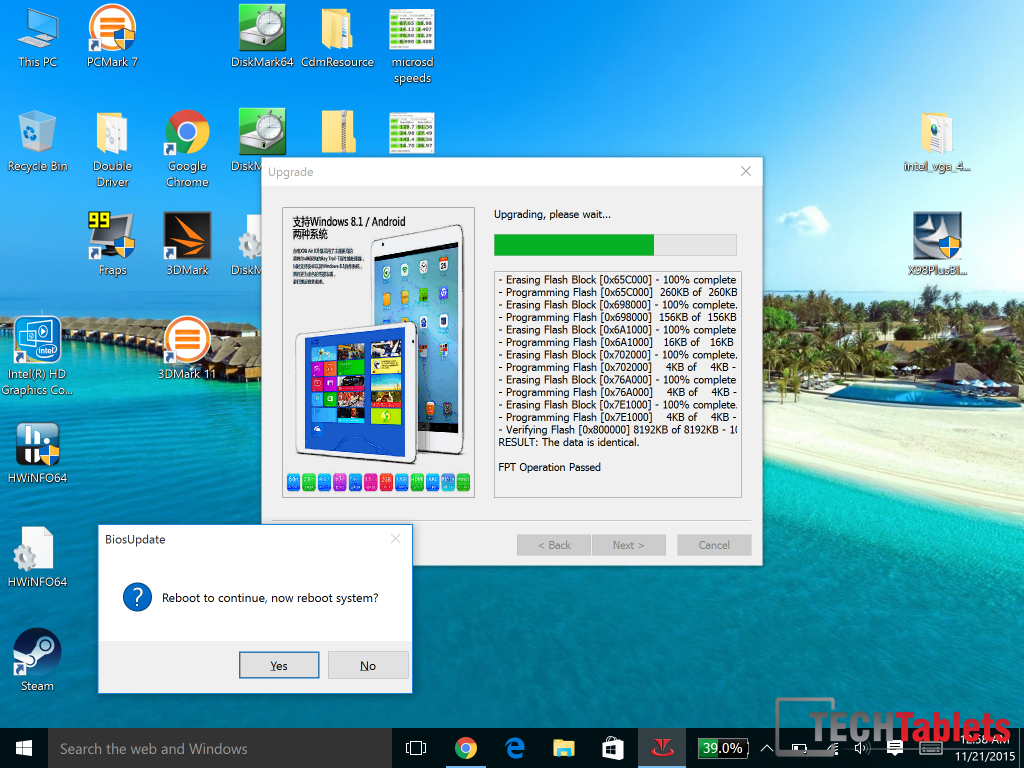
Teclast have released a new bios update for the X98 Plus, I discovered it on the Official Forums here. No idea on what it fixes, something to do with slowness bug? Maybe slow wifi, although I haven’t experianced this myself.
The update tool is in Chinese, but I figured out how to use it using google translate. When you come to a screen where it asks for data to be added. Type in your X98 Plus model number. A5C6 is my X98 Plus’s, this worked and the bios updated without a problem.
Make sure you have at least 80% battery just to be on the safe side.
I have also uploaded my X98 Pro Windows 10 drivers for those that want to do a fresh Windows 10 install.