


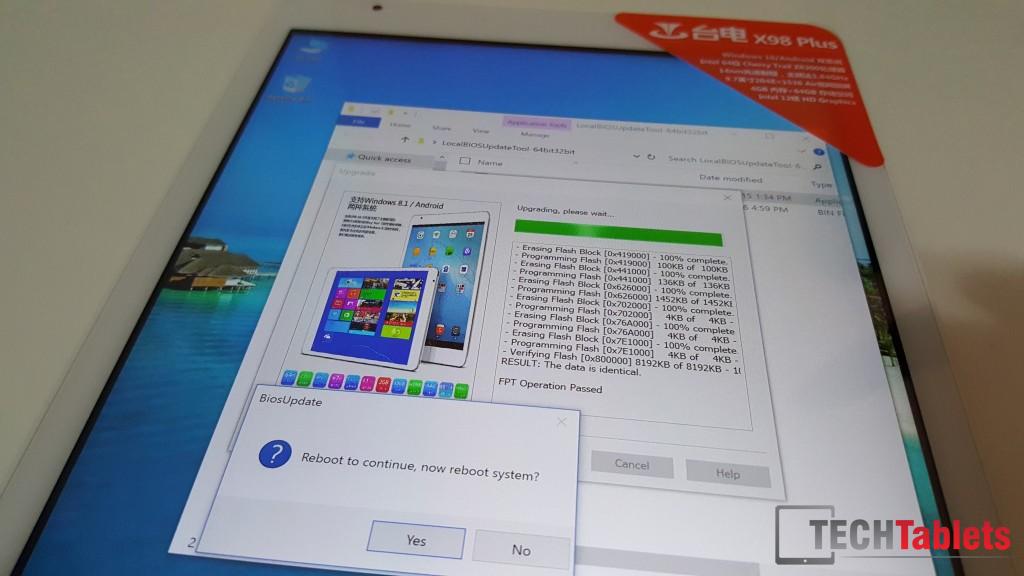
Teclast has released a bios update for the X98 Plus Dual OS model (A5C8), this update addresses connection issues with UHS large MicroSD cards 128GB and 200GB ones.
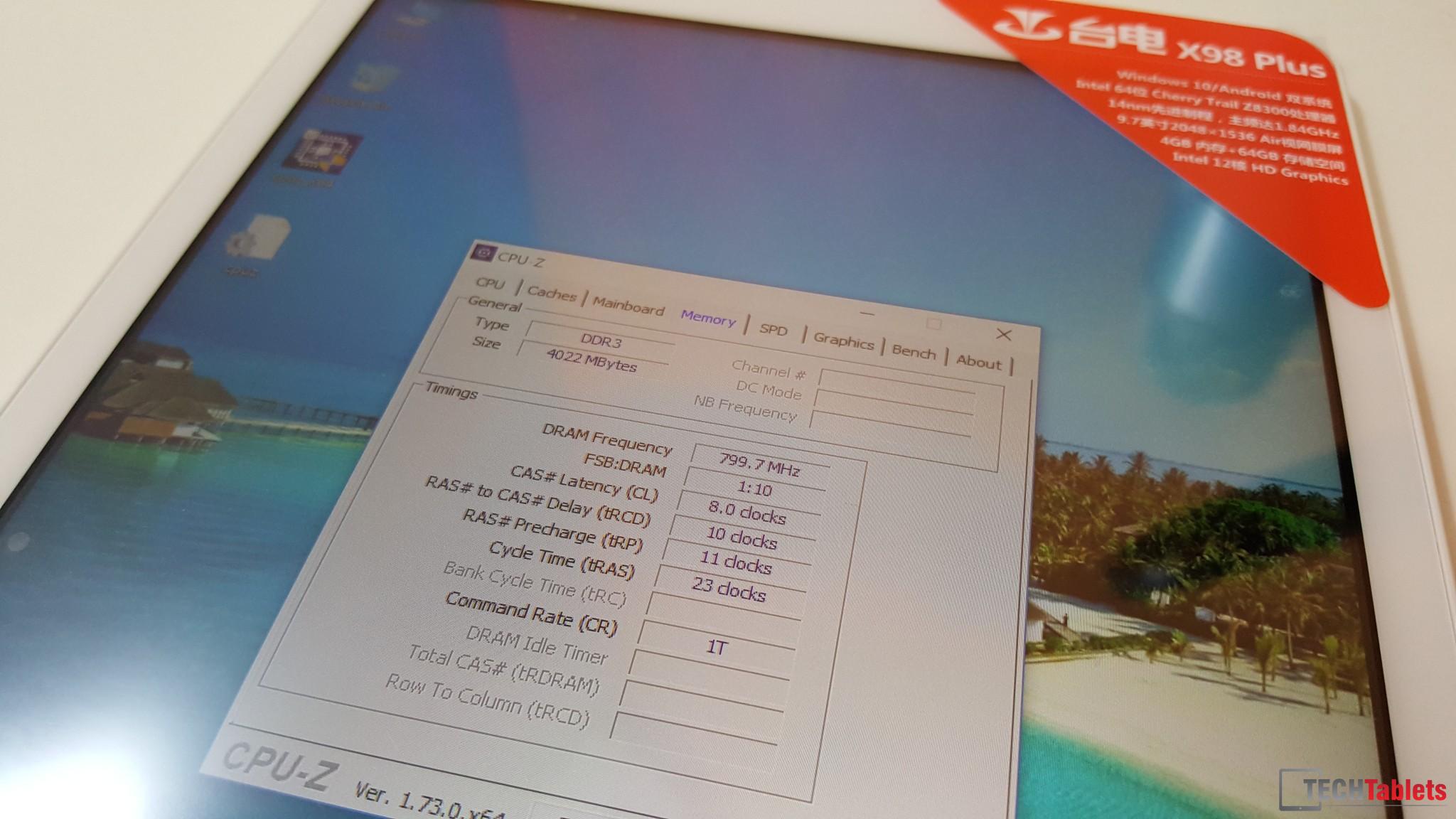
I’ve just flashed my X98 Plus A5C8 and it all went without a hitch. Loading up CPU-Z in Windows I see the RAM speed is now set to 1600Mhz? At least according to CPU-Z it is. Before it was 1066Mhz affecting performance somewhat. Now this seems to have been solved.

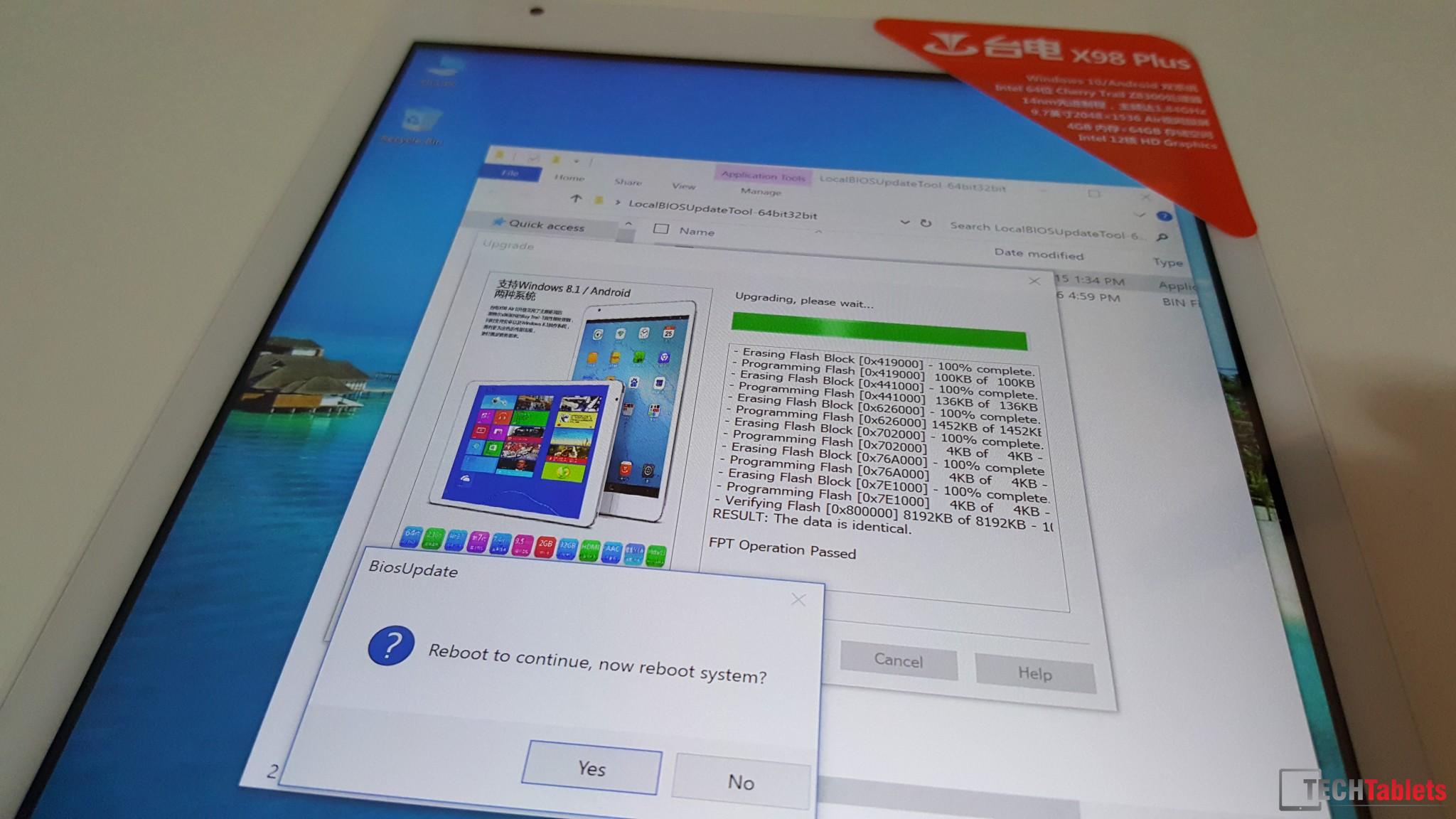
In order to update, make sure you have at least 80% battery life. Extract the files to your Windows desktop and run the LocalBIOSUpdateTool-64bit32bit.exe as admin, there is some Chinese text but it’s very simple, just find the box and later find the Rom_8MB_Tablet_A5C8.bin, load it and click the far right box to proceed.
It will then flash the bios update and reboot. (Reboot is a little slower than normal so don’t panic) You might need to reboot again. At least, I had too. Whatever you do let it do its thing, don’t power it off or run this update with a low battery or you’ll brick it.
X98 Plus dual OS users, can you also confirm your ram is now at 1600mhz?
Download:
Mirror: [wpfilebase tag=file id=349 /]
Mirror #2: Teclast’s Baidu account: X98 Plus A5C8 Bios V3
Source: Forums via Echo from OKQI