


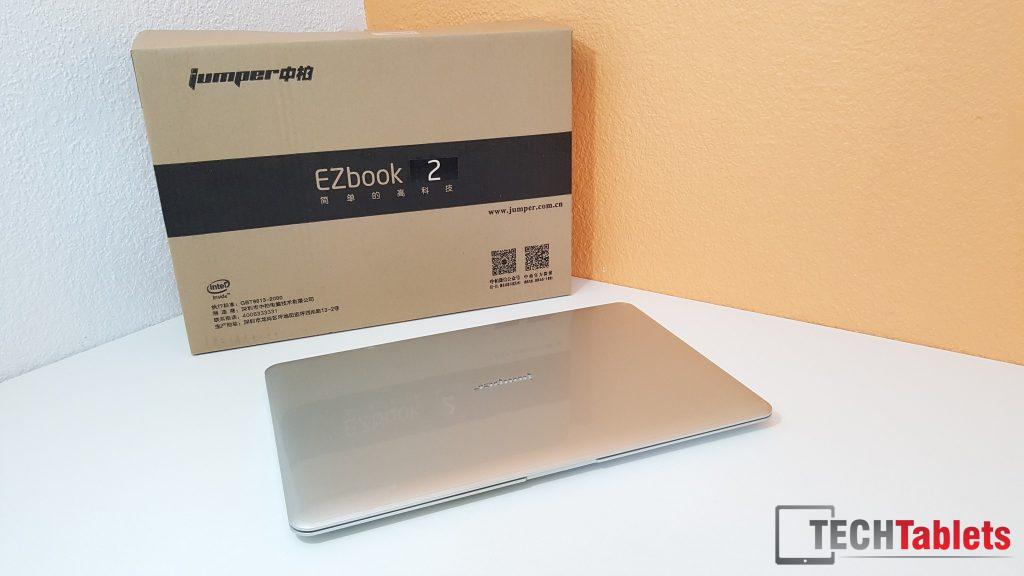
Since Jumper hasn’t given us a stock factory Windows 10 image, I’ve created the next best thing that should work. I did a fresh Windows 10 install on my EZBook and it wasn’t as fluid, had driver issues and the screen looked like it wasn’t running full colors only half of them. Plus the most annoying part, the screen made a high pitch noise. I tried all the Intel GFX drivers you can think of without any luck. Only the stock image seems to run best on this Atom X5 ultrabook.
Download mirror: https://mega.nz/#!RAE0XAKD!xbN9W5qpmevJnBrjxoTWAS_hY6uEt5Z6_39HjI-KXT0
[wpfilebase tag=list id=176 tpl=data-table pagenav=1 /]
Instructions: (Also in the download)
Backup made by Chris @ techtablets.com & tested working 18th July 2016.
Please consider buying me a coffee if this restored your Jumper EZbook 2
here: http://techtablets.com/support-us/
How to restore your EZBook 2 to factory Windows 10 image:
- Download Acronis / Acronis True Image 2016 trial
http://www.acronis.com/
http://www.acronis.com/en-us/homecomputing/thanks/ati-local/ - Install Acronis and created a bootable media USB (8GB or larger stick)
- Place the two backup image files on this USB drive, EZBook 2 Factory Image_full_b1_s1_v1.tib &
EZBook 2 Factory Image_full_b1_s1_v2.tib - Place the USB pen drive created with backup files in the USB 2.0 port (Very important) USB 3 has issues on boot
- Plug in a USB mouse in the USB 3 port or you can restore just with the keyboard, but it’s a mission. The touchpad does not work in Acronis!
- Enter the bios with Esc on boot. Go to boot manager
- Boot the Acronis recuse media you created with the files on it and then go to restore and restore this backup here you download. Overwrite your current C drive (64GB eMMC) Copy the WHOLE disk.
- Your EZBook two will now have the factory drivers and Windows 10 with an intact working recovery.
- Windows will fail to activate. Don’t freak, if your bios is the original one the key is there.
- Go to setting and perform a factory reset. On reboot after the reset Windows will read the SLIC Bios key and Windows 10 Home will activate once connected to the internet.
- Please consider buying me a coffee here: http://techtablets.com/support-us/ if this restored your Jumper EZbook 2. This site survives off donations and affiliate link purchases, without your help the site would close down.