


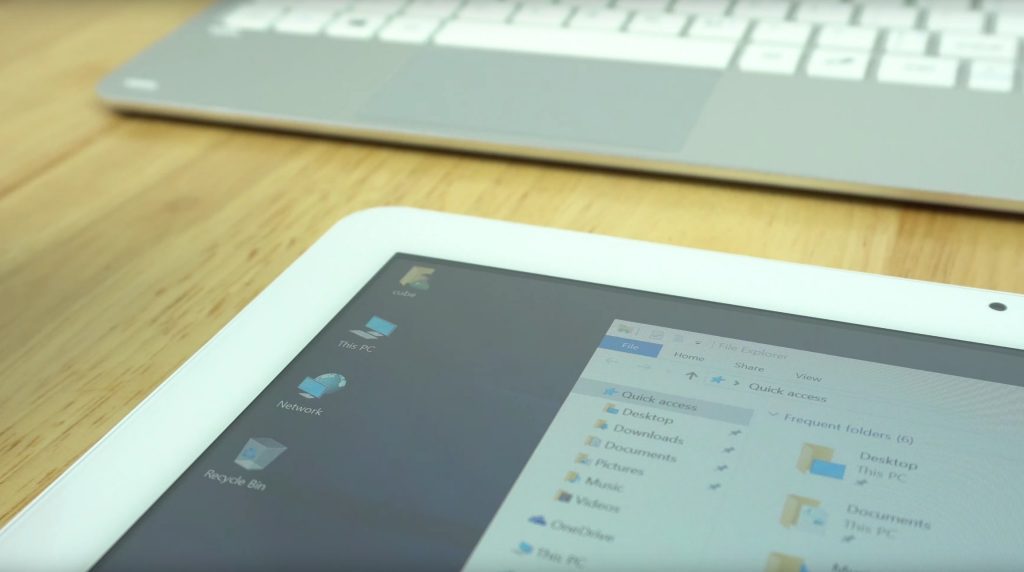
This is an unboxing video of the Cube Mix Plus, but due to the fact I’m so familiar with the design and it’s essential an upgraded Cube i7 Book it’s almost a review. So the Mix Plus, see the addition of 64GB of SSD sta3 storage bring that to 128GB and a faster Core M3-7Y30 over the i7 Book. That’s the only real change, the other is obvious. It’s now in white and silver.

We still that type-C USB 3.1, charging, data and display out all at the same time. Something the Teclast X5 sadly skipped. And the Wacom enabled 1080p 10.6-inch Surface Pro 2 screen.
First impressions:
- 105GB free on first boot of the 128GB Forsee 128GB sata3 2242 m.2 SSD.
- White bezels, seem to make them look even larger Vs black.
- Boot time is very quick
- SSD speeds (as seen in the video) are okay, writes are slow. 256GB+ drivers in the M.2 form factor have better writes
- Wifi speeds and range as great (Just like the i7 Book)
- Wacom stylus works just like the i7 book.
- Speakers are very average.
- The screen is bright with good colors.
- Front webcam looks decent, 720p 30fps max.
- Thermals. After this review unboxing, I tested Fallout 4 at 720p temps reached 89 degrees! So thermal mod is a good idea if you intend to game on it. No thermal throttling triggered, but it can be far off.
- The RAM is clocked to 1866Mhz, maximum supported. Faster RAM speeds than the Teclast X5 Pro.
- Touchpad, the keyboard is exactly the same as the i7 Book’s, just it’s in white and silver now.
- The keyboard has very rigid and great to type on for its size.
- The TouchPad is still average.
- HDMI, USB 3.0 and charging all works via Type-C.
- Geekbench 4 scores are the highest yet I’ve seen on a tablet. Very impressive.
- All USB ports will power external spindle hard drives (USB type-c, micro USB 3.0 and dock USB 2.0 ports)
- The tablet overall feels very quick.
- The battery looks to be good for around 5-5 1/2 hours.
So the Mix Plus is looking really good, only the thermals are going to be the real issue I can see it getting to 90 degrees+ after a long gaming session. Besides this, the tablet is now even faster, larger SSD and selling for $359 (20% off coupon f82cbb) which makes it the cheapest Core M3 7Y30 tablet around.
Looks like I’ll have to add a copper heatsink or even just a thermal pad between the heatsink and rear alloy housing to lower temps. The same thing I did to my Cube i7 Book and it worked well, of course, if Cube did their job right in the first place, we wouldn’t have to do this. I’m flabbergasted as to why they did not improve this or at least add a thermal pad knowing the i7 Book got a little too warm…