


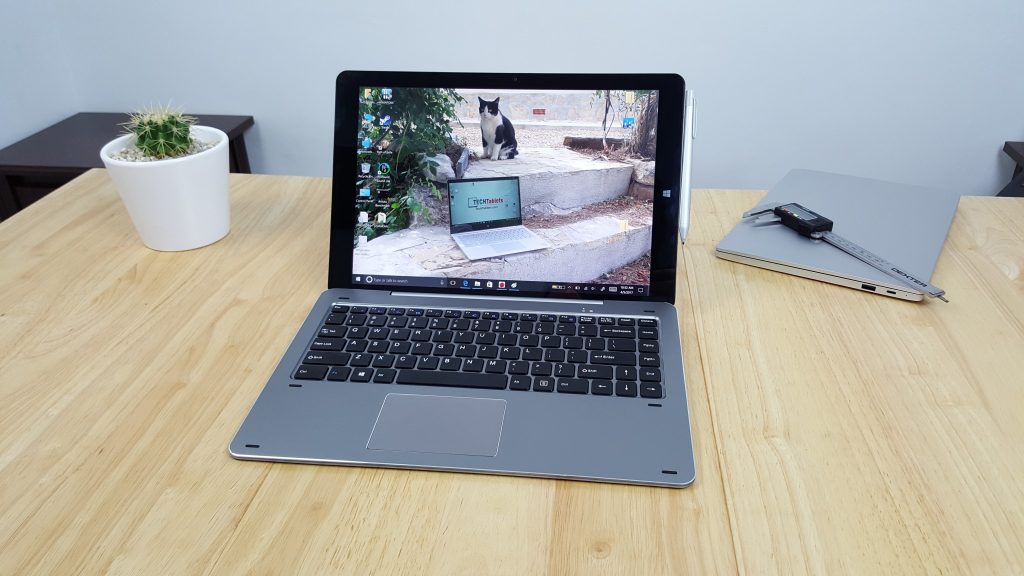
I’ve just added to the Chuwi Hi13 downloads section the factory Windows 10 factory image files for restoring the tablet. Just format a 16GB or larger USB pen drive NTFS, make name it WINPE and move the fiels over to the root of the drive. Next boot your Chuwi Hi13 into the bios (Esc or DEL on boot) Then boot to the drive, the imaging service should then take over partition the drive and create the recovery partition and system C drive.
Below is the Hi13 bios version v1.14. Mine came with v1.12 from Aliexpress and v1.11 from Gearbest. So I’ll update my own unit and check as see what it changes if anything. My guess is it could be just a bugfix release.
As for the bios update, format and create a bootable fat32 pen drive (use rufus) and move all the files over. Boot this drive and wait for it to complete flashing the bios. I recommend only flashing the bios on a battery over 50% full, never do this is a flat or almost no battery life on the Hi13 or you could brick it!
Chuwi Hi13 v1.14 bios flash when without incident. I see no changes. Bios advanced options are still locked out to us. pic.twitter.com/JFefAUYdUf
— TechTablets (@TechTabletscom) April 18, 2017
[wpfilebase tag=list id=’228,229′ tpl=data-table pagenav=1 /]