


Edit: The full Chuwi Hi13 review is now online: https://techtablets.com/chuwi-hi13/review/
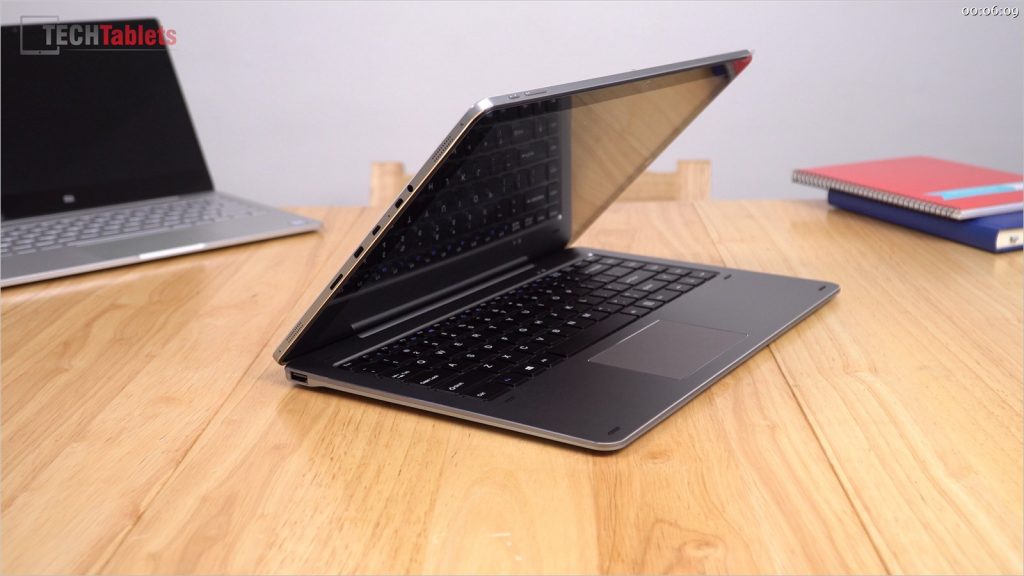
Finally, my Chuwi Hi13 arrived the successor to the popular Hi12 model. That was the first tablet outside of Microsoft to use the Surface Pro 3 screen. And now we have the first ever tablet again using the Surface Book 3000 x 2000 resolution 13.5-inch 3:2 ratio screen. This panel has 267 PPI, so even at 13.5″ looks sharp, great colours, deep blacks and contrast. Like the Hi12 it supports an active stylus and transformer stylus keyboard. Below is the unboxing video and it’s not just unboxing the tablet, but also a detailed preview of it before my full review which I hope answers most of your questions.
The Chuwi Hi13 is on pre-order at GearBest.com and Banggood.com. I recommend using them for full PayPal cover. Or if you must have one now try Aliexpress.

First impressions & findings:
- Looks and feels very much like the Hi12
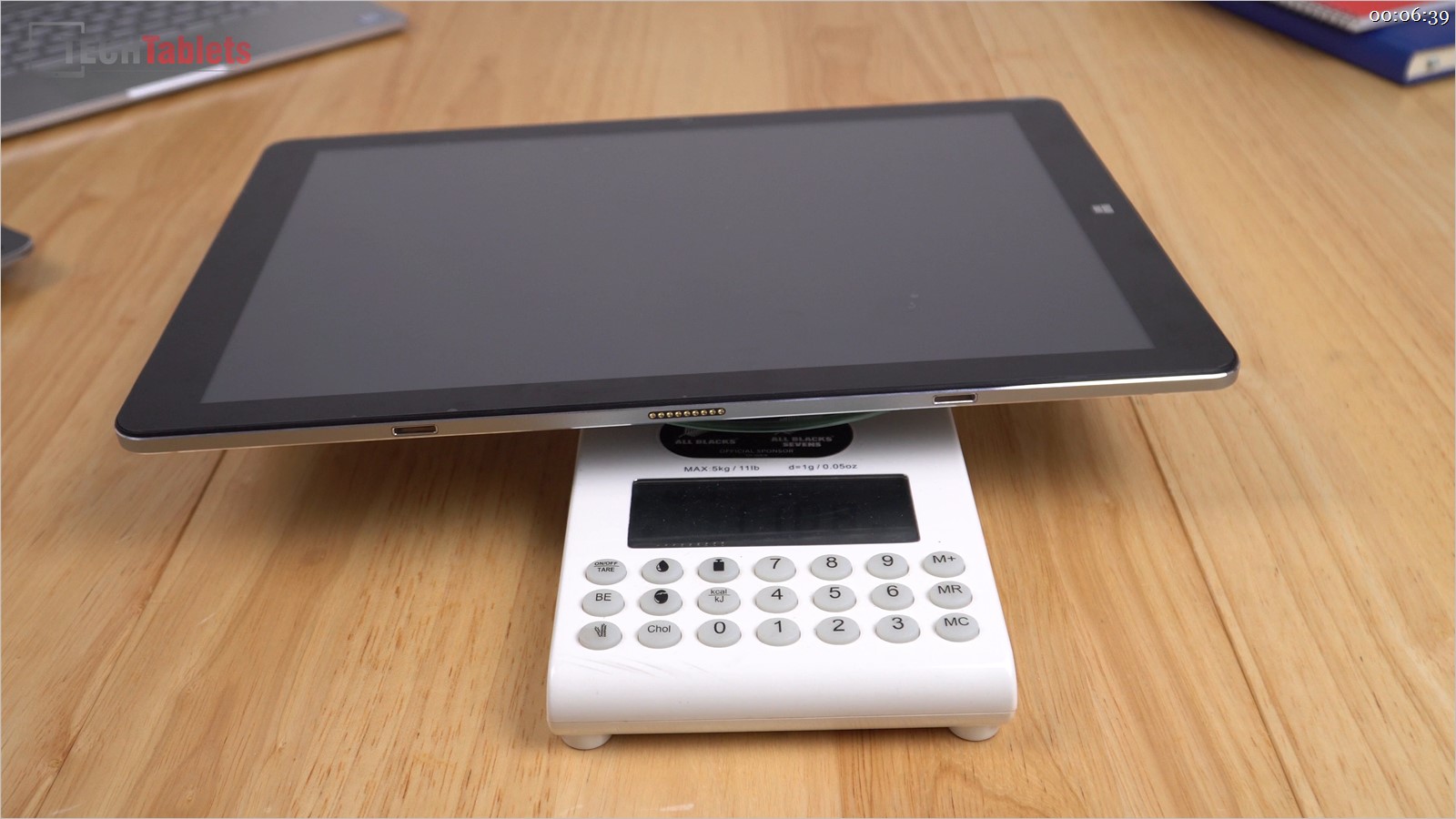
- Heavy at 1.1 kilos. With the keyboard and power supply weighs in at over 2 kilos.
- The screen is great, bright, sharp and with deep blacks
- Non-laminated IPS panel as expected, the gap is around 1mm.
- Comes with a pre-applied screen protector. My unit has some dust under it, that’s down to luck
- No visible defects with the screen, doubtful it’s a second rejected by Microsoft (but it could be)
- The touch response is good and accurate
- Above the screen on the left is an ambient light sensor and red LED (on when charging).
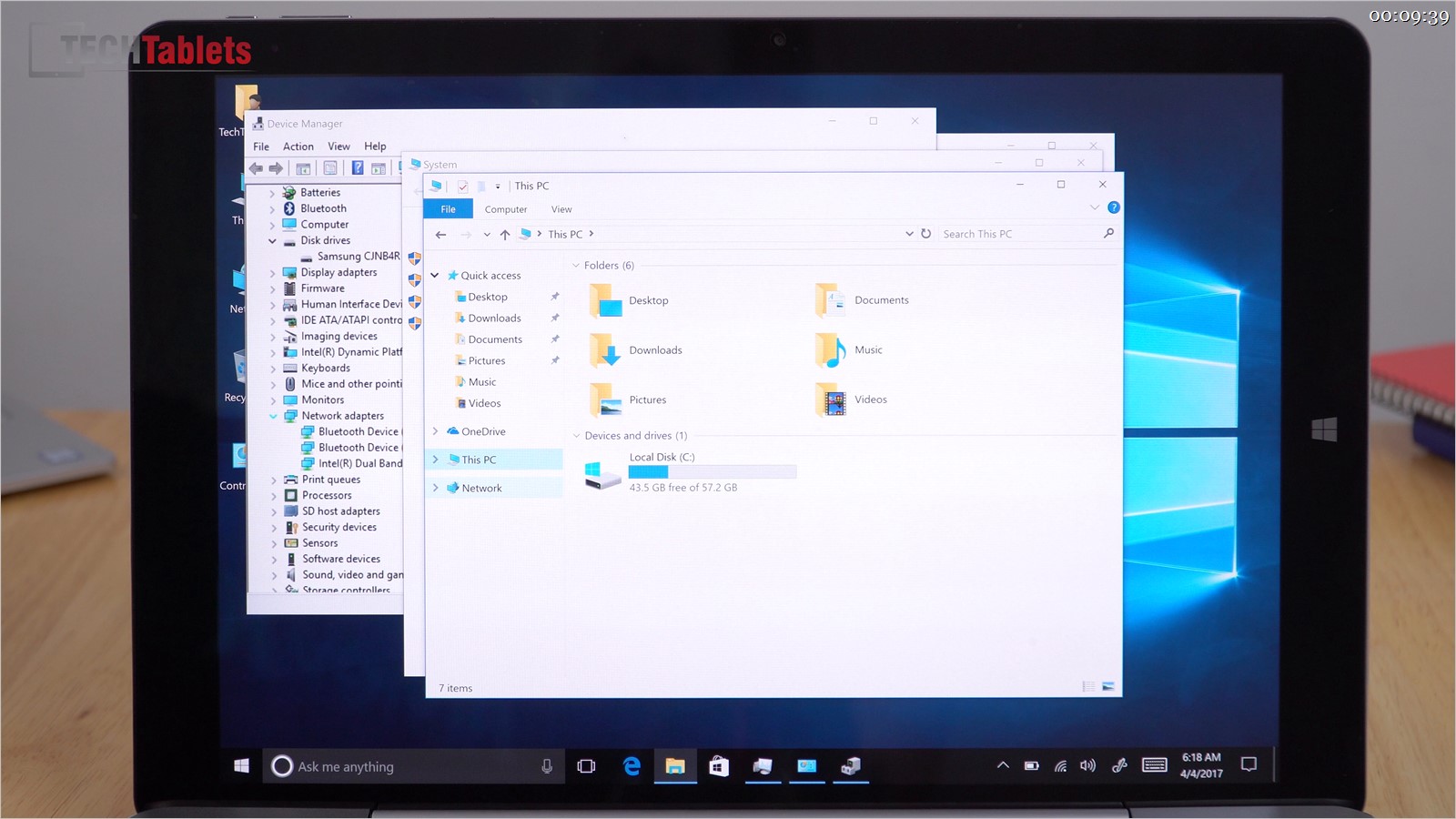
- Samsung eMMC with great speeds for eMMC 4.1 spec
- The quad speakers seemed to have been overhyped (over marketed) they don’t sound any better than the Hi12’s to me
- Speakers lack bass and volume, an application like DX Audio might help there (I’ll test it soon)
- The build quality is just like any another Chuwi tablet from the last year. Some creaks around the join between the front and rear.
- The docking port is 10 pin so works even when the tablet is reversed around in portrait mode.
- 600Mb of the 4GB RAM is dedicated to the iGPU, must be like this to help with the demanding 3000 x 2000 resolution.
- The bios advanced options are locked out to the end user (Sadly Chuwi doesn’t want us messing in there!)
- Linux support – Manjaro booted and ran from my USB flash drive without any driver issues. Everything working, including touch!
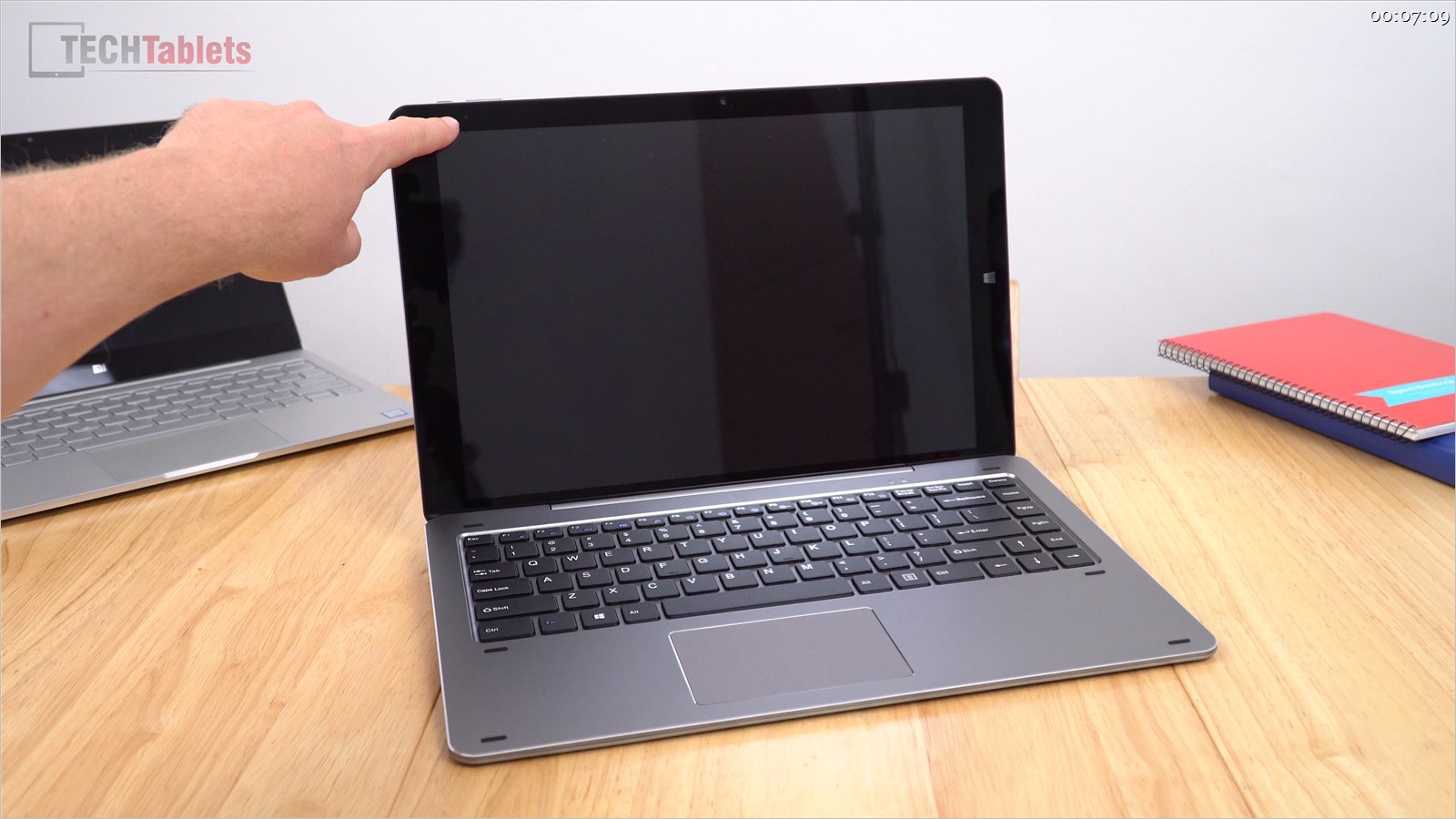
- The keyboard quality is great, 2mm of travel on the keys, spacious and firm to type on.
- The touchpad is okay, nothing amazing. It does the job and supports gestures.
- The keyboard hinge mech takes the heavy tablet well.
- When docked in the keyboard the screen is a bit wobbly
- The keyboard must be counterweighted to stop it from tipping over when the tablet is pushed right back.
- Windows speed feels quick and fluid, Edge runs smooth as expected
- All USB ports power external hard drives 1TB+
Additional info:
- The charger is a small power brick 12 volts, 2A
- Intel Wireless-AC 3165 chipset
- Charging is via USB type -C only
- The MicroUSB 2.0 port is data only, not charging
- HDMI out via the Type-C port doesn’t look to work but connecting it to my monitor it briefly shows a second monitor connection that later disappears.
- Micro HDMI out works as expect, 4k 30hz max.
- My type-C hubs work with the type-c port for charging and data.
To test out:
- DX Audio or another application to boost sound output.
- Open the tablet to confirm if it has or doesn’t have an M.2 SSD slot in there.
- Confirm stylus tech used, is it Ntrig? (Doubtful)
- All my typical review tests. (Thermals, battery life, PDF test, gaming, Windows store games etc)
Chuwi Hi13 unboxing images:


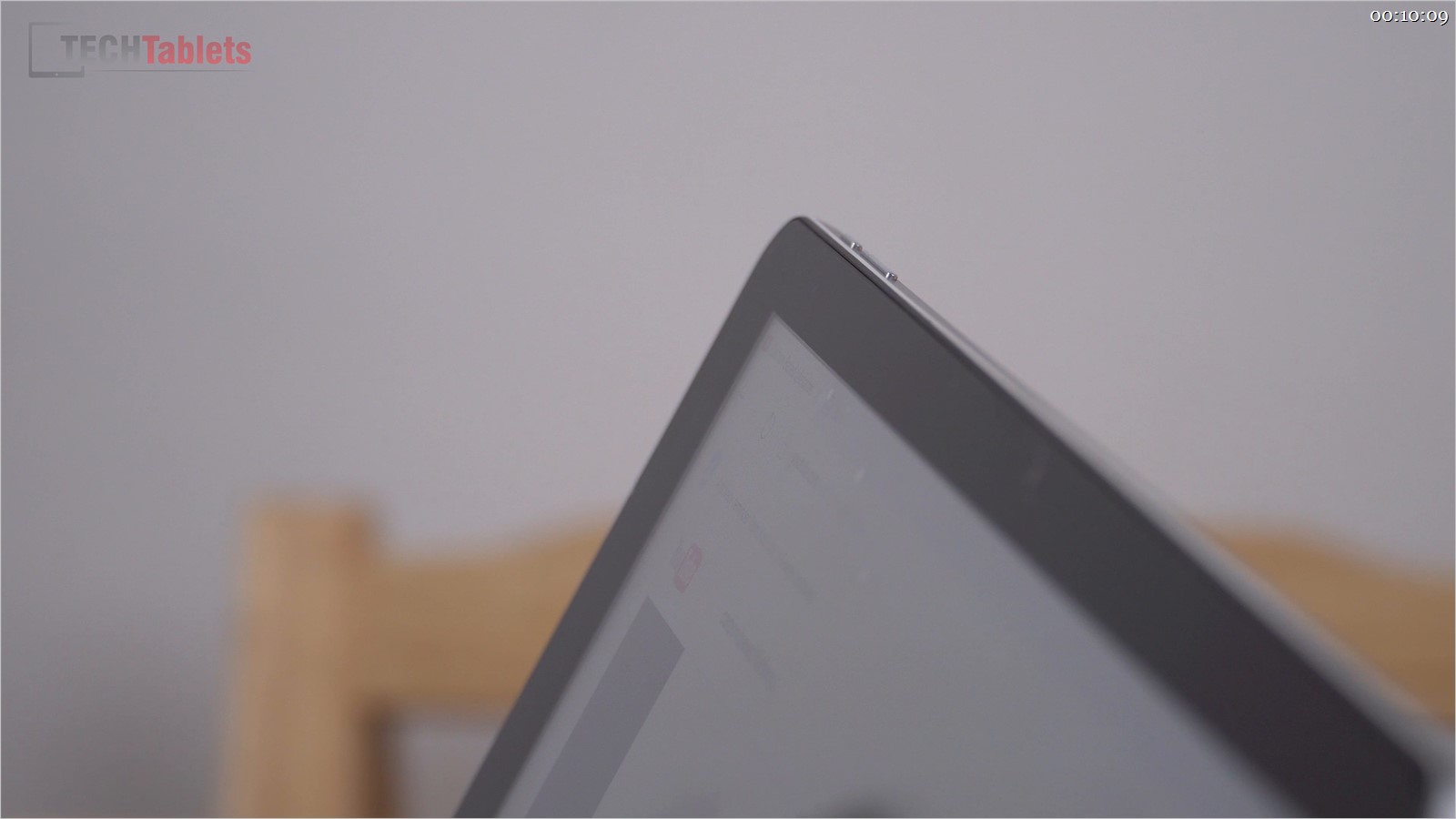
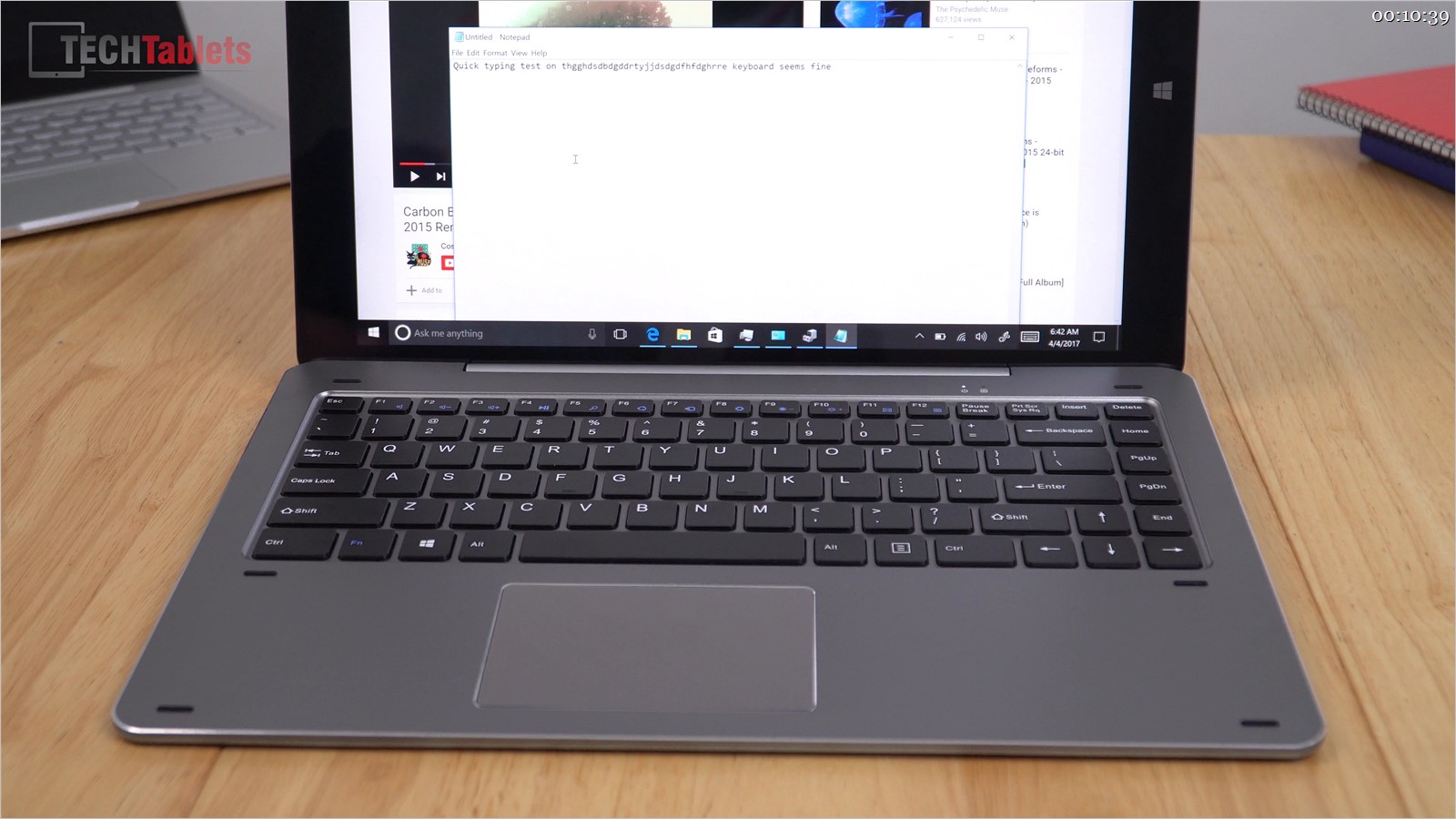
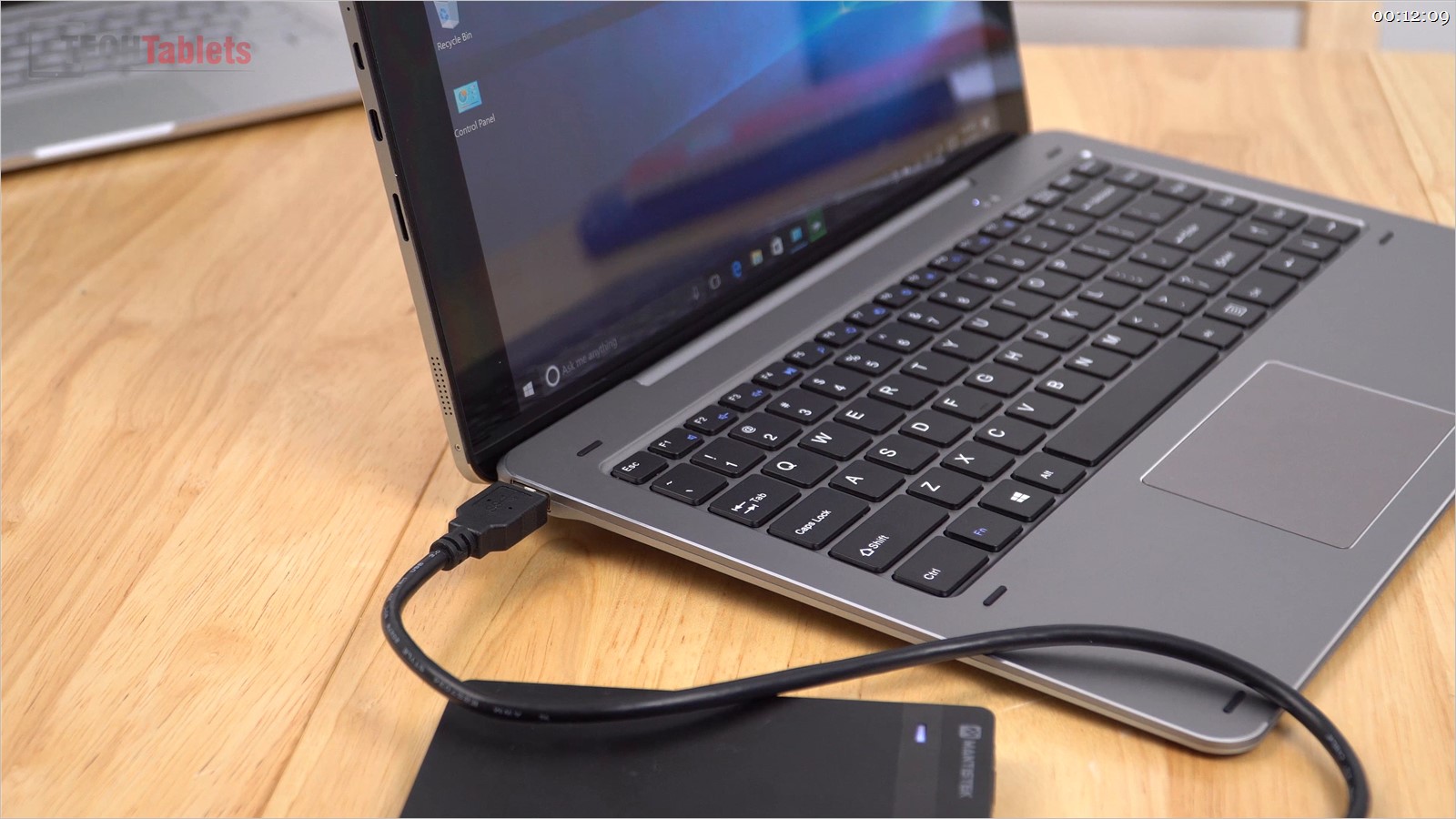


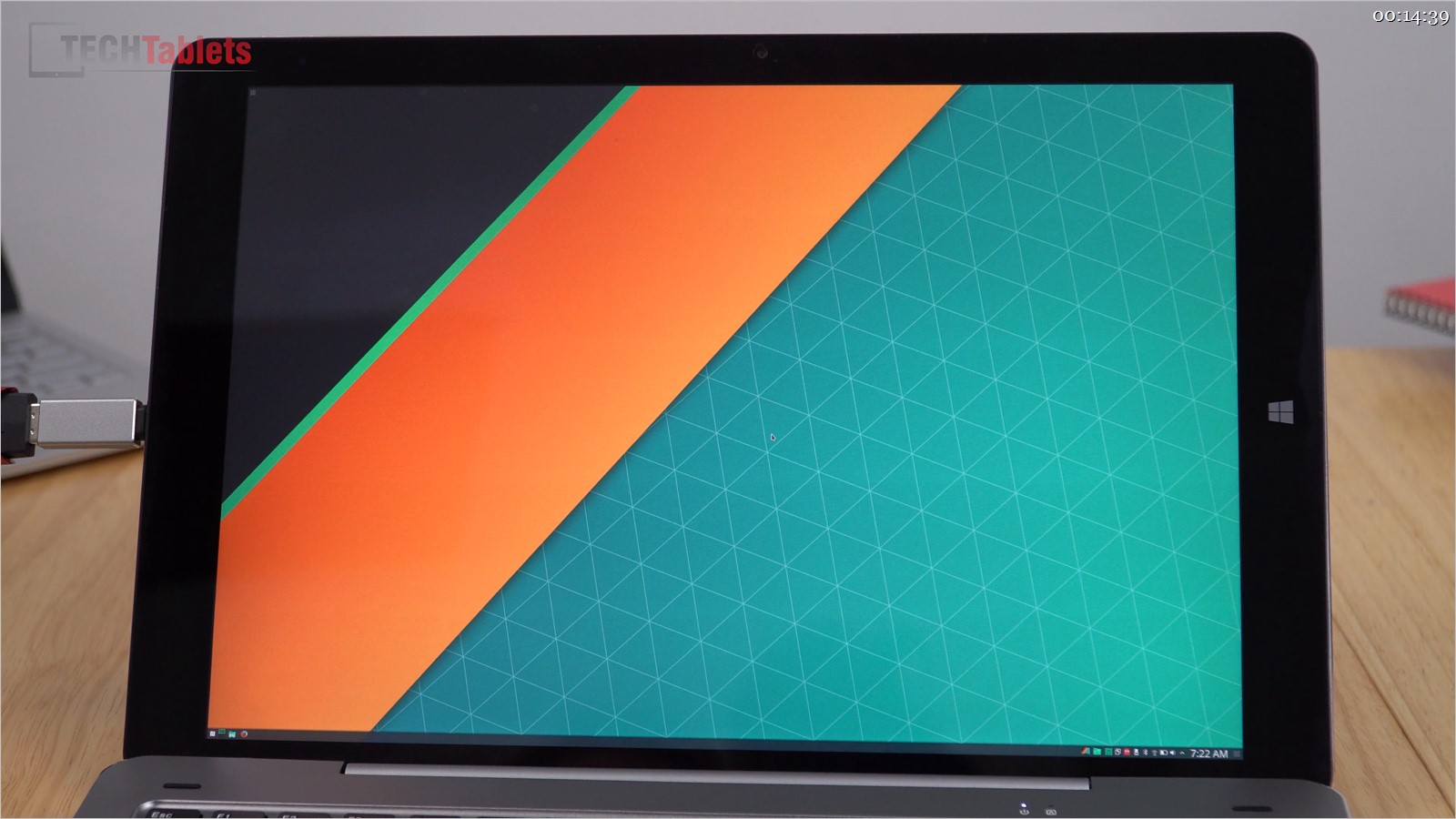


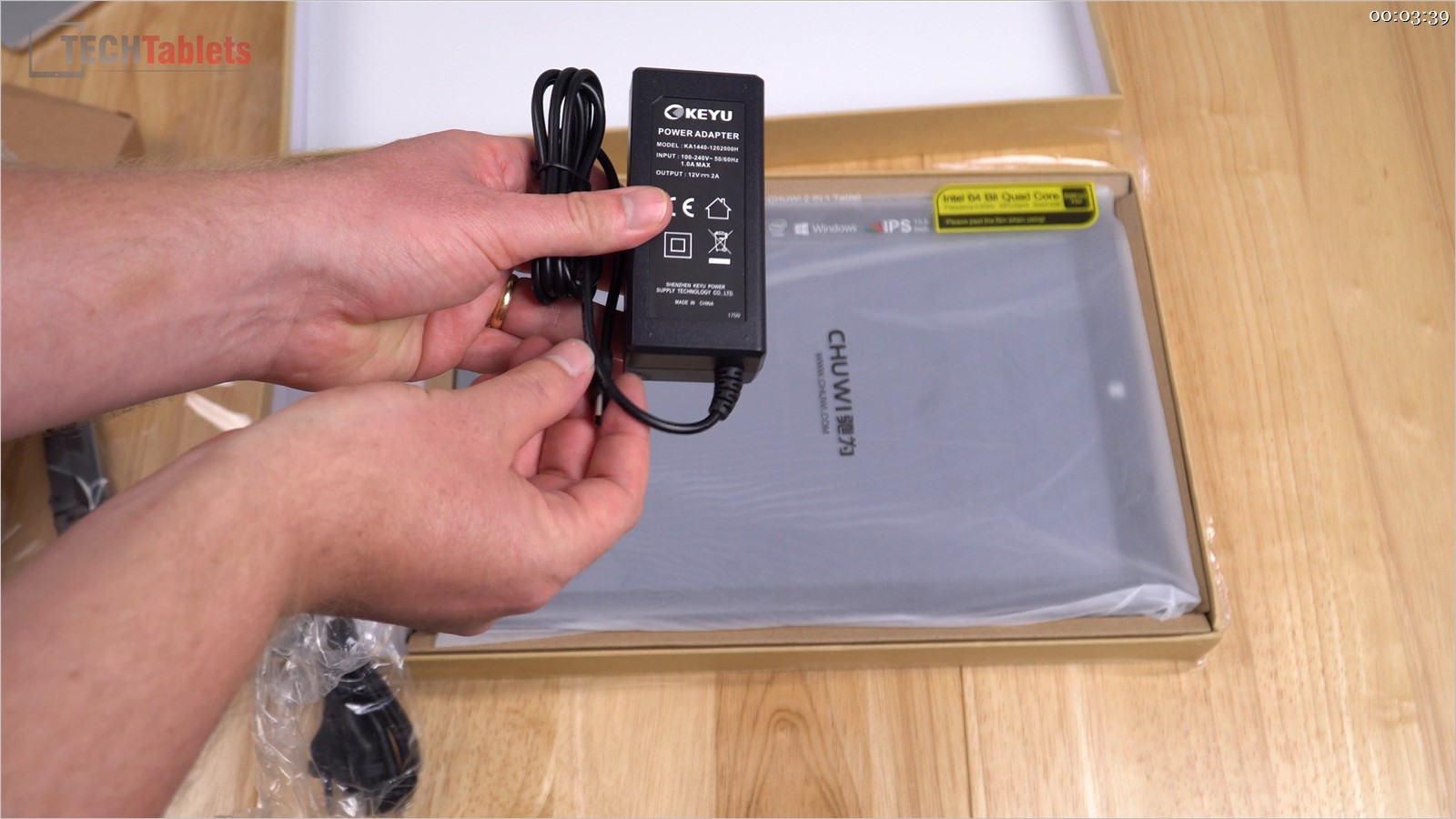

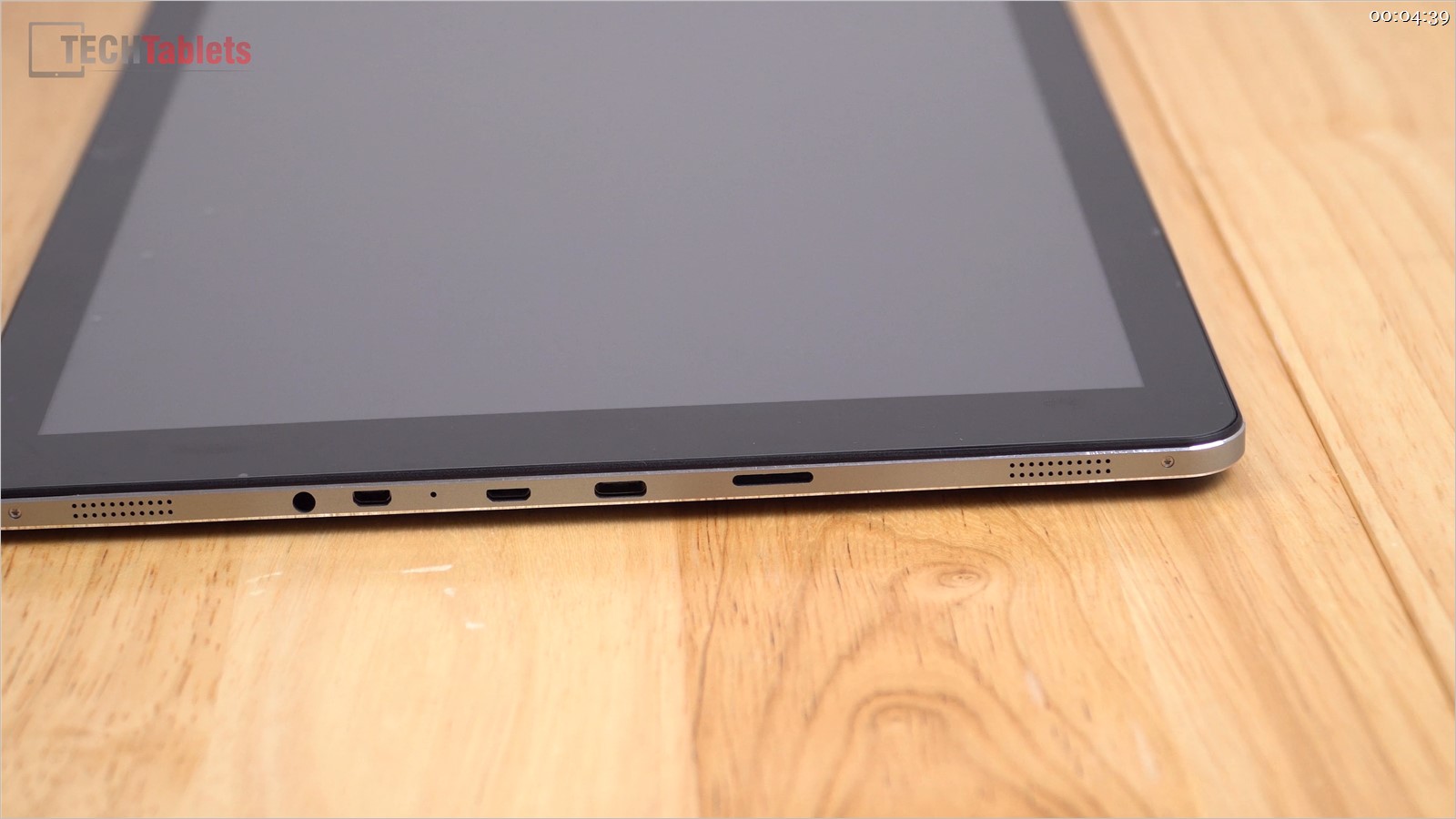
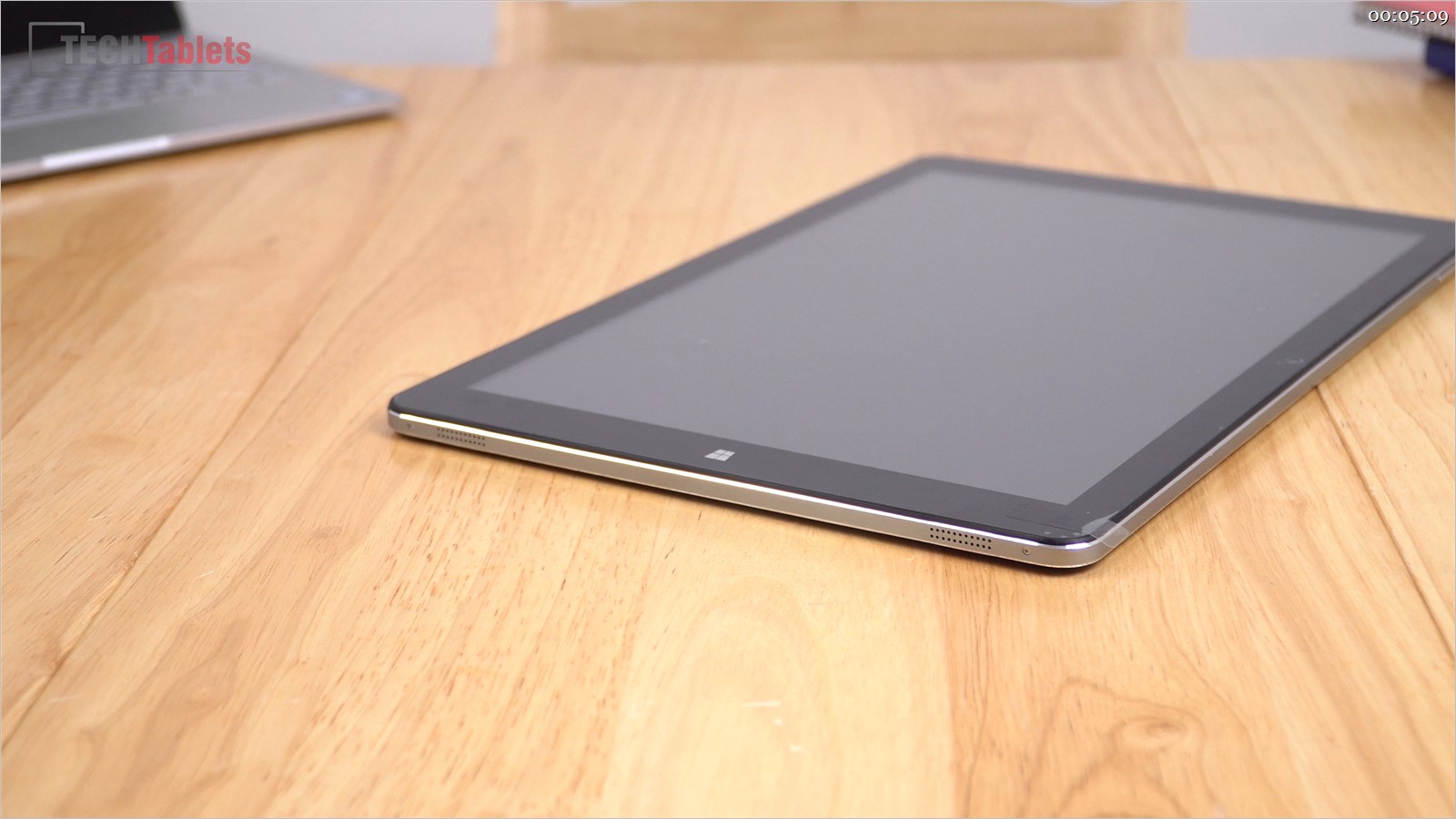
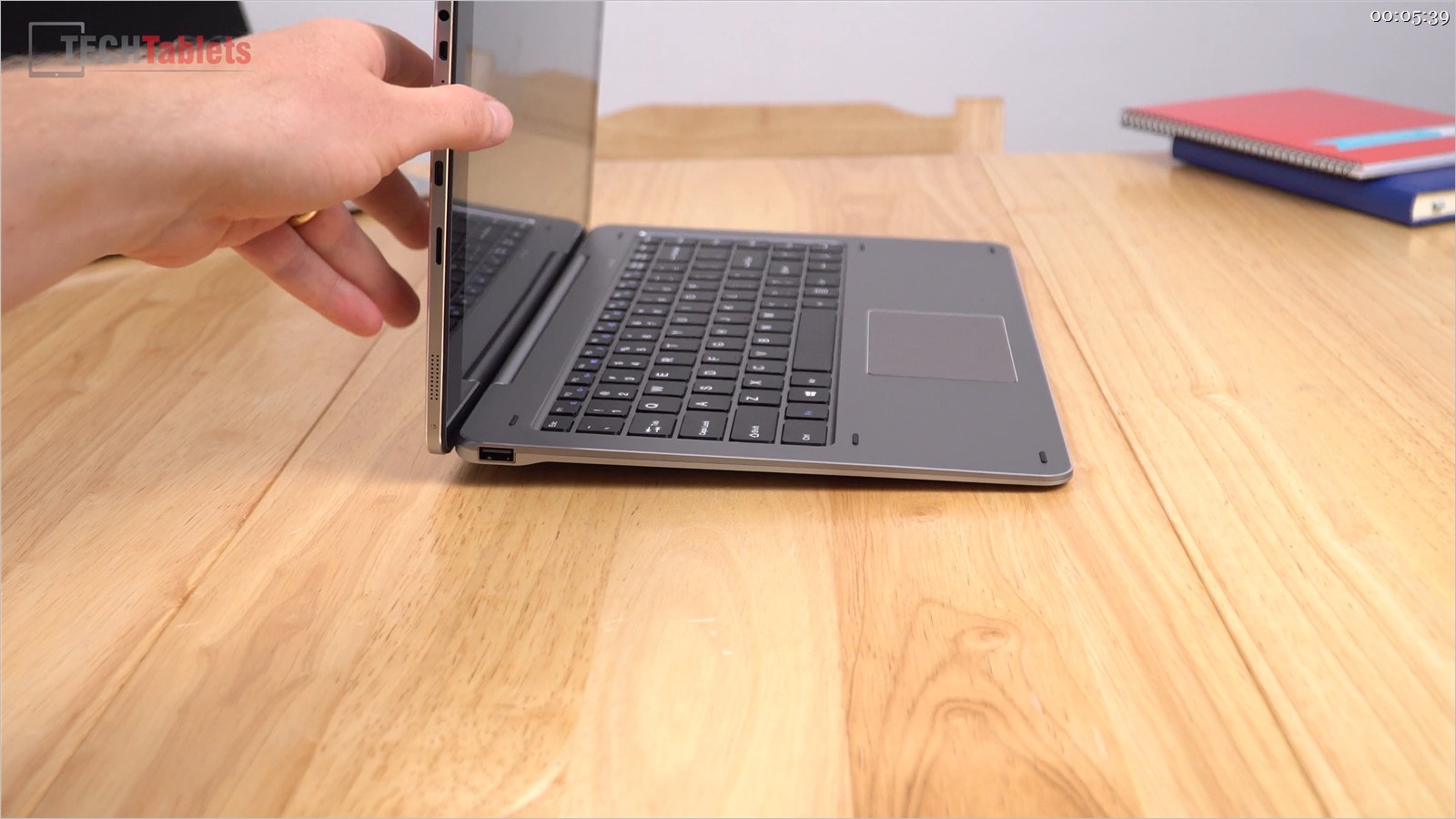
First impressions are looking good so far but still, a lot more to test on the Chuwi Hi13. That screen is great, the build I feel is decent and the keyboard to type on isn’t bad at all. It’s large, it’s heavier than expected but I knew it wasn’t going to be a tiny light 2-in1 at 13.5 inches. The biggest disappointment is the 4 speakers, they lack a little volume I’m hopeful I can boost this using software. But so far no deal breakers which is great.
I’m not much of a stylus user, but so far it seems okay. Certainly not the same Ntrig experience like I recall on the Surface Pro 4 or Surface Book.