Edit: 28th April. Today Amazon dropped off my Surface Pen, it works! And exactly like the Surface Pro 4 and Surface Book the stylus, just how I remember it. It’s fast, feels better with the rubber tips and the Bluetooth button on the top works of course.
Updated: Info on battery and thermals added you have been asking for. The Cube Thinker when I saw it announced was pretty much what I have been looking for after I got the Mi Notebook 12. A similar spec but with a touch screen. And now Cube has it, a premium screen (Surface Book 13.5″ IPS) Core M3-7Y30, thin metal build, 2 x USB 3 ports, type-c for charging, data and display out. All the boxes checked, well almost.
But one big doubt in my mind, is that beautiful display fully laminated? Well, yes it is! Finally for once fully laminated screen. Below is my unboxing video covering the build, ports, screen, audio and device manager. The Thinker is currently on sale for $616 over at Gearbest, little pricey as the Mi Notebook is now $479 on sale. But you do get, double the SSD, RAM, faster CPU and a much better screen with touch plus stylus support.

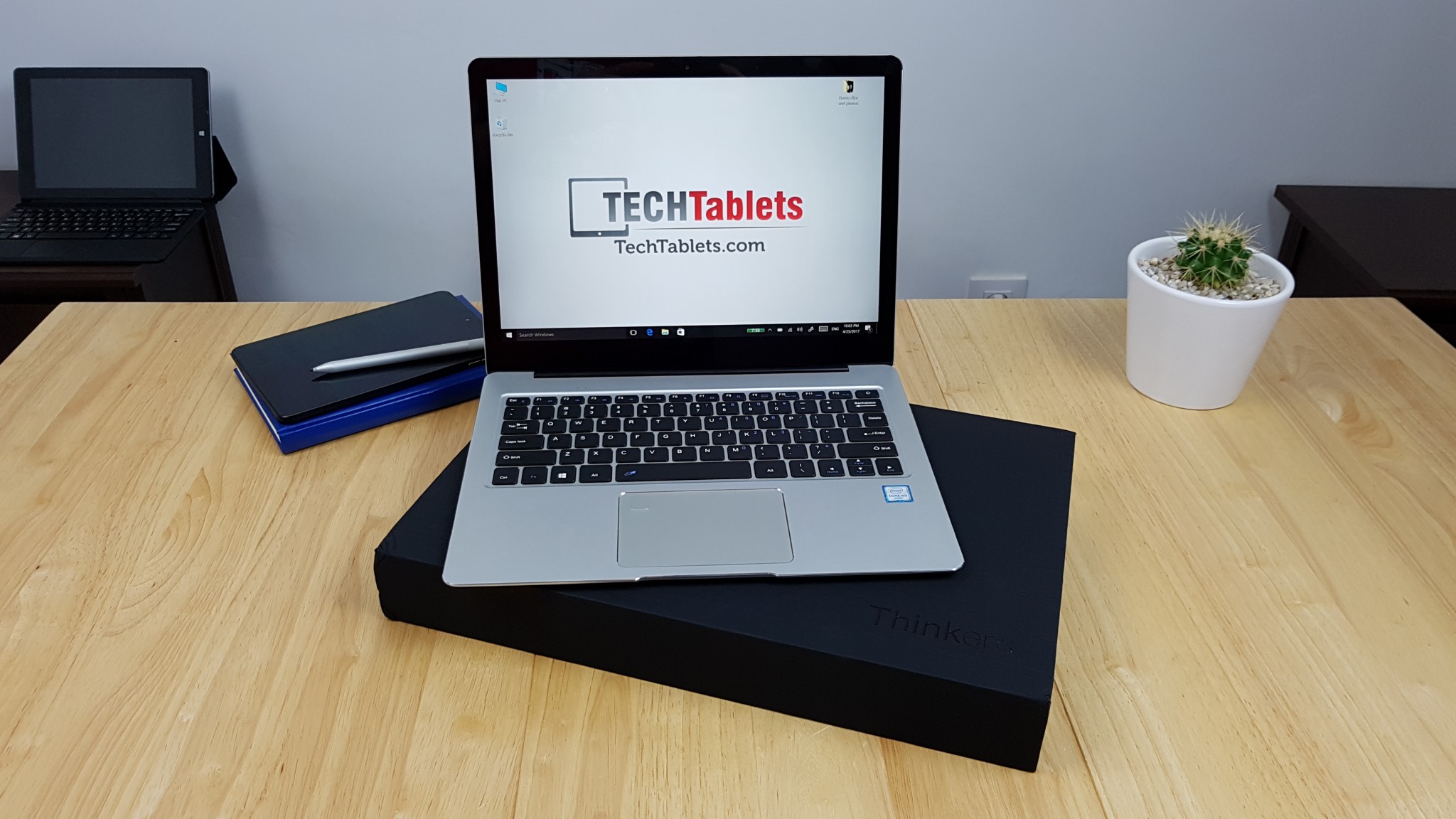
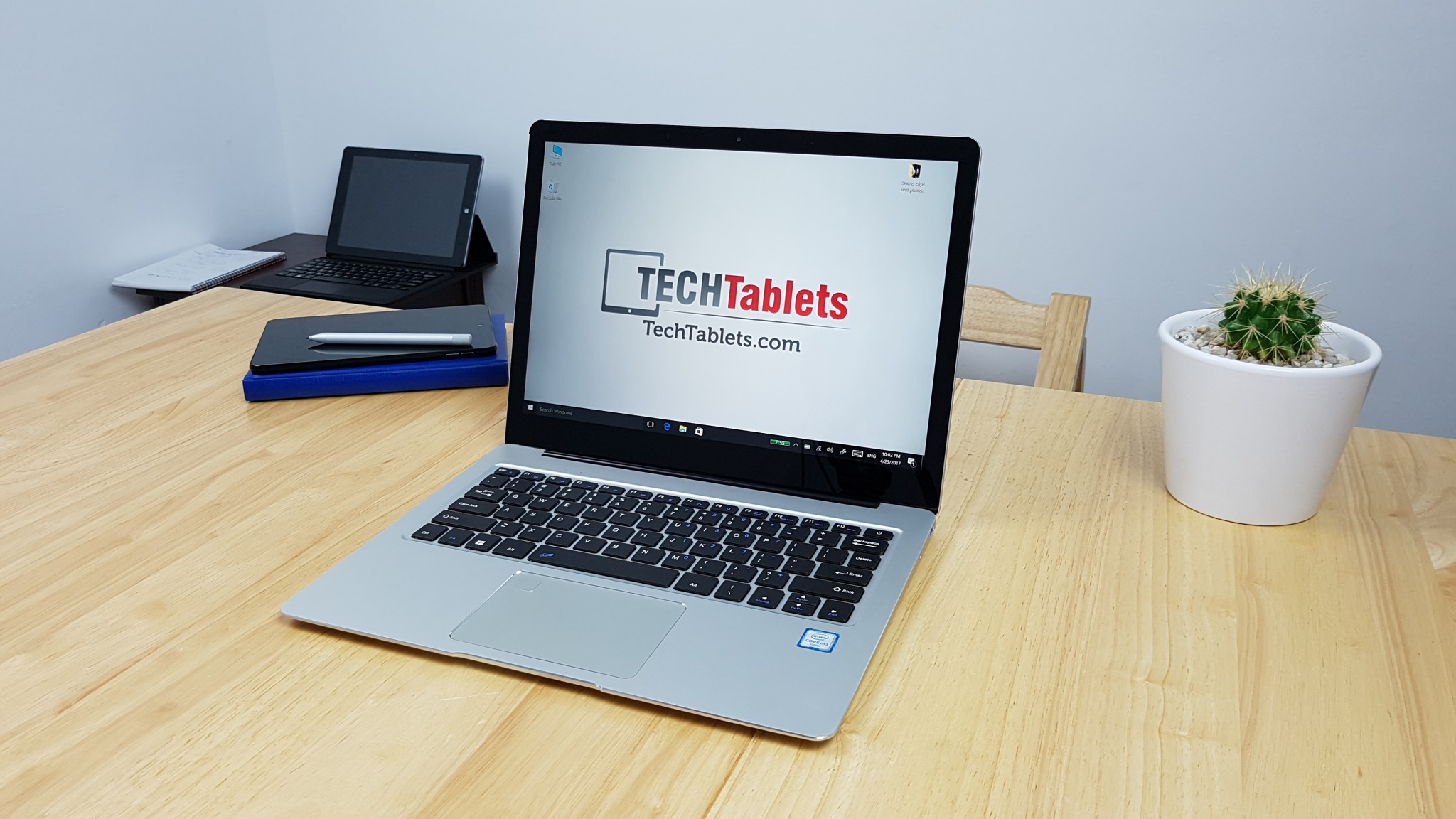
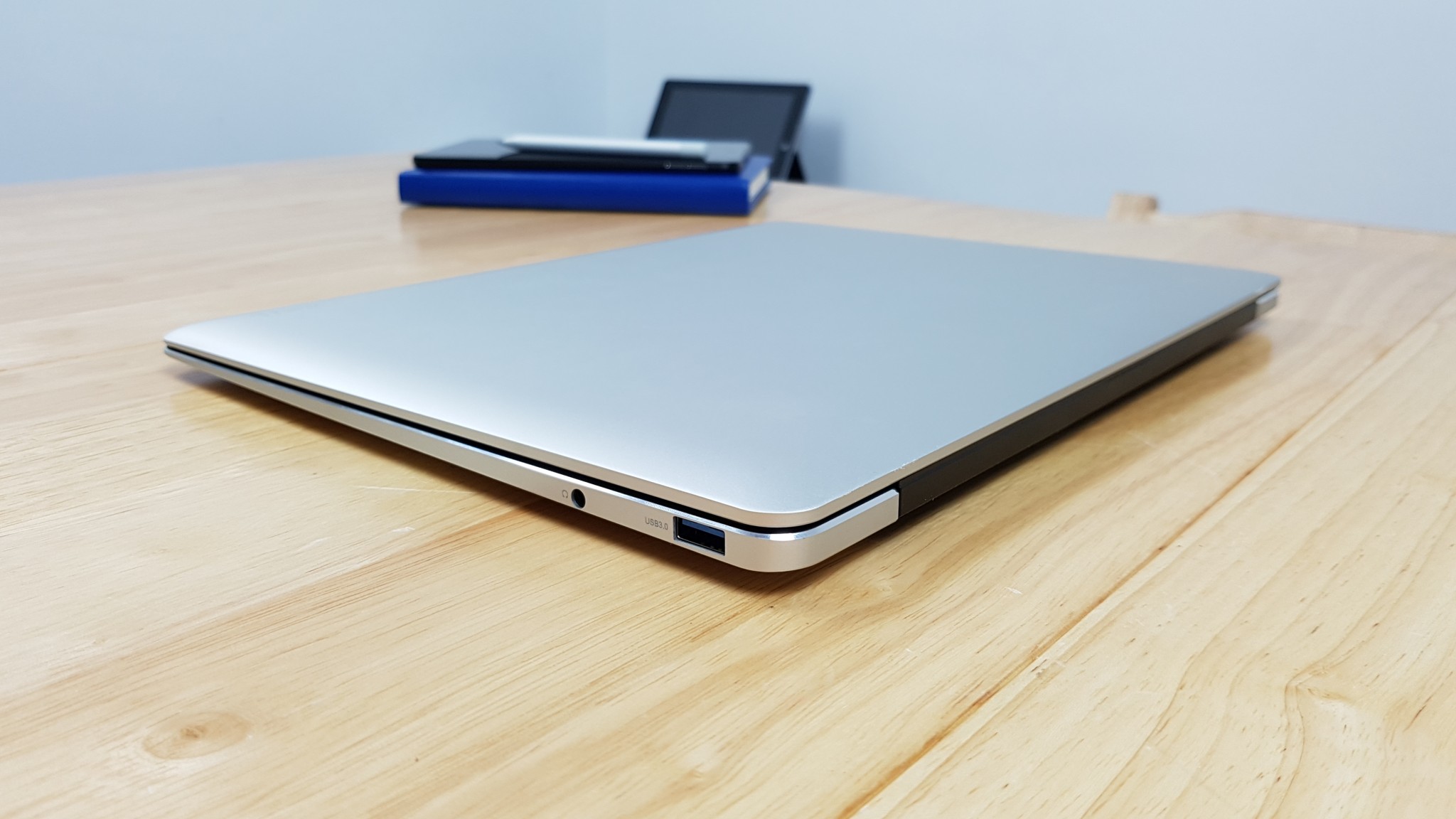
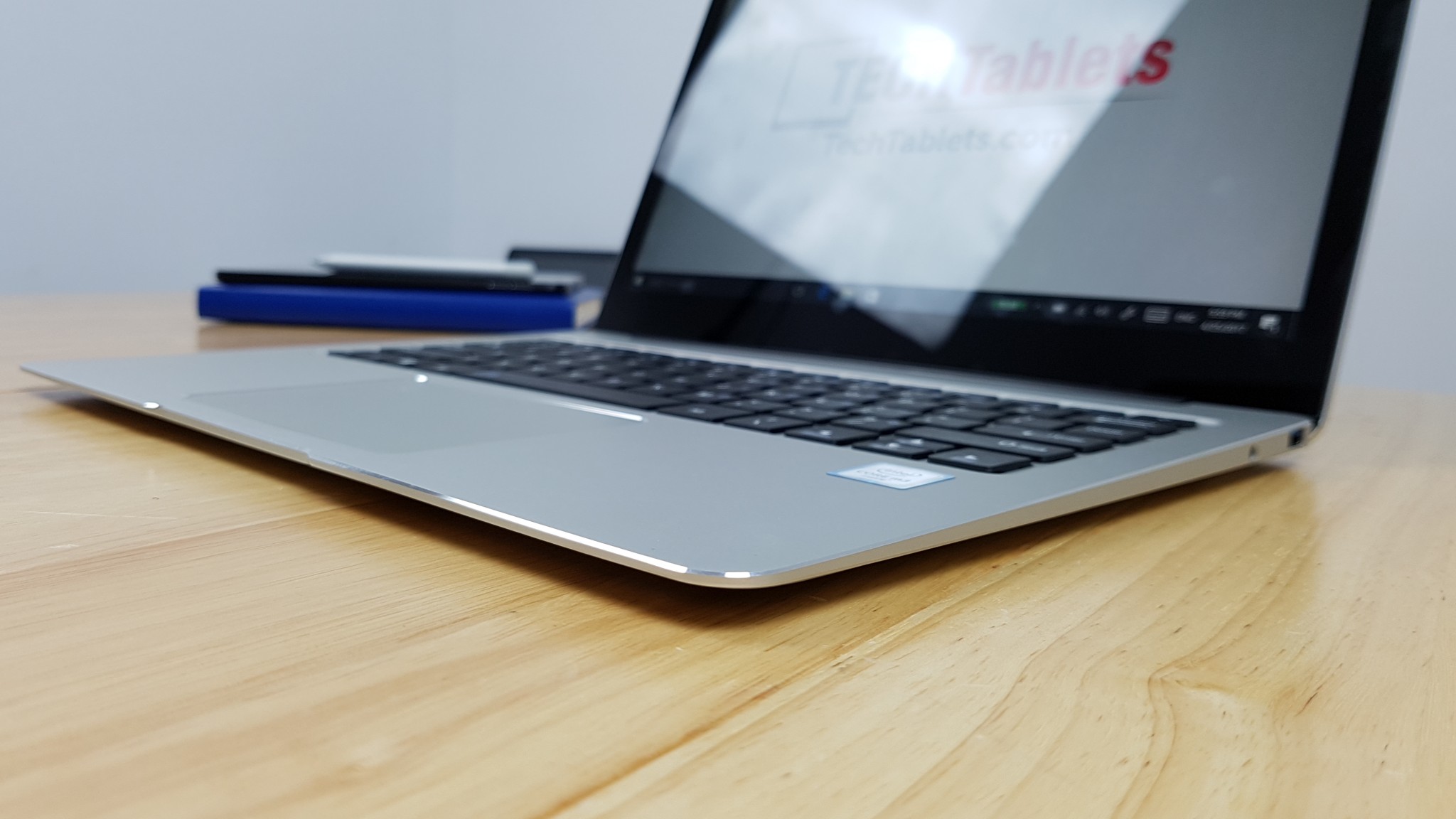
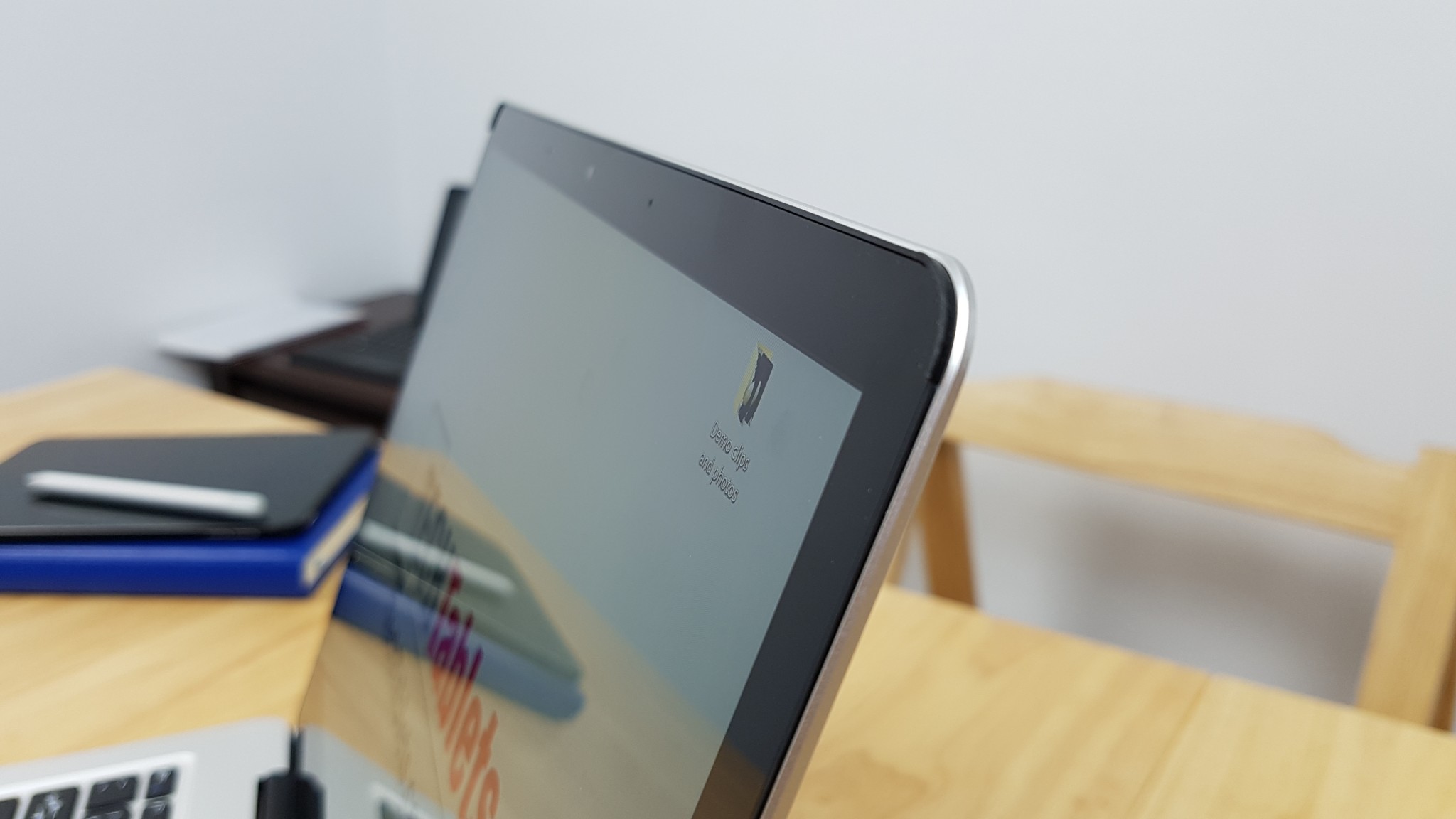
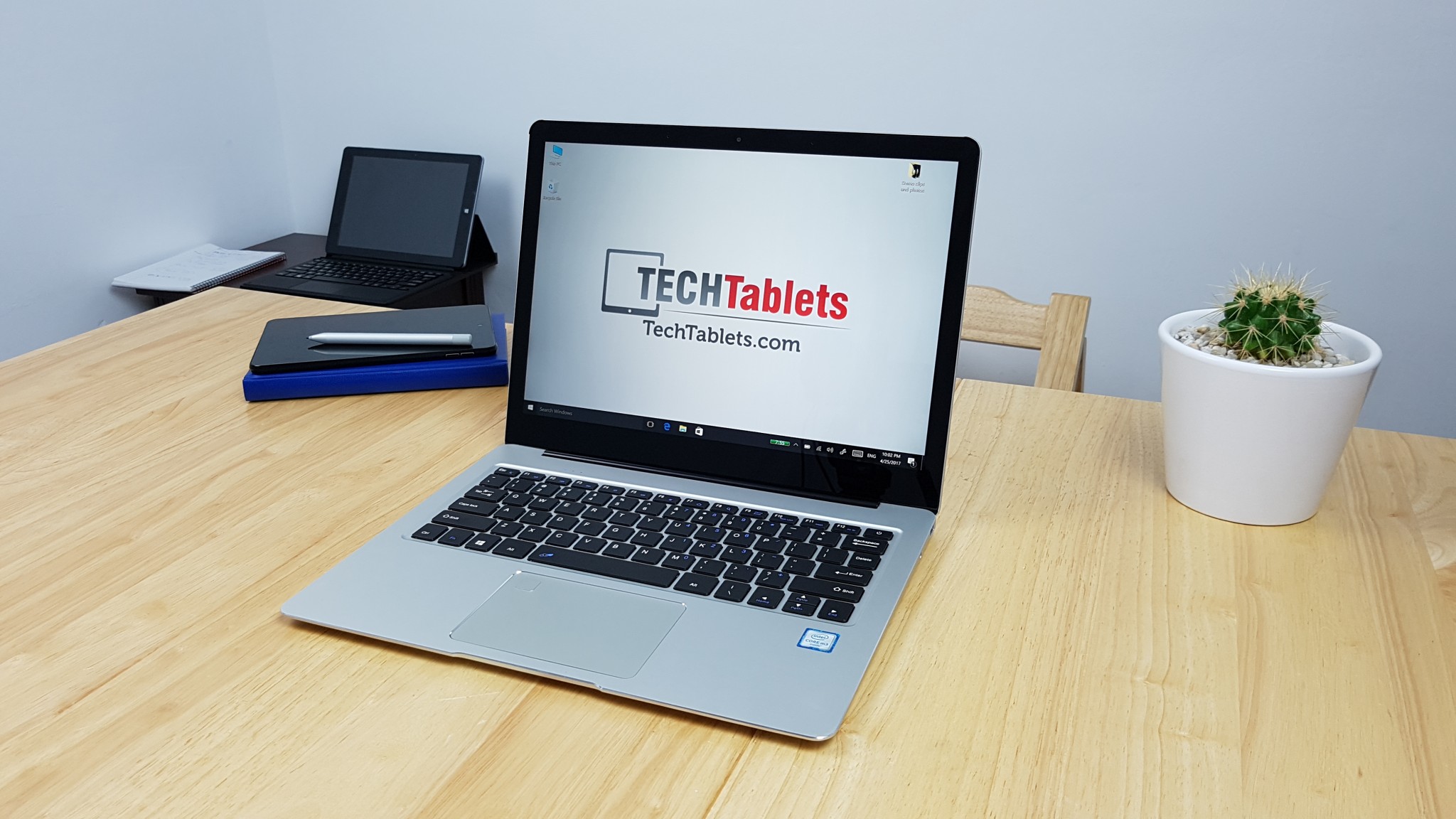
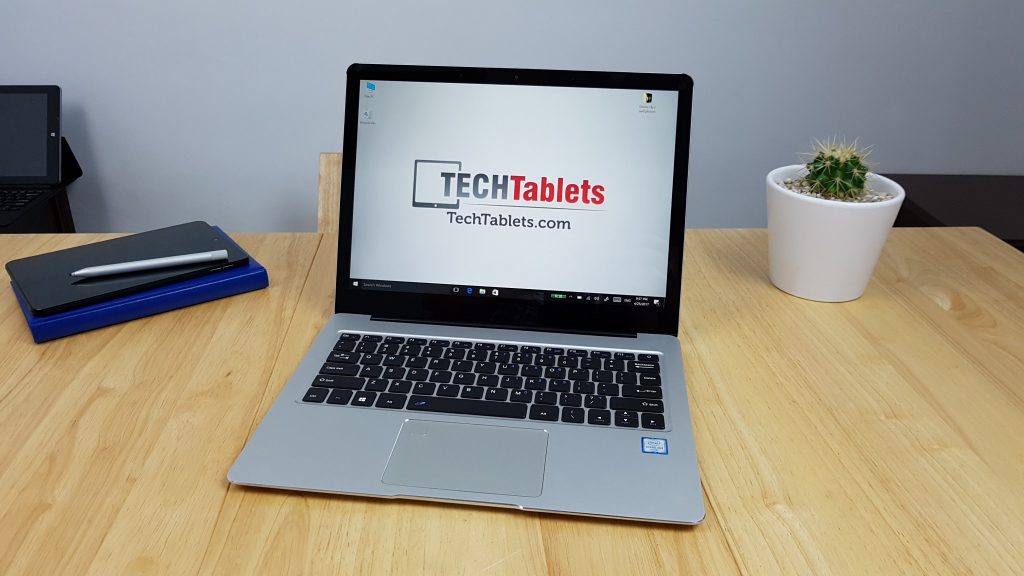
So the build is very nice, I honestly did not expect this to be as good as it is. It’s very well finished, solid and well put together. Even the packaging as a step and more premium. That screen is great, sure it’s the same 3:2 ratio panel as used in the Chuwi Hi13, but because it’s fully laminated looks stunning, very bright, great colours and touch seems very accurate and quick. No issues there.
So since my unit is a fully sealed box from the factory, of course, it’s Windows 10 Chinese on my unit. I paid just 2 pounds on eBay.co.uk and got myself a Windows 10 Pro key, upgraded (took about 40 minutes) and installed English. Looks good so far, later I’ll do a drivers dump and might even do a full clean Windows 10 Pro install. (Yes drivers will be uploaded soon)
I know there are a lot of questions so here’s what I know so far in my afternoon with the Cube Thinker i35:
- Supports the Microsoft Surface Pen (Stylus) N-Trig, so the panel stylus digitzer tec is even the same as the Surface Book.
- Fully laminated display with scratch resistant glass. – I think it is dragon tail or some other Chinese brand.
- 8GB of DDR3 1866Mhz RAM + Core M3-7Y30 with Intel HD 615 GPU.
- 240GB SSD (Unknown brand)
- Windows 10 Chinese single language edition.
- It’s 1.6 kilos, feels a little heavy, but I’m fine with it as the build is really solid and well done
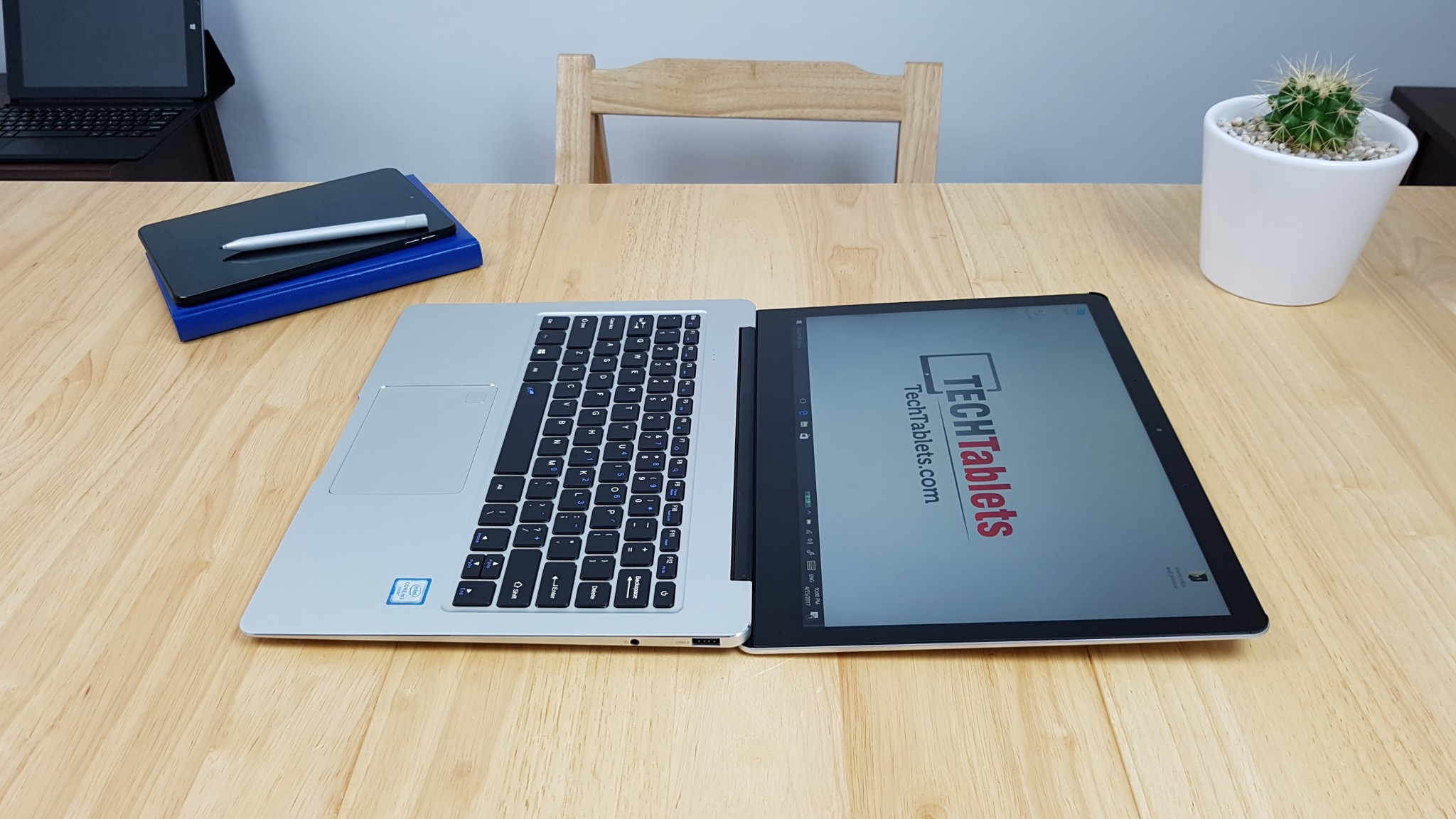
- It’s thin and the screen goes back almost 180 degrees.
- The screen hinge is very tight, doesn’t feel all loose. Tapping on the screen does make it move a little but this happens on any touch notebook.
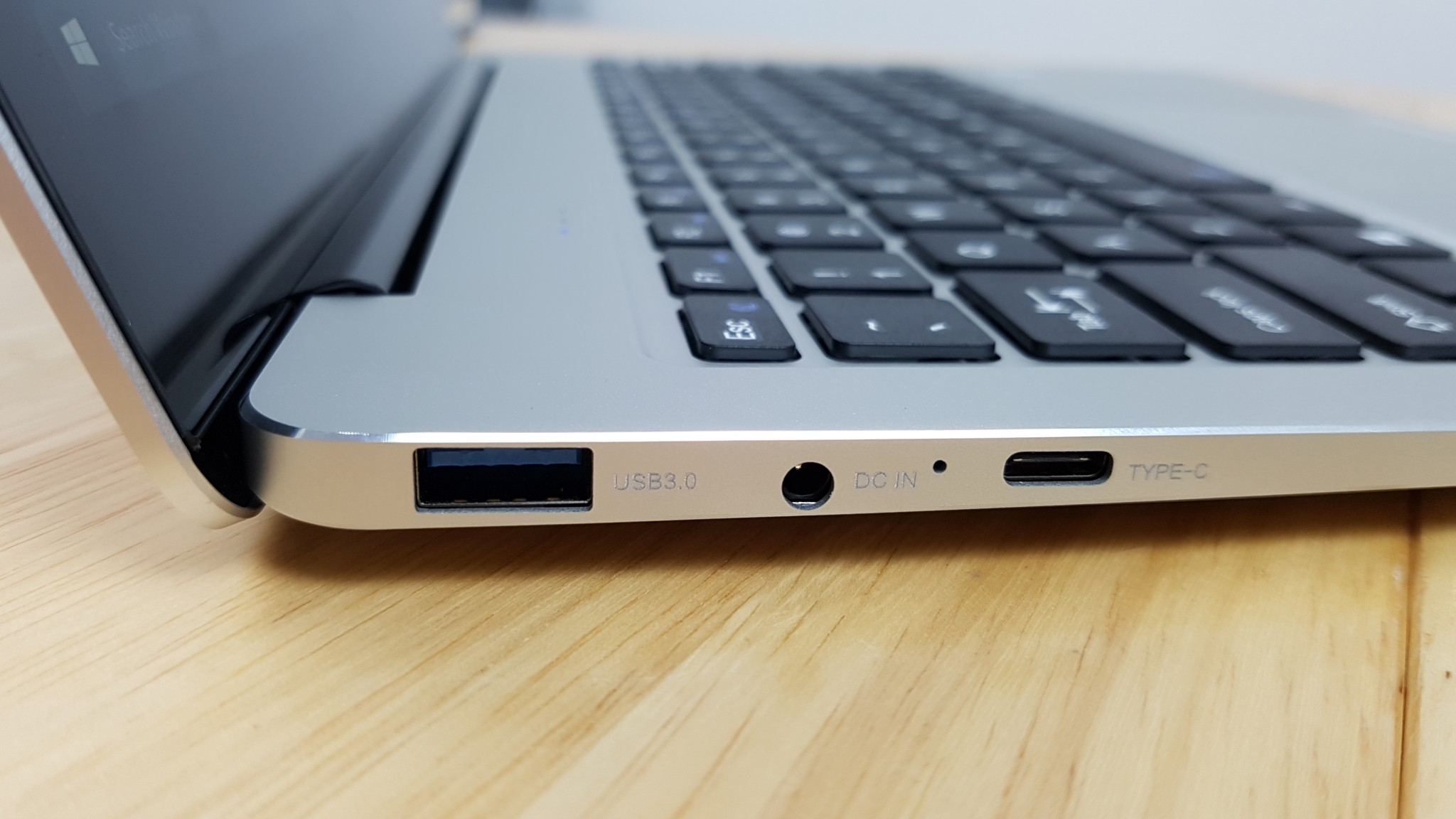
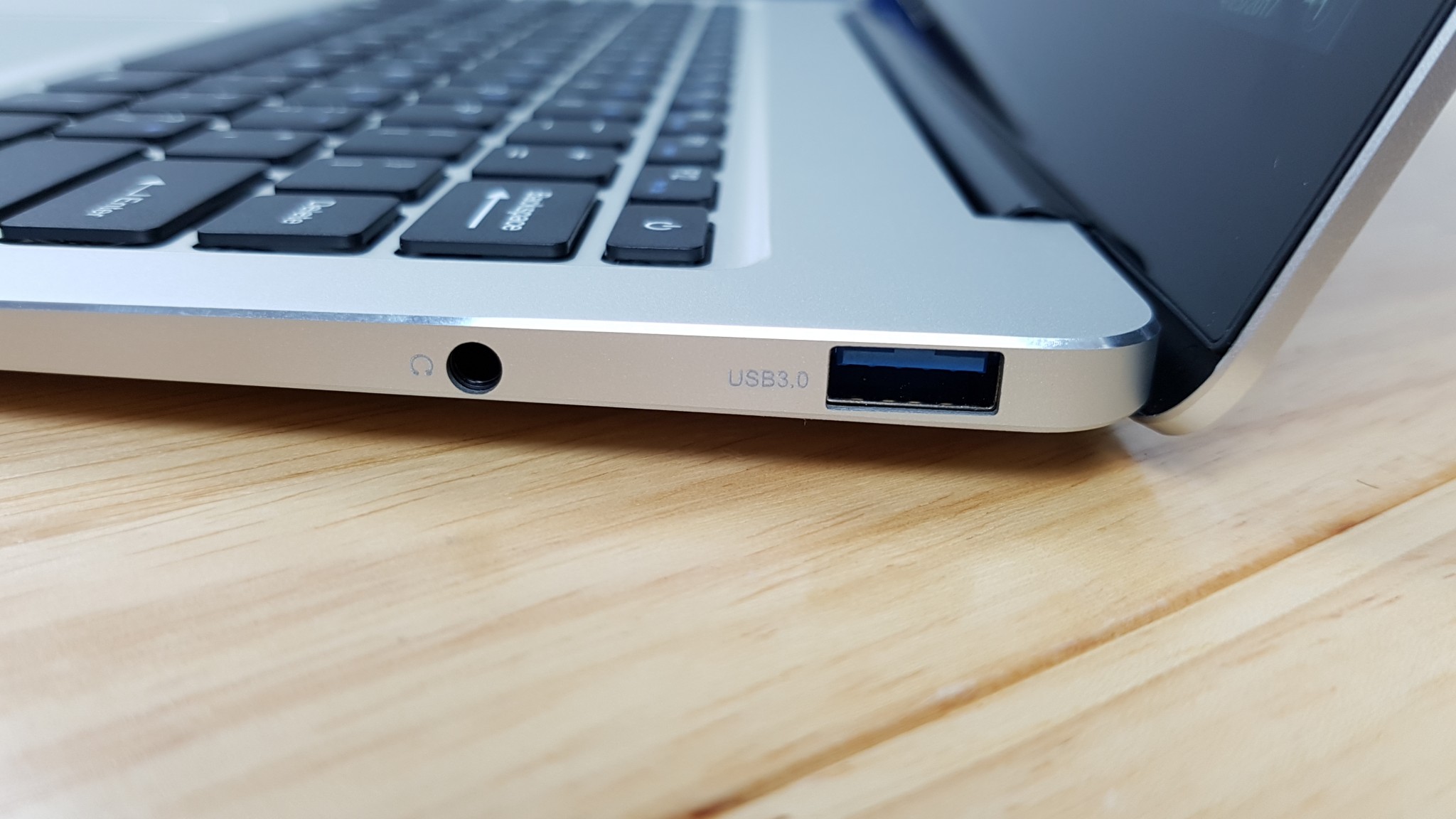
- All the ports power external HDD’s (1TB tested)
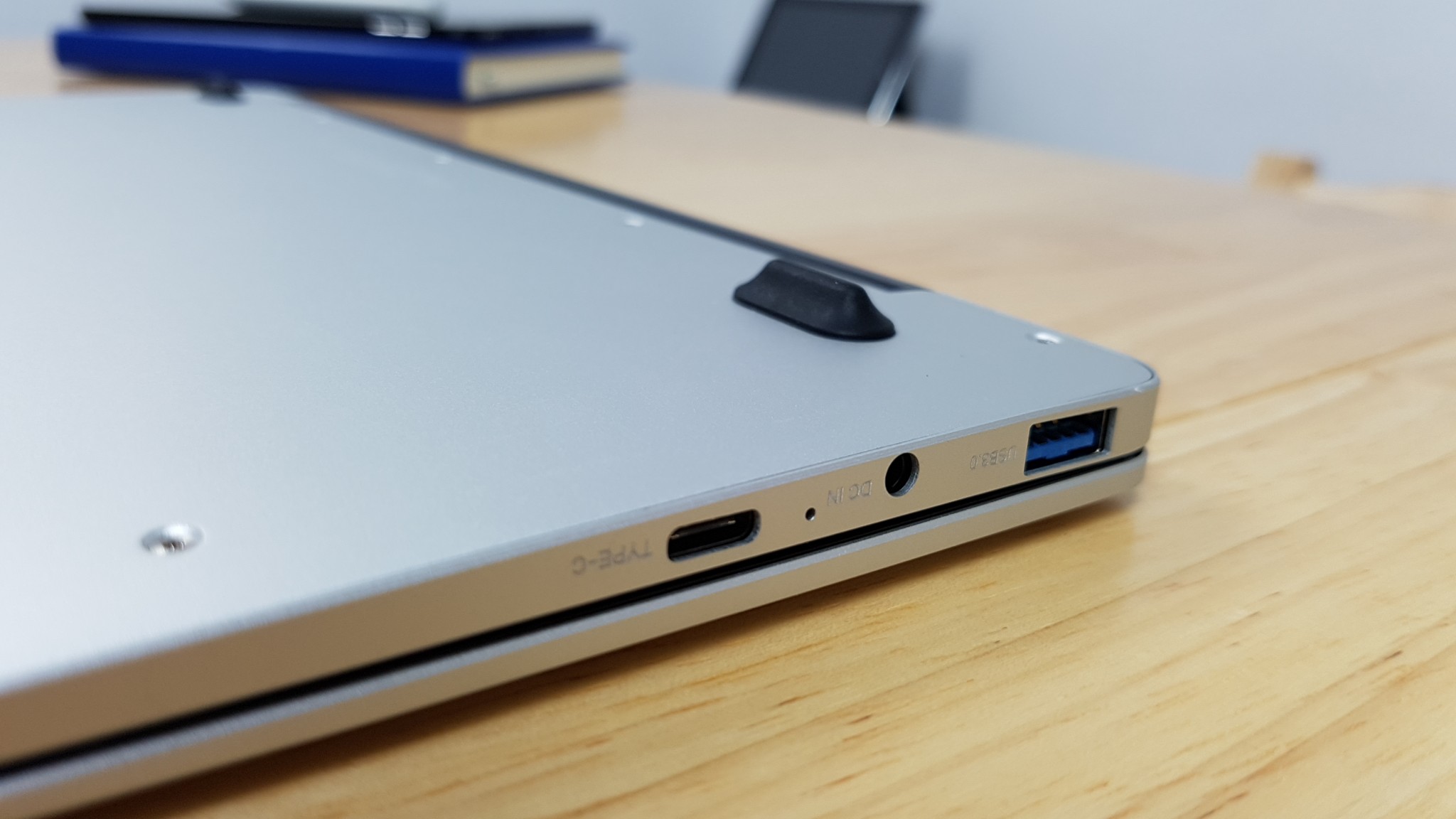
- Type-C port can be used to charge the Thinker, data, display all working and at the same time, so perfect for a one port docking setup with Type-C hub.
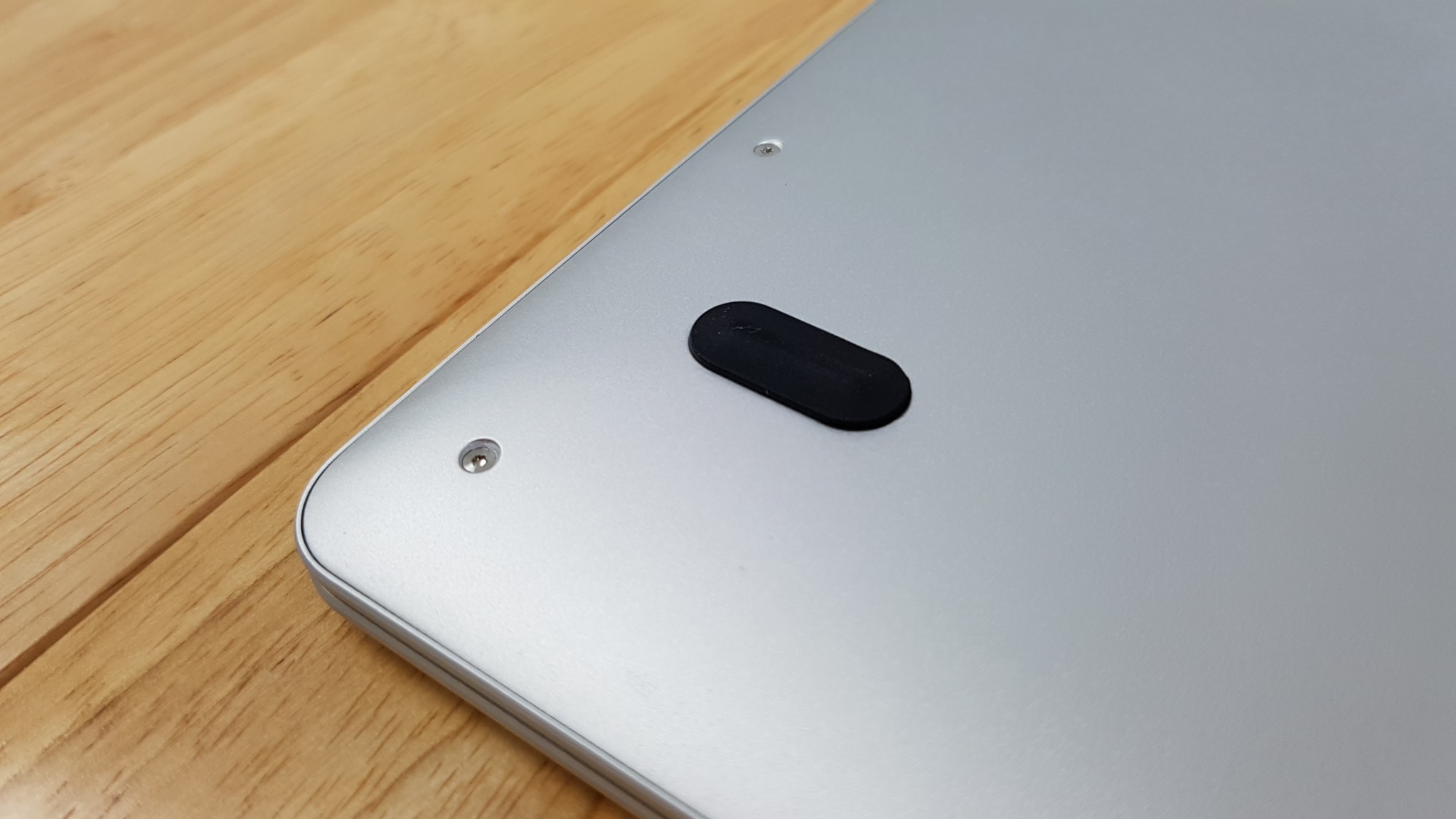
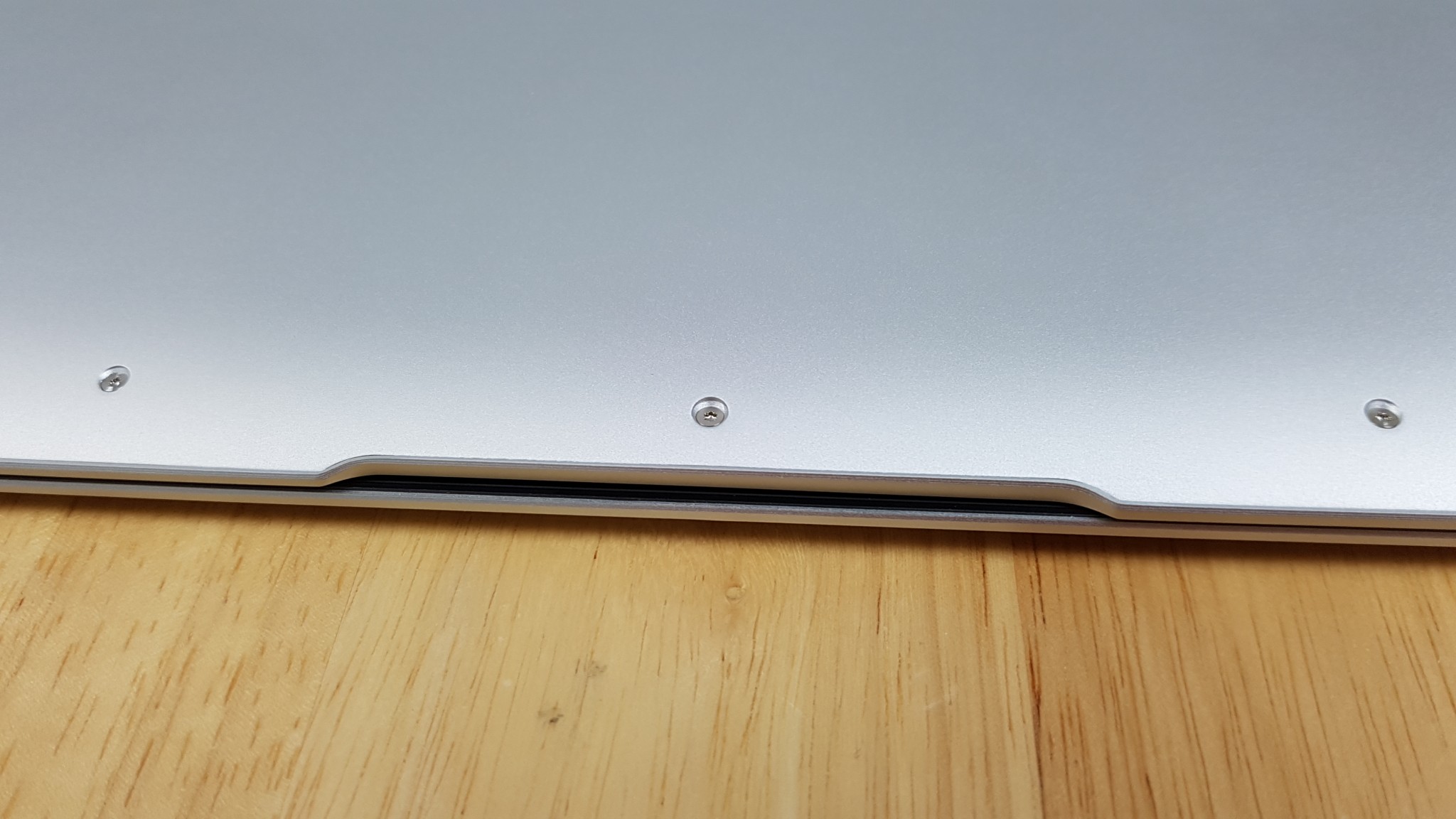
- The bottom plate is screwed in place firmly, 4 rubber feet.
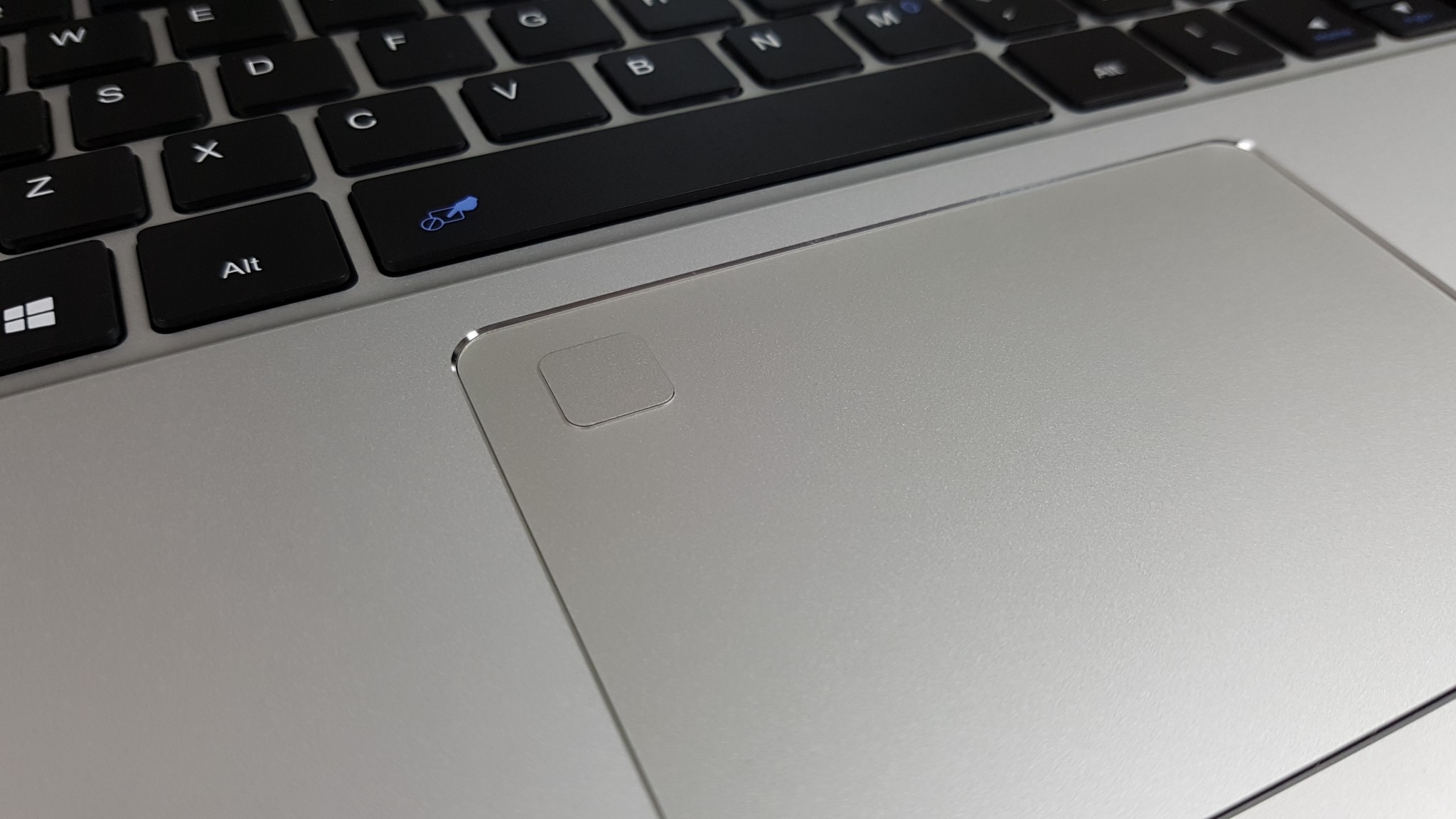
- The fingerprint reader works well once you set up a pin and Windows Hello.
- The touchpad feels okay, not as good as my Mi Notebooks. But I feel it’s not too bad
- The keyboard is decent, approx 1.3mm of travel. Not quite as good as the Mi Notebook 12’s keyboard. Still decent, however.
- The keyboard flex is minimal, not an issue.
- The web camera is 2MP 720p 30fps. Quality seems good.
- 3.5mm jack supports mics and so far the audio is loud and clean (No static)
- Running the Windows 10 Chinese to Windows 10 Pro upgrade, the laptop did get quite warm to the touch.
- Speakers have a tiny hint of bass. Loudness is okay. They aren’t great, but much better than the Hi13 or Mix Plus
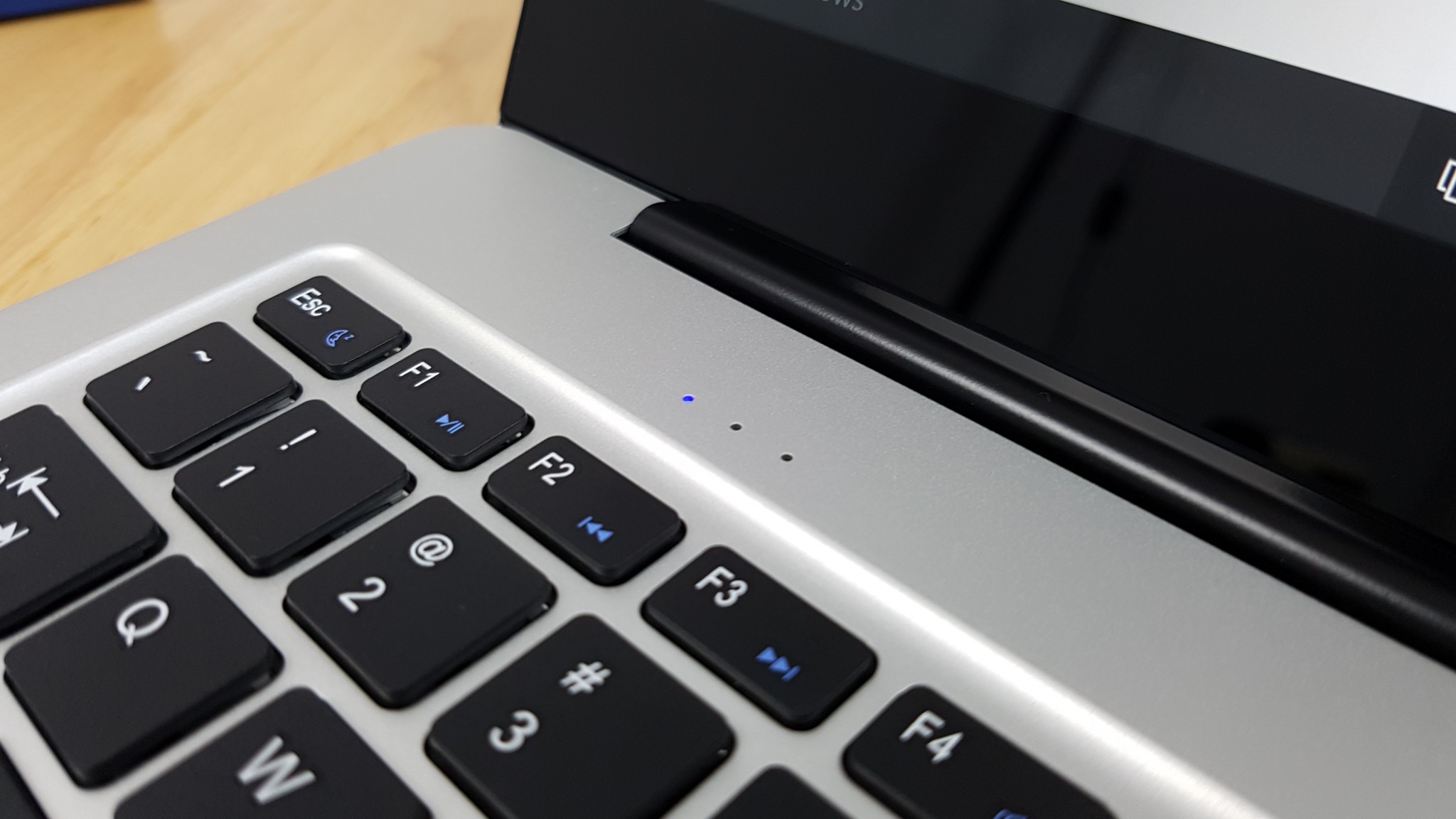
- The speakers are located above the keyboard.
- Dual mic’s on either side of the screen, great to see the mic away from the keyboard (Less keyboard typing noise then)
First impression:
So far I must say that I’m really impressed, it looks great so far. The build is excellent, the screen is really nice, top end display and fully laminated. I’m now setting it up checking everything, my main concerns are two things: Heat as Cube has a record of not using copper heatsink requiring heatsink mods. It has hit 78 degrees already updating Windows 10 without even gaming. I’ll see soon just how hot it will get and if I do need to create another thermal mod to help. I hope not!
And the battery life of course with this screen in it. Battery bar & HWinfo report a 50wh battery, I’m not sure that’s correct, the estimated battery life is about 7 hours, it’s looking okay for a Core M3. But I need to run a full days test after I cycle it a few times.
There is an active stylus it supports, I’m still hunting it down. I doubt it will make it in time for the review, but I will later cover it when and if I can get hold of it. It’s apparently a 1024 pressure level active stylus with a AAAA battery, very similar to the Chuwi Hi13 stylus.
Thermals:
As expected a thin and fanless device gets quite warm to the touch when in use and doing heavy tasks. Thermals are 82 degrees C max when stressing the CPU to the max (Cinebench R15 looping). Doesn’t go over this figure. However, like the Mix Plus, gaming on it tops out after 2 hours of testing 92 degrees C, but no thermal throttling. The rear left and top get warm.
So in order to improve this, I think a thermal mod or thermal pad might be required here. I have a feeling Cube have used no thermal pad in there too trying to keep what’s call the skin temps lower.
Edit: Thermal mod done, lowers max temps 25 degrees C.
Battery life:
So far (Still need more days testing with more battery cycles)
- Edge web use around 6 to 7 hours.
- Aeroplane mode videos only 7-8 hours.
- Mix heavy multi-tasking (Chrome, 4k YouTube etc), about 5-6 hours.
- Gaming, benchmarks, any very intensive GPU/CPU tasks about 3 hours.
Cons so far:
- No MicroSD slot (a minor con, but would have been nice)
- Keyboard isn’t backlit
- Windows 10 Chinese (My unit)
- Sata3 SSD, most notebooks in 2017 use PCIe now. (
Cube Thinker i35 images: