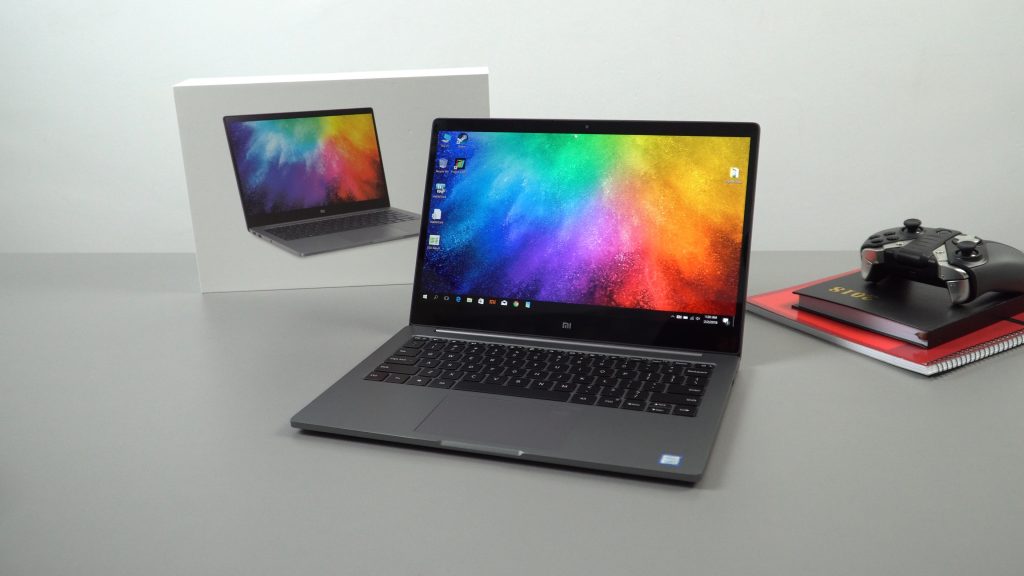
Some pleasant surprises with the revised 2018 model of the Xiaomi Mi Notebook Air 13.3. I thought it was a simple case of a new CPU and paint job, seems there are a few other tweaks to this latest edition and more refinement.
So we now have the much more powerful Kaby Lake R CPU’s in the 13-inch model. Intel’s 8th Gen Core i5 8250U and i7 8550U, these CPU’s have doubled their core count from the previous i5 7200U and i7 7500U’s. Now quad-cores with around 35-40% more power (Multithreaded performance). This is a welcomed change, after using the Mi Notebook Pro which was one of the first ultrabooks to use the new Kaby Lake R I was instantly impressed by the noticeable step up in raw performance. So we have a great CPU, it’s still paired up with the Nvidia MX150 (Nvidia 1030 basically but for notebooks) Intel Wireless AC 8265 and either 8GB of RAM or 16GB. In my hands-on video I said there was only 8GB with this model, but the same day I published that hands-on the 16GB DDR4 model showed up.
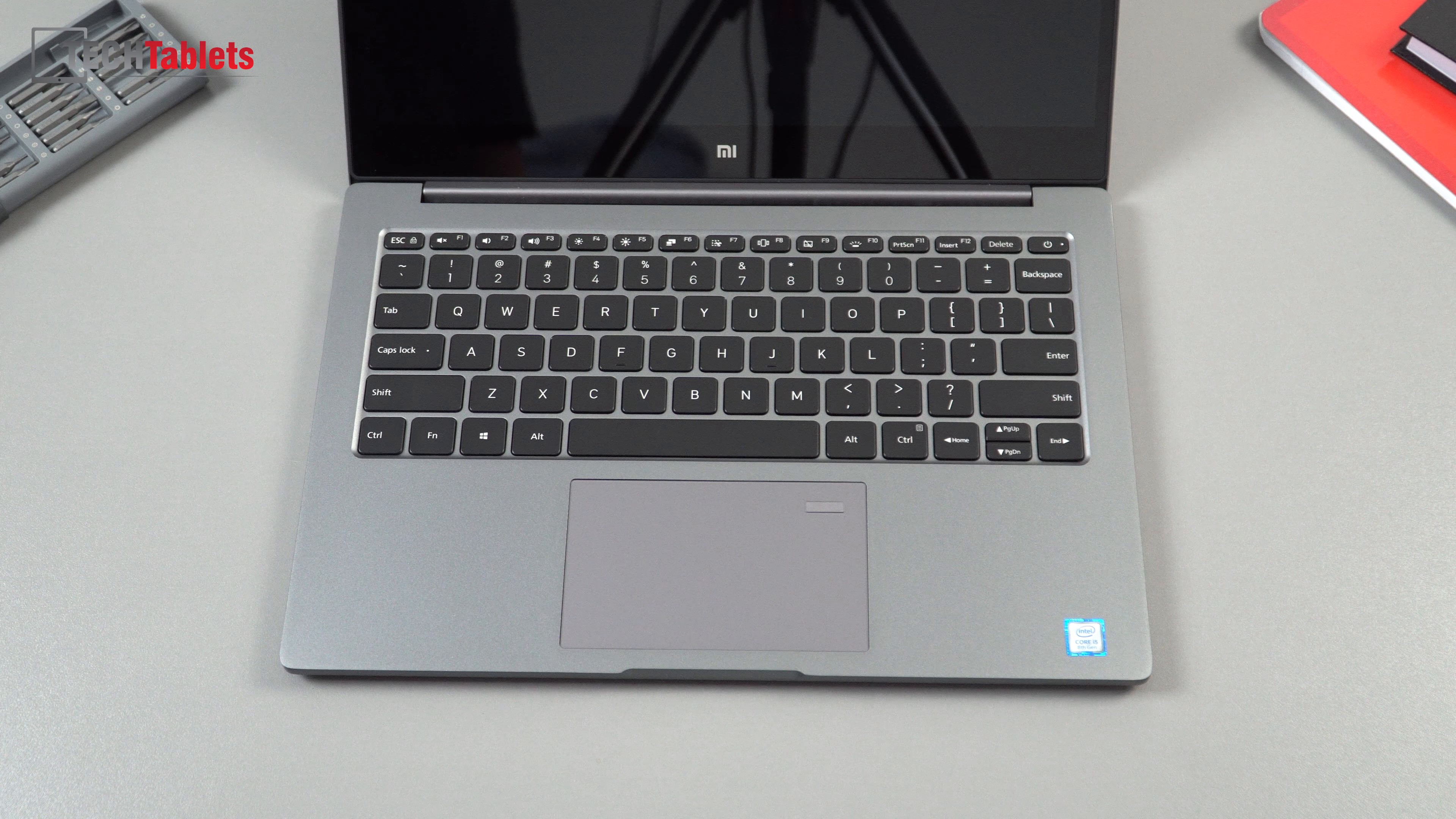
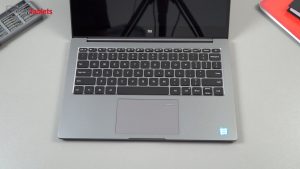
New black keycaps on the revised backlit keyboard. And it’s now a precision touchpad. So much closer to the 15.6″ pro version.
This rather lengthy yet detailed first look covers a lot, fan noise and battery life plus gaming and benchmarks will be covered in the full review in 1-2 weeks.
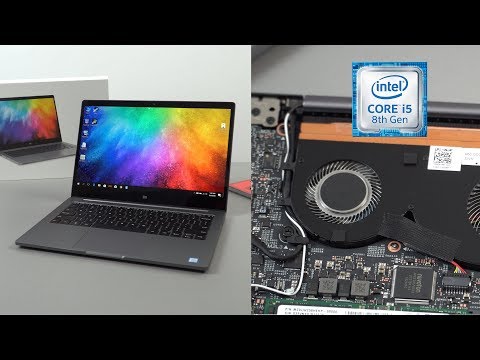
Xiaomi Mi Notebook Air 13 2018 hands-on review video index:
01:37 – Unboxing
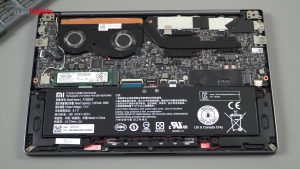
02:33 – Internals
04:57 – Weight & thickness
05:09 – Design
08:37 – How to install English
10:18 – Devices & benchmarks
13:09 – Screen
13:54 – Improved touchpad & keyboard
14:36 – Speakers
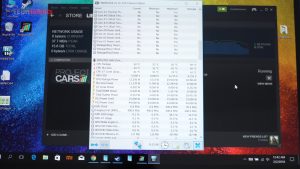
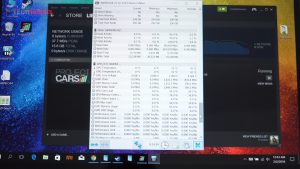
15:23 – Intel XTU & Power limits
15:52 – Thermals improved?
17:14 – Linux test
17:31 – First Impressions
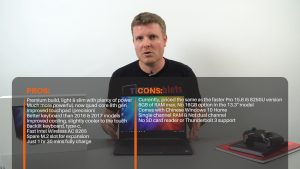
18:56 – Pros & Cons
The full set of changes and improvements over the 2017 model:
- New deep grey color like the Mi Notebook Pro. It looks much better in this color.
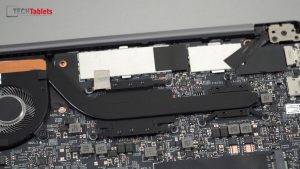
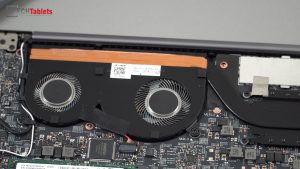
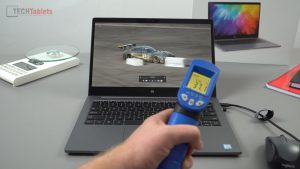
- Improved cooling, more fan blade fins and a 36% larger heat transfer pipe to handle 2 more cores. So far it does seem around 5 degrees C cooler to the touch Vs the old model with an ambient temperature of 24 degrees C.
- The new Core i5 8250U or Core i7 8550U CPU. Intel’s lastest 8th gen chips.
- The touchpad is no longer Synaptics but set up as a Windows precision touchpad.
- An improved keyboard, the layout is the same. But the black keycaps are made of a better quality plastics, easier to see and feedback has improved. More like the Pro versions. A step up over the old silver keys and yes, the keys are still backlit of course.
- Rubber trim around the screen instead of hard plastic.
- It now uses the Mi Notebook Pro charger, type-c to type-c cable. So you can use 3rd party longer cables if you want (I’m doing this)
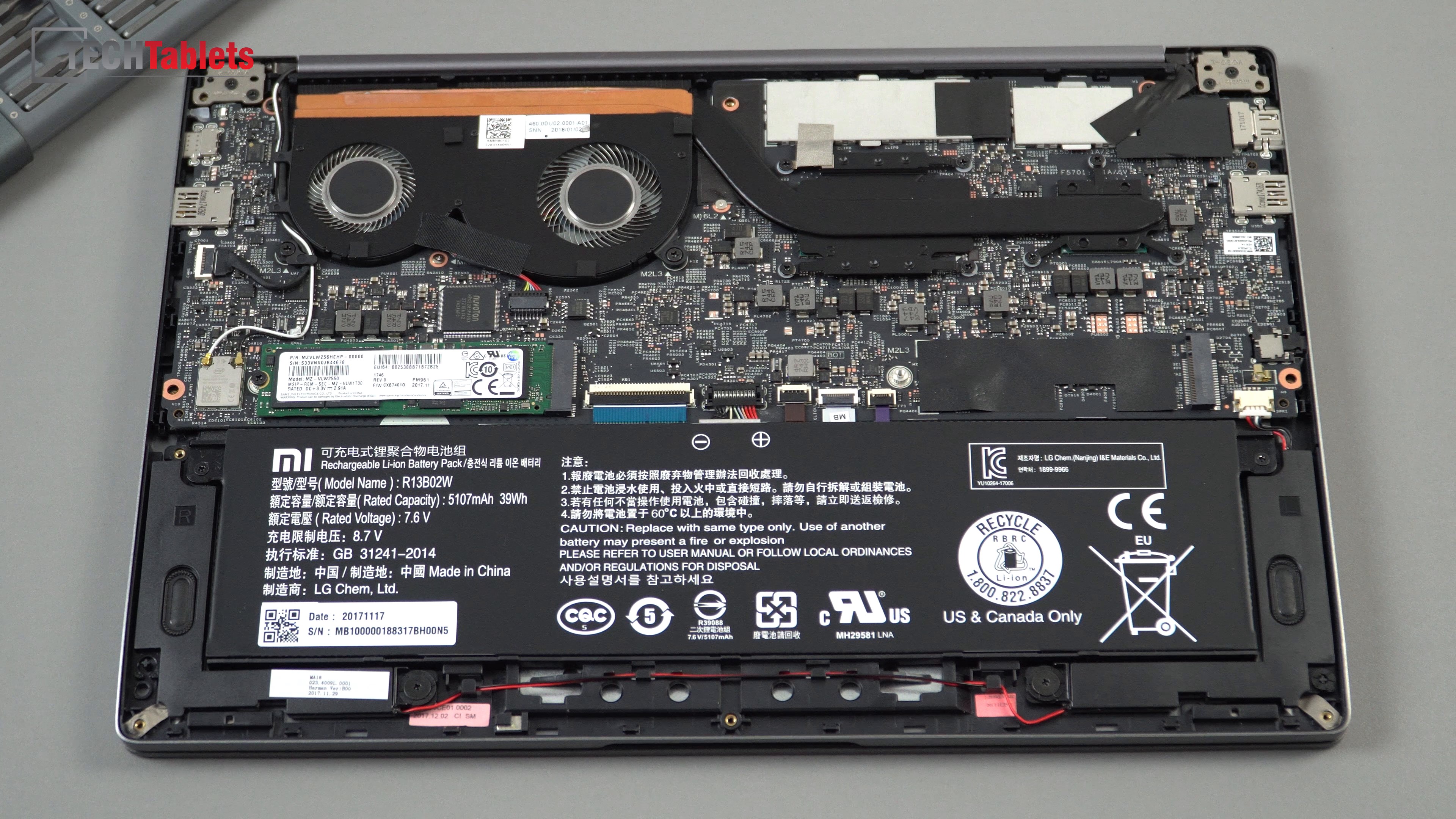
Mi Notebook Air 13 2018 internals show improved cooling, note teh spare SATA3 2280 slot.
What didn’t change and should have:
- No touch support (Would have been nice, but expected this)
- Single channel RAM, this should be dual channel. We are missing out on memory bandwidth. It’s dual channel on the Mi Notebook Pro.
- Two separate cooling transfer heat pipes. And separate large fans like the Pro model.
- Still the same battery capacity 39Wh. A bit small for a quad-core CPU and dedicated GPU.
- Complete new redesign? I guess next year for that?

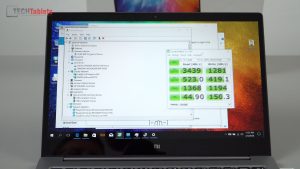
Samsung PM961 NVMe SSD benchmark. Blazing fast reads, full PCIe x4 speeds no issues here.
What about Windows?
Like all of the other models, they ship with only Windows 10 Home in Chinese unless the reseller has installed it themselves (many now do). So you have two options, either upgrade to Windows 10 Pro and add your own language pack explained in my hands-on video. This is the easiest method, retaining the original drivers and config, plus it keeps the recovery intake and adds the new language to it for future reset. You can get Windows 10 Pro keys from the internet for cheap…
Or do a complete new install in English from a USB drive. The Windows 10 Home single language license will pull through from the bios, just make sure you install Windows 10 Home single language.
Price?
Currently, only Geekbuying seem to have it in stock, It’s priced more than the Mi Notebook Pro at the moment at $929 with coupon MINBAIRNEW. Mainly due to the fact it’s only just been released.
Xiaomi Mi Notebook Air 13″ 2018 edition images: