


Just before I left to China I received the Herobook, and I never bothered with an unboxing video of it. Why? Well, it might be cheap, but it’s really so outdated in many areas it’s not really worth my time creating a hands-on video of it.
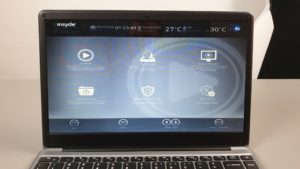
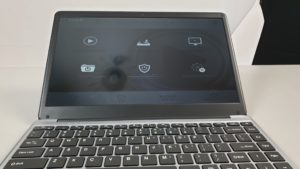
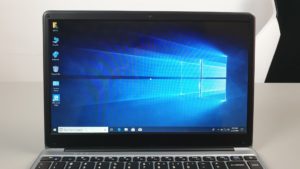
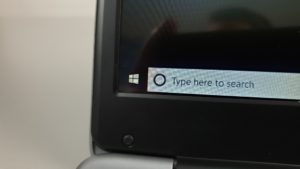
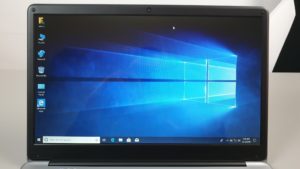
So where do I start? How about a dull TN panel with terrible viewing angles and only a 1366 x 768 resolution in 2019? This is one of the worst screens I’ve seen for some time if you look close enough and in my photos below you’ll see the pixels. And then you must look at it dead on or the image shifts and looks completely washed out. The typical TN panel characteristic most of us forgot about since switching to IPS screens years ago. If this laptop had a 1080p IPS at least it wouldn’t be half as bad.

Spot the pixels!
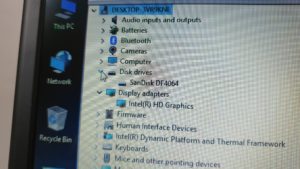
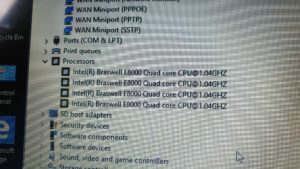
But then the CPU, it’s a dated quad-core Atom E8000 with a max turbo of 2.0Ghz. It’s paired up with some single channel 4GB 1066Mhz LPDDR3 RAM and very slow for 2019 standards, even for basic computing but yes it is faster than the X5 Z8300 but barely. It handles internet browsing with Edge just fine but that’s about it. Some lag and stutters in Chrome and it really chokes when you load up a few tabs. The only good thing is it’s easy on the battery and with that low res dull screen, you could get around 10 hours if not more of surfing without needing to charge. So this CPU is best for only the lightest of tasks.
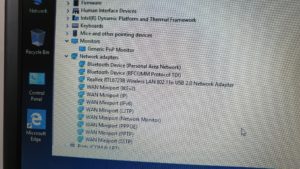
For wireless it has only Realtek Wireless N, we have been spoilt with the Intel wireless AC 3165 chipset since the Apollo Lake soc’s were introduced in these Chinese laptops and the move to Wireless AC. The thing most of us forgot about is trying to use a Bluetooth mouse with the wireless and they interfere with each other, so using my mouse crippled the wireless speed to the point I could barely load a website. However, as soon as I stopped using the BT mouse internet speeds were back to normal.


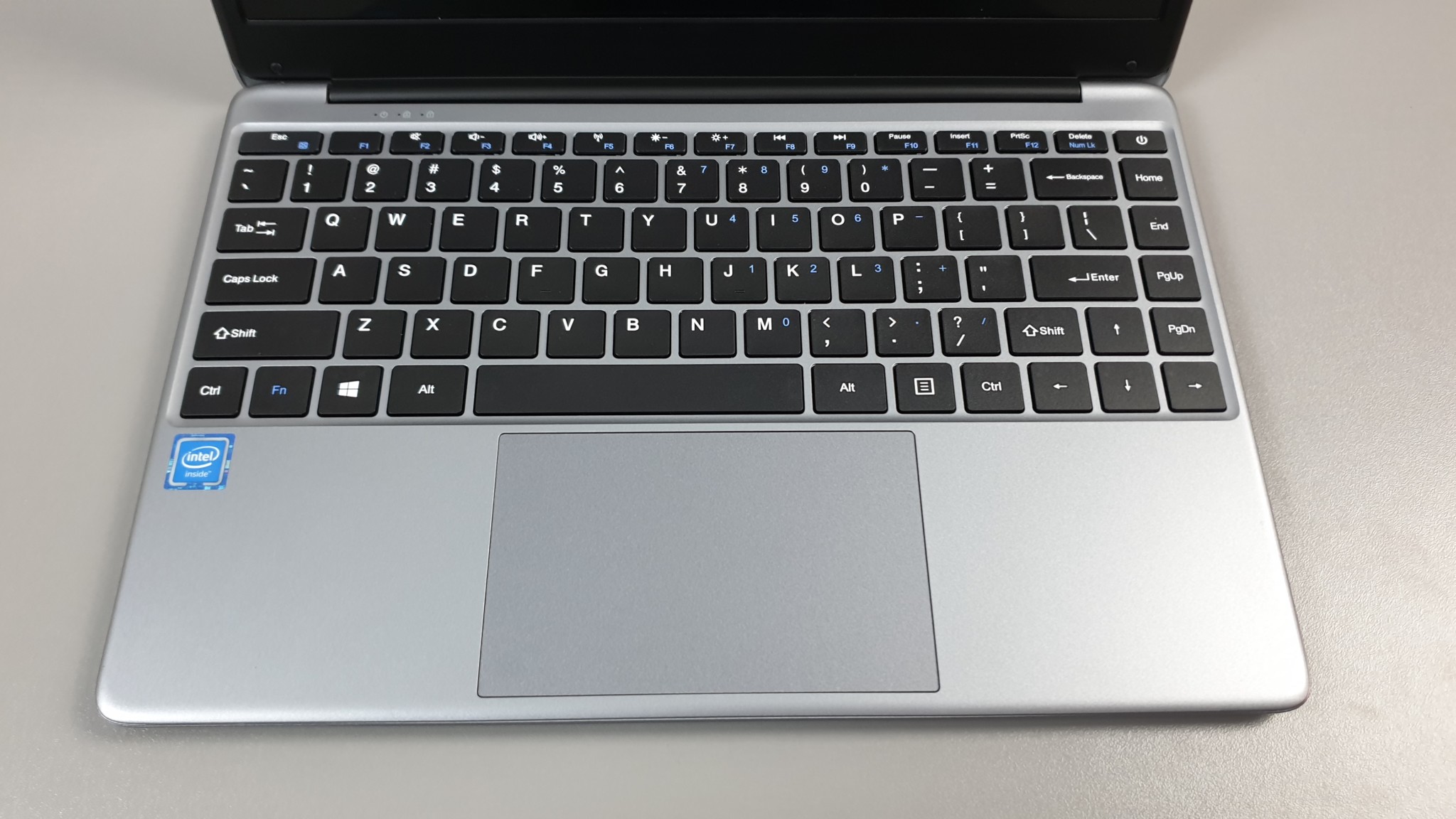
Chuwi Herobook specs:
- Intel Atom e8000 chipset
- 4GB RAM, 64GB eMMC
- Windows 10 Home
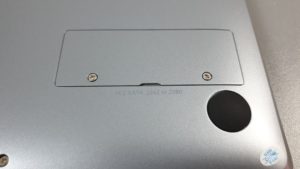
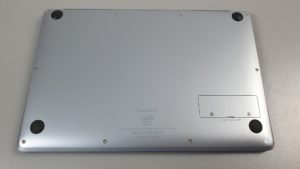
- SSD slot (empty, takes 2280 and smaller SATA3 spec)
- 14.1 1366 x 768 TN panel. 180 lux
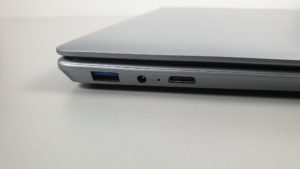
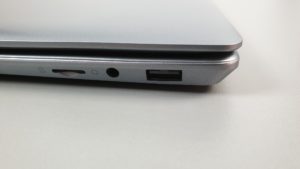
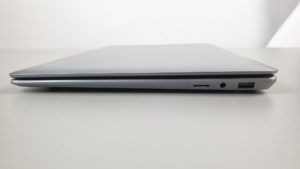
- USB 3.0, USB 2.0, mini HDMI 1.4A
- D/C charging (12v 2A) full charge takes about 2 hours 40 minutes
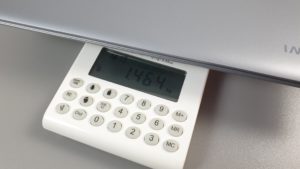
- 1.47 kilos / 22mm thick
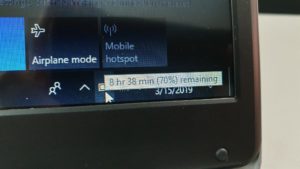
- 38Wh battery – 9 hours+ battery life
- $199 USD
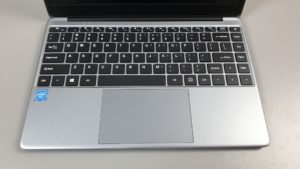
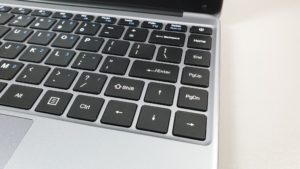
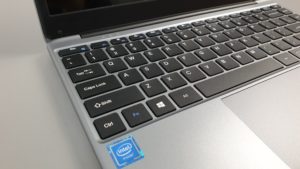
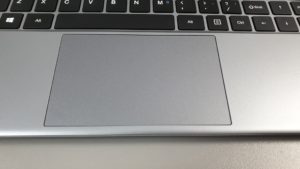
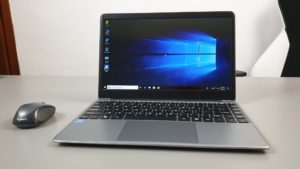
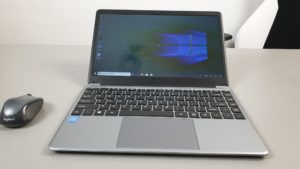
Okay, so it’s not 100% doom and gloom, the build while all plastic is okay, a bit like a thicker Lapbook SE. The keyboard is also decent for the price and the touchpad is a Windows precision one. And you can install your own SSD if that 64GB eMMC isn’t enough for you.
So only a quick write up for this laptop to tell you to not buy it even if it is selling for around $199, you’re much better of getting the Chuwi Lapbook SE which is superior in every regard and worth the extra $79. The Chuwi Lapbook SE is still my favorite sub $300 laptop with a great keyboard, screen, backlit keyboard and great battery life it’s selling for $279 for the 64GB version with empty SSD slot.
Completely no brainer, get this one instead!
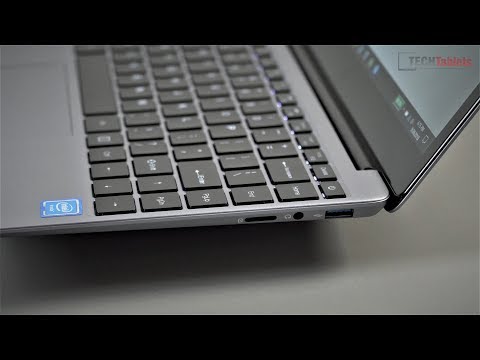
This Herobook laptop comes 3 years too late. I’m not sure why Chuwi bothers with this one, I know the 14nm Intel shortage isn’t helping but releasing such a dated spec in 2019 is never a good idea no matter how cheap and to make matter worse it has a TN panel.
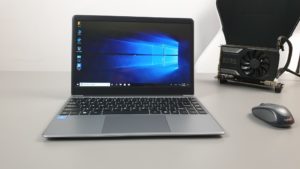
Chuwi Herobook images:
Pros:
- Sells for under $200 USD
- Decent keyboard and touchpad for that price
- Battery life of over 10 hours+ beats the Gemini Lake laptops.
- M.2 SATA3 SSD slot 2260/2280
Cons:
- Terrible TN panel with only 768p res
- Dated 2016 spec with Atom E SoC
- Feels slow at almost everything compared to the newer Gemini Lake laptops
- Struggles with mulitple tabs in Chrome
- Single channel DDR3 1066Mhz RAM
- Only one of the USB ports is USB 3.0
- Wireless N
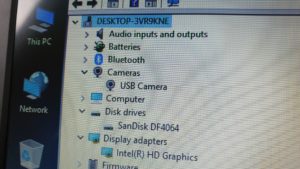
- 0.3MP (VGA) webcamera
- Weak speakers