


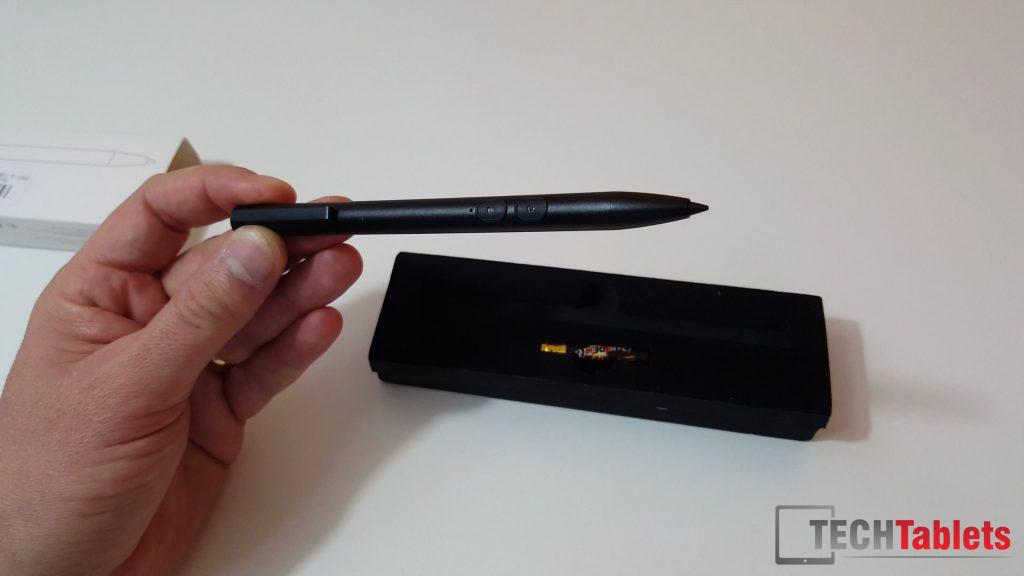
Banggood’s Stylus for the Hi12 turned out to be the real deal, the official Chuwi HiPen. I’ve just tested it out briefly in the below unboxing and test video. The stylus looks exactly like the Teclast X3 Pro one. Same build, just missing the logo but it must run on other frequency which is why it didn’t work on the Hi12. I can also confirm that it works on my Cube iwork10 Ultimate I have. So if you can find that stylus cheaper it might be worth grabbing.
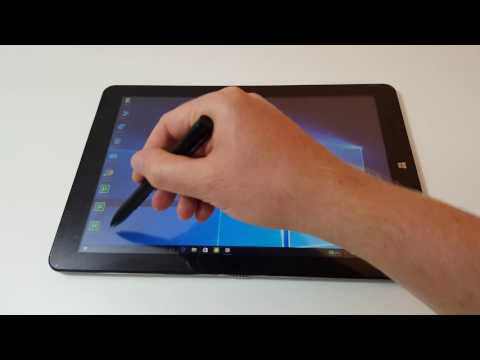
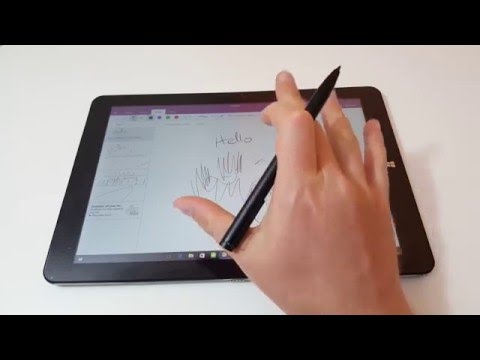
It works in Android and Windows supports pressure sensitivity in programs and apps that support it like OneNote. Your screen protector won’t last unmarked for long, it marks the plastic like crazy, so best without the screen protector or using a tempered glass one if you don’t like the idea of going without a screen protector.
The stylus was $25 and the listing was incorrect as Banggood claim it’s a battery free Stylus. The box includes one AAAA battery required to run the pen. These batteries are harder to find too and not very cheap, shame it’s not a Wacom one.
On other note, I’m having huge internet problems at the moment. I’ve had to use my mobile data to post this. My 4G unlimited internet turns out to be limited as I was just banned for uploading too much data! Thank you Orange Spain, unlimited in Spain really means limited… So there will be less in the way of posts and definitely videos until I can get this sorted. I may even have to move to somewhere where internet speeds are better without caps. This is only downside to living up near the mountain is internet speeds are utterly hopeless and anything with any speed to it costs and arm and a leg (Satelite internet and LTE).