


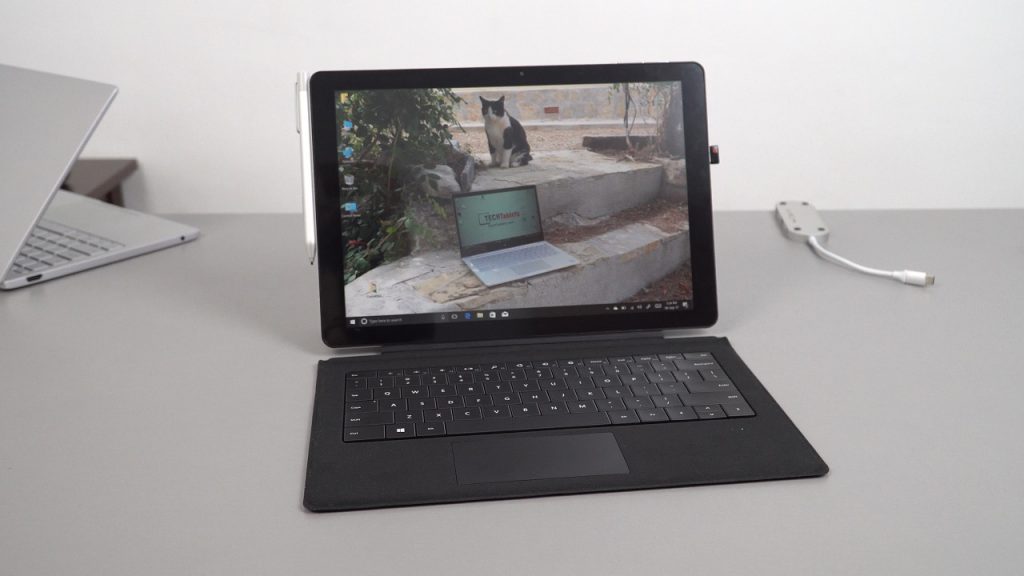
Good thing I took my time with this review, as the first batch (my unit) shipped with a bad touchscreen driver. This resulted in an insensitive touch panel where not every touch input would register. Lucky for my review the updated driver was released by Chuwi and this solved the issue. Making the tablet very usable as a result and not frustrating like before. Below is my video review of the Surbook. It’s overall a great tablet, perhaps the best cheaper Surface Pro alternative out there. Stylus input isn’t bad at all, it performs well in my testing. The performance of the N3450 is decent and it games better than most before even trying the TDP power limit tweak. In fact, I didn’t use it at all.

There are really only minor complaints, no SSD slot. If this had a M.2 SSD hatch on the rear that would have been great. The USB 3.1 type-c port is a little hard to plug in my hubs too and the worst of them is the touchpad. It’s not a precision one and I found it at times to be either too sensitive or not enough and the gestures are so annoying. It’s usable at best, but I prefer to plug in a mouse. The Surface Pro screen it sports is the main drawcard here, a great display one of the best you’ll find in the tech I normally review. Only beaten by the Cube Thinker i35 with its fully laminated Surface Book screen with Gorilla NB Glass & N-Trig stylus support. The exact same panel as the Mircosoft Surface Book including the digitizer and glass.
My Surbook rating will be on the site soon.