


So Jumper has moved in the right direction releasing a Core M3-7Y30 Kaby Lake laptop. Mine finally arrived with non-express shipping that took over 2 weeks. But one direction they have gone on this model isn’t great, the screen is a TN panel with bad vertical viewing angles. Take a look at my unboxing and hands-on video below for a proper look at that screen:

Horizontal view angles are fine, but really you need to look at the screen straight on otherwise the top or bottom will start shifting out if not aimed directly at your eyes. But once viewed straight on the panel isn’t that bad then. It’s bright, and whites are on the cool side. Blacks are at least nice and deep. The coating is anti glare so reflections aren’t an issue.
The build of it as I suspected is the same as the Tbook4, thankfully it doesn’t exhibit the same issues that plagued the Tbook4, a bad keyboard with missed keystrokes and a dead Micro HDMI port. Not here, the keys are different and typing this out here on the EZbook 3 Plus I’m enjoying it so far, to say that it’s working well and no missed key strokes. That Micro HDMI port on the left also works just fine.
The touchpad is like the Tbook4’s, a large precision touchpad with full gesture support and control. It’s a far better touchpad than the like of the EZBook 3 Pro’s, but still not as good as the Synaptics one in the Mi Notebook 12 or 13 series. The touchpad is one of the big pros of this laptop.
So It’s slightly cheaper than the Mi Notebook Air 12 as the EZBook 3 Plus is selling for $424 over at Gearbest, but I see no reason to go for it over the Mi Notebook Air 12. Unless of course, you must have 8GB of RAM, have a tight budget and you don’t mind the screen vertical viewing angles.
Other things I’ve noticed so far.
- The speakers, while there are 4 of them are poor. They lack volume and at 100% distort and crackle.
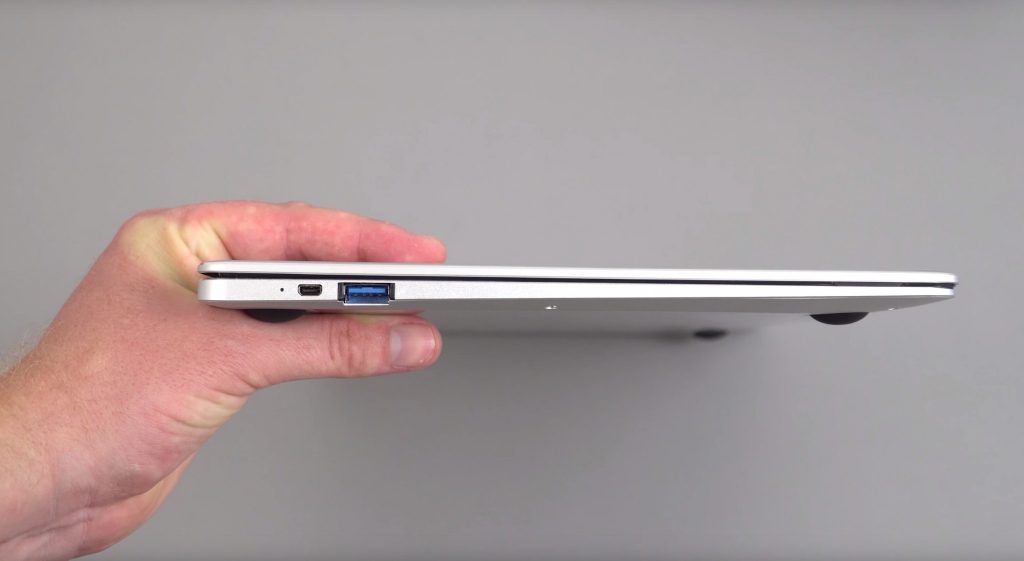
- The weight of the laptop is just under 1.4 kilos and it’s quite slim.
- The build quality is good, good fit and finish no issues on my unit.
- The hinge feels fine on mine, others in the EZBook 3 Plus forum say theirs is loose.
- No wireless issues so far in 10 hours of use. I’ll report back if I do have issues.
- Battery looks like it will go for around 6 hours. But this is just an estimate. Exact figures in the full review.
- The thermals so far looking good, but I really need to push it hard and test same games.
- RAM is dual channel 1866Mhz like the Mi Notebook and other Core M3-7Y30’s
- Plays 4K HEVC and VP9 very smoothly, as expected with native decoding on the Intel HD 615 GFX.
- The 128GB SSD is a forsee 2242 spec one. The easy access hatch seems to only support this smaller M.2 SSD size.
- Linux runs, the only driver issue with Manjaro 17.0.3 RC1 was the touchpad. Everything works!
- USB ports power external hard drives.
More over in the EZbook 3 Plus forum thread.