


Update: It’s been confirmed FN + F5 is for the backlit keyboard lights on or off. So just like the Lapbook Air the Lapbook SE features a backlit keyboard. It’s just the one set level (on) apparently like other models.
Finally, we get a real look at the new Lapbook SE from Chuwi, you could call it the successor to the Lapbook Air. As you can see from these images the bezels look somewhat larger than the press images show. But you can see the screen is fully laminated with a screen protector on it out of the box.
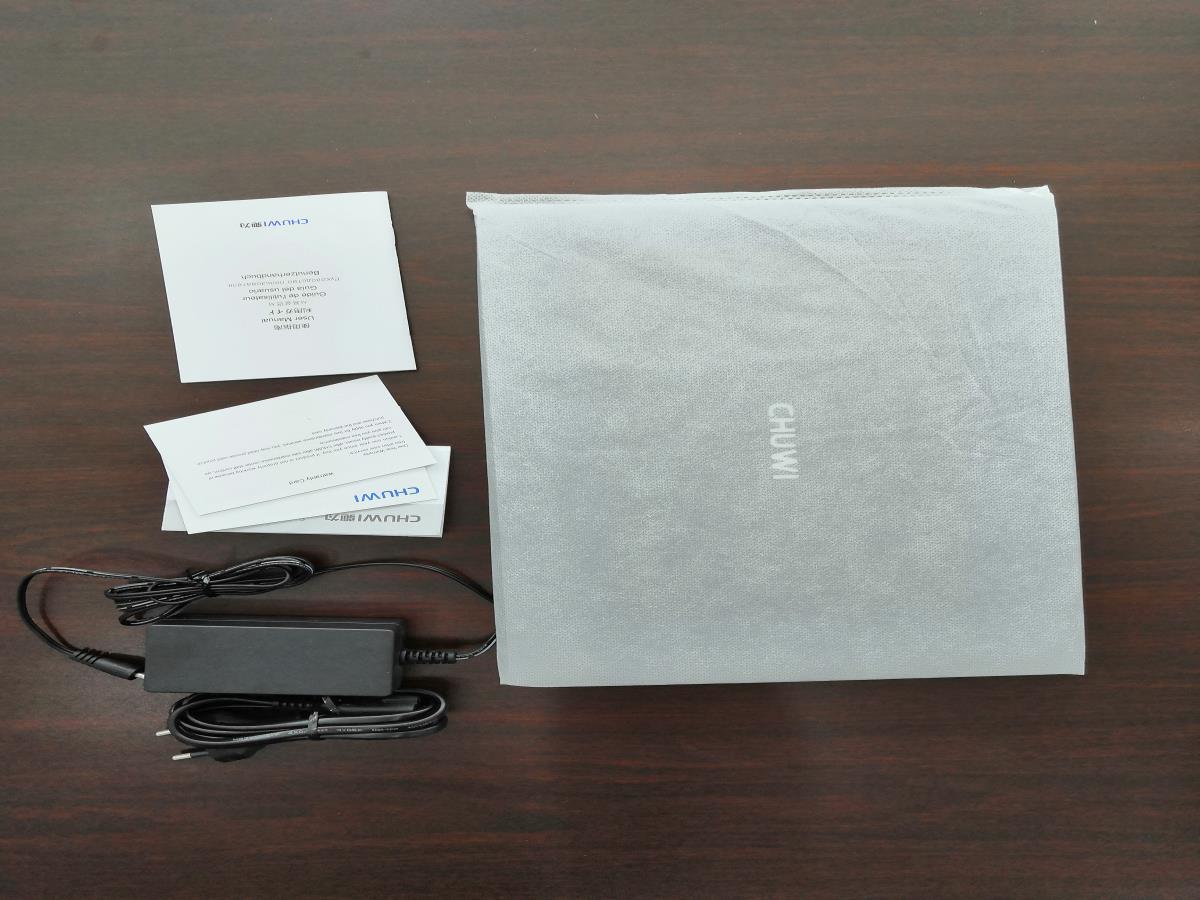

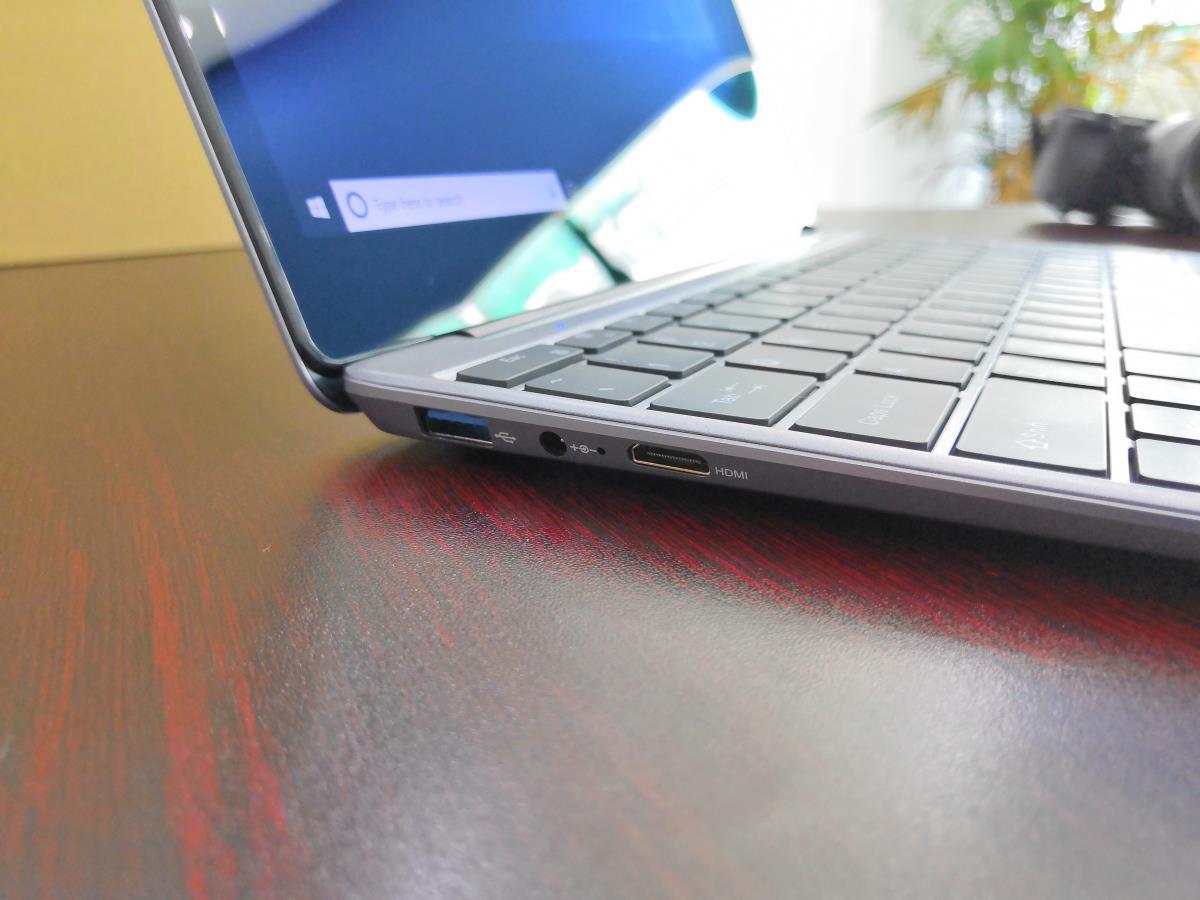
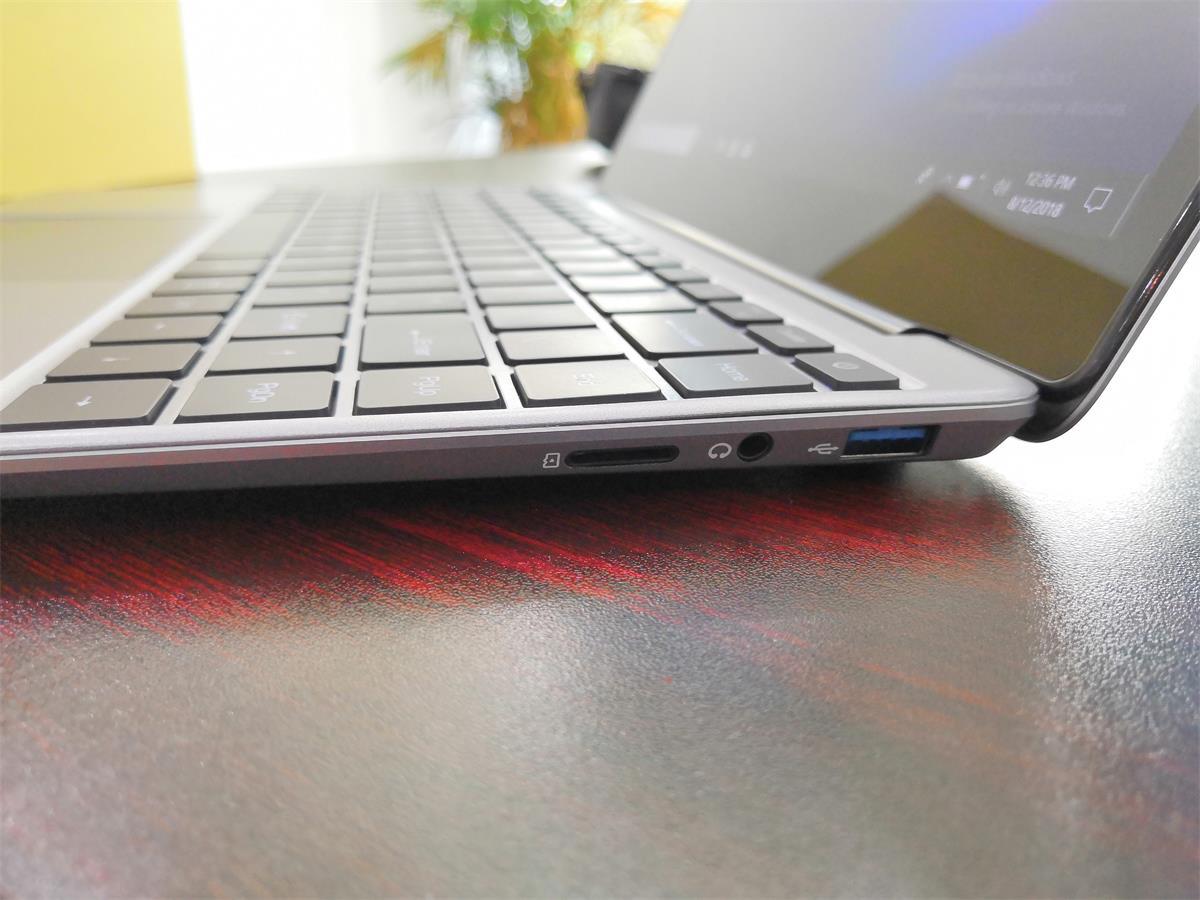

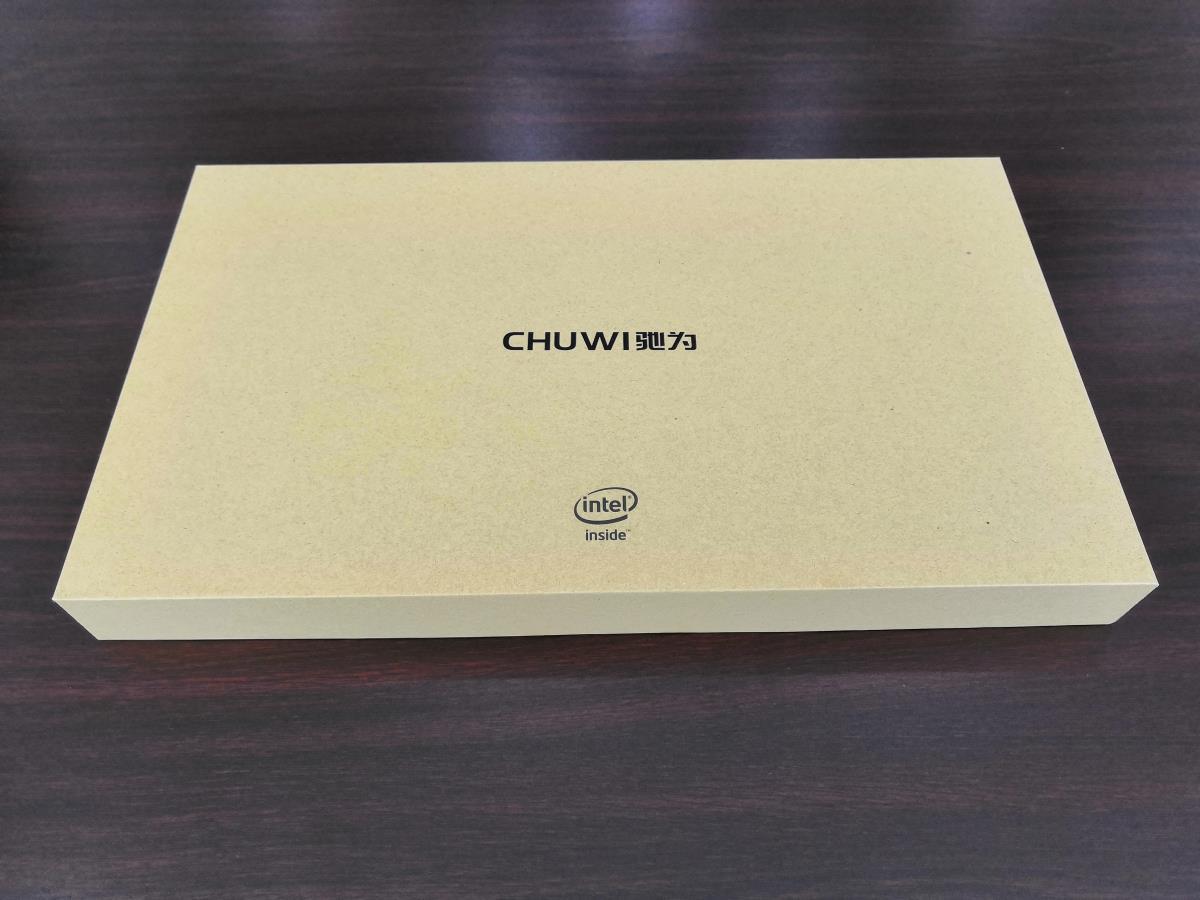
That screen to me looks exactly like the Chuwi Corebook 13.3″ 1080p IPS touchscreen and no doubt it is with Chuwi reusing parts minus the touch digitizer. The MicroSD card slot can be seen on the right side, full USB 3.0 ports, D/C charging and Mini HDMI output. Judging from these pictures the build looks decent. And the touchpad is large, but the photos don’t show it clearly. What’s interesting to note is Fn + F5 shortcut, that looks like a backlit keyboard on/off switch? (Now confirmed it has a backlit keyboard) The screen up and down brightness controls are next to it. So it would seem the Lapbook SE has a backlit keyboard after all?
The Lapbook SE is powered by the new Gemini Lake Celeron N4100, 128GB SSD, 4GB DDR4 RAM, Wireless AC, 10000mah / 37Wh battery. It’s currently $299 over at Gearbest and due to ship next week. I’ve ordered on to review here on the site.