


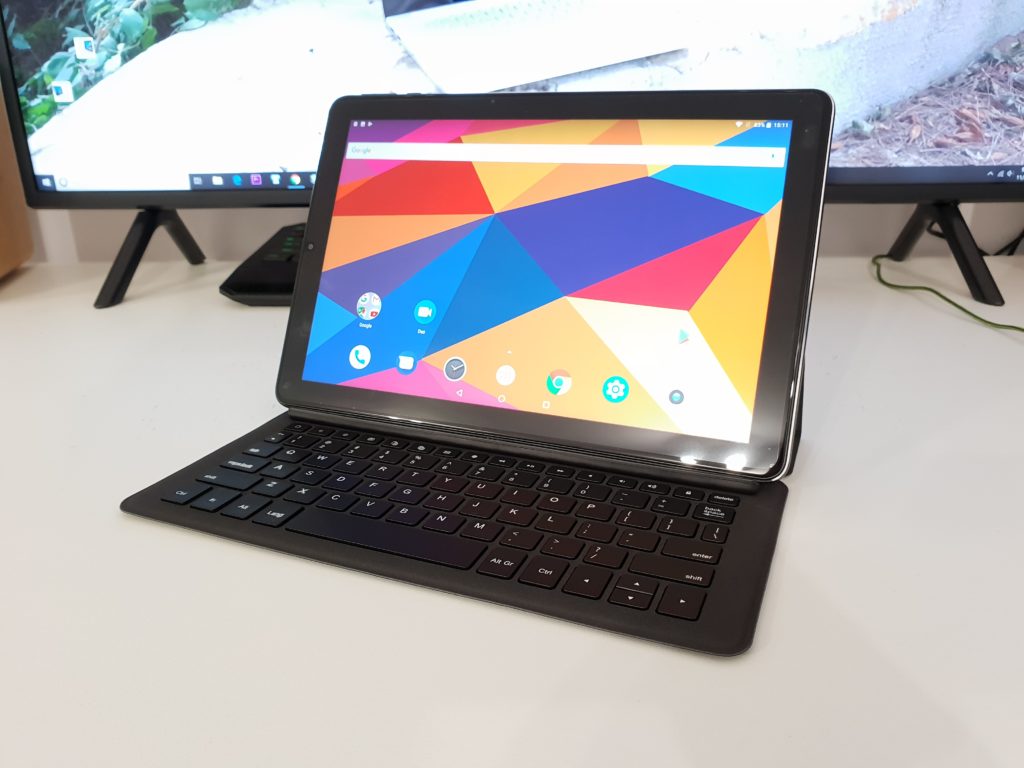
My Chuwi Hi9 Plus arrived today with the keyboard and HiPen H3 Stylus. This is a $189 Android 8.0 tablet with yet another 4G dual SIM + MediaTek Helio chip in it. This one has the Helio X27, it’s got 10 cores which might seem like it’s crazy powerful but really it’s quite average. An Antutu score of around 100,000 and storage that can do a modest 144 MB/s reads and 75 MB/s writes eMMC drive.
Unlike the HiPad I just reviewed it feels much smoother thanks in part to the 4GB of RAM it has and a much better touch response from the screen’s digitizer. At times in my afternoon with the tablet, there are some minor stutters, but it’s not common and only when pushing it hard multi-tasking. All up it’s smooth and much more fluid. But still not at the same level as the Snapdragon 660 powered Mi Pad 4 and Mi Pad 4 Plus I have. No way near as smooth. The GPU of the Helio is it’s main weakness the Mali-T880 Mp4 with only 4 cores. It’s not the most powerful GPU, it will play all the latest titles sure, but depending ones like PUBG and Shadowgun Legends will often lag at times with there is a lot to render.
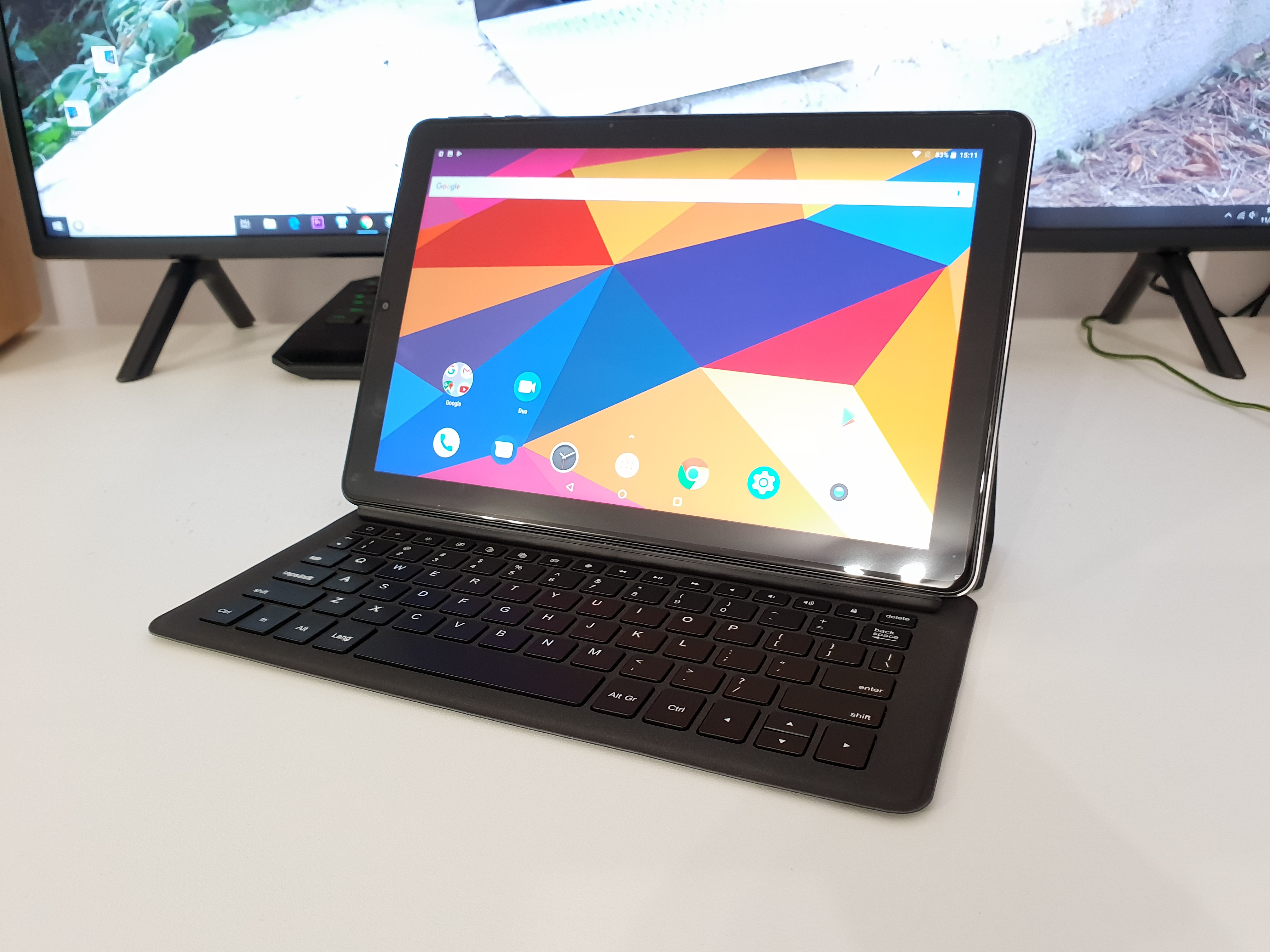
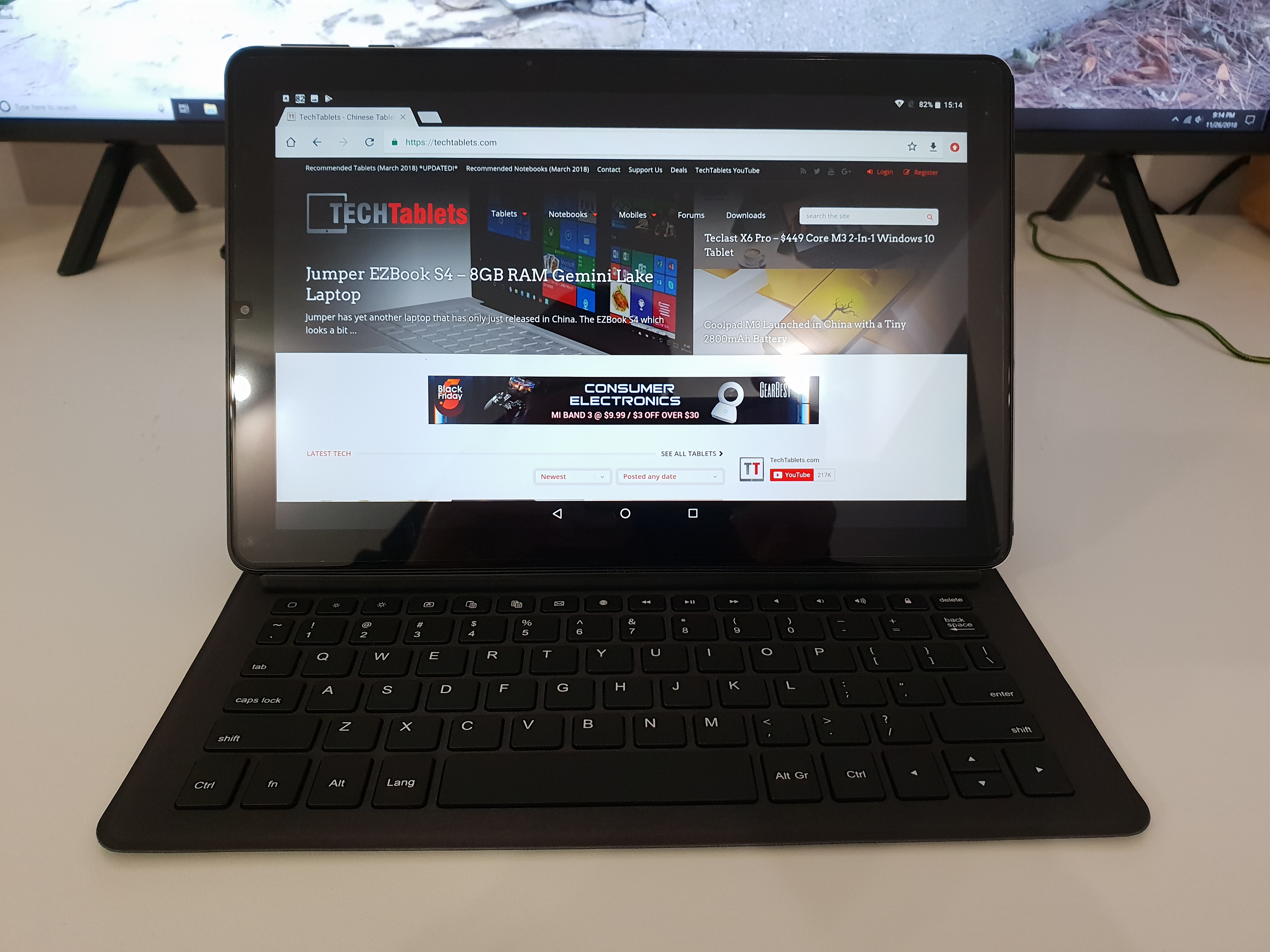
The screen, however, is much better than the Mi Pad 4’s it’s bright, vivid and with the Miravision software tweaks under display in settings, the white balance and everything can be tweaked. It’s also a fully laminated screen with 2.5D glass. The minimum brightness is a little too bright for my own liking.
The build quality overall is good, nice rounded corners on the build mean it’s nice to hold, feels good in the hand and doesn’t have an flex. The Chuwi Hi9 Plus has a metal alloy rear with only the top being plastic for GPS, 4G, BT, and wireless AC antenna reception. Yes, it has GPS but no hardware compass.


The keyboard build is much better than expected, the key travel is good, the keys are smaller and when docked the keyboard is close to the screen. Rather like the Ipad Pro’s keyboard style, but the typing experience I think feels a little better than the iPad Pro key style.
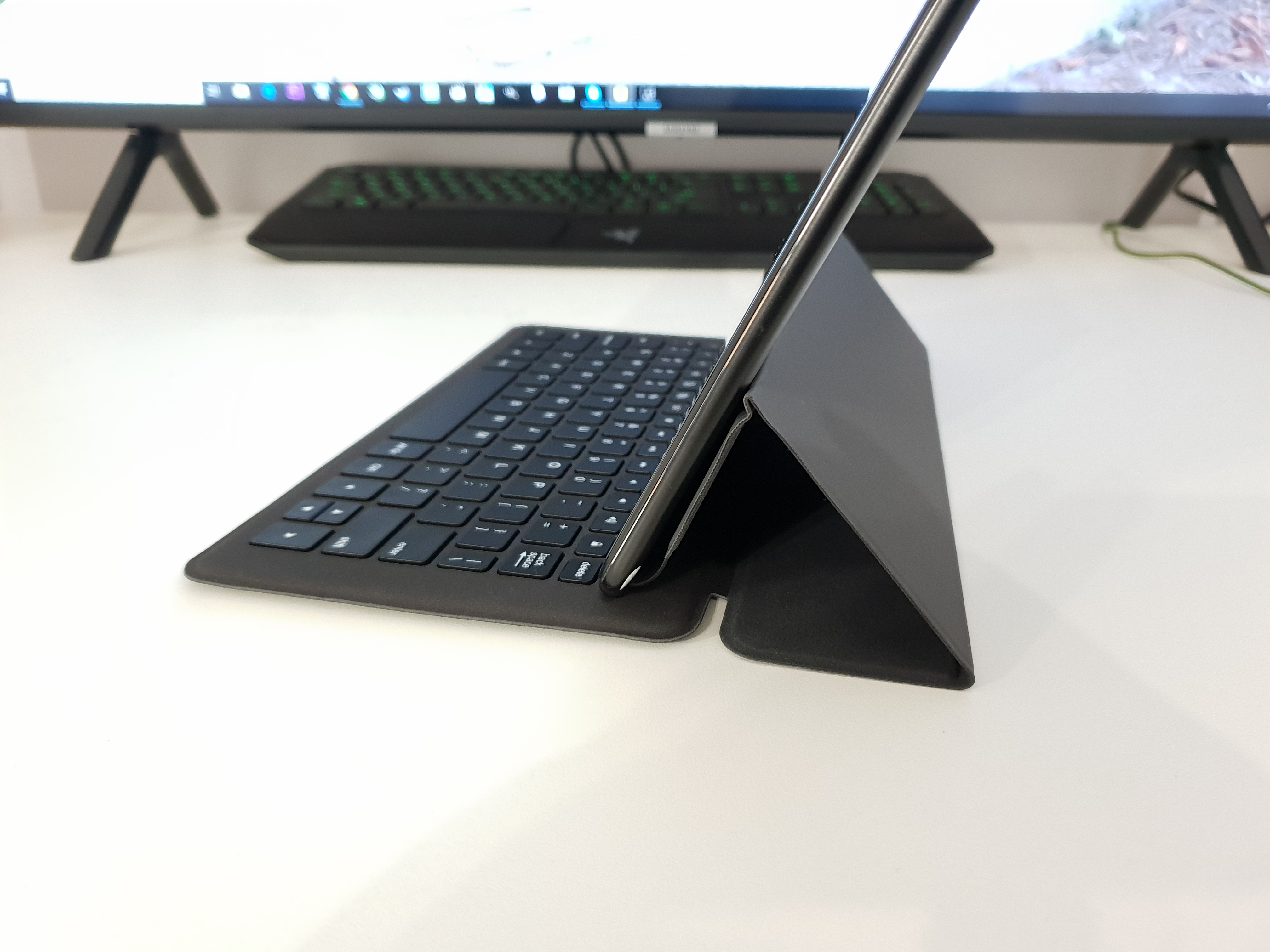
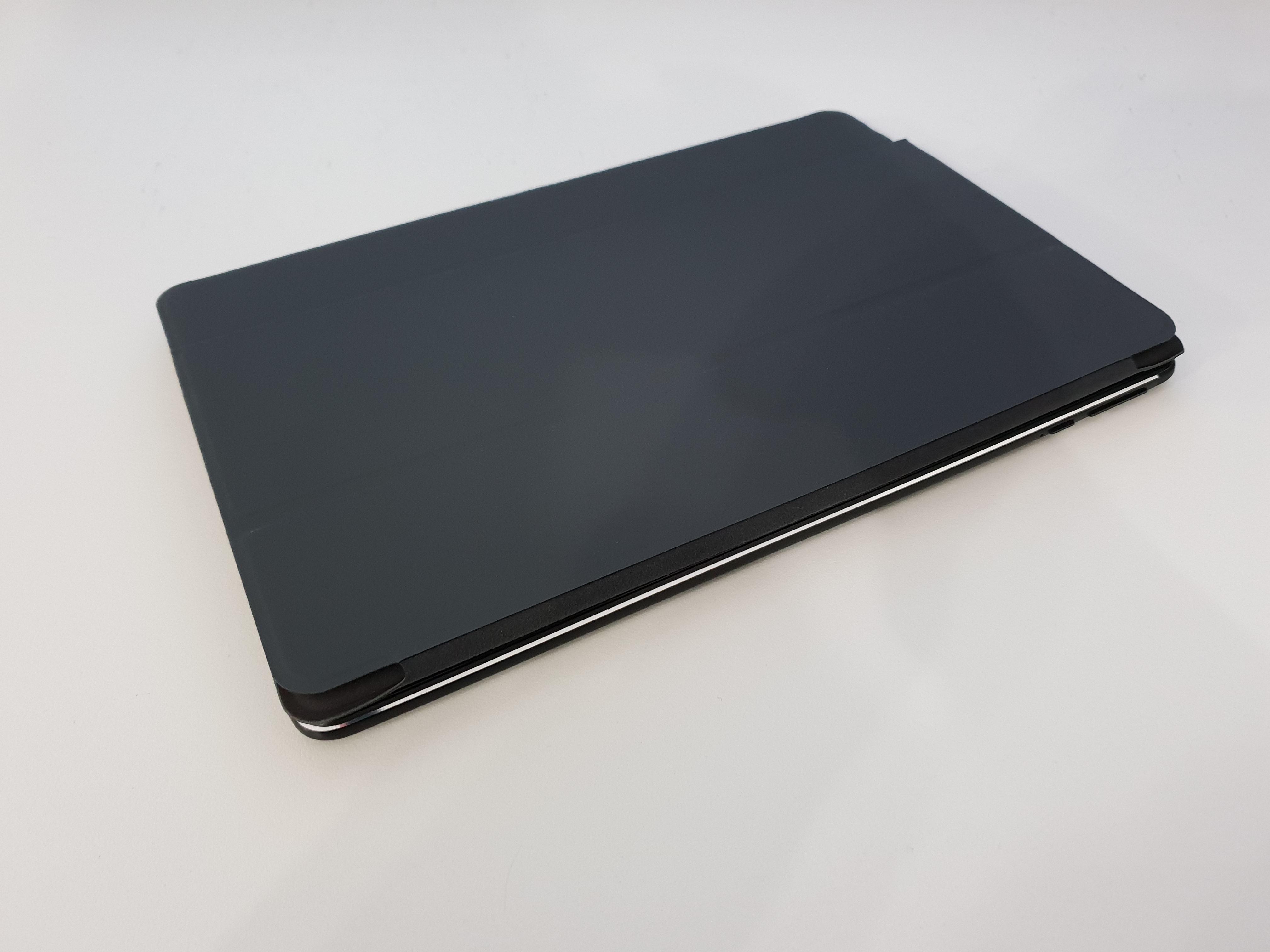
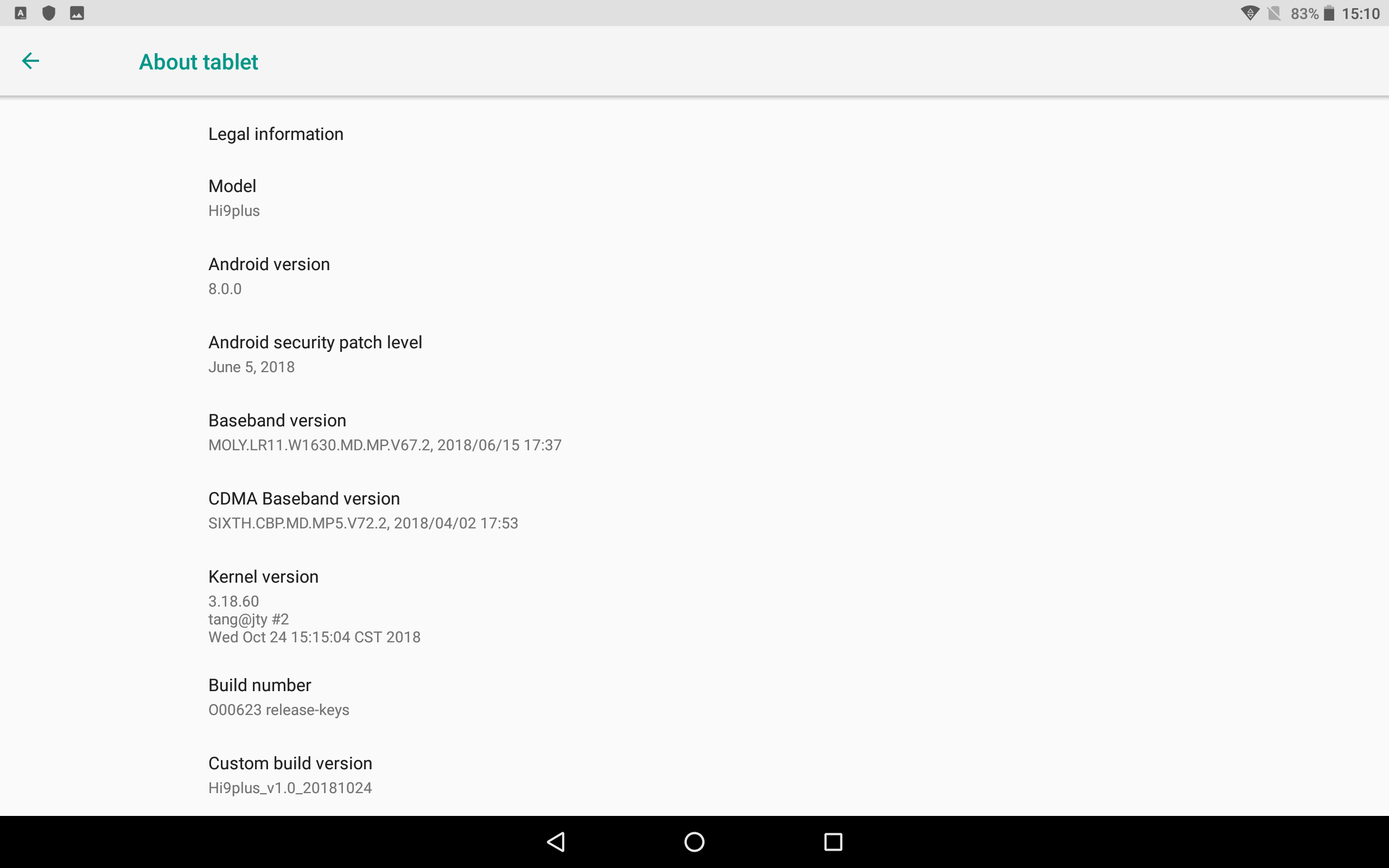
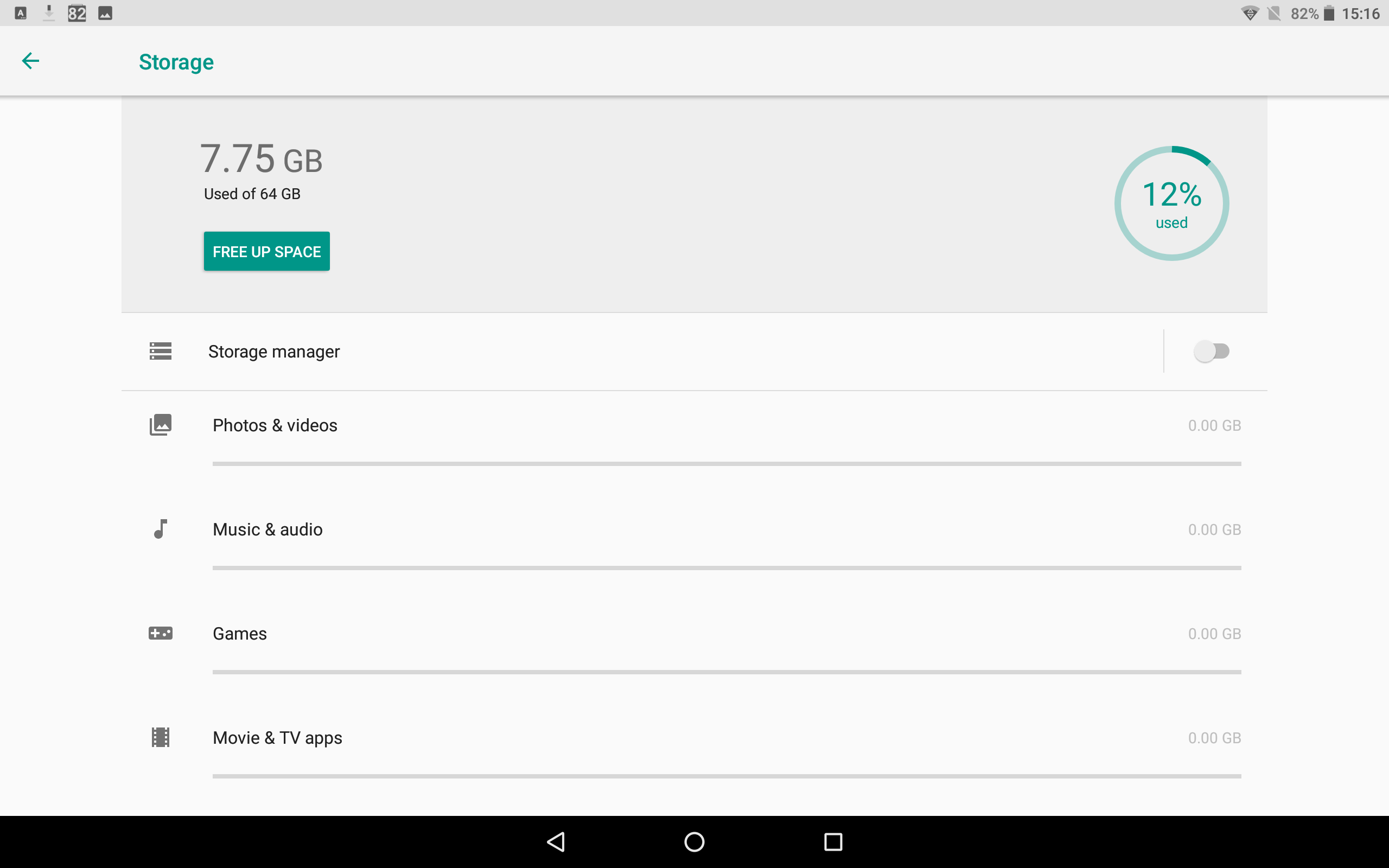
The keyboard folds up onto itself and can be used to protect the screen, but the rear of the tablet is exposed. The ROM is completely stock with no real bloatware, Security patch level is dated, July the 5th and Play Protected didn’t like an application called Font manager. I saw this on the HiPad when I reviewed it. You get approximately 57GB of free space on the eMMC 4.5.1 spec storage.

Like the HiPad and others, this tablet doesn’t seem to support MediaTek’s Pump Express faster charging, it’s limited to 5volts 2A no matter what charger I use and takes approximately 5 1/2 hours to charge from 5%. Very slow going so it’s one to charge overnight. Luckily in my early testing, the battery looks good for at least 7 hours if not more.
First impressions:
- Good build, the keyboard build is better than expected.
- Feels good in the hand due to rounded edges
- Great screen, sharp, good colors, fully laminated and bright
- Speakers, two rear ones. Sound average, okay volume.
- Stylus – Seems average. More testing needed (Check full review)
- 4G works fine here in Spain with EU bands, Wireless AC also working. Reception seems normal
- Very slow to charge, takes over 5 hours!
- No ambient light sensor
- Touch response is good, nothing like the slow/poor Hipad touchscreen with the same chipset.
- Cameras are poor, viewfinder lag on the rear camera. The front camera is passable/okay for Skype etc
- 3.5mm jack output seems fine, but not the best I’ve heard. Xiaomi does this much better
- Gaming performance, some games are a bit laggy. Especially ones that run in the native resolution of 2560 x 1600
- Battery life, it’s possible to get over 10 hours with this tablet which is a big plus.
- Battery loss streaming 1080p is about 9% per hour, offline use around 7 to 8% battery loss per hour. This is with approximately 30% brightness which is still bright for indoor use.
So I’m now working on my full review, but not much is going to change from the above. I need a good couple of days and a few battery cycles before I can work on my final review of the Chuwi Hi9 Plus. It’s currently selling for $189 on flash sale, so far seems worth it for the screen, build and everything. Just not if you want super smooth gaming as this isn’t the fastest tablet around, even with the Helio X27 this is far from the smoothest and most powerful. But for most, it will do the job and more than enough. The keyboard is a nice addition if a little small, but good to see it’s not Bluetooth and it also has a very good build and quality feel to the keyboard dock.