


Update the full video review has been posted on Youtube:

The last of the Gemini Lake laptops I’ll be reviewing, the BMAX S15 and the Teclast F6 Plus which arrived a few days ago. So far this laptop is just as expected, it is one of the better ones reviewed but to me still doesn’t beat the BAMX Y13 which is very similar with a 360-degree touchscreen.
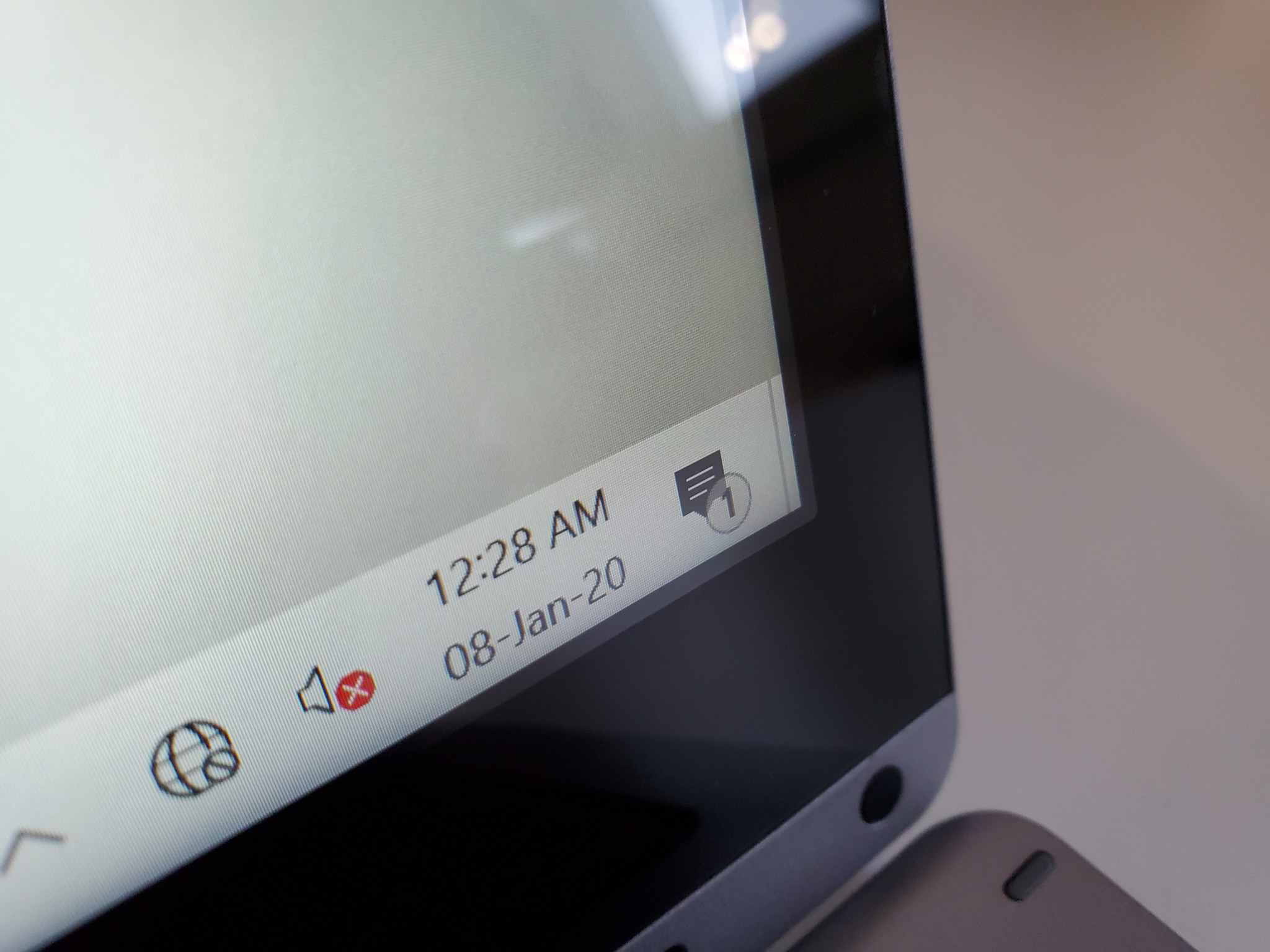
The screen isn’t fully laminated. It has a gap of about 1.5mm between the glass & IPS.
The Teclast has a 13.3″ screen, IPS it’s bright and with a decent color gamut coverage of 95% sRGB and 72% Adobe RGB considering the price of this laptop, which sells for $319 USD. The screen sadly isn’t fully laminated like the BMAX Y13’s which does take away some of the appeal of the screen. The gap is about 1.5mm and does make reflections a little worse than the BMAX Y13. It supports 10 touchpoints and the touch response and accuracy are good. There is also stylus support with this screen something the Y13 lacks.

Ports & connectivity
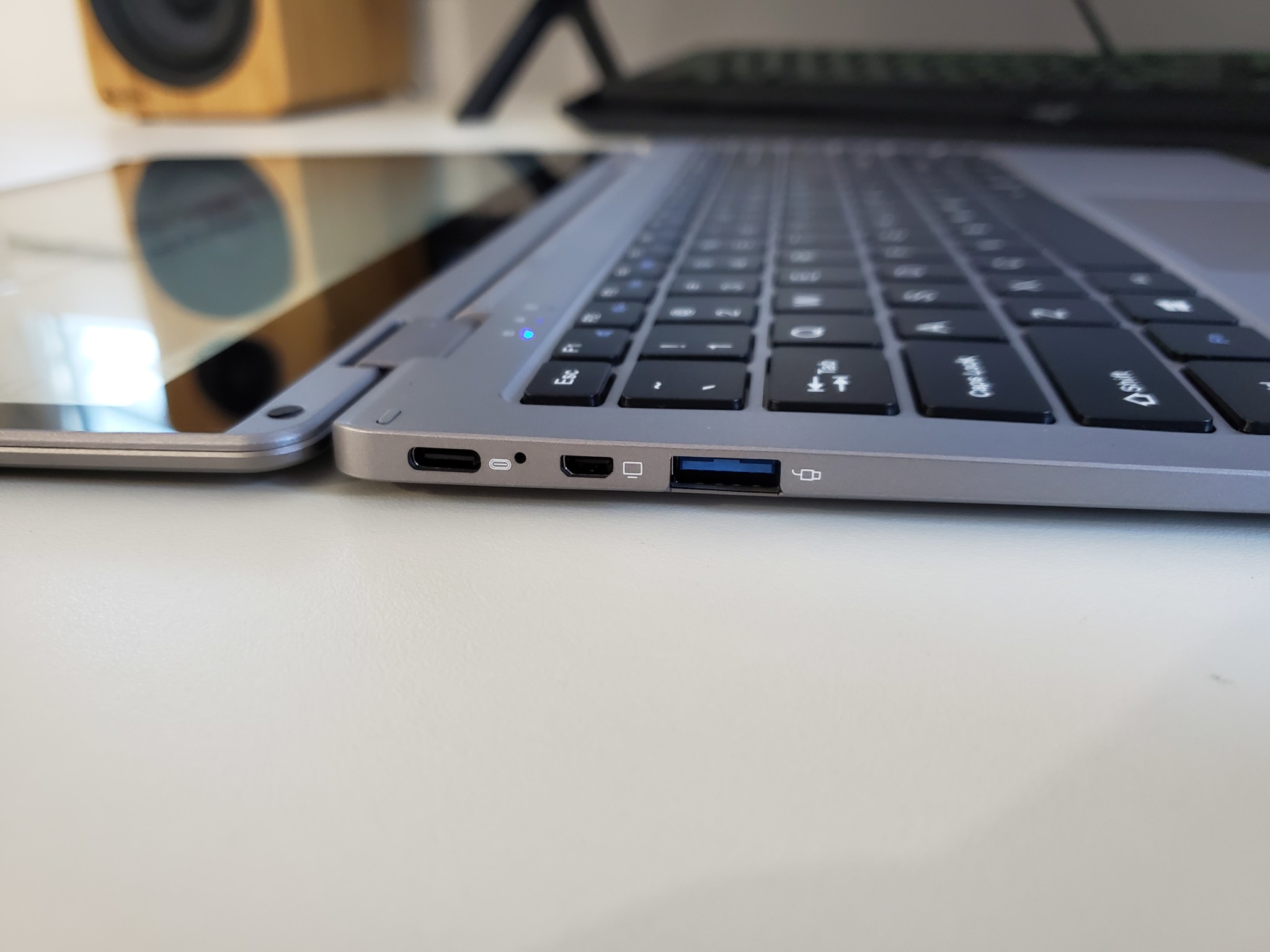
So far in my time using it’s clear to me if you’re someone that can’t live with just two type-c ports of the BMAX Y13, you need full-sized Type-A USB ports and you need stylus support this is the one to get. It has a full spec type-C port working with my power delivery charger, a micro HDMI 2.0 port, USB 3.0. USB 2.0 and MicroSD reader (USB 2 speeds). In the box, you get a 24W D/C charger. it also has a 2MP webcam and Intel Wireless AC 3165 with BT 4.2.


Performance
The RAM is dual-channel DDR4 8GB @ 2133Mhz. Even if the RAM supports 2400Mhz I’ve never seen anyone use it sadly. The inside of the laptop has a good-sized copper heatsink and even a thermal pad on top transferring heat onto the rear metal cover. It performs just like the other dual-channel Celeron N4100 laptops Gemini Lake reviewed. Great for light use like docs, Chrome, videos, Youtube, web browsing, emails, and very light old games.
Build, keyboard and touchpad.
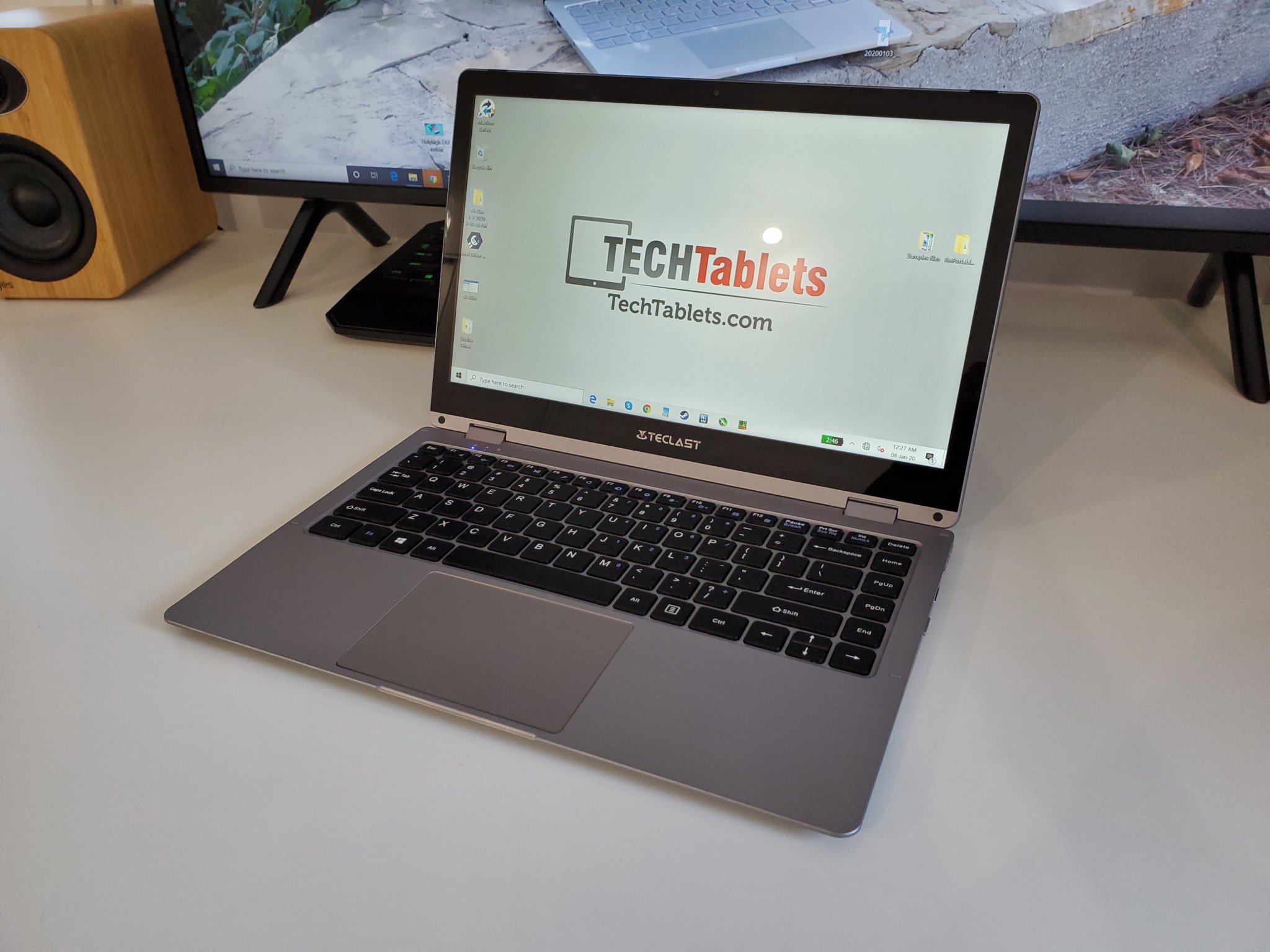
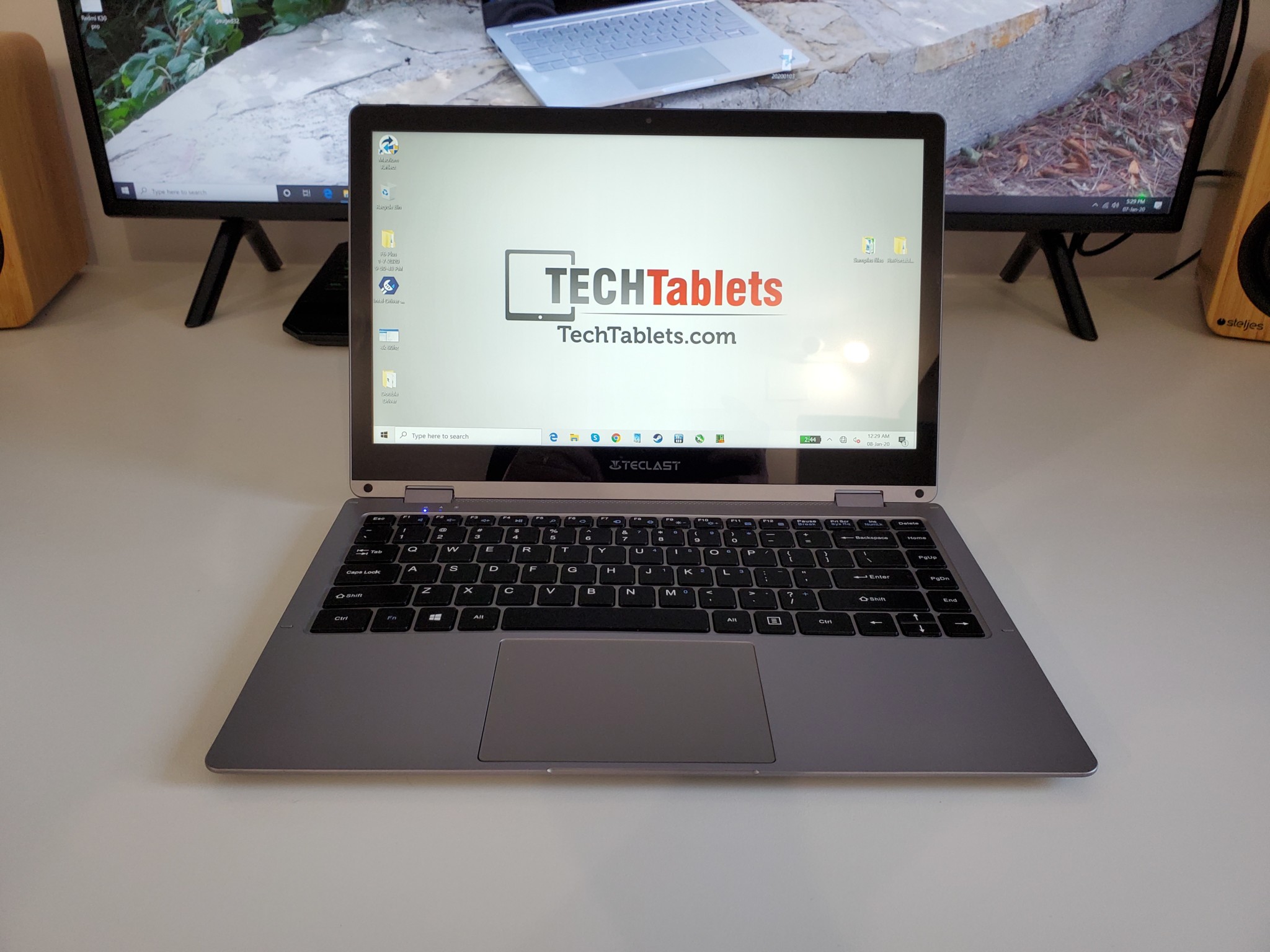
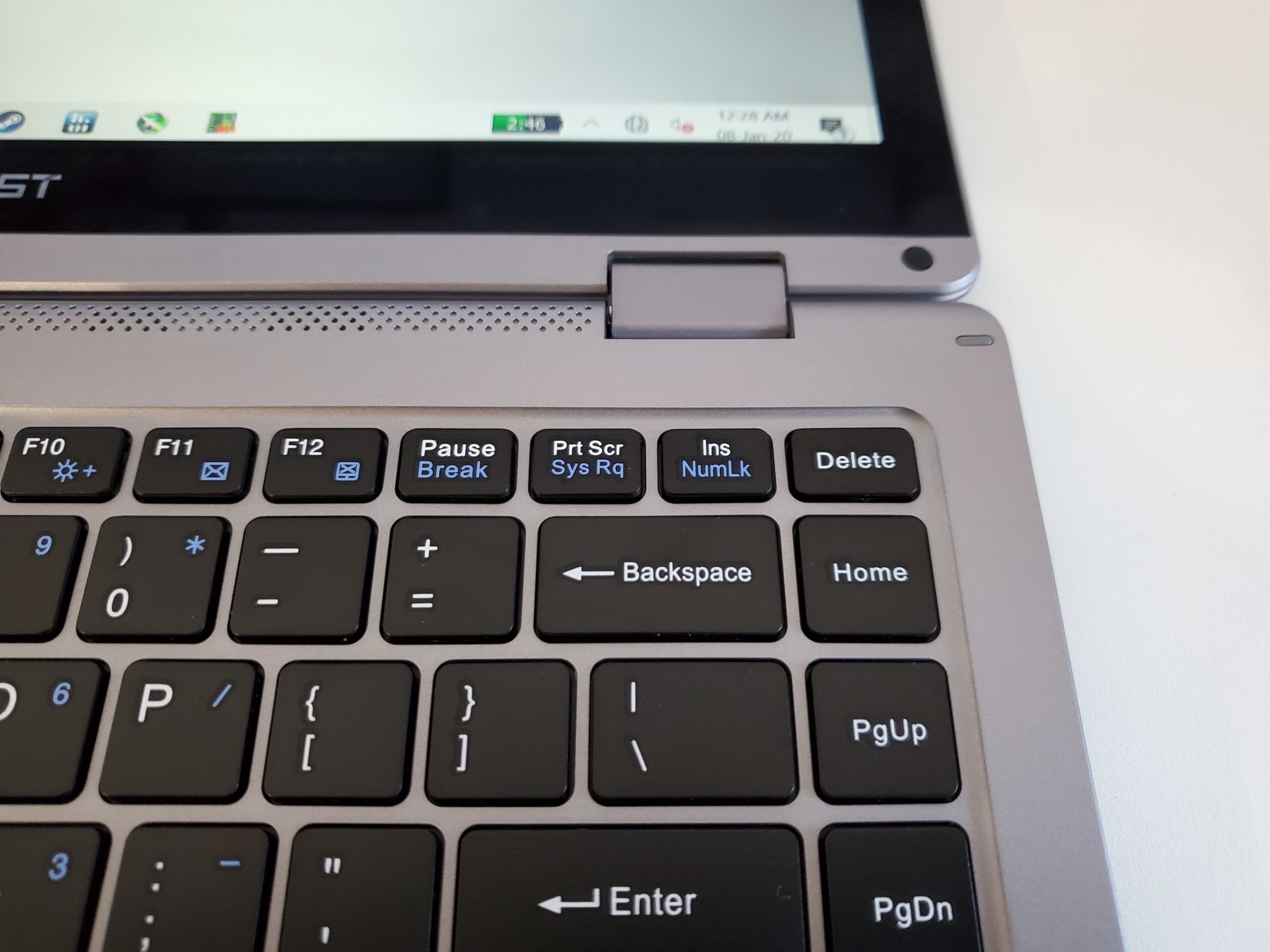
The Teclast F6 mostly metal, but the palm rest is plastic. It is 16mm thick and weight 1.46 kilos. So far after a few days, the keyboard gives me no missed strokes, is nicely spaced out and offers good feedback. I prefer however the backlit keyboard on the BMAX Y13 which has a little more travel and larger keycaps.
The touchpad is fine, no complaints. It works well with Windows 10 gestures and is a precision touchpad like all new laptops have had for a while now.


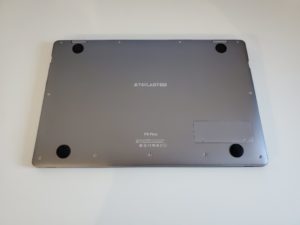
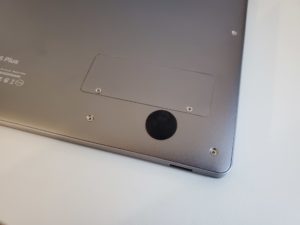
There is an SSD easy access hatch on the bottom, inside you’ll find a Teclast branded SSD which is 2242 in size. But you can install a 22mm x 80mm SATA3 M.2 drive up to 2TB if you wanted more than the 256GB installed.
I’m working on my full review but so far it gets a thumbs up. But the Y13 for me is a little better. Again, if you need full-sized USB ports and stylus support this is the one to get over the Y13.
Pros:
- Bright screen with 72% Adobe RGB and 95% sRGB
- Touch is good
- The stylus works fine but it’s still no Surface Pen stylus experience
- Good build and finish
- The keyboard is nice to type on, no issues
- Good touchpad
- Thermals are great so far thanks to thermal pad and large heatsink
- Full spec USB 3.1 Type-C
- Micro HDMI 2.0
- Two USB ports
- 7-8 hours battery life run time
Cons:
- Larger bezels and nonlaminated display vs the BMAX Y13
- Heavier than the BMAX Y13
- No backlit keyboard
- Weak speakers, they should be louder
- Average webcam