

TechTablets › Forums › Teclast Forums › X98 Pro Forum › X98 Pro Dual OS Firmware
Tagged: Android rom flashing, K9C3, K9C6, X98 Pro dual OS
- This topic has 72 replies, 1 voice, and was last updated 3 years, 5 months ago by
fred.

-
AuthorPosts
-
September 28, 2015 at 2:18 pm #12057
Today, the firmwawre of X98 pro (K9C6) is uploaded Teclast.com(Baidu)
I need Android firmware, but I cannot download since I don`t have ID for Baidu.
Is there someone download it and upload to Techtablets or email to me?
Attachments:
You must be logged in to view attached files.September 28, 2015 at 3:12 pm #12063I can download it. Do you have the link?
I could then try to get it to Chris so he could upload it to the downloads section.
September 28, 2015 at 3:18 pm #12065Do you have a link to the site?
September 28, 2015 at 3:57 pm #12069Download link as below
September 28, 2015 at 5:47 pm #12074I have uploaded that 66MB file to google drive, maybe in the meantime someone can translate that pdf with instructions
https://drive.google.com/file/d/0ByUOEKnPRz9gdFhrUDYtYlN4bVE/view
September 28, 2015 at 5:58 pm #12076I have uploaded that 66MB file to google drive, maybe in the meantime someone can translate that pdf with instructions https://drive.google.com/file/d/0ByUOEKnPRz9gdFhrUDYtYlN4bVE/view
Apparently this will leave your tab dual boot, but with no operating system on either partition
September 28, 2015 at 6:45 pm #12080the android image
https://drive.google.com/file/d/0ByUOEKnPRz9geTNIcDRPOFBzdVE/view?usp=sharing
but we also need new bios to be able to flash it to K9C3
September 28, 2015 at 10:57 pm #12102Thanks, I’m looking into it now. But it seems we are missing the Dual OS bios? Looks like it’s just for the X98 K9C6 until they release the bios.
Edit: I think our bios is already dual boot as I can enter the DNX FASTBOOT MODE on mine (power on hold and vol-). Looks like we might be able to flash? But the whole procedure is different from the X98 Air. I’ll need some time to figure this out then give it a go.
Chris | Admin
Please support us and help keep TechTablets online. Affiliate revenue is used to pay for the server, studio apartment (Techtablets HQ) and buy new tech to review. Without it, this site would be dead.
Next up for review:
Ordered and waiting for my: BMAX S15 & Teclast F6 Plus
Currently testing: LG G8X & Redmi K30September 28, 2015 at 11:13 pm #12103Okay looks like we can flash it I think. I’m goingto try at the risk of bricking my X98 Pro (hope not!)
Looks like we do this:
Install all 3 tool apps in this order:
- iSocUSB Driver
- IntelAndroidDriver
- PhoneFlashTool
Download and extract the Android Rom.
Run the PhoneFlashTool and browse to flash.json in the extracted Android X98 Pro Rom.
Set the configuration to blank.
Enter DNX FASTBOOT mode by holding power on and vol down (works on mine)
Connect USB cable to your PC and X98 Pro
Click start to flash
Wait to 100% and then hope it’s not bricked!
I’m trying it now!
Attachments:
You must be logged in to view attached files.Chris | Admin
Please support us and help keep TechTablets online. Affiliate revenue is used to pay for the server, studio apartment (Techtablets HQ) and buy new tech to review. Without it, this site would be dead.
Next up for review:
Ordered and waiting for my: BMAX S15 & Teclast F6 Plus
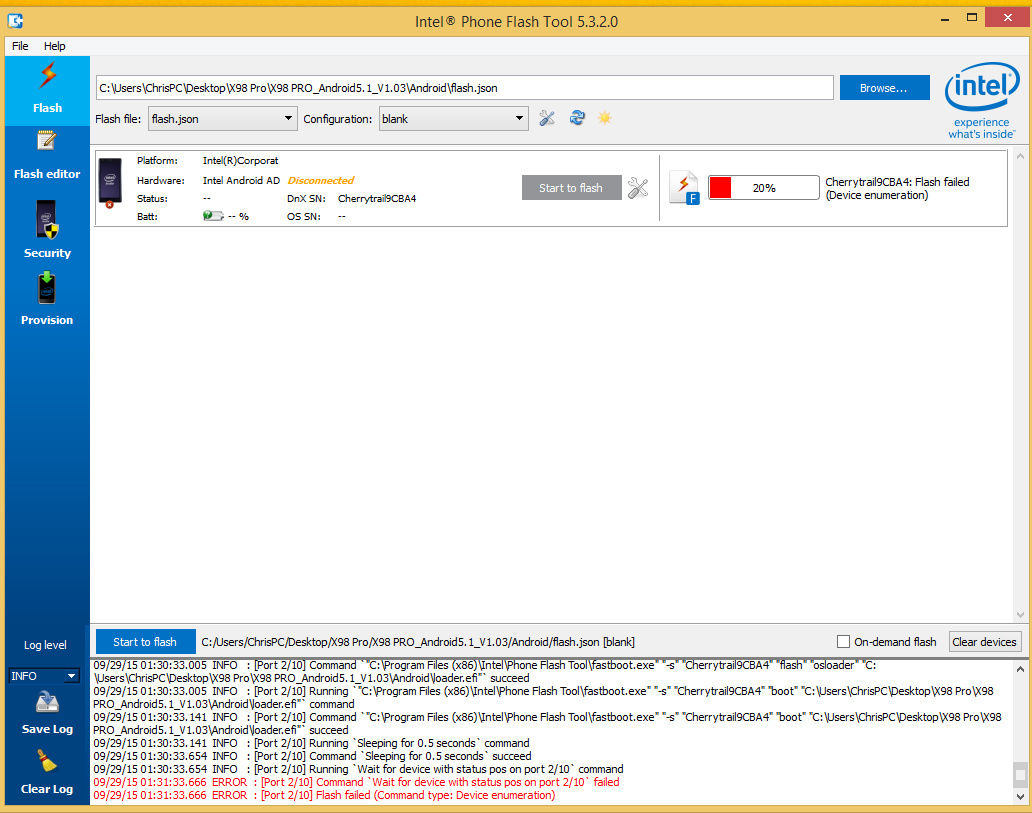
Currently testing: LG G8X & Redmi K30September 28, 2015 at 11:35 pm #12105Well I got as far as 20% into the flash and it failed 🙁 My X98 Pro is showing an Android Recovery? Or fast boot screen. So it looks like it was starting to work, but maybe only for the K9C6? My X98 Pro says OEMI ACPI tablet parse error 🙁
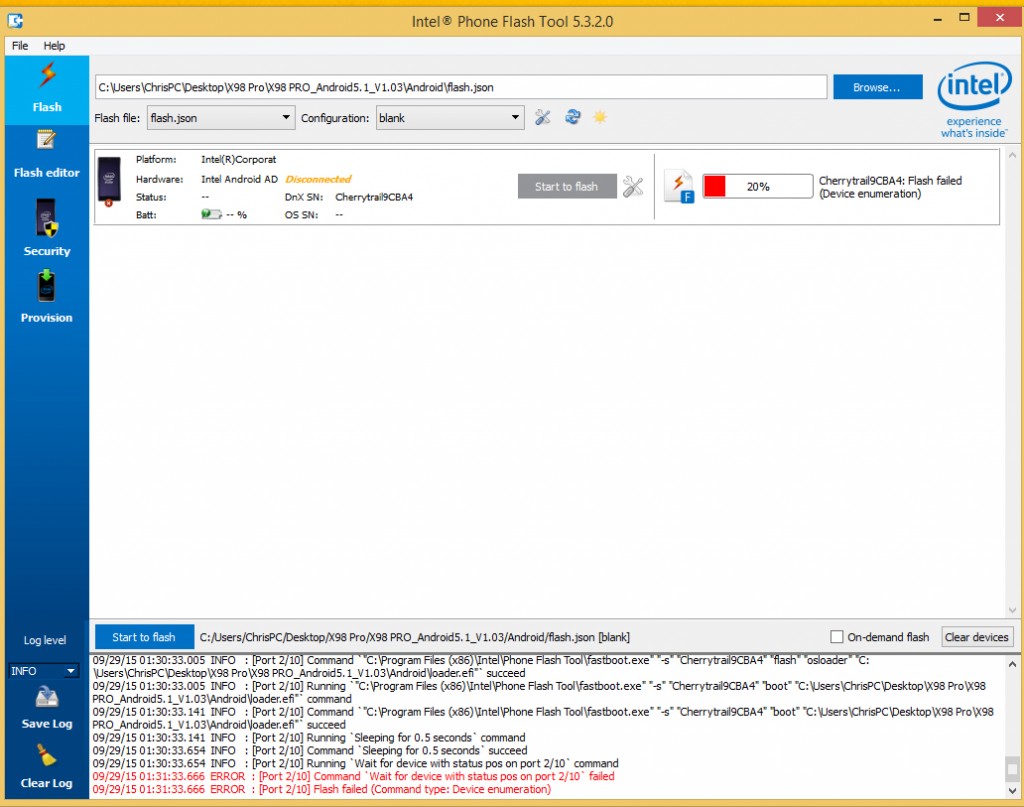
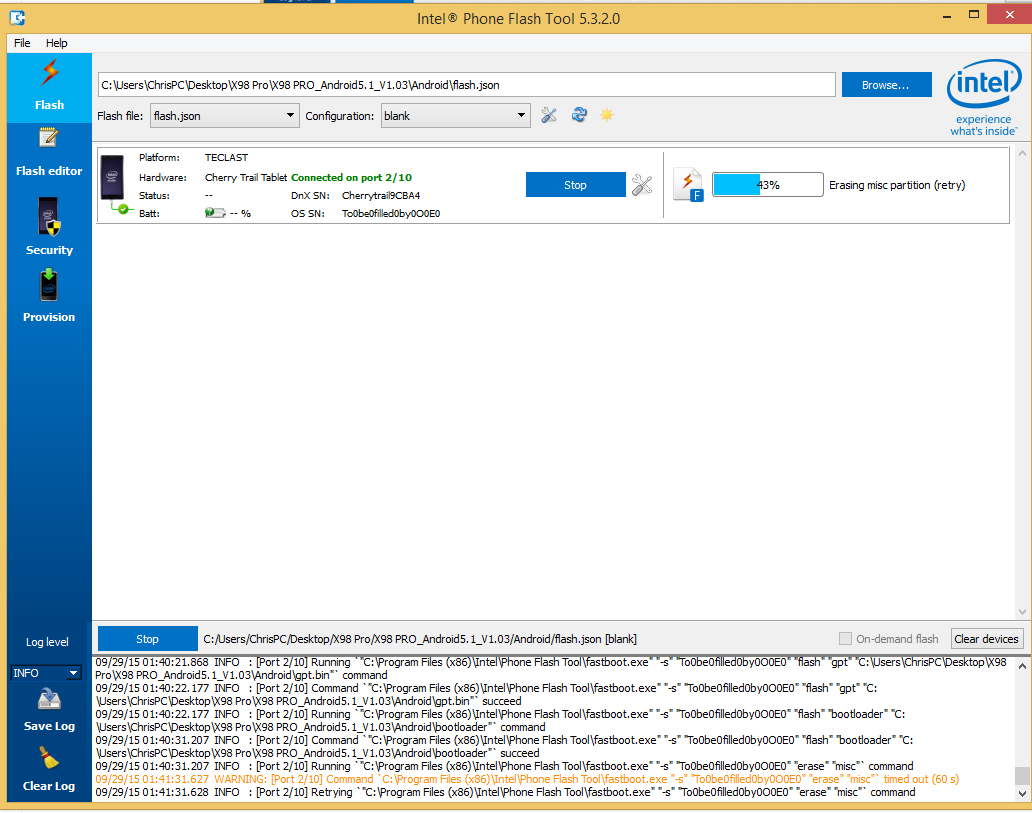
Edit: Crashed at 43% bootloader flashed
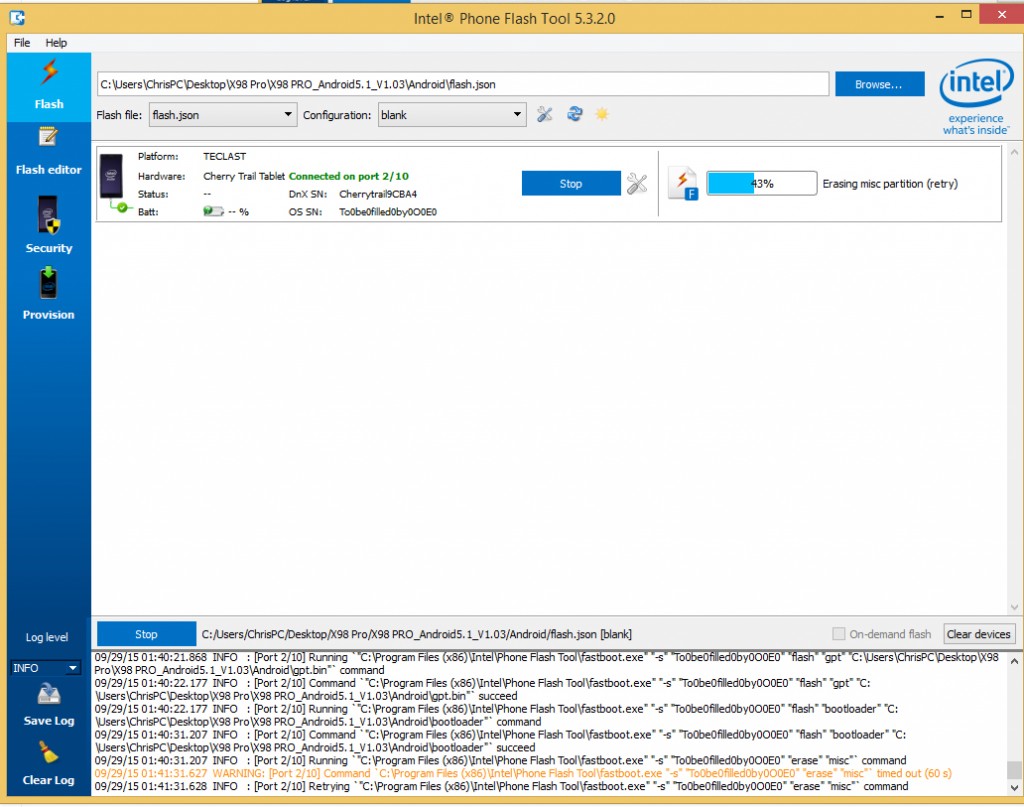
Attachments:
You must be logged in to view attached files.Chris | Admin
Please support us and help keep TechTablets online. Affiliate revenue is used to pay for the server, studio apartment (Techtablets HQ) and buy new tech to review. Without it, this site would be dead.
Next up for review:
Ordered and waiting for my: BMAX S15 & Teclast F6 Plus
Currently testing: LG G8X & Redmi K30September 28, 2015 at 11:37 pm #12106Good luck ….wainting for news and first impression reviewUnlucky
September 29, 2015 at 12:03 am #12109Looks like I’m bricked 🙁 I can still get into the fastboot DNX mode. But not the bios..
Got as far as 56% and then the factory format command failed on me.
Chris | Admin
Please support us and help keep TechTablets online. Affiliate revenue is used to pay for the server, studio apartment (Techtablets HQ) and buy new tech to review. Without it, this site would be dead.
Next up for review:
Ordered and waiting for my: BMAX S15 & Teclast F6 Plus
Currently testing: LG G8X & Redmi K30September 29, 2015 at 1:01 am #12111Looks like I’m bricked
 <noscript></noscript>I can still get into the fastboot DNX mode. But not the bios.. Got as far as 56% and then the factory format command failed on me.
 Ugh! That’s terrible.
September 29, 2015 at 4:34 am #12118I cannot get to fastboot, maybe because I upgraded my win10 to pro and then to insider preview
September 29, 2015 at 6:19 am #12119@chris, does it looks like this? And you are unable to get to bios even using keyboard? I didn’t brick mine, since I cannot get to fastboot, so I’m figuring a way how to flash it from linux booted from usb. Right now I just tried to copy the android efi loader to efi partition and load it, with this result. I can still get to bios or boot original windows.
Attachments:
You must be logged in to view attached files. -
AuthorPosts




 <noscript>
- You must be logged in to reply to this topic.
