

One of Chuwi’s new laptops the Corebook Pro is a confusing release. Shipping with a dated Q3 2015 announced and 2016 release Core i3 6157U chipset that is very underpowered. The Iris 550 graphics back in 2016 was a step up over your typical Intel HD graphics however in 2021 it simply doesn’t stack up well with HEVC/H.265 video playback which is a laggy choppy mess as native hardware decoding wasn’t supported until the 7th gen chips.
Corebook Pro Review Video Index
00:00 – Intro & spec
01:27 – Screen
02:22 – Webcam and sample
02:46 – Ports
03:28 – Keyboard and touchpad
04:37 – Internals
05:28 – Speakers
05:50 – Bios
06:43 – Windows, SSD & devices
08:27 – Performance, HEVC playback & benchmarks
10:52 – Chrome and Youtube performance
12:51 – Gaming performance (CSGO 720p)
13:56 – Thermals inside & outside
14:37 – Linux support
14:56 – Recap, Battery life, Pros & Cons
3:2 Aspect Ratio IPS screen
The screen however isn’t bad at all the 13″ 2160 x 1440 screen with a 3:2 aspect ratio offers 99% sRGB coverage and 75% Adobe RGB. Its brightness is around 260 nits which might not be the brightest around but good for indoor use even with bright lights on. But you’ll barely make it out in direct sunlight. It is however fully laminated so a glossy reflective screen.
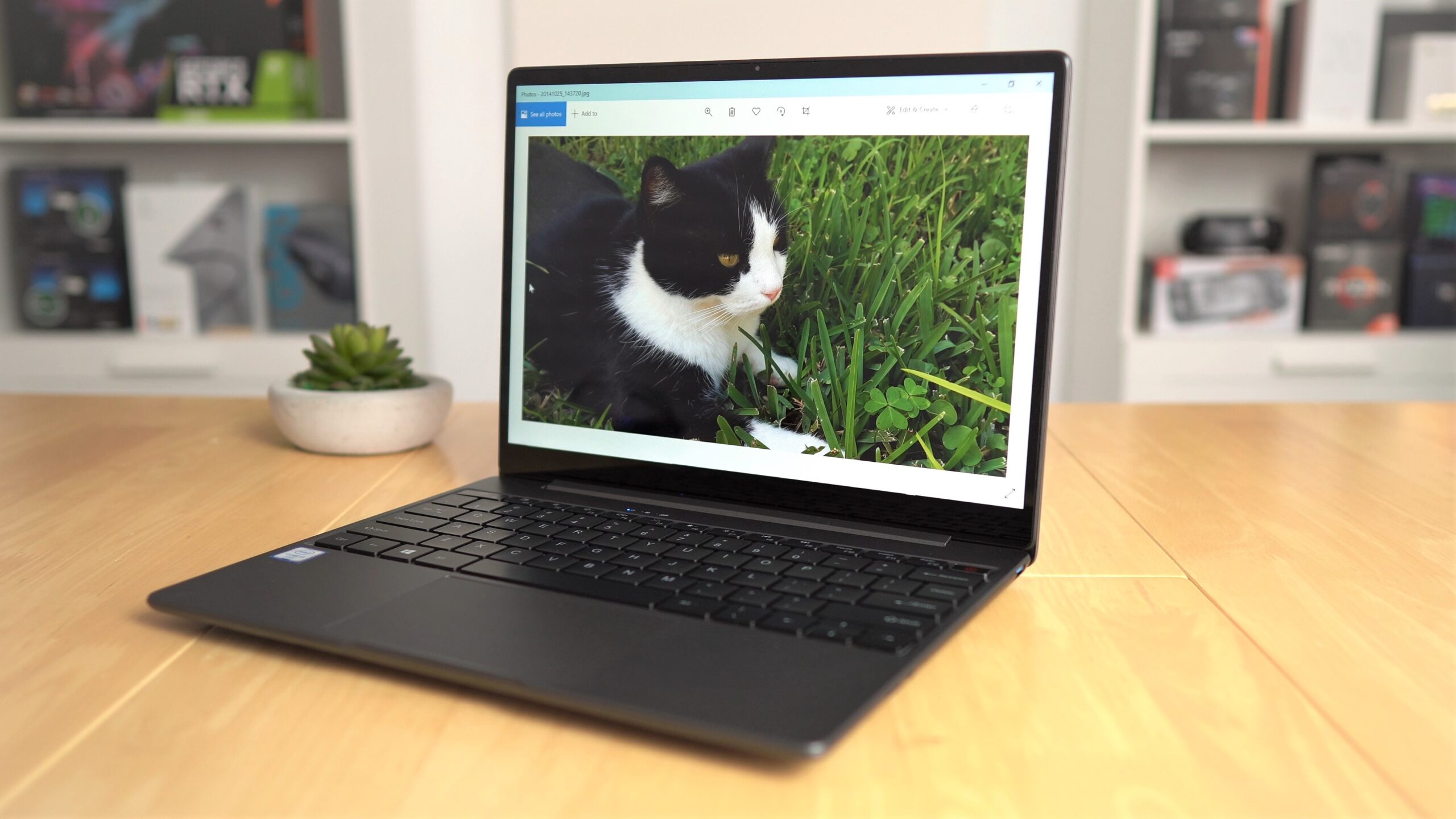
The Corebook Pro has a 3:2 aspect ratio IPS screen with a 2160 x 1440 resolution.
Performance
It has 8GB of dual-channel DDR4 2133Mhz RAM and a 256GB SATA3 SSD running Windows 10 home. There is a spare NVMe slot that supports SATA3/NVMe and is 22mm x 80mm inside. The cooling is handled by a thin but large fan and two copper transfer heat pipes which handle
the Core i3 just fine.
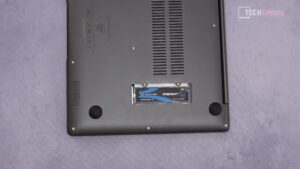
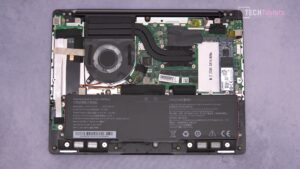
Performance is a letdown on the Corebook Pro. The Core i3 is only good for basic simply computing, spreadsheets, docs, chrome use, Youtube, etc.

Geekbench 5 scores reflect the weak performance of the Core i3 6159U
Thermals are good not going over 71 degrees C no matter how much I tried to stress out the dual-core Core i3. The surface of the laptop will reach around 41 degrees after 1 hour of pushing it hard.

Surface thermals of the Corebook Pro
Poor battery life
The battery is a slightly larger 47Wh than the usual 37Wh seen in the Gemibook Pro or other Chuwi laptops. But the Run time of the laptop seems to reflect more like a 42Wh battery going for about 5-6 hours only at 30% brightness with mixed light use. With a brightness of 50% and heavy use expect it to run for only 4 hours.
Conclusion
This is a laptop that should be avoided, wait for the Corebook X this how now been updated with a quad-core Core i5 8259U which will offer very good performance for the price with native HEVC and VP9 video decoding this Core i3 lacks. Please see the video review for the full details! Review ratings are below.

Rob
Wow, nice