Hi! Just received the EZbook 2 with atom x8350. This version seems to have fixed the keyboard flex. Also, the touchpad seems good.
But, I am encountering the following issues :
When viewing a bright picture, for example, a blank excel sheet the screen slowly increases intensity . When having a darker image, the screen light decreases. It is like having a light sensor that is working in really slow motion. I have installed latest video driver from Intel Website. Need to mention that Windows Brightness percentage does not modify (the one from battery indicator). Has anyone met similar behavior ? Any advices?
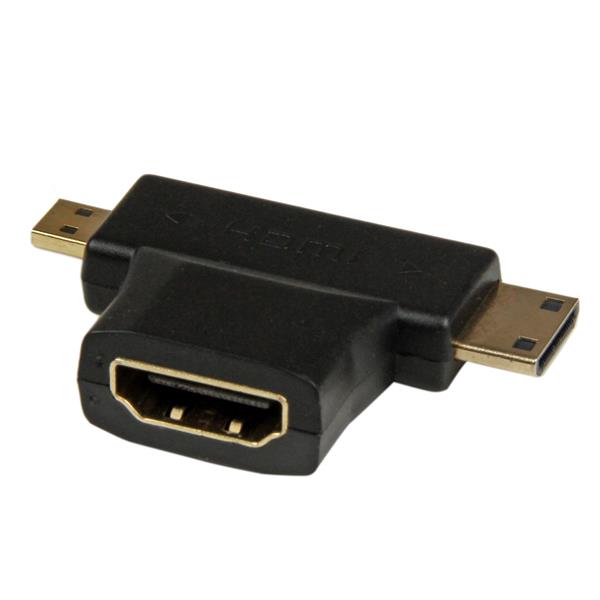
I need to connect an external monitor . Does anyone bought a micro hdmi connector (or what kind of port this uses). Does it also support audio ?Is there any microhdmi
Laptop is reallly slow. Especially when scrolling facebook or watching 1080P on youtube. Is there any special driver that can be installed?(something for atom x8300 serios platform)
Current model uses a 5V 3A charger. It takes over 5 hours to fully charge the battery. Have anyone tried a more powerful charger?
.





 .
.