

TechTablets › Forums › Cube Forums › Cube iWork10 Ultimate › Google Play in Iwork 10 Ultimate
- This topic has 13 replies, 9 voices, and was last updated 10 years, 4 months ago by
Robert H.

-
AuthorPosts
-
March 20, 2016 at 3:29 am #30097
I just bought the Iwork 10 ultimate on BG. I’ve read in different places and on Chris review videos that Google Play is not installed. I’ve read this forum, but I’m not able to find a solution yet.
Has anyone come across the solution yet?
Attachments:
You must be logged in to view attached files.March 20, 2016 at 12:33 pm #30126Here what I tried already
- Google Play APKs for Mi Pad 2 that is available to download on this site
- Google Installer that available on Xiaomi Mi Pad 2 site
- Google services APK that available on App Market that come with the tablet
All end up not responding constantly. Th message box constantly shows up that It is very hard to uninstall the Google Services again. I don’t recommend you to try what I already tried.
Also this tablet haven’t been rooted until now.
You can use APK Downloader on the Chrome on the Windows part and copy them to microSD to install it in the mean time.
March 21, 2016 at 10:04 pm #30304Can someone provide their build.prop? I hosed my trying to modify it to enable the play store…
March 21, 2016 at 11:46 pm #30318to install GMS (play services) i guess you have to first root the tablet, modify the build.prop to make it not look like a chinese product, and then put the google stuff apks in the correct places…
March 22, 2016 at 11:19 am #30373Since I corrupted my build.prop
I was able to successfully reinstall android using the images provided on techtablets..
Although I lost ability to boot into windows after doing that
So I reinstalled Windows using the provided images, now I have a working dual boot again.Laura, I think that’s exactly it. Need to modify the build.prop.
Now that I can comfortably reinstall everything, I might try modify the system.img build.prop, reflash it and see if that makes the google services/frameworks happyUnless there’s a way I could try install remixos to the android partition
March 22, 2016 at 2:04 pm #30397ditch remixos, it will never work properly unless somebody creates a custom version for this tablet
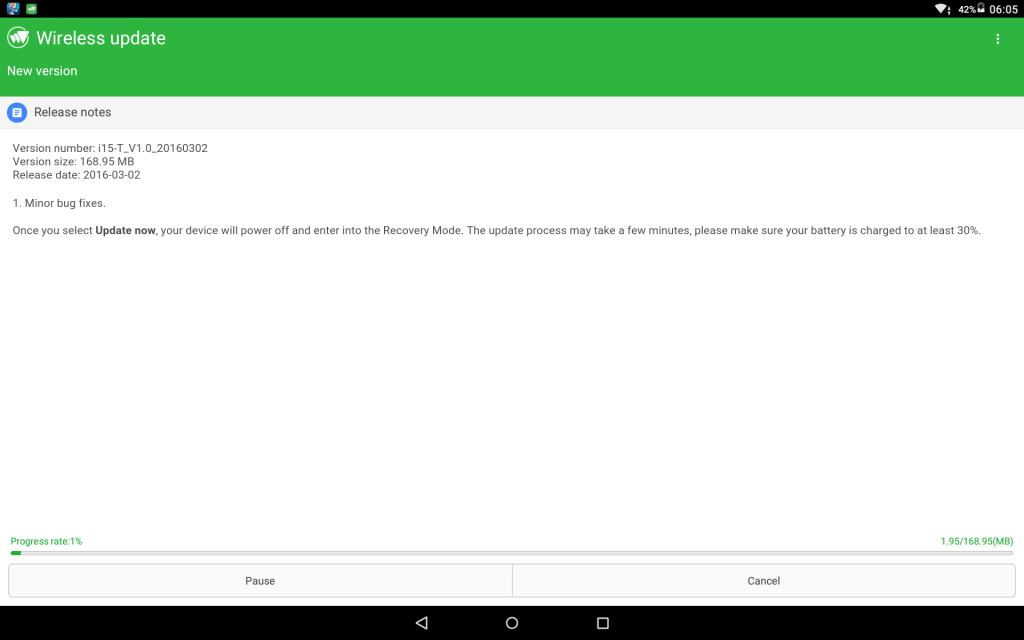
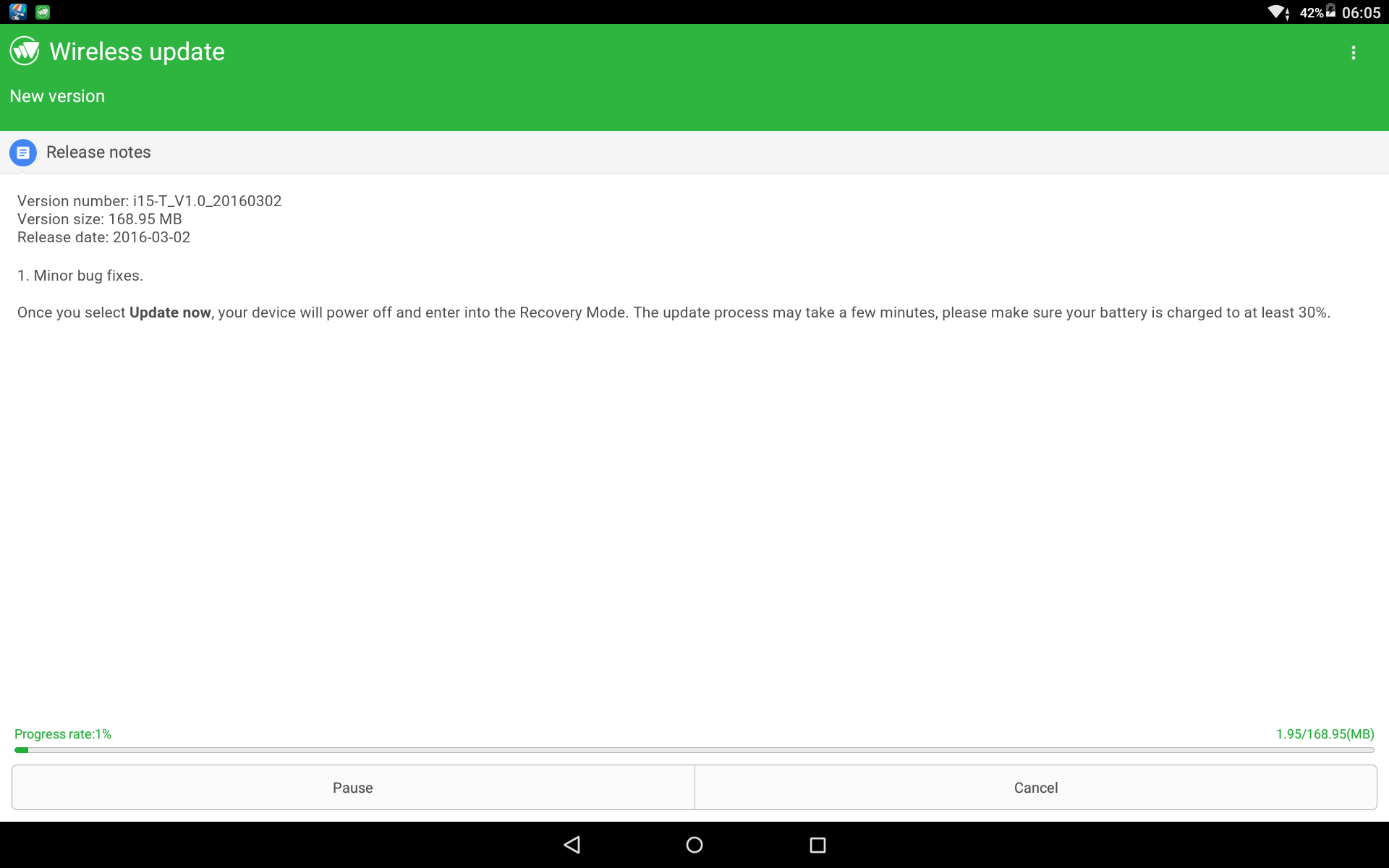
March 22, 2016 at 10:44 pm #30452Great news people. Cube just posted an update today. Use the OTA update system and it will update and install Google Play 🙂
It says it’s dated from the 2nd. But I just got it now. And it works just fine, Good job Cube.
Chris | Admin
Please support us and help keep TechTablets online. Affiliate revenue is used to pay for the server, studio apartment (Techtablets HQ) and buy new tech to review. Without it, this site would be dead.
Next up for review:
Ordered and waiting for my: BMAX S15 & Teclast F6 Plus
Currently testing: LG G8X & Redmi K30March 22, 2016 at 10:55 pm #30454great! now if only i could get the tablet 😀
March 23, 2016 at 1:18 am #30473Anonymous
Inactive- Posts: 69
Knew this update eventually come but will admit had me worried a bit and made me held off on this tablet, since I’m holding off I kind off really want a Z8500 tablet right now.
March 23, 2016 at 5:24 am #30497Great. I’ve updated my Android to that version and google play does installed. I have few problems such as few google apps keep not responding such as Gmail, Youtube, and Chrome. I will remove all my sideloaded apps and reinstall it from Play Store, and see if that works.
March 25, 2016 at 10:40 pm #30887This worked for me too
Cheers
April 1, 2016 at 1:59 pm #31594So can we say that the android is work without any problems ???
Really important to me in order to buy one. Thanks.
April 1, 2016 at 6:50 pm #31602Android works ok, didn’t notice any issues and it’s quite fast thanks to 4gb of ram
June 7, 2016 at 2:23 am #40089Really glad to hear this. Having major issues with my Teclast Tbook 10 and hoping I can switch to this tablet instead. Wouldn’t want a tablet where I couldn’t get the play store. Would be a waste of money to me. Thank you!
-
AuthorPosts






- You must be logged in to reply to this topic.
