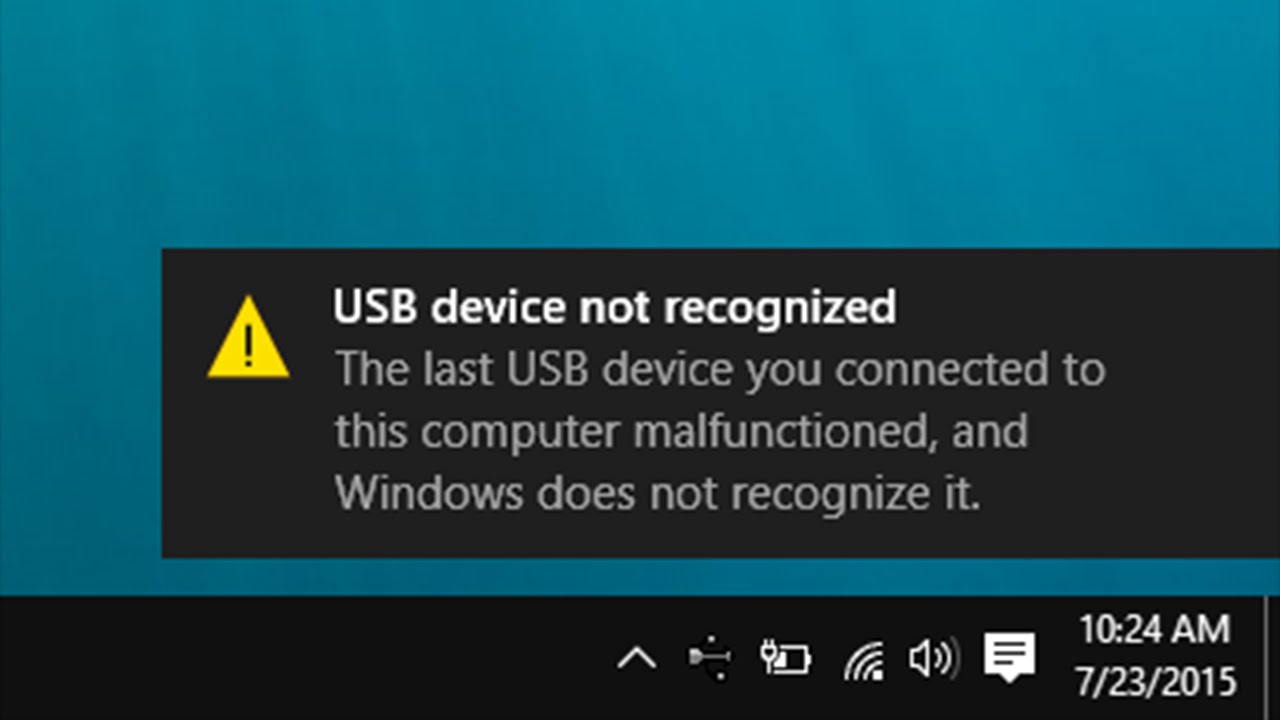
I found these instructions in Lenovo tablet forum, so device name is maybe not same and this method is not working. Try it and give a feedback.
-Open Devices and Printers
-Under Devices, there should be a device called ITE Devices(8595), double click it and the Properties should pop up
-Select the Hardware Tab, then under Device Functions there should be one called HID-compliant mouse, select it
-Click on Properties and another windows should pop up, click on change settings and go to the Driver tab
-Click Disable
-Done