

The Teclast Tbook 10 is the second tablet released in the new Tbook series. It features a slimmer design compared to the Tbook 11, with a 10.1-inch screen and smaller bezels. Unlike the Tbook 11 or Tbook 16 this model supports a keyboard that has an additional 3500mAh battery within it. This, in theory, should increase the battery life by approximately 2 hours. The screen is a 1920 x 1200, 10.1 inch IPS panel that has a maximum of 251 cd/m2 of brightness. It runs Windows 10 & Android 5.1 like the other Tbooks.
The Tbook 10 is charged via a 9v 2A charger, but it can also be charged with a 5volt 2A micro USB 2.0 charger. This is a video review covering both operating systems. Please see the below timecodes to skip to parts that interest you the most.
Tbook 10 Review timecodes:
01:08 – Design
02:38 – Screen
03:40 – Dual OS Boot Menu
04:09 – Android ROM
05:15 – Android Benchmarks
07:08 – Android Browser Performance
08:23 – Speakers in Android
08:55 – Google Play
09:40 – Android Gaming
11:50 – Thermal – Surface Temps
13:11 – Windows & Device manager
14:29 – Windows Benchmarks
15:45 – CPU/GPU Temps
16:01 – MicroSD & HDD Support
16:39 – Performance & Edge Browser 4k Playback.
19:20 – Edge 4k Streaming Test
20:00 – Stylus Test
21:44 – Windows Battery Life
22:53 – Charge times
23:43 – Camera
24:19 – Gaming: A8A, LoL & Counter Strike
27:42 – Recap with Pros and Cons
Android Benchmarks & more info:
-
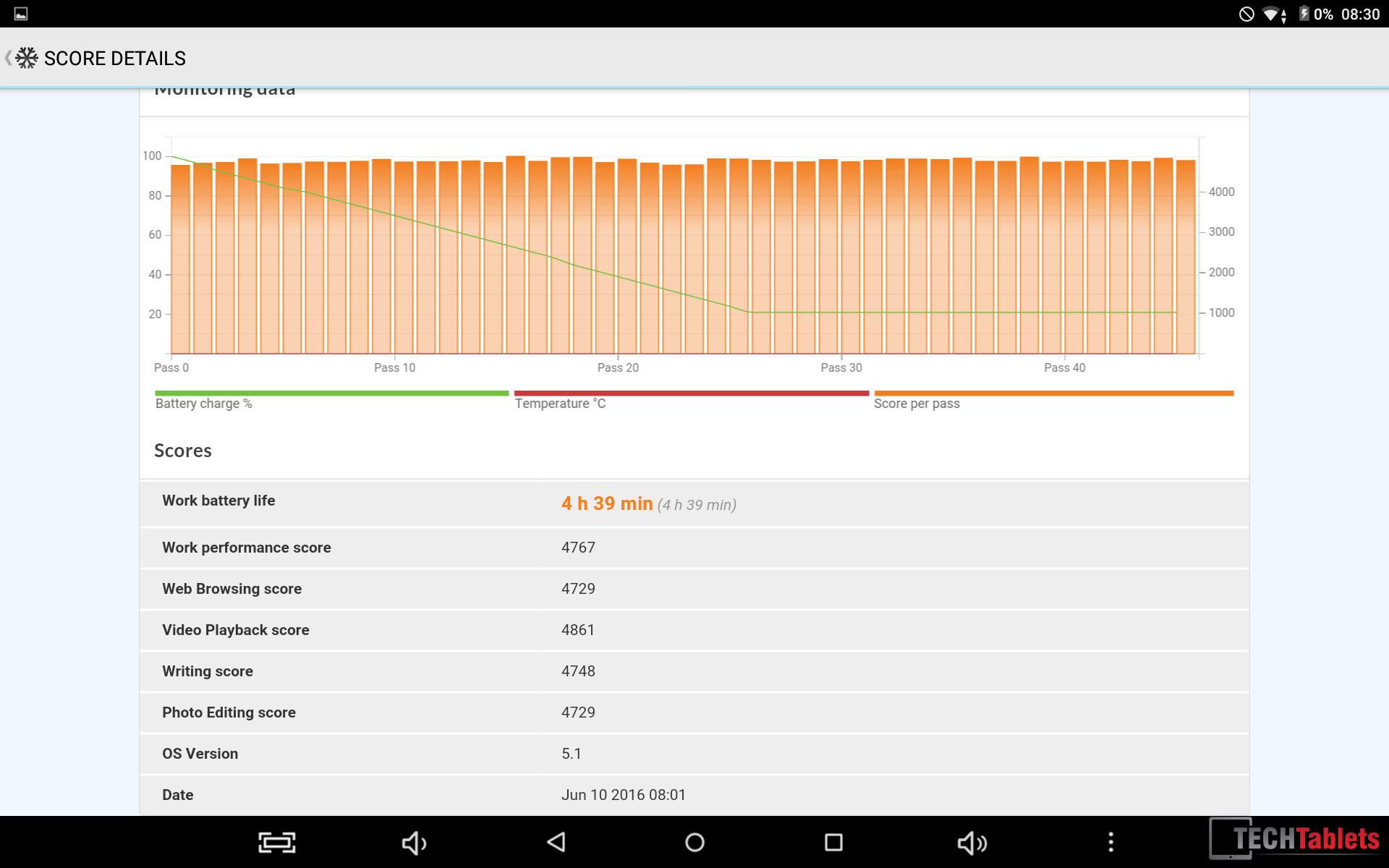
- Battery Life
-
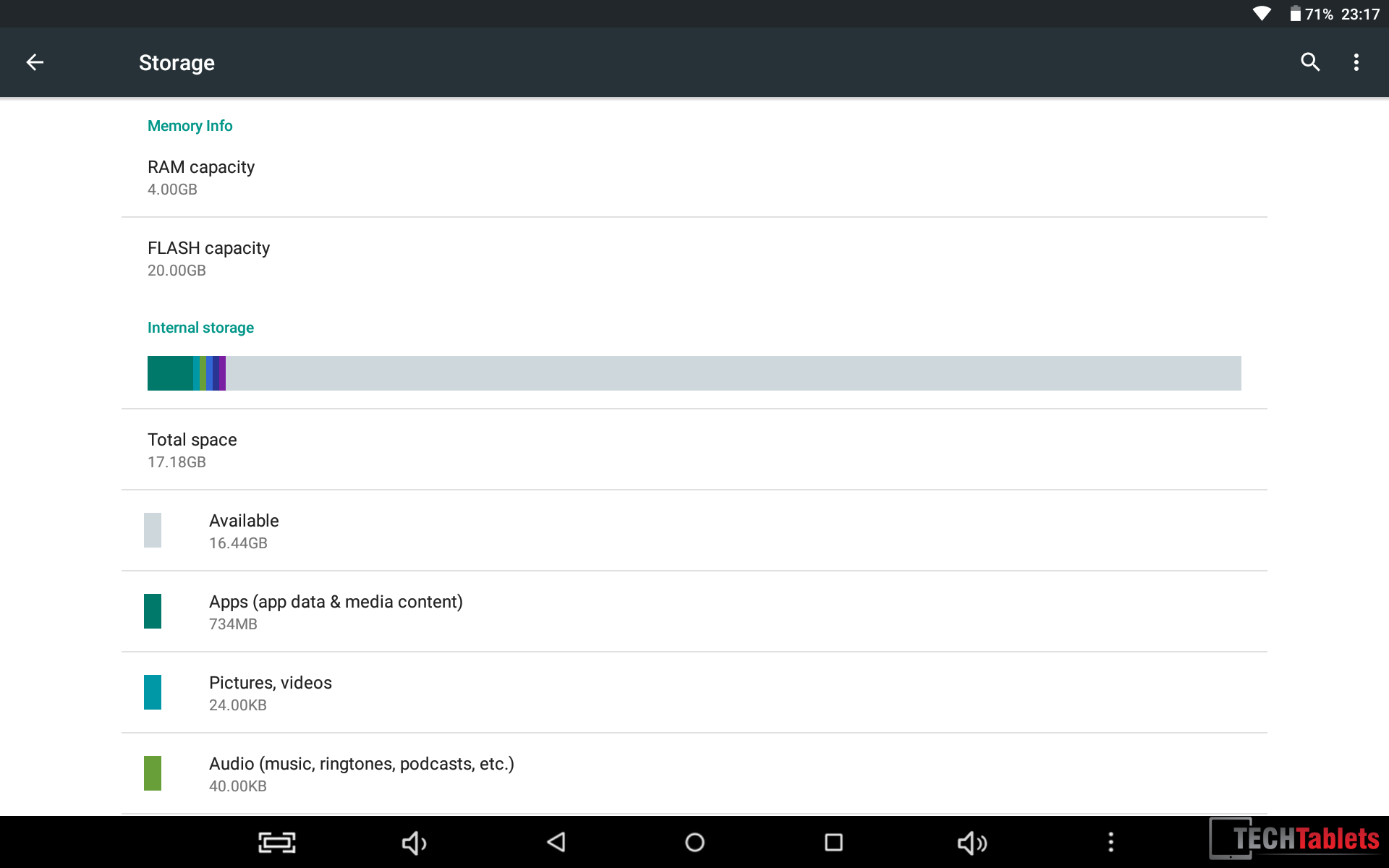
- Free storage in Android
-
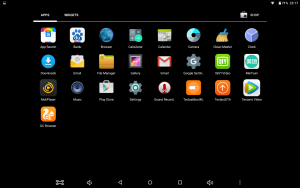
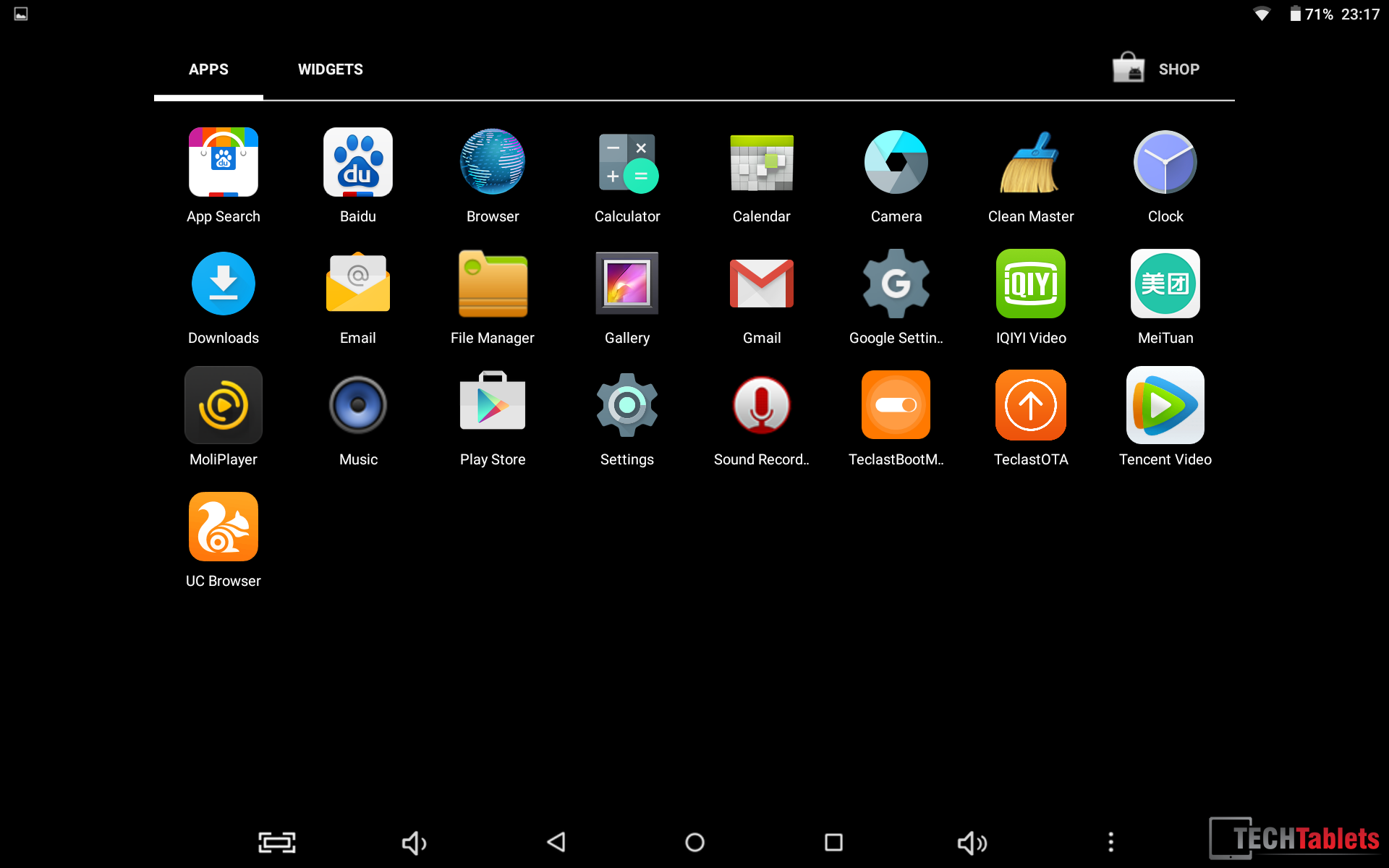
- Rom on first boot
-
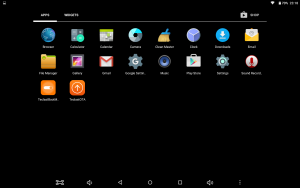
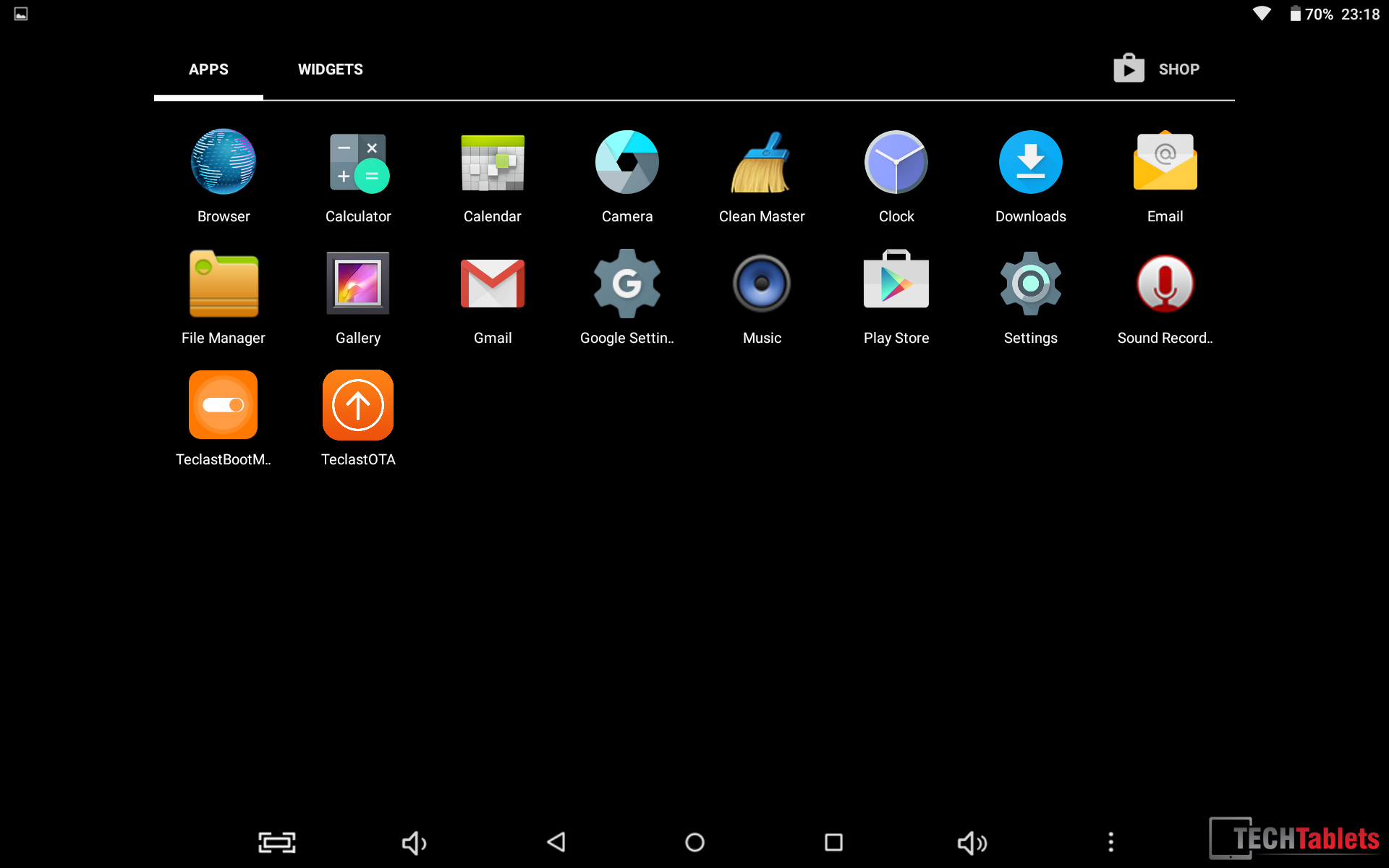
- Rom after bloat removed
-
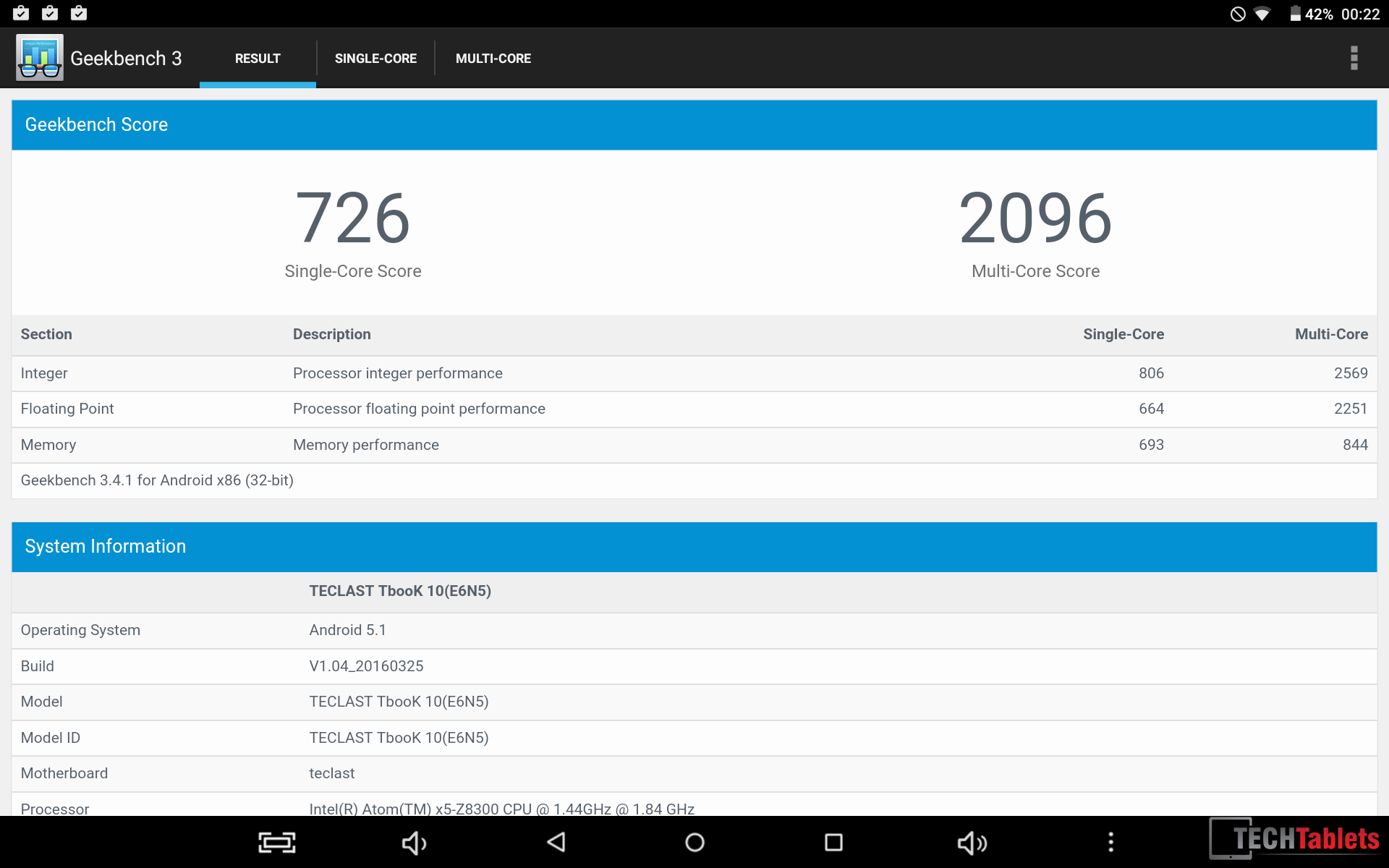
- Geekbench 3 score
-
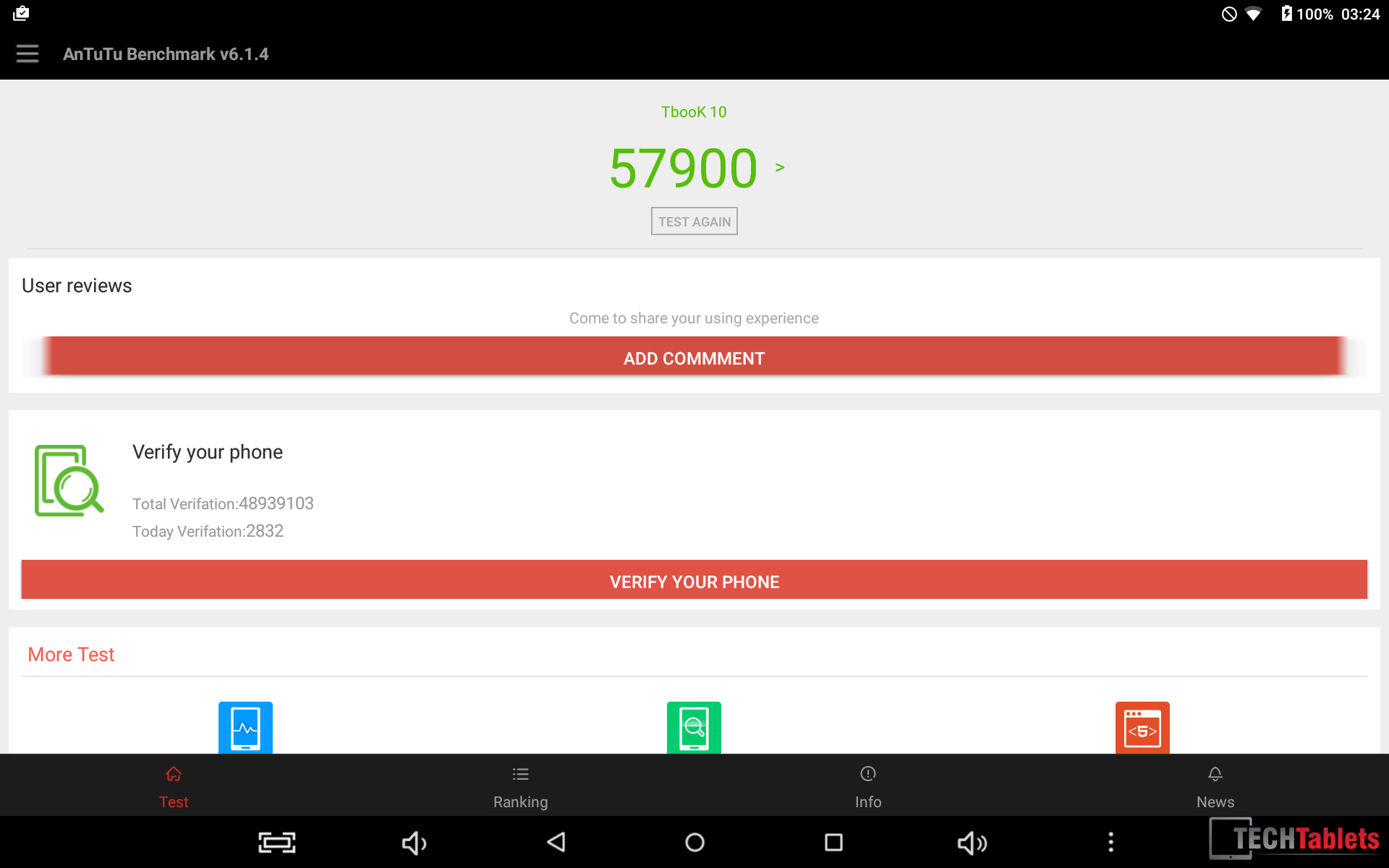
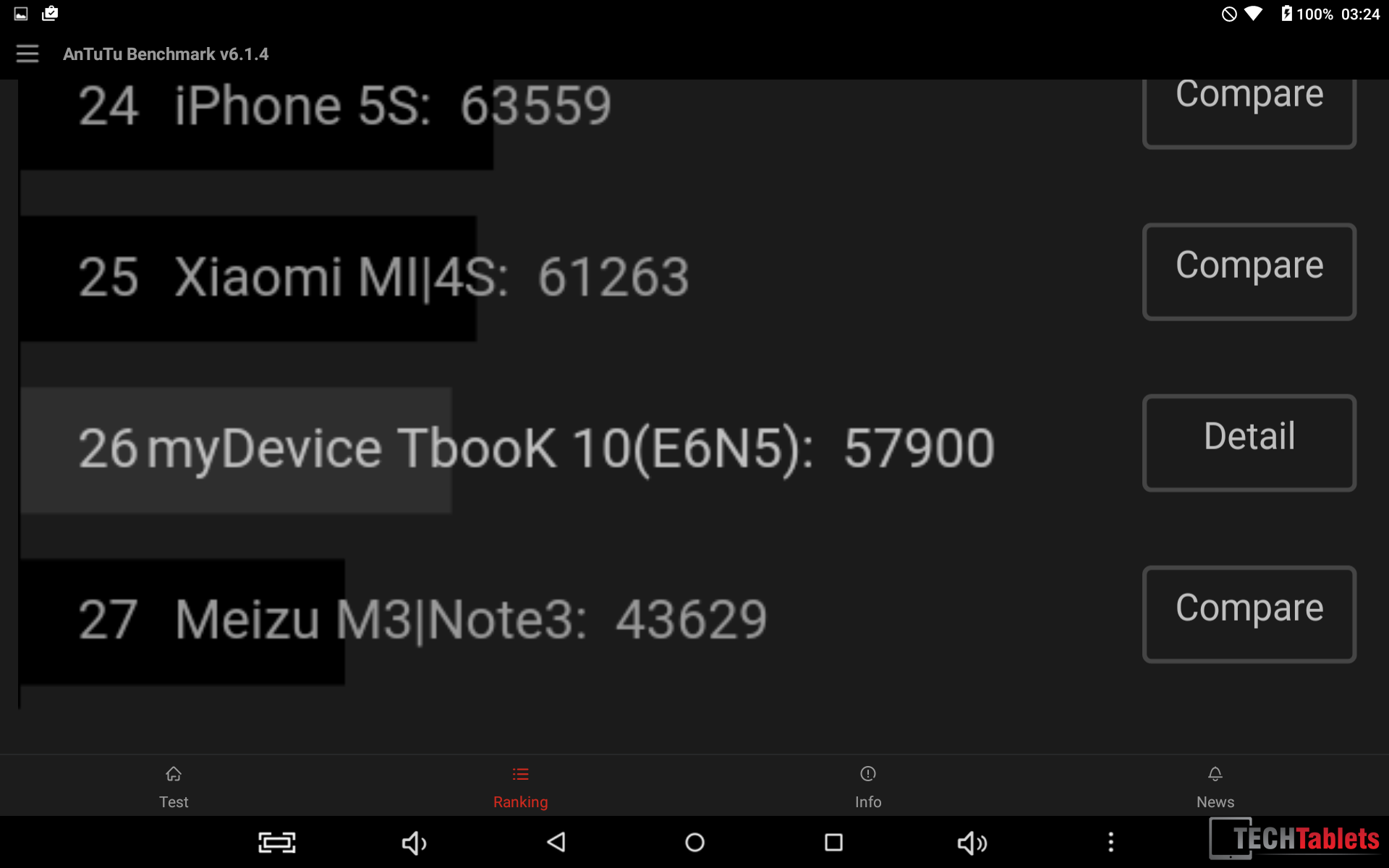
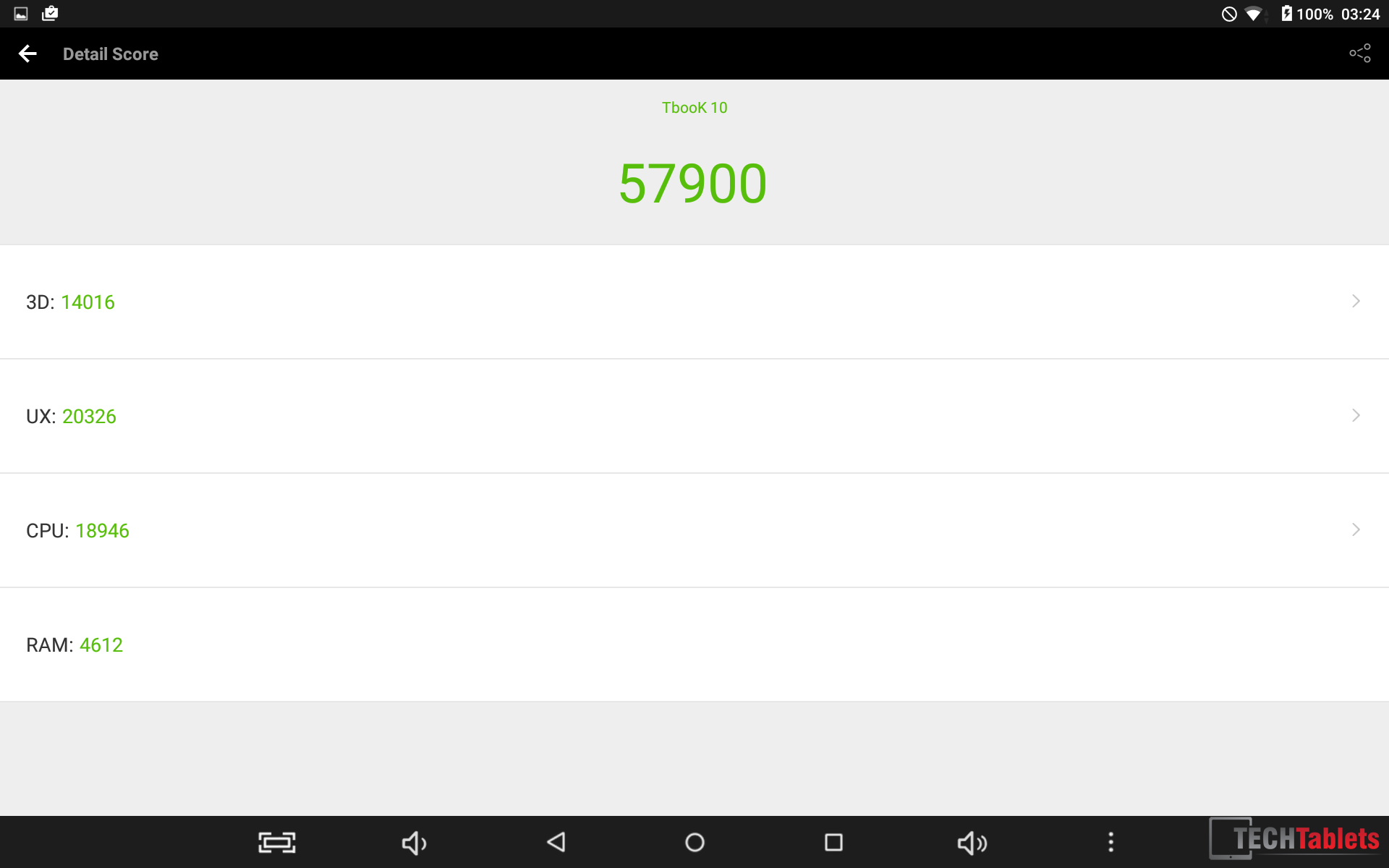
- Antutut score
-
- Antutu
-
- Antutu
-
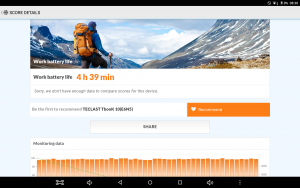
- PCMark battery life test


polocanada
Can you please review the keyboard and the trackpad?