

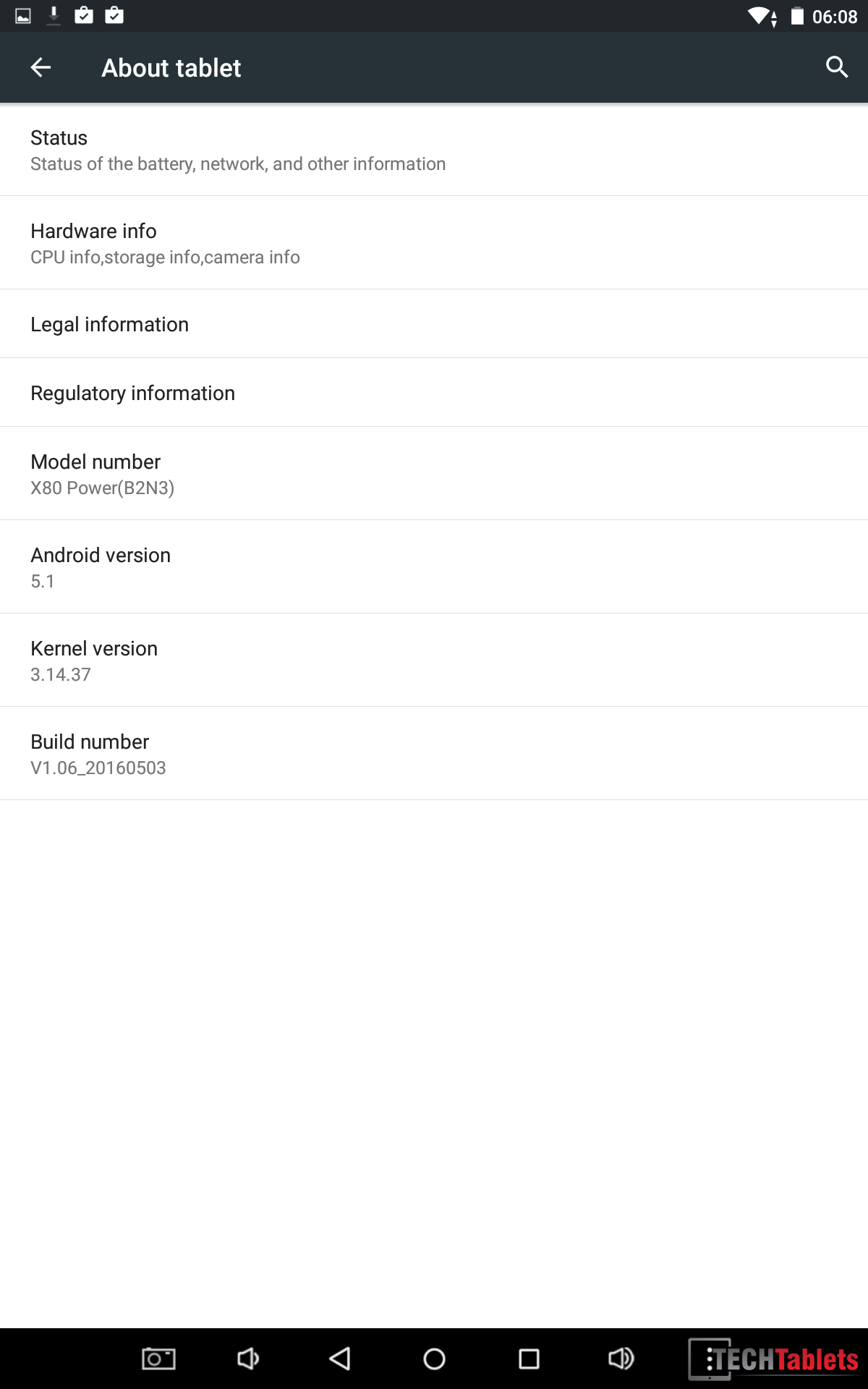
The Teclast X80 power (B2N3) is the forth X80 8-inch tablet from Teclast. It features a new unibody alloy housing that’s only 7.2mm thin, a glass touch screen with a 1920 x 1200 resolution, Atom X5 Z8300, 2GB of RAM and a 32GB eMMC. It runs Android 5.1 & Windows 10.
This is a Teclast X80 Power video review with time codes, it covers the following sections:
Android:
03:00 – Screen
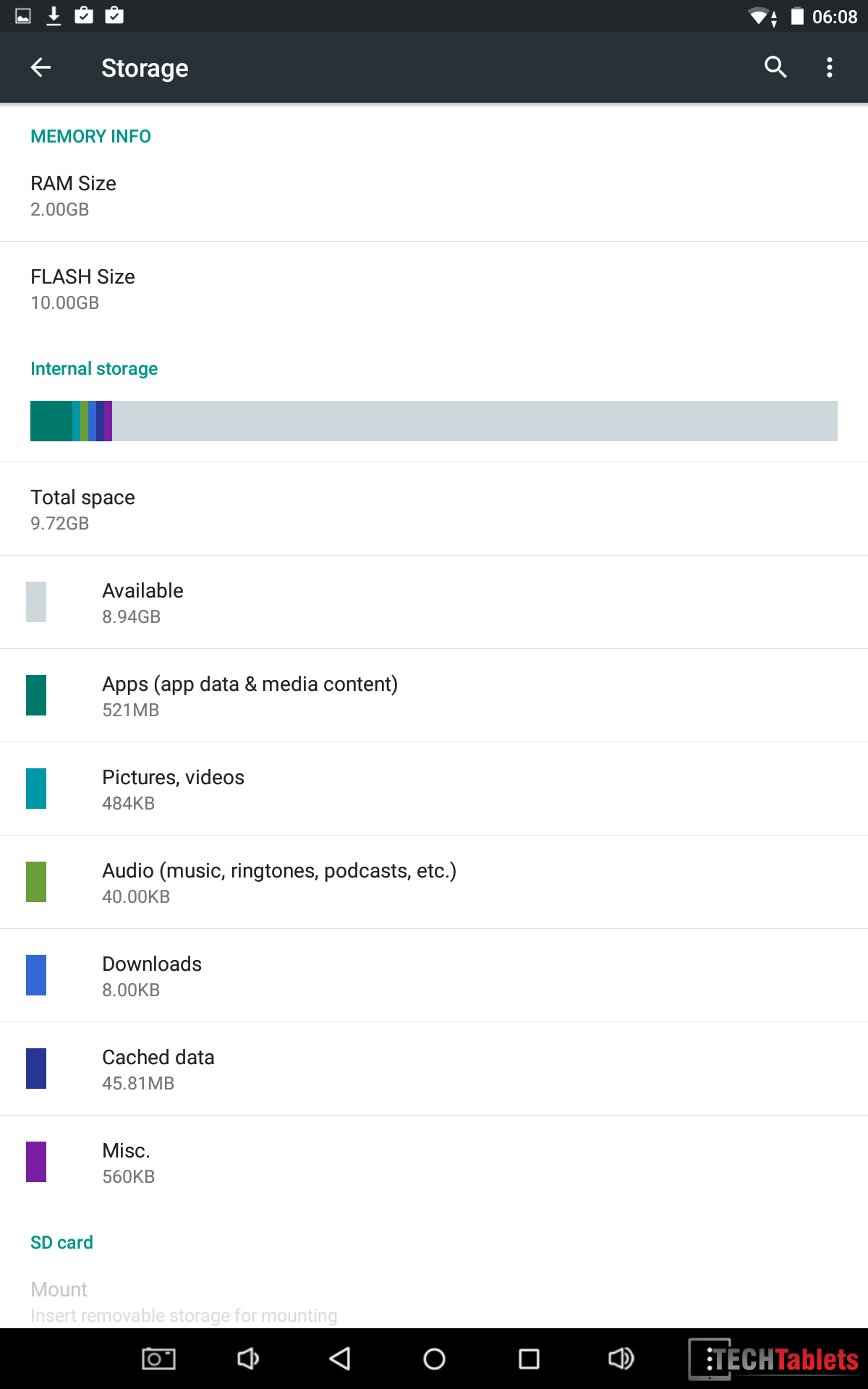
05:04 – Rom
07:48 – Benchmarks And Battery Life
09:24 – Audio With Test
11:26 – MicroSD Support
12:12 – Wireless
13:08 – Gaming Test
15:35 – Surface Temps
16:11 – OS Boot Menu
Windows:
16:25 – Windows, System, and Device Manager
18:00 – Browser Test (Edge)
18:56 – Windows 10 Battery Life
19:36 – Screen Burn?
20:16 – Windows Benchmarks
21:30 – Gaming & Thermals
22:55 – Final Thoughts With Pros & Cons
Performance:
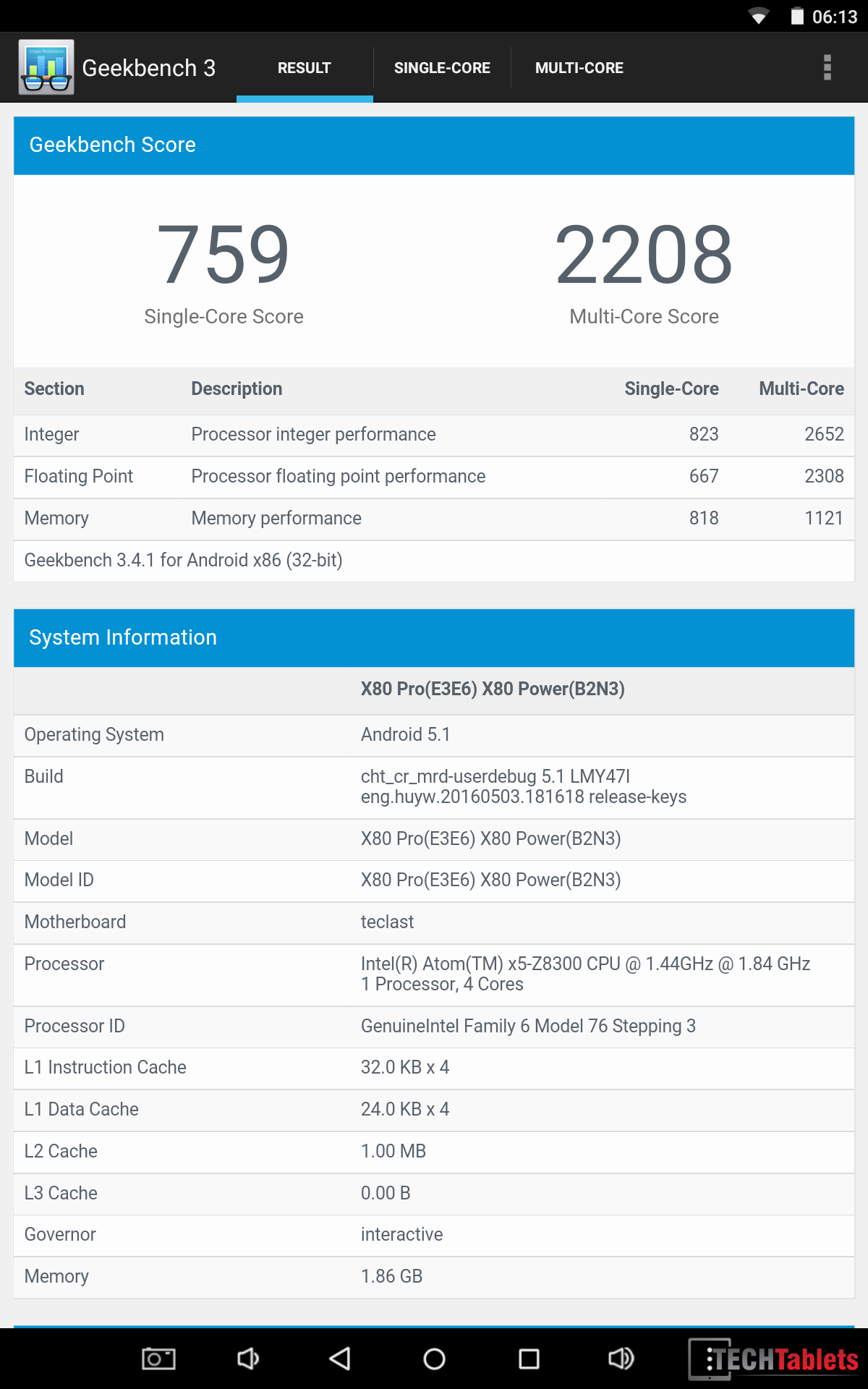
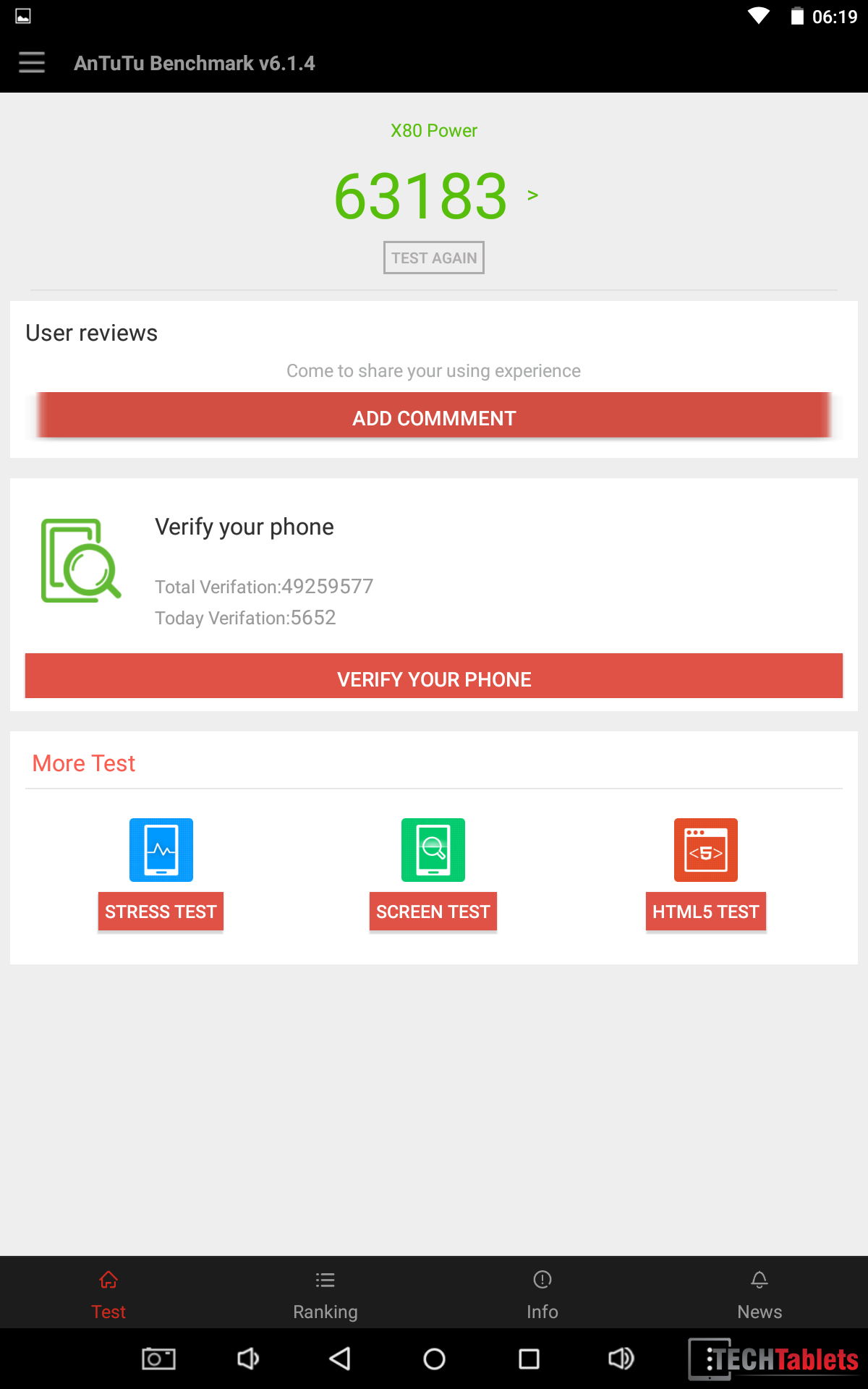
In Android the X80 performs well, only struggling with more demanding games like Mortal Kombat X which run at the full resolution of 1920 x 1200 and not scaled up. Benchmarks can be found in the above video or the screenshots below. Due to limited free space in Windows 10 of only 4.5GB (approximately) I was unable to benchmark the tablet without running into space issues. But benchmarks I did run show similar performance to Android.
Wifi range has taken a hit compared to the full plastic X80 Plus and X80 Pro due to the full metal design, Wifi strength is a good bar less than my Cube iwork8 which has a plastic rear housing.
The internal storage is a BWIN eMMC 4.5.1 with 70 MB/s reads and 40 writes. Not the greatest speeds.
Design:
The design of the X80 Power is very slim and reminds me of the Unibody design of the Xiaomi Mi Pad 2. It really is 7.2mm thin with rounded edges and it has a nice feel to it. You simply will not find a better build in this under $100 dollar price ground.
Screen:
The screen I found to be sharp at over 280 PPI, but it’s definitely not as bright as I would like, only 154 cd/m2 it’s well below the normal maximum brightness of around 230 cd/m2+ The panel on my unit showed signs of a possible hardware issue with PWM flicker and some shimmer when moved. Plenty of PWN flicker was present on film, but to the naked eye hard to pick up, but nevertheless present. Also present was a definite audible hum or buzz noise coming from the top of the screen. Furthermore, when displaying the same constant image for more than 5 minutes, there was some image retention present. Similar to screen burn, but not permanent as far as I could tell in my tests.
All of the above faults begs the question whether I have a faulty screen or not on my X80 Power?
Sound:
While the bottom of the X80 Power looks to have two speakers it’s only got one unit between them. The sound output is average, but I have heard worse. Not as good as the twin Mi Pad 2 speakers, and no way near as bad as the first Chuwi Vi8 models. 3.5mm jack supports mics and the output is decent, with only a tiny hint of background static.
Battery life & charge times:
Teclast claim the X80 Power has a 3,800mAh battery, but using HWinfo it detected only a 3500mAh battery. In Windows, I was able to get just over 3 hours at 50% brightness. In Android close to 4 hours at full brightness (154 cd/m2) This isn’t a great result, but still similar to other $100 tablets in this price group. Only the more expensive Xiaomi Mi Pad 2 has over 6 hours battery life but costs almost twice the price of the Power.
Charge times were as follows: When running close to 4 hours. When powered off just under 2 hours using a 5 volt 2A charger.
Misc findings & notes:
- The MicroUSB 2.0 port will port an external 2.5″ harddrive. Most 8″ tablets fail this test and require powered hubs.
- My Samsung 128GB Pro+ microSD card failed to mount in Android. But worked flawlessly in Windows 10 however.
- HDMI worked well, I was able to drive my 2560 x 1440p monitor at 60hz
- Cameras are very poor for photos. Okay for Skype use in good lighting.

Benchmarks and ROM screenshots:
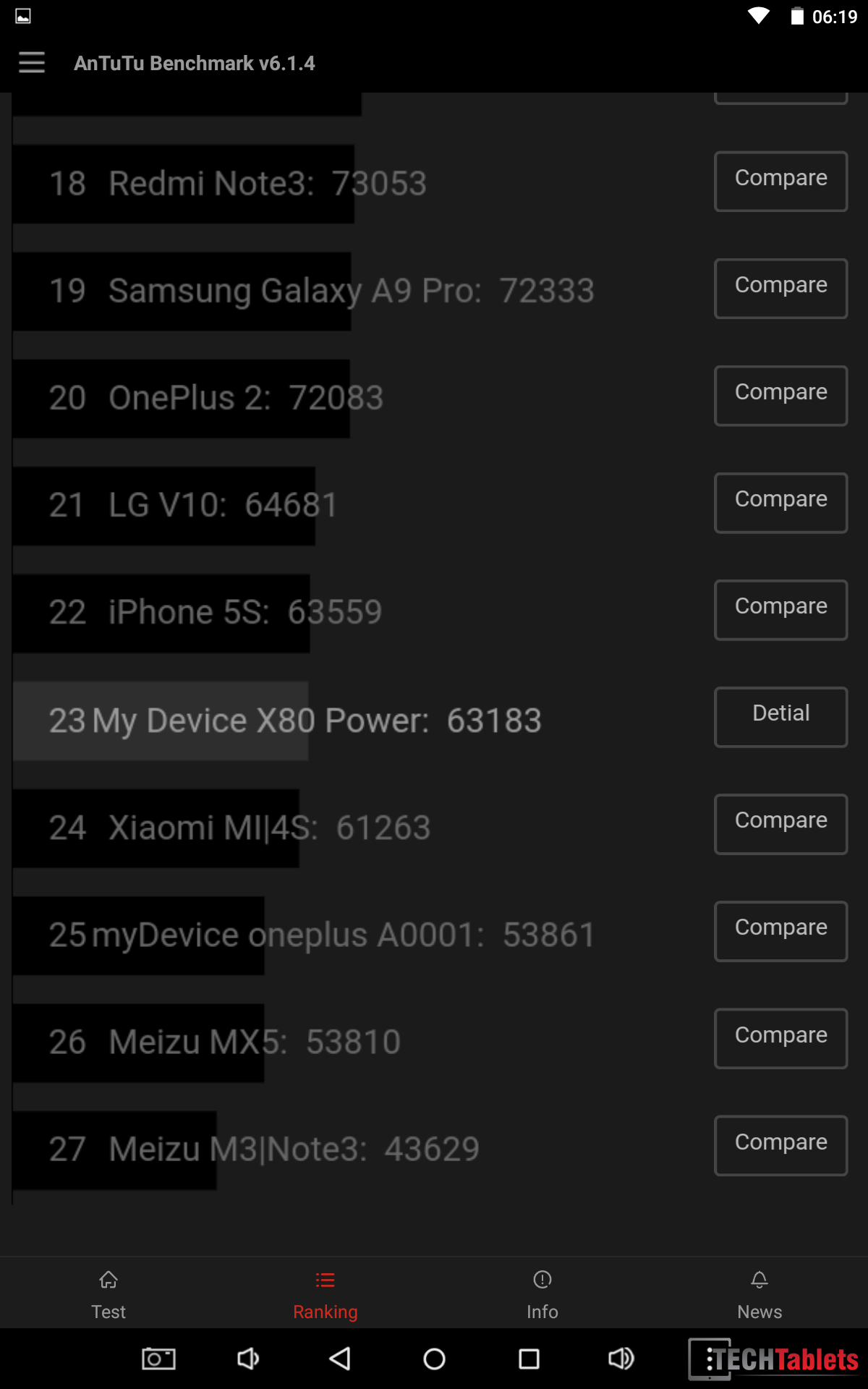
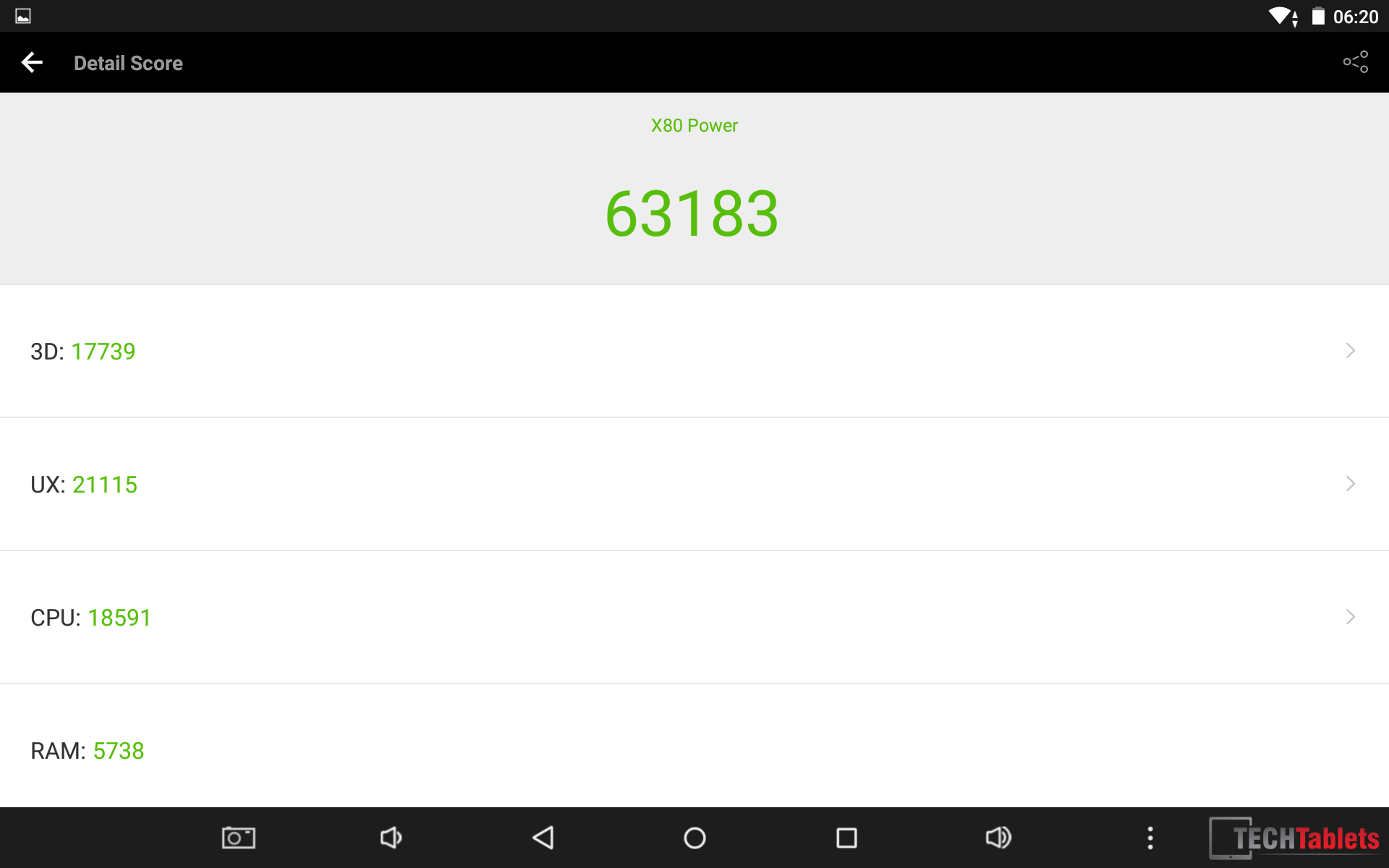
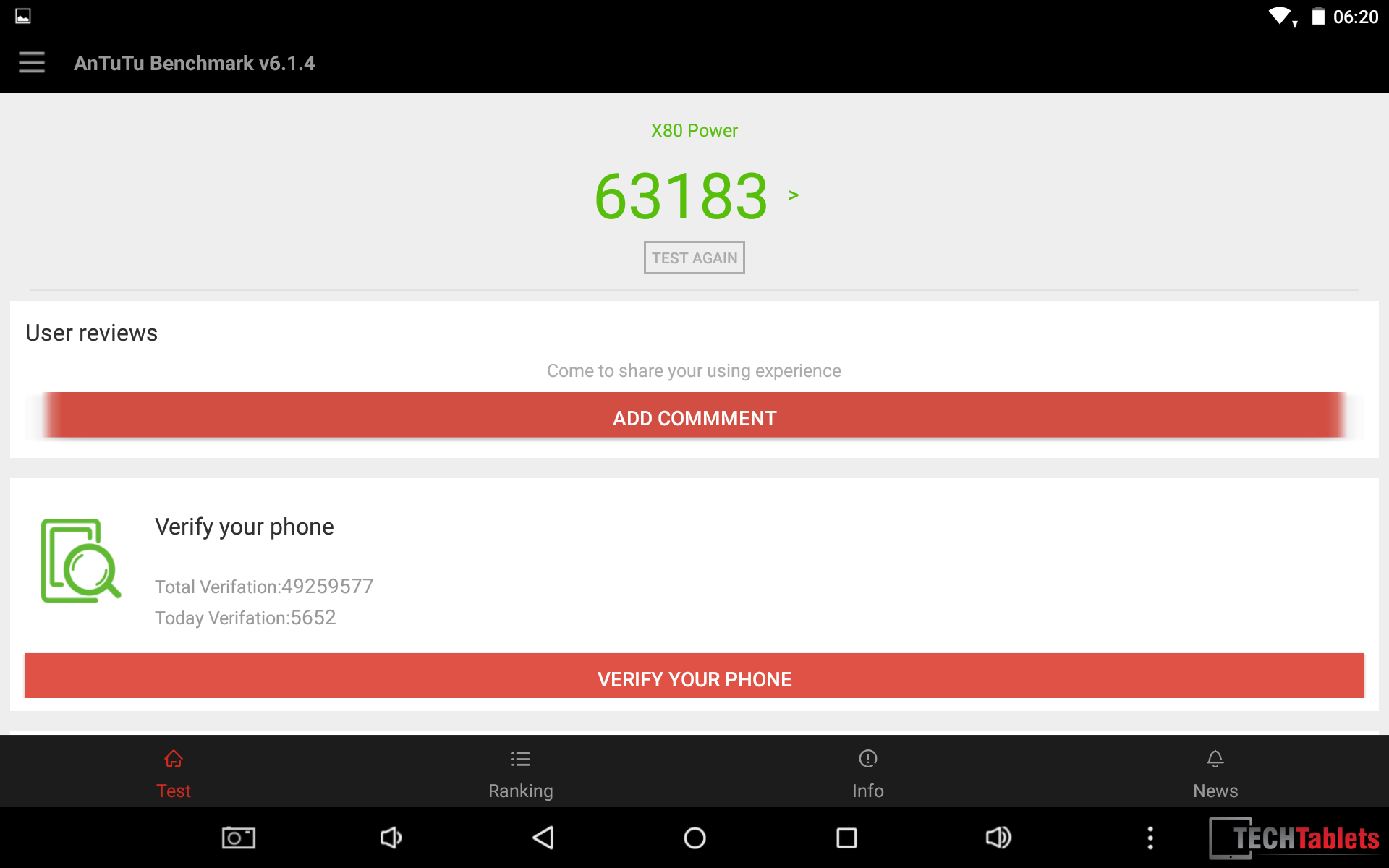
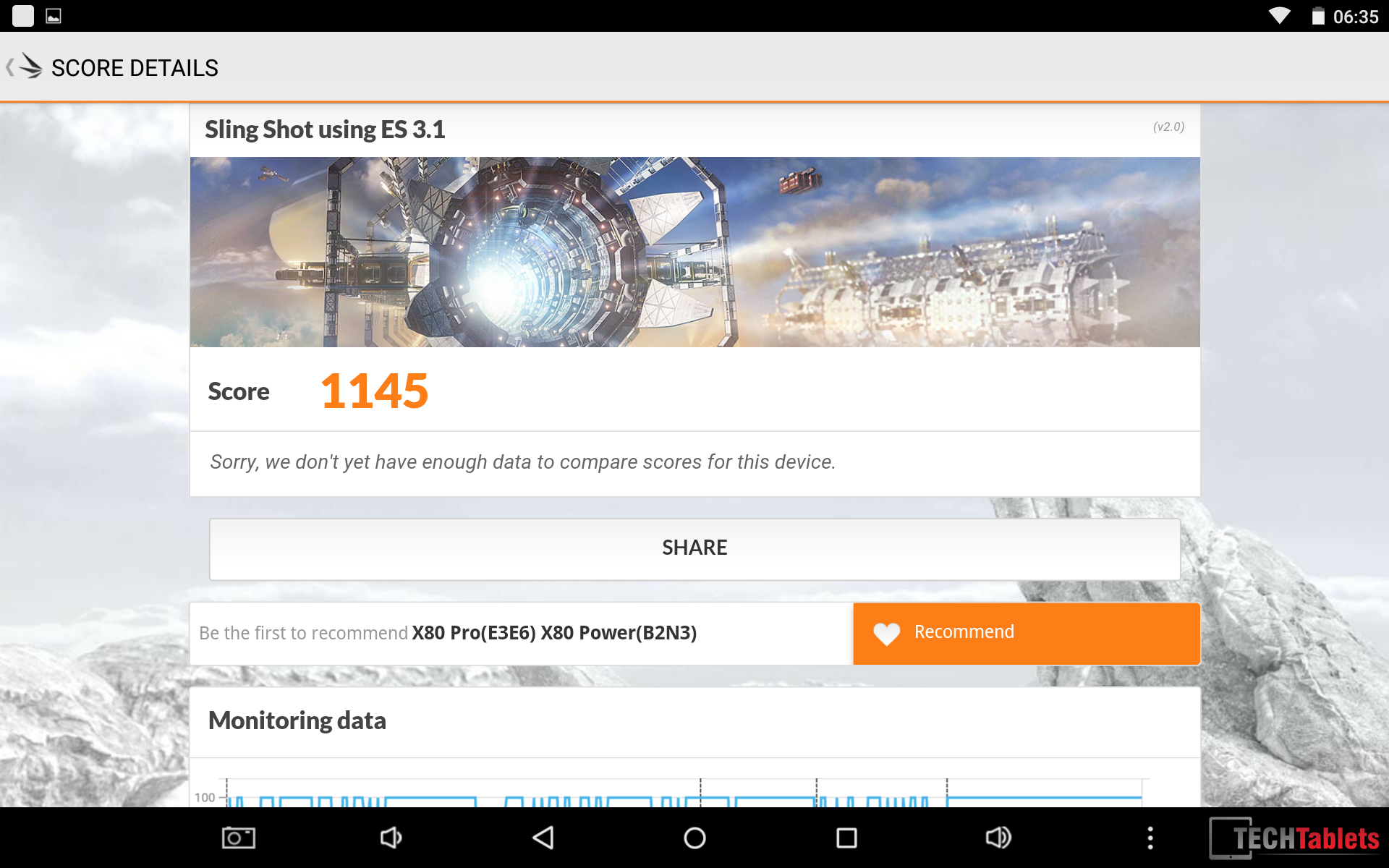
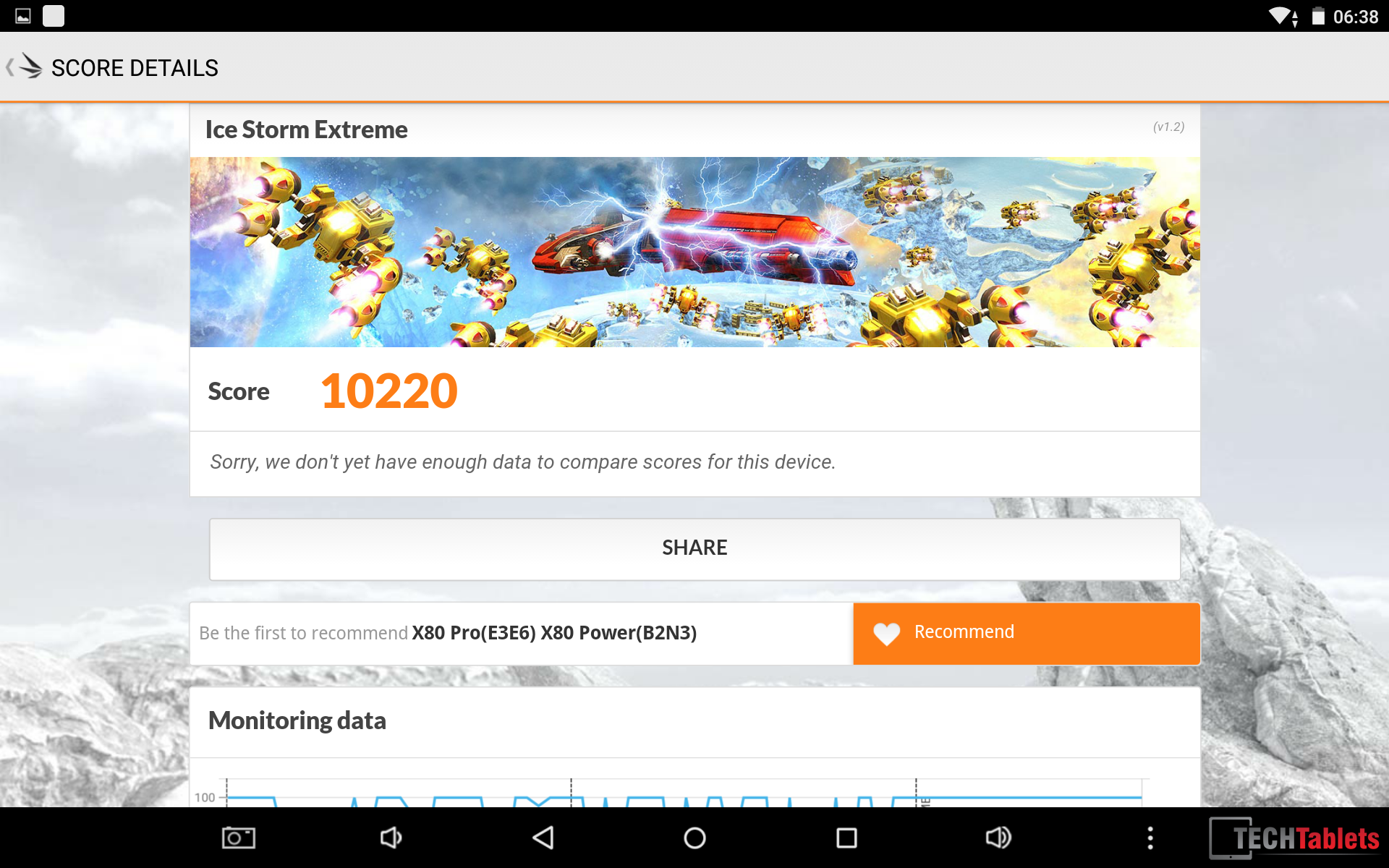


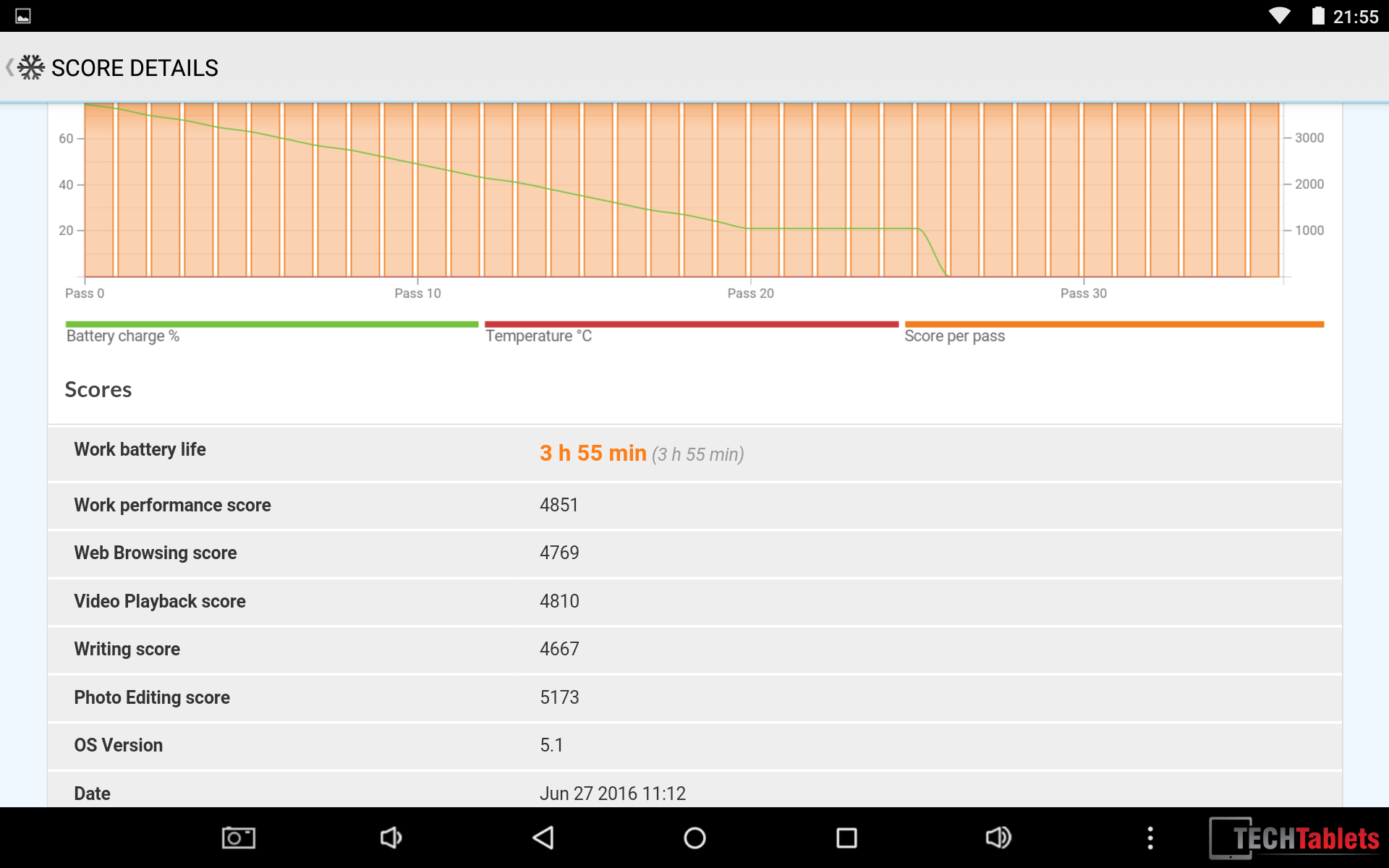
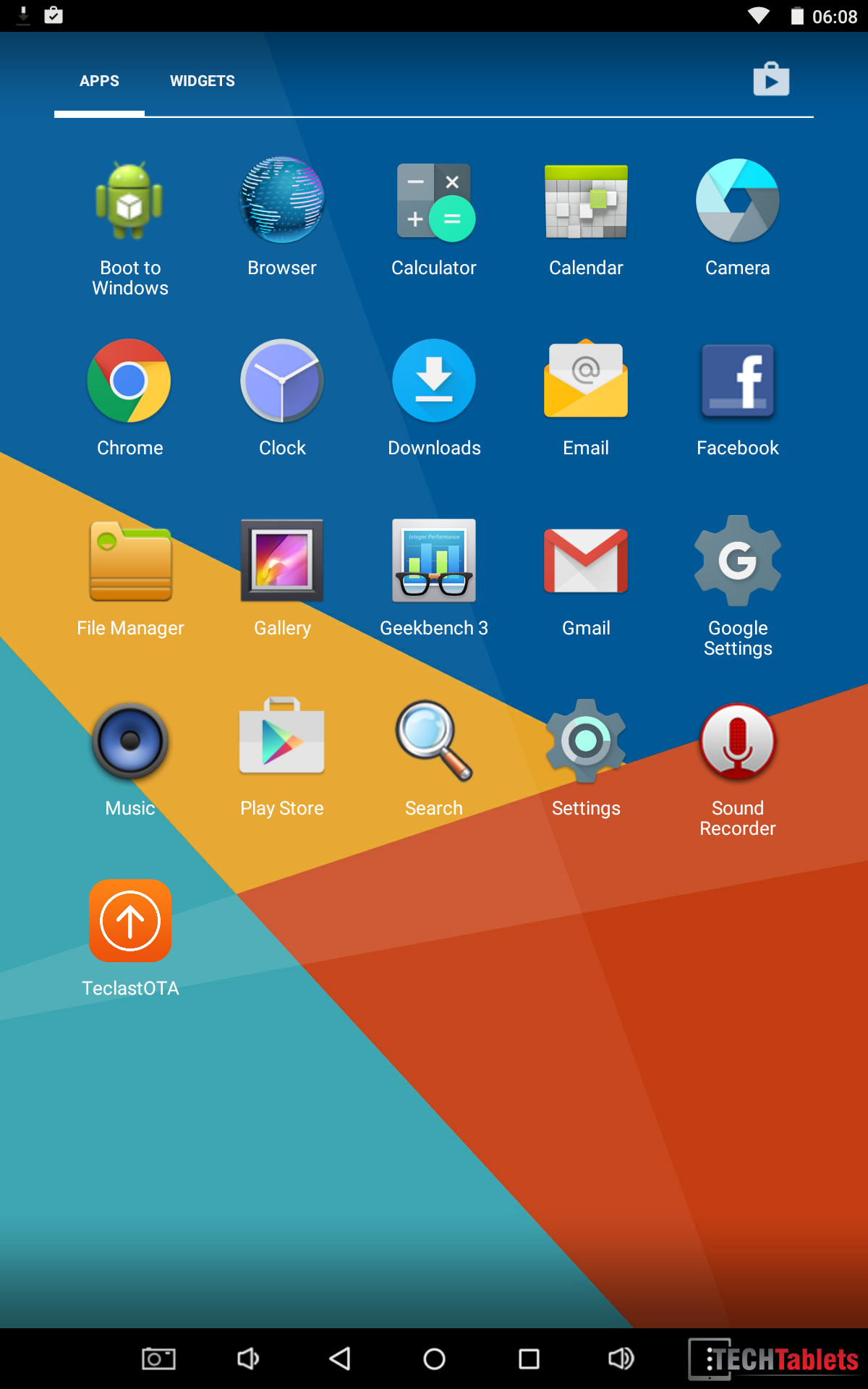

shemmati
no mention of its weight? how much does it weight, Chris?
by the way, now banggood sells its updated z8350 version for $88 with the 20% off coupon “7d62a7”:
https://www.banggood.com/Original-Box-Teclast-X80-Power-32G-Intel-Z8350-Quad-Core-8-Inch-Dual-Os-Tablet-PC-p-1132829.html
thomas
I wasn’t expect so much but not worth the money ! pay 125 CAD
Screen is a mess the burning effect is really anoying , you can see your windows icons during a video or play session.
and one dead pixel after 1h
Wifi really sucks , impossible to reach hotspot – max 3m
Not enough space on windows I don’t know how to manage space 🙁 maybe by Root android .
The body is great but arrived bend in the Banggood package . ( negociating a refund )
i will use it to setup my drone and some emulation.
Hdmi work great ,
Mark Star
With the mention of reduced Wi-Fi signal, issues, and windows having extremely Limited space ,how can the author of the article claim this is the best hundred dollars or less tablet? There is nothing that compares even $25 more?
Chris G
I claimed it has the best BUILD for under $100 bucks. Not that it’s the best, far from it! Maybe watch the video review.
Mark Star
With the mention of reduced wifi, pisdipisd
PFN Kim
My X80 Pro screen is not bright enough too but it looks fine without shimmering, buzzing and burning issue.
What the hell they’ve done to X80 Power?
Mark Star
So is the power worth the extra $ compared to the x80 pro?
Is there a better product in this class?