TechTablets › Forums › Jumper Discussion › EZBook series › Any way of binding Vol +/- and Brightness +/- to function keys?
Any idea if there’s an easy way of doing this?
Basically, I want F1 and F2 to be Vol +/- without having to press the Fn key as well.
Similar with Brightness +/- adjustment I just want be able to press F9+F10 without using the Fn key as well.
Might be a bios setting to enable/disable function keys. Or, a maybe a function lock on the ESC key. Or a setting in windows/settings/keyboard.
Sorry, not got it with me to check.
^ I’ve used SharpKeys (great little app BTW) to remap F1/F2 successfully for the sound -/+ but there’s no option for brightness…..
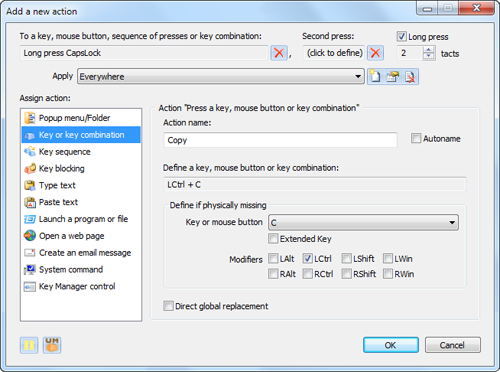
Also tried ATNsoft Key Manager but again, it doesn’t seem to include the FN modifier key, only keys like CTRL, SHIFT etc
Anyone know of any other easy to use utils that could cover FN keys / brightness?
Hey David,
does one of these programms solve the shift Ctrl cursor right / left problem to extend the selected text word by word ?
Never ever had a PC in the last 30 years that had this behaviour.
Even Android supports it – at least with hacker keyboardapp.
Good luck - WOLF
there are different Jumpers with different keyboards and different BIOS. Often you find in the BIOS a Fn key toggle. I solved the problem with volbright what connects the brightness to the volume keys.
see here: https://www.reddit.com/r/Surface/comments/3h3dt8/change_screen_brightness_from_the_volume_keys/
Need Help? 1981 soldered my first Sinclair computer 1K, tapedeck * 1984 build and sold IBM clones 8Mhz, 512K, 20MB HDD * 2018 messing with ultrabooks
Remember Me
Please enter your username or email address. You will receive a link to create a new password via email.
 .
.