

TechTablets › Forums › Chuwi Forums › Chuwi Hi12 Forum › Chuwi Hi12 keyboard pictures? Dealbreaker?
Tagged: Chuwi Hi12 Keyboard
- This topic has 166 replies, 31 voices, and was last updated 10 years, 5 months ago by
Kvadro.

-
AuthorPosts
-
April 18, 2016 at 1:02 pm #34067
My keyboard just arrived, lucky I was home when DHL dropped it off. I was expecting PostNL shipping. But Banggood sent it DHL which is why I had a difference tracking number. Lucky for me no taxes, I’ll post a hands-on video of it soon.
Chris | Admin
Please support us and help keep TechTablets online. Affiliate revenue is used to pay for the server, studio apartment (Techtablets HQ) and buy new tech to review. Without it, this site would be dead.
Next up for review:
Ordered and waiting for my: BMAX S15 & Teclast F6 Plus
Currently testing: LG G8X & Redmi K30April 18, 2016 at 3:15 pm #34086I got mine today from http://www.geekbuying.com, their service is outstanding. I got my Hi12 also from them. This keyboard is right for the Hi12.
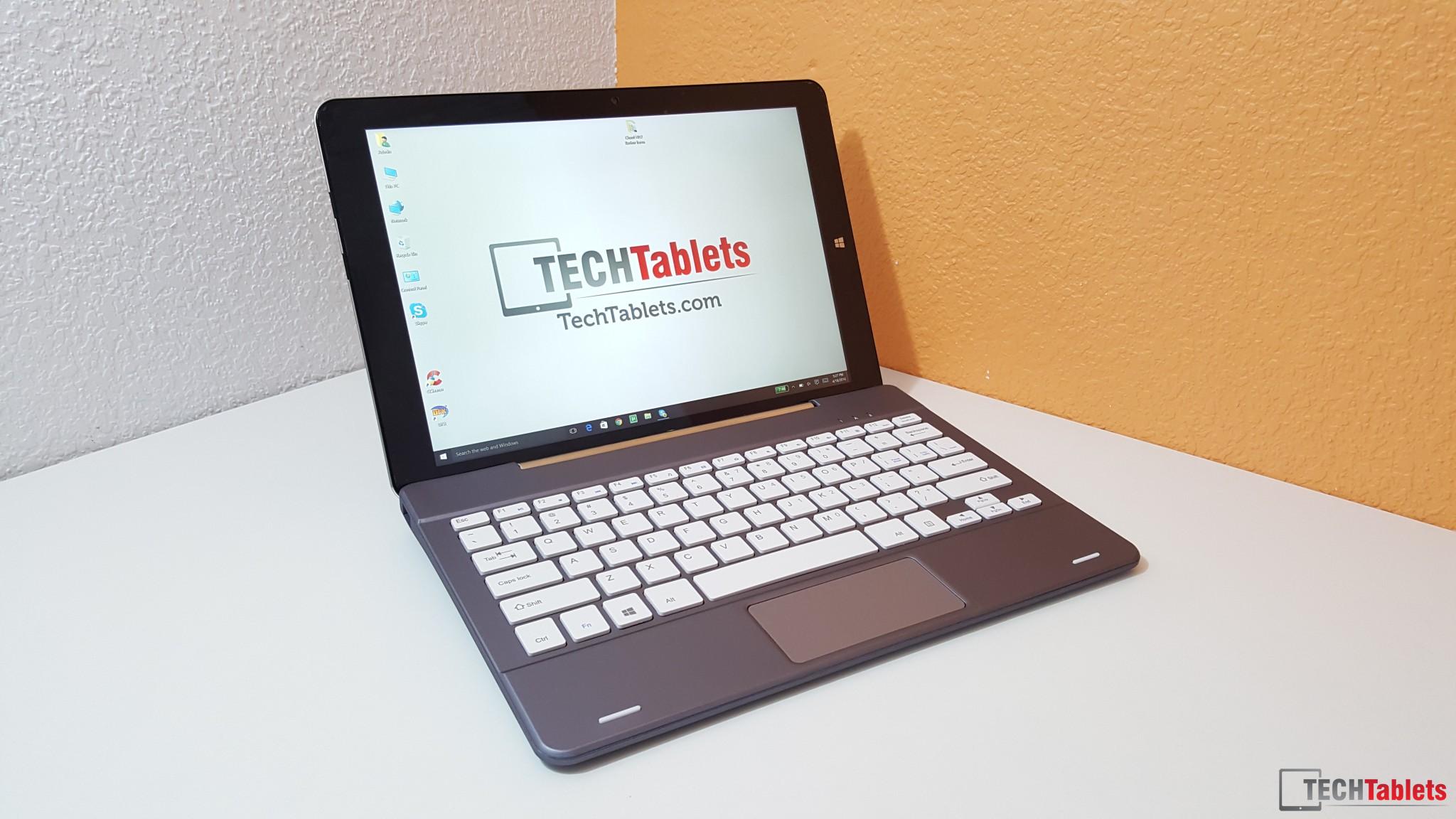
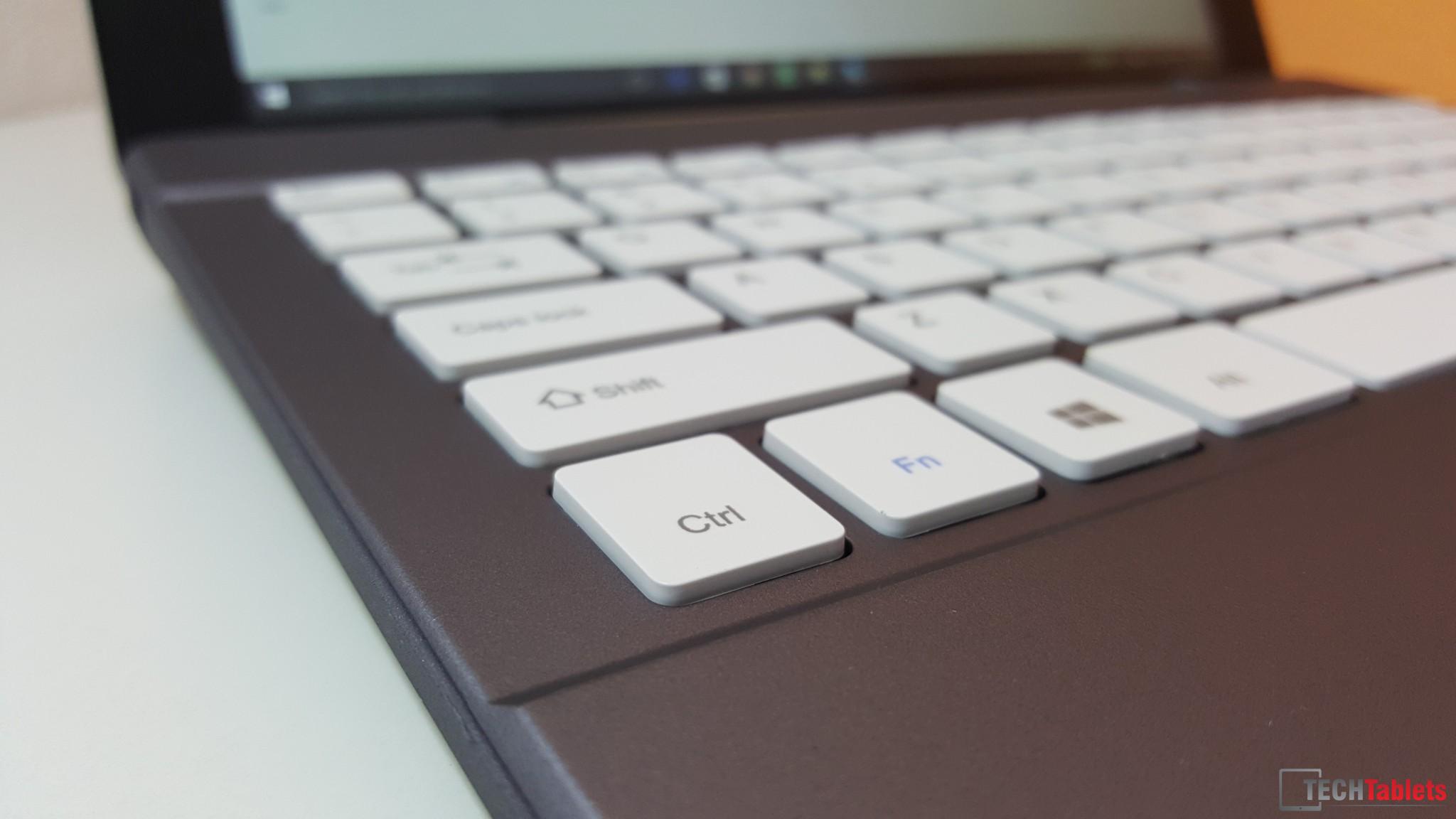
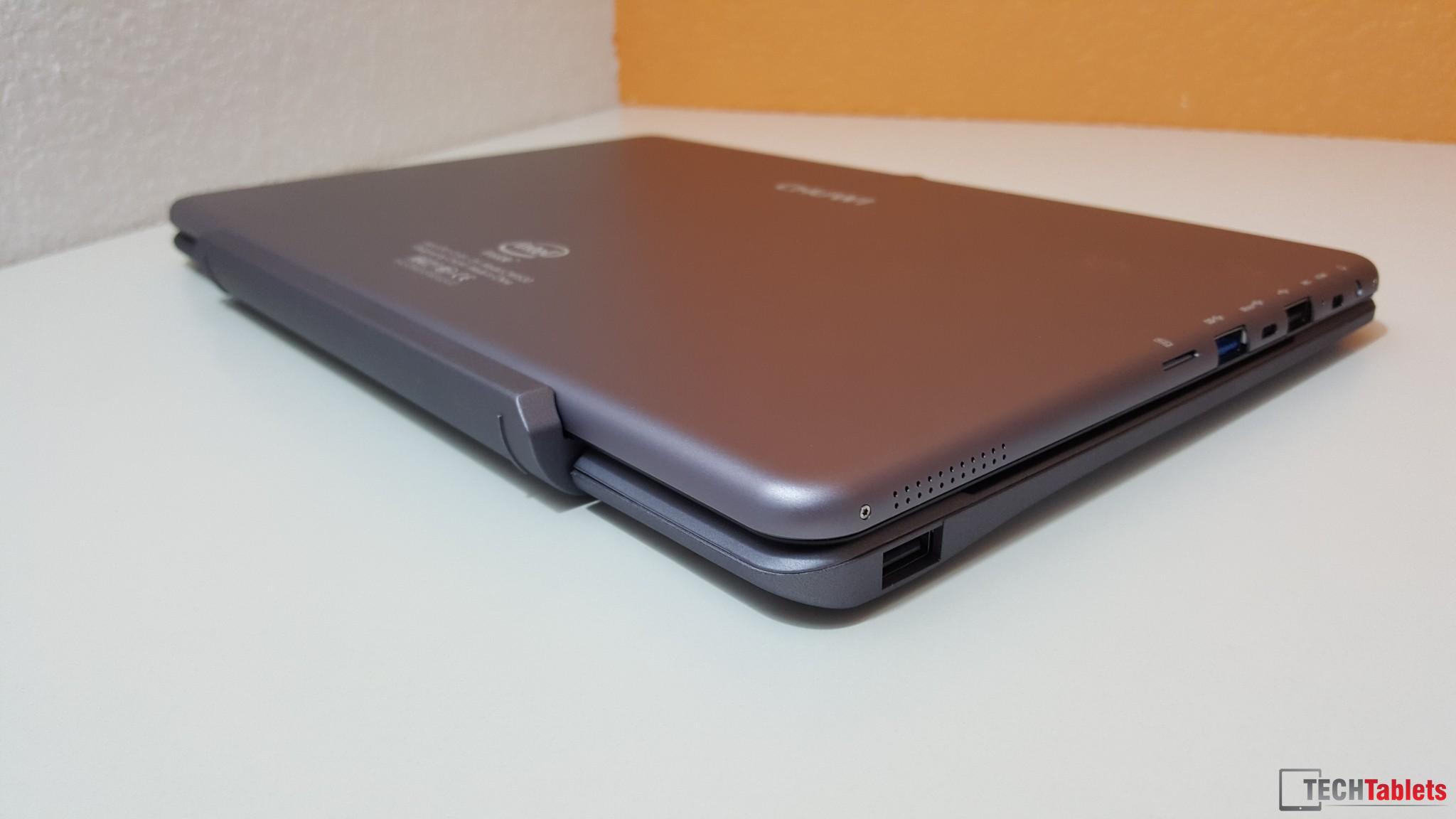
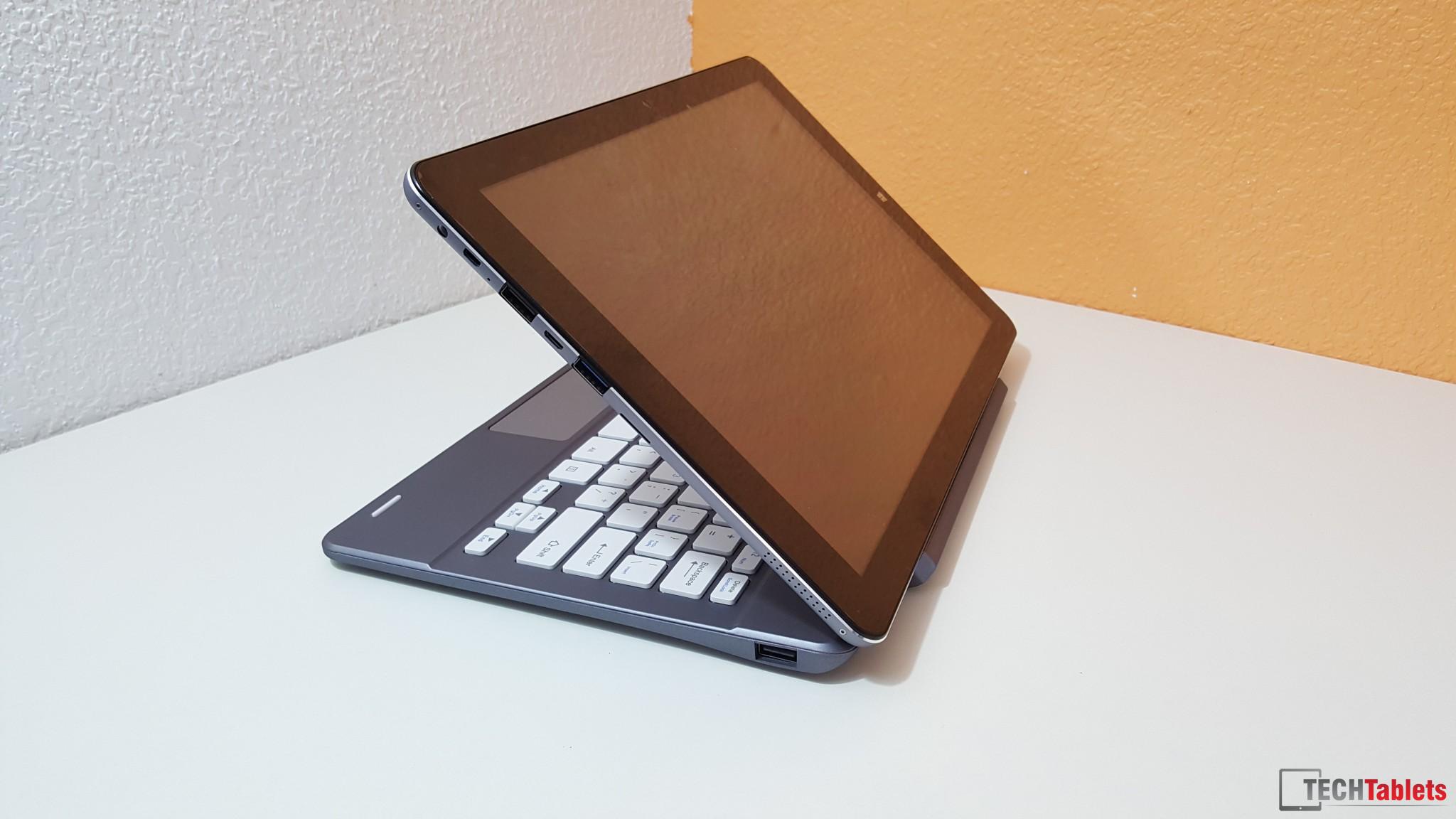
The weight of the keyboard balance the weight of the tablet, so no swing. When you type, the keys makes no noise. The keyborad responds very well with no lag. Color wise in good and match the Hi12 well. It’s made of plastic, but that’s ok.
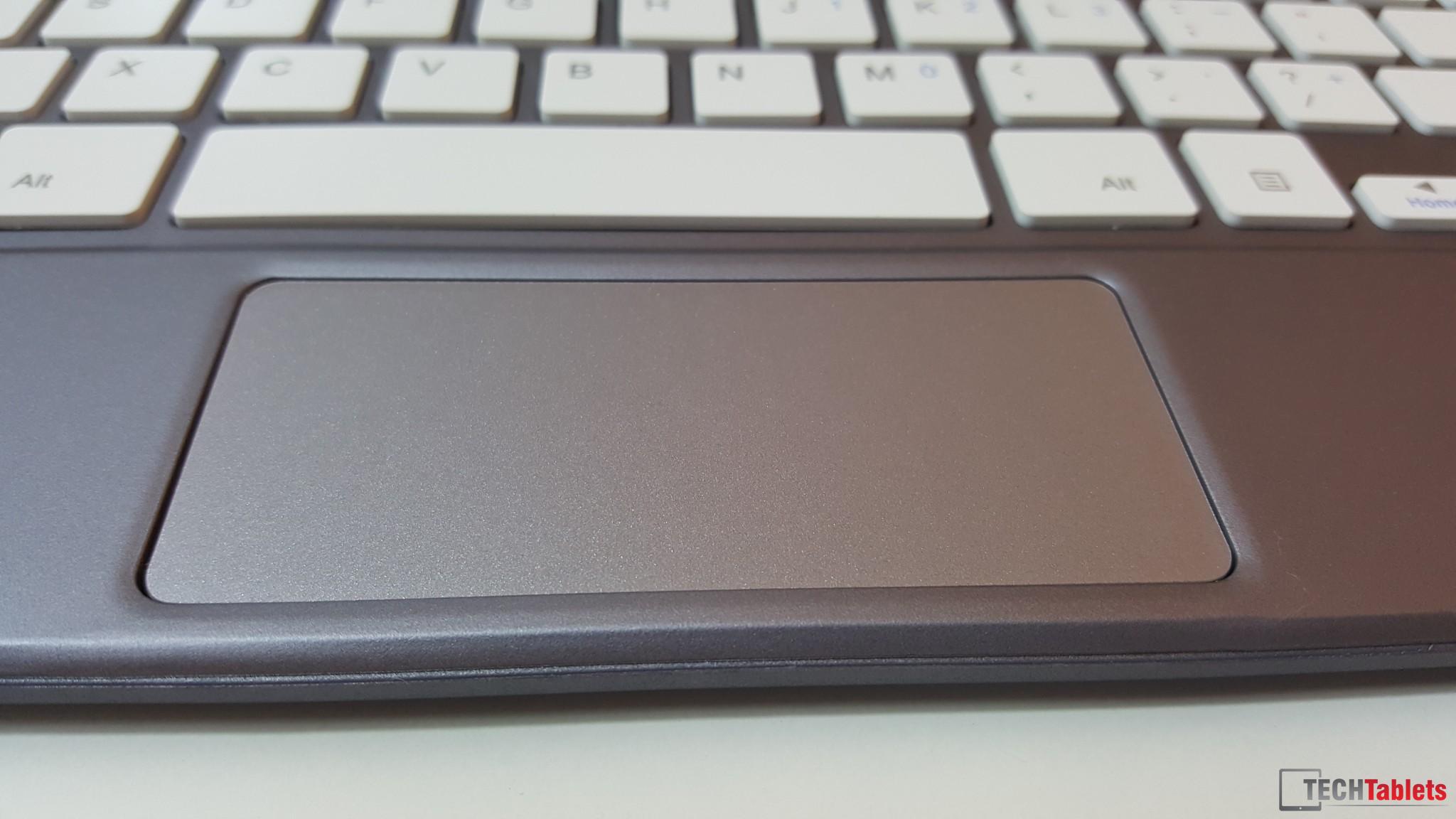
Does anyone know how to disable the gestures on the trackpad? I looked in settings but coildn’t find it. It’s very sensitive and it’s driving me crazy!
So far, so good!
Attachments:
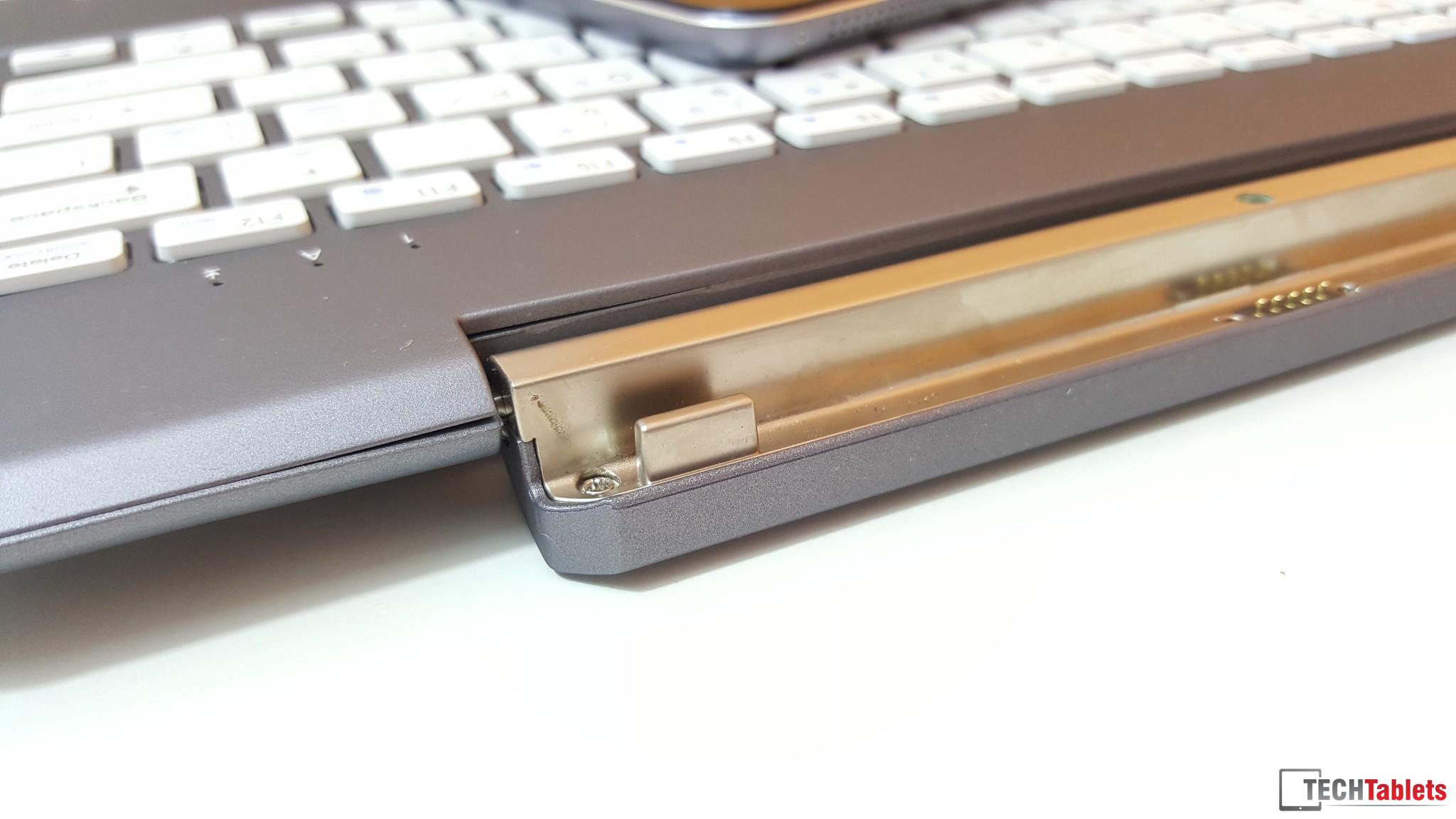
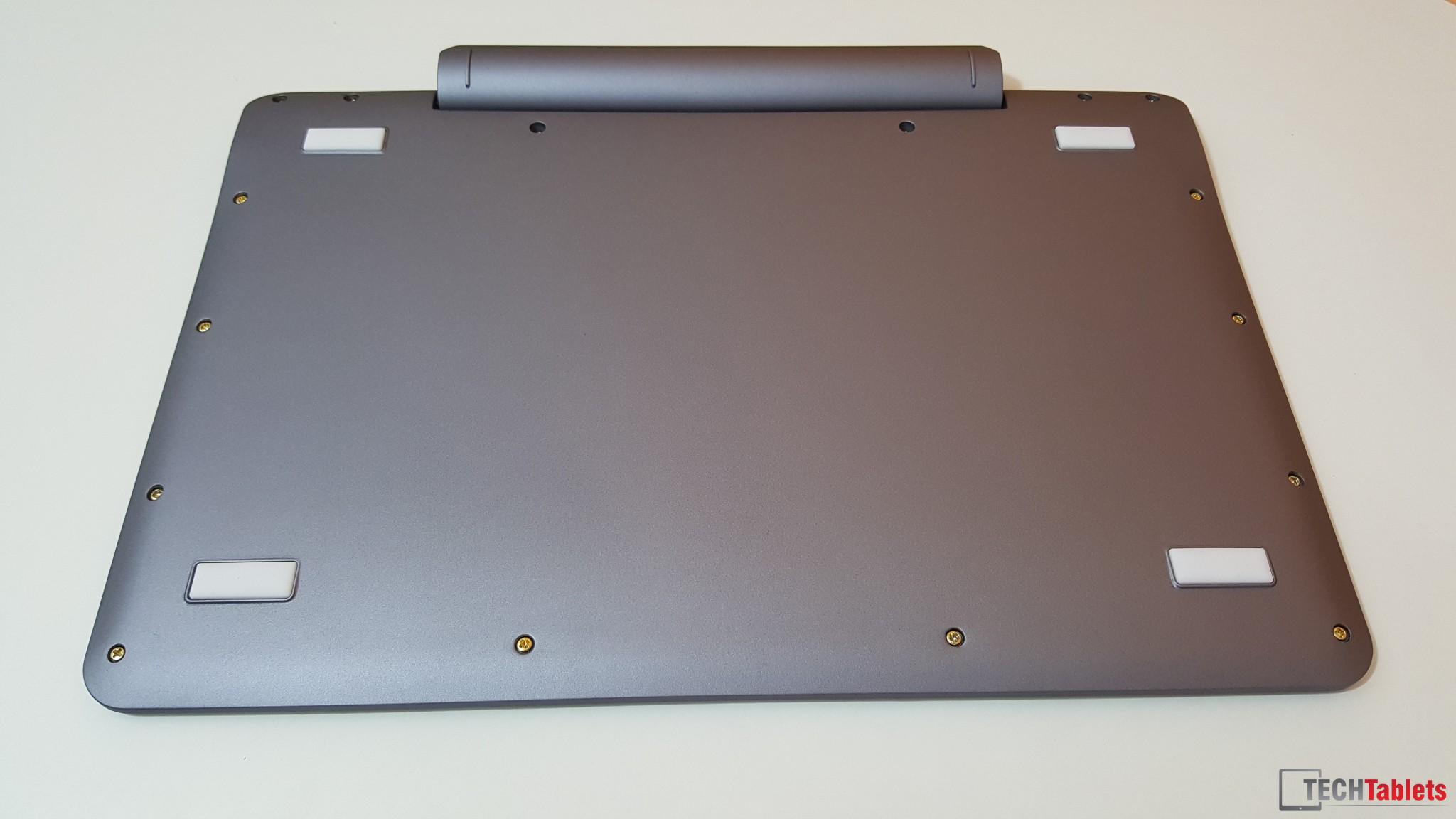
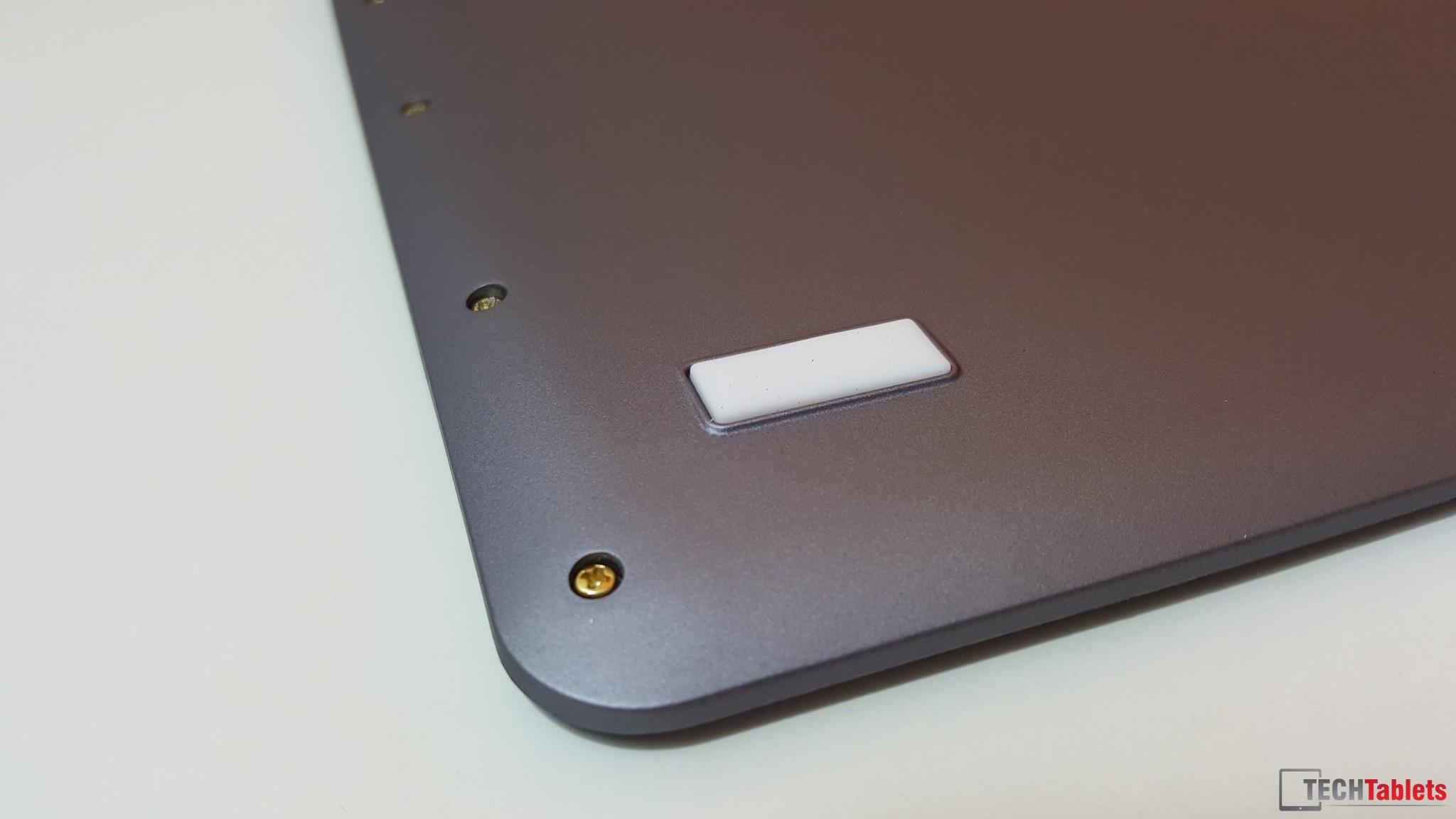
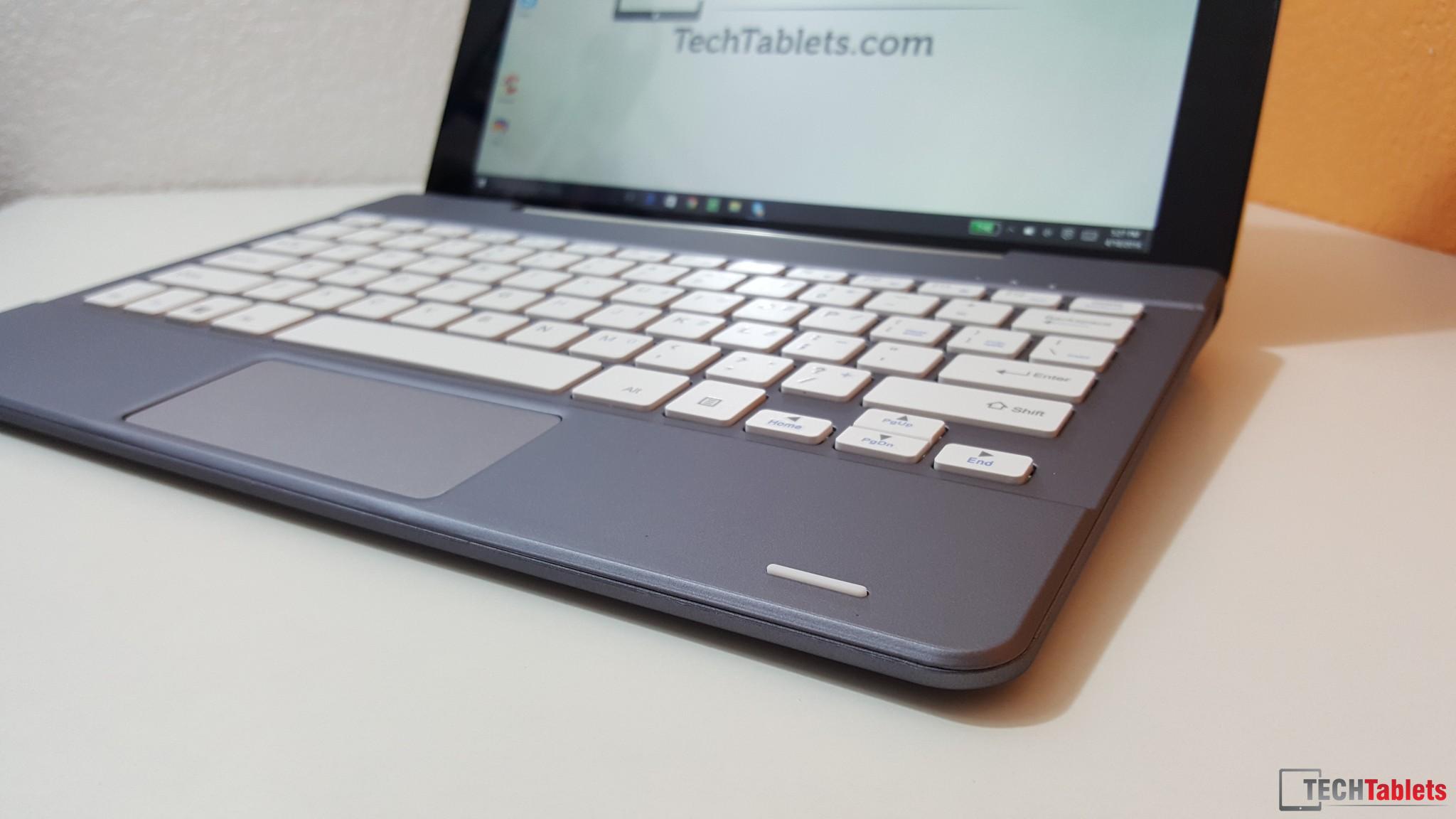
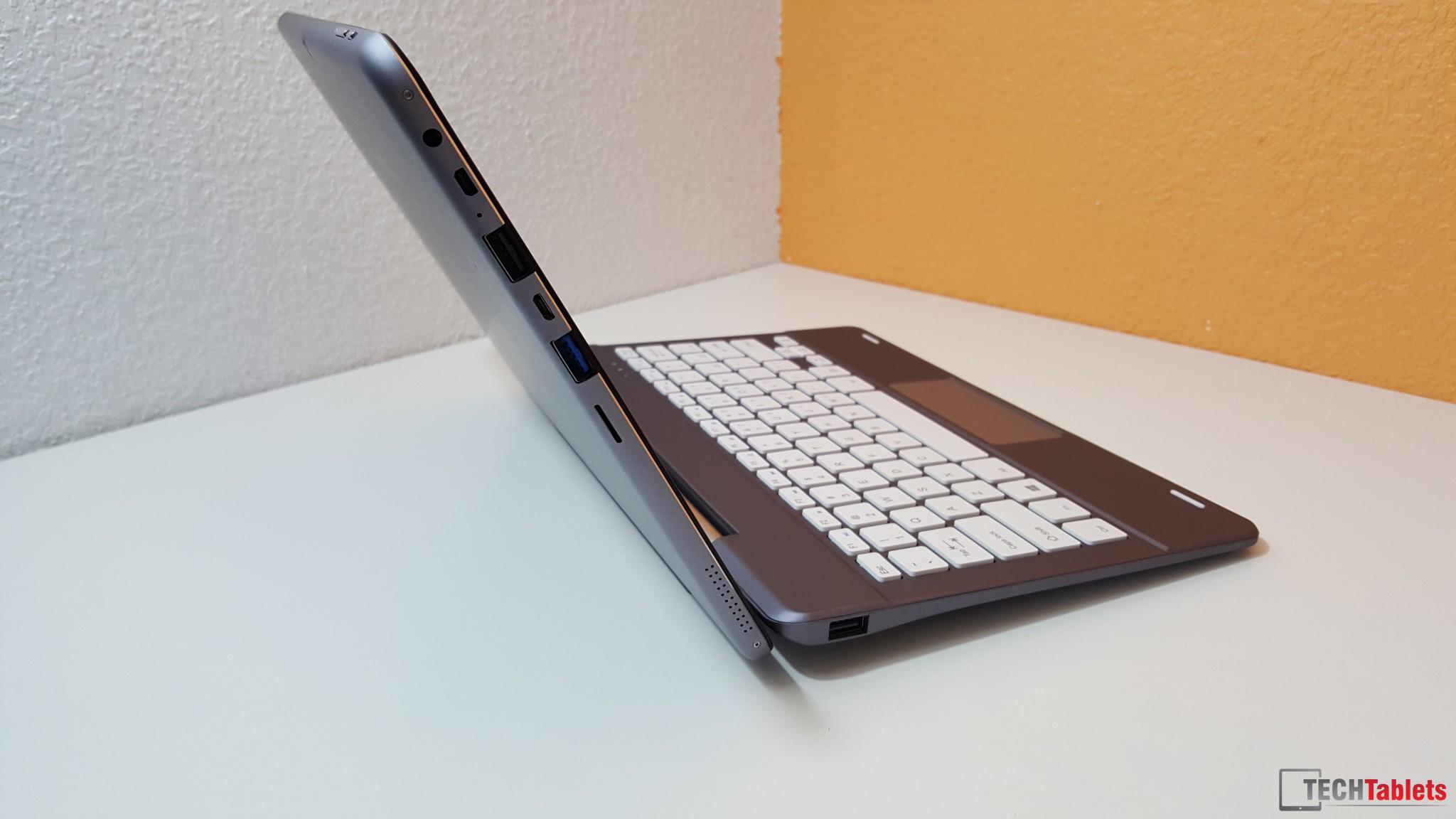
You must be logged in to view attached files.April 18, 2016 at 4:30 pm #34127Here some snaps, hands-on video will be on the front page in about 2 hours. Just uploading it now. By the way, a screw fell out of the keyboard, the assembly line stripped some of the plastic threads into the keyboard. Not good!
Chris | Admin
Please support us and help keep TechTablets online. Affiliate revenue is used to pay for the server, studio apartment (Techtablets HQ) and buy new tech to review. Without it, this site would be dead.
Next up for review:
Ordered and waiting for my: BMAX S15 & Teclast F6 Plus
Currently testing: LG G8X & Redmi K30April 18, 2016 at 6:17 pm #34142Unboxing and hands-on video (Screw falls out in the video!)
Chris | Admin
Please support us and help keep TechTablets online. Affiliate revenue is used to pay for the server, studio apartment (Techtablets HQ) and buy new tech to review. Without it, this site would be dead.
Next up for review:
Ordered and waiting for my: BMAX S15 & Teclast F6 Plus
Currently testing: LG G8X & Redmi K30April 19, 2016 at 2:18 pm #34271Anonymous
Inactive- Posts: 65
Nice review Chris!
I was actually setting up my camera and then I thought I’d check if somebody else already uploaded a video of the keyboard.
As it turns out, your keyboard arrived on the same day mine did and you already uploaded a review.I think the keyboard is OK, but very heavy. But I’d thought it would, because you need a counterweight for the already big and heavy Hi12.
There is one thing I’d like to tell people: When you close the tablet/keyboard combo, the tablet turns off. (just like it would when you press the ON/OFF button)
I think that’s a pretty nice touch from Chuwi. And I also like the automatic turn off for automatic rotation.(which you don’t need with the keyboard)
I have been using it for some time now, and I have to say this combo is perfect for me. Way better then my super heavy ASUS (multimedia/gamer) laptop that weighs about 3.5-4kg with the 120W adapter. 😛
Internet on the Hi12 seems about as fast, so I think I’ll be using it quite a lot from now on!I have no screws falling out, at least not yet. Mine arrived just fine, although the cardboard box the keyboard came in was a bit damaged.
April 19, 2016 at 3:43 pm #34281Hey Loek, how do you find the combo when lets say resting on your chest in bed? I like to watch shows before sleeping and was wondering if it would be stable like a laptop? Just watching Chris’ review makes me wonder if it were to easily topple over or backwards because the tablet itself seems so damn heavy compared to keyboard >_<
Cheers -K
April 19, 2016 at 7:22 pm #34308All depends on the angle, the counter weight in the keyboard is good. But if you were in bed I think the chances of it toppling over would be great, as the tablet is quite heavy.
I used the keyboard a bit more after my video and I do like, it just a shame about some of the screws coming loose. When I’m back from the UK I will put a bit of glue in the hold and screw it back in place and hope that holds. The typing experience is good, some bound, but I found the trackpad is just a little too small for me. I wish it was a little higher.
Chris | Admin
Please support us and help keep TechTablets online. Affiliate revenue is used to pay for the server, studio apartment (Techtablets HQ) and buy new tech to review. Without it, this site would be dead.
Next up for review:
Ordered and waiting for my: BMAX S15 & Teclast F6 Plus
Currently testing: LG G8X & Redmi K30April 19, 2016 at 9:45 pm #34344Inactive- Posts: 65
Hey Loek, how do you find the combo when lets say resting on your chest in bed? I like to watch shows before sleeping and was wondering if it would be stable like a laptop? Just watching Chris’ review makes me wonder if it were to easily topple over or backwards because the tablet itself seems so damn heavy compared to keyboard >_< Cheers -K
I use it for the exact same purpose actually and it works pretty well for that. The keyboard is also quite heavy, it’s actually about as heavy.(only about 90 grams less)
The most annoying thing the keyboard has is the gestures on the trackpad. I can’t seem to find some settings where I can turn it off. :/
And my space key was not really that smooth. It looks like some plastic around the keys was blocking it sometimes and I scraped some of it away. Now it seems to be fine. 🙂April 20, 2016 at 11:02 am #34380I have been trying to get date the keyboard will ship from Gearbest. I ordered March 18 and have been waiting patiently. One rep tried to fob me off by saying they are no longer available? Then changed their story to backorder. Latest from Gearbest is 10 days. Anyone else got the same story?
April 25, 2016 at 4:50 pm #35021Have you figured out how to enable and disable gestures for this board. The touch pad is kind of wonky for me so I wanted to disable anything that might cause me problems. It isn’t listed under the touchpad and mouse area in 10.
April 25, 2016 at 9:33 pm #35062That would be a good information how to turn off the gestures….
April 25, 2016 at 9:46 pm #35063FINALLY got my tablet and keyboard today (ordered 3/6). So like others have shown, the bottom right (bottom left looking from the bottom) screw on the underside was floating loose in the bag. I screwed it back in but it seems like the hole itself is stripped – while it is secure (for now) it does not tighten to a loose-but-firm lock as one would expect. I’ll do my own video review soon.
April 25, 2016 at 10:36 pm #35074RE: Gestures – I agree! 10 min of using this ,I loaded up minecraft and inadvertently it went to “switch apps” – and I ended up throwing a VERY strong and valuable sword to an enemy…had to log out, then he despawned. you win today, wither skeleton!
April 25, 2016 at 11:59 pm #35077I’m surprised you were able to get minecraft running on this.
April 26, 2016 at 7:50 am #35103My keyboard arrived from Banggood a couple of days after the tablet. I like the keyboard except for the advanced gestures on the touch pad like pinch and zoom etc. I can’t find anywhere in the device properties to turn them off and often when just trying to move the cursor I end up with zooming or disappearing windows.
-
-
AuthorPosts








- You must be logged in to reply to this topic.
