Forum Replies Created
-
AuthorPosts
-
August 26, 2018 at 6:47 am #145828
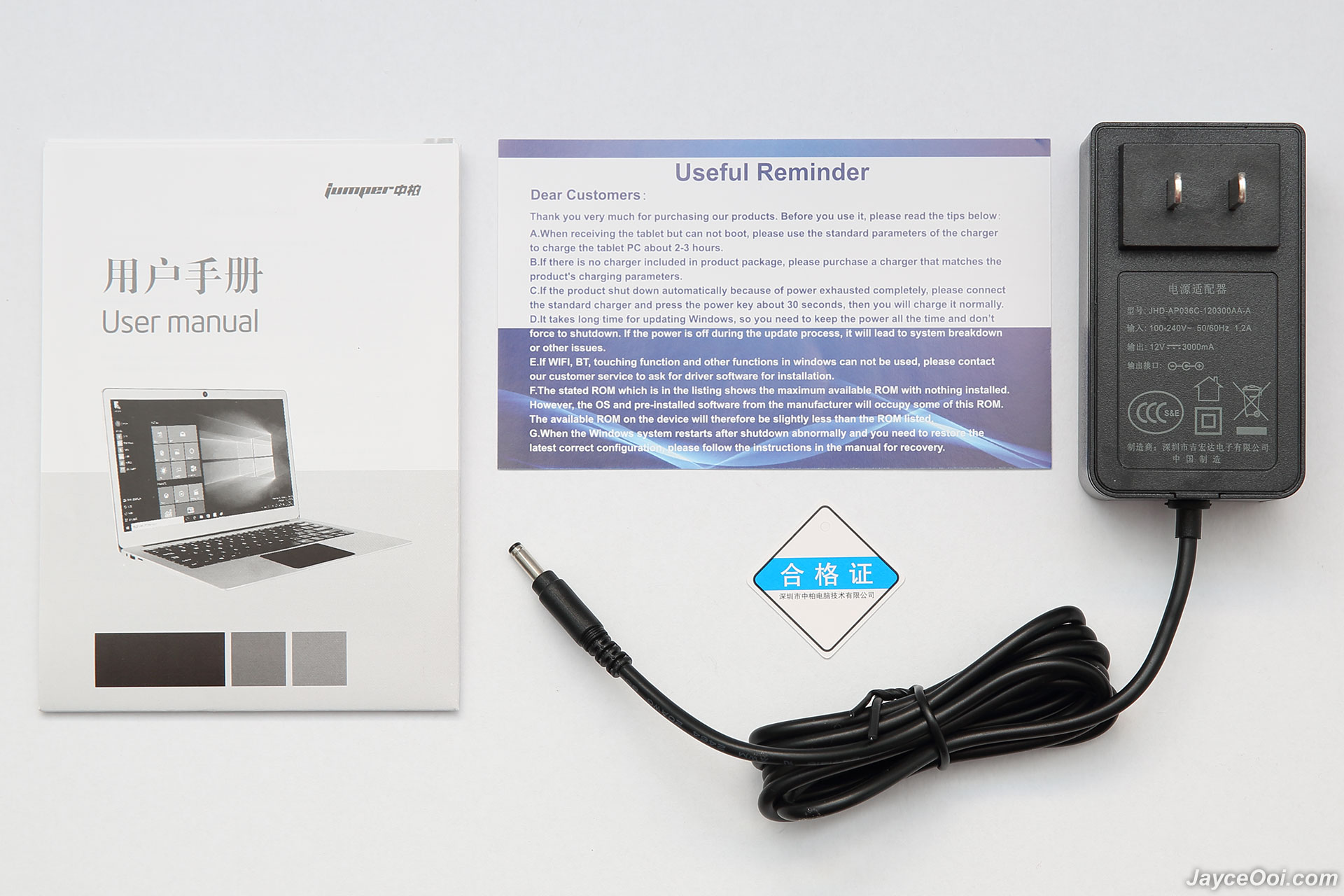
Hi. I just purchased this laptop and I wanted to ask you if the Ezbook 3 Pro charger works (12V-3A).
Thank you. Greetings.https://www.jayceooi.com/wp-content/uploads/2017/07/Jumper-EZbook-3-Pro-Full_03.jpg
June 8, 2018 at 1:12 pm #143719I do not know because I have the board removed and I’m waiting to have time to reassemble it.
As soon as I mount it, I tell you.June 7, 2018 at 1:55 pm #143699Hi! No, it’s the EzBook 3 Pro without a slot for SSD, bought in mid-2017.
As you can see, it only comes with the slot for the flex cable but it came from the factory without it and without the adapter.
What I would like to find would be that adapter if not original
Thanks. June 7, 2018 at 11:13 am #143683
Uhmm, ok, thanks for the info.
And do you know if is there an adapter with that voltage regulator?
Thank you.June 6, 2018 at 6:43 pm #143665Thank you chupa, you’re a “capo”! =)
May 6, 2018 at 7:16 am #142656Thank you for your efforts and info, dude! =)
May 6, 2018 at 7:15 am #142655Thanks, @chupa. I have installed BatteryBar, HwMonitor and some other apps to monitor the battery, see its “real” capacity, etc …
I have tried with 3 different chargers (12V-3A (2 of different notebooks) and 12V-2A). The computer does the same to me. =(
With the laptop plugged in, the battery goes down little by little, even without doing anything, even leaving it only on the desktop and without touching it.
I found a page to buy the original battery and I was in contact with them for several days. They answered me and told me that in the end they had not found spare parts for this model. I post the web:May 5, 2018 at 3:51 pm #142620Yeah, the time it takes for that 10% of battery power to run out (around 15-20-25 minutes. It depends how you use it).
What I had in mind was to weld where the battery pin goes to the charging hole to trick the laptop into turning on without the battery in it. I don’t know if that can be done.Something like this: (Until the 6:56)
May 5, 2018 at 1:37 pm #142616Thank you for the reply but if I connect the battery, it’s drained in 15 minutes and when the battery is spent, the laptop doesn’t turn on again.
It seems that I have to survive with an overvoltage to reload up to 10%, but when it is spent, connected or not, the laptop does not turn on.
It could be that charger electronic is broken…
I do not know if I explain myself well, sorry. I am Spanish. ?May 5, 2018 at 11:52 am #142612My battery only charged up to 10%. I have removed it and I have done everything but I have not been able to revive it.
The battery is removed, I connect the charger but it does not turn on (like a tablet or a mobile).
Could you fool the motherboard and bridge (connect) from the battery pin to the charging hole? At least it could be used connected… ? -
AuthorPosts