


Forum Replies Created
-
AuthorPosts
-
My original post is lost somehow. Probably because I edited it one time too many. I can not repost it because the forum software detects that. Here it is again, hidden as a quote.
After buying three power banks (none worked) I decided to buy a USB-C tester from Aliexpress (search for 32816538942).
The tester reports that my BMAX Y13 charges at 15 volts, not 12 volts like I thought it would. If I connect any of my PD power banks the BMAX negotiates 9 volts and it doesn’t charge.
And yes, it is definitely a BMAX problem. I have one charger that doesn’t work if I connect it directly (tester shows 9 volts), but which does work if I put a HDMI dock between the charger and the BMAX. With the HDMI dock in between, the BMAX will charge at 15 volts.
@Octavio : I tried your power bank from Aliexpress (search for 4000191871773) but it also connects at 9 volts. 🙁
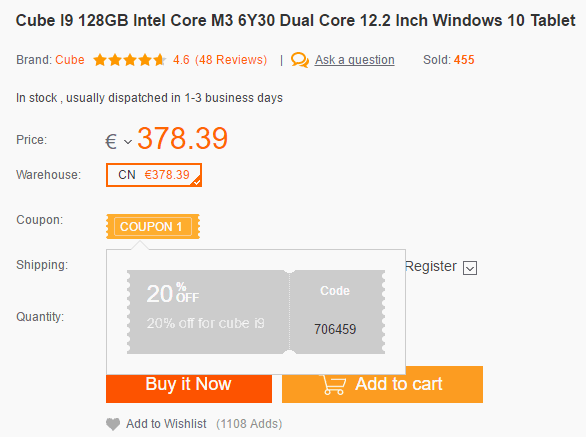
The coupon is working again. If you do not see it on the product page, refresh the page.
Attachments:
You must be logged in to view attached files.If you want to disable some touchpad gestures, but want to keep the keyboard shortcuts, you can use my AutoHotkey script.
https://techtablets.com/forum/topic/autohotkey-script-to-disable-modify-touchpad-gestures/
To disable / change the gestures on the touchpad, you can use the 32-bit version of AutoHotkey. See this link for more information:
https://techtablets.com/forum/topic/autohotkey-script-to-disable-modify-touchpad-gestures/
To scroll vertically, use the two finger scroll gesture. No need for special drivers.
Mine is down to 84% max but I am still on the original BIOS. The original BIOS reports an incorrect capacity of 50000 mWh. The capacity of the battery is actually 38000 mWh. See:
https://forum.xda-developers.com/showpost.php?p=70050687&postcount=419
I thought flashing a new BIOS would solve this. If it doesn’t it could be a software or hardware problem.
Sorry for the second post. I can not post more the one hyperlink in one post. Another solution could be creating a Portable Windows USB stick.
Please note that I have not tried using either of these options to install a new BIOS.
But as you have not given any information to why you want to do things differently, I can only strongly advise you to do it the normal way.
Hi,it’s possible flash the bios via DOS with usb stick?
I’m not really sure why you do not want to flash from Windows. But if your Windows partition is not bootable anymore, you can boot from a Windows-PE environment and try to flash from there.
You can use Gandalf WinPE environment which you can write to a USB stick using Rufus (Google for it).
The height of the Surface 4 skin is perfect. It’s missing about 7mm on each side. See my last post in this thread:
https://techtablets.com/forum/topic/accessories-for-the-cube-i9/
I’ve bought this charger and it is working really good: https://www.amazon.it/gp/product/B01EN3HLT2/ref=oh_aui_detailpage_o02_s00?ie=UTF8&psc=1
What is the highest charging rate you’ve seen for your charger in BatteryBar?
My Anker PowerPort+ 5 USB-C never gets over 13.5 Watt. Which is enough for daily use, but a bit disappointing for a charger that can deliver 29 Watt.
I’ve ordered another USB-C charger (a 60w Anker), but after reading some of the topics I believe it is not going to work.
This 60W Anker works for me. See second post on this page:
http://techtablets.com/forum/topic/accessories-for-the-cube-i9/
What do you think about this charger for the Cube i9? https://www.amazon.es/Cargador-UGREEN-Adaptador-Delivery-pulgadas/dp/B01GL4MFVU/ref=sr_1_11?ie=UTF8&qid=1481504335&sr=8-11&keywords=power+delivery I would be willing to buy it just to test it, but I definitely don’t want to fry my Cube i9 :S
If you Google for Benson Leung Ugreen you’ll discover that the Ugreen cables are usually not good. So I would not buy an untested charger from them with zero reviews on Amazon.
But maybe buying a really good Power Delivery charger right now turns out to be impossible.
BoORDeL knows how to do it. See his post on XDA
http://forum.xda-developers.com/showpost.php?p=69967903&postcount=403
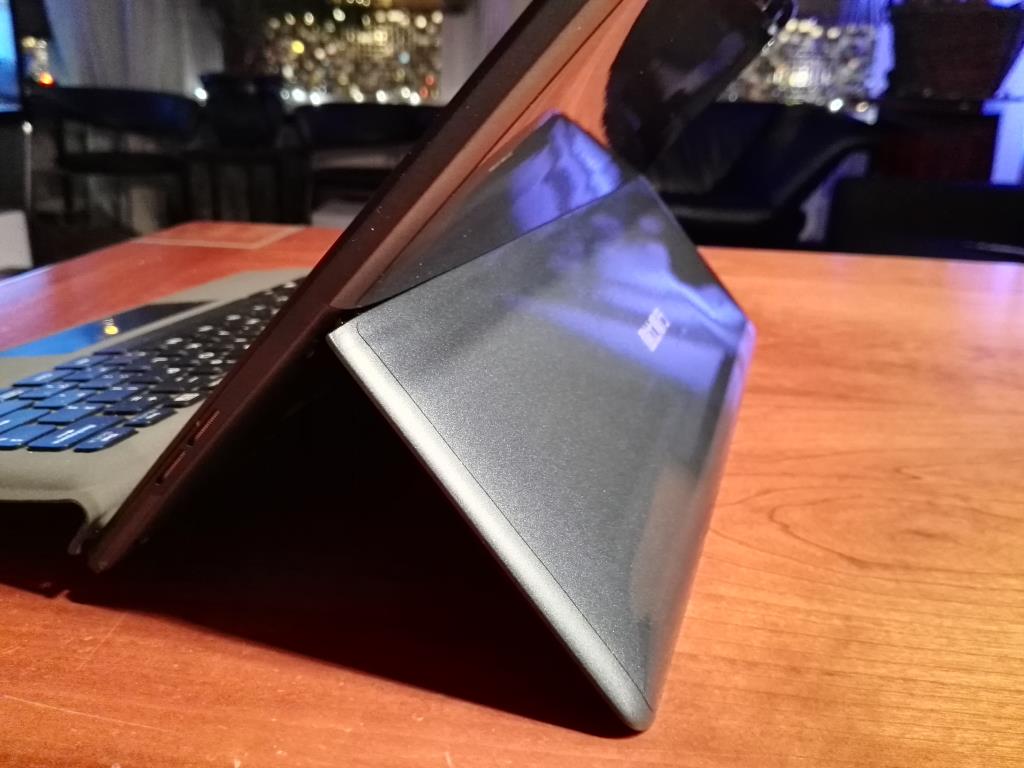
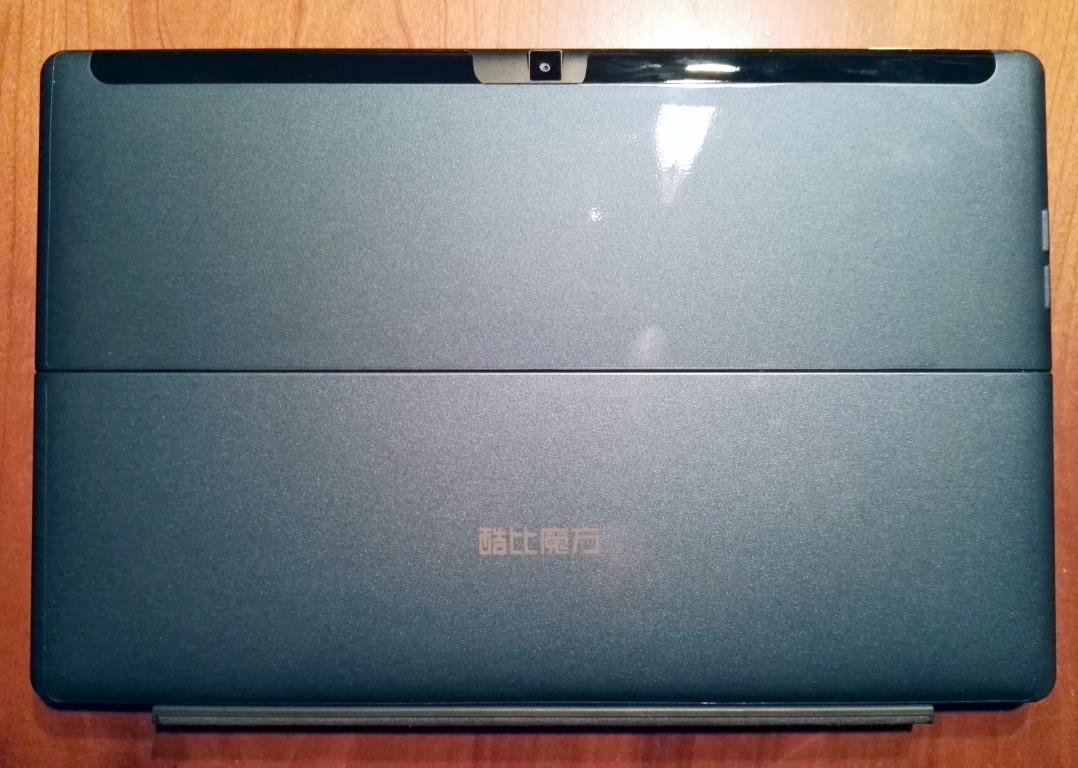
XtremeGuard sells “full body” protectors which allow you to also protect the back of your tablet. I’ve applied a Surface 4 “Tab Back Only Protector” to the back of my Cube i9. Don’t be fooled by the regular prices on the website, you never need to pay the full price:
At this moment there is a 92% discount when you use the coupon code Cyber92 . You need to buy two items, but this back only protector will cost you $2.00 + shipping.
 December 5, 2016 at 10:21 pm in reply to: AutoHotkey script to disable / modify touchpad gestures #58123
The three finger swipes activate the task switcher. They send the Alt-Tab and Alt-Shift-Tab key combinations. I have never used those key shortcuts very much, and when I did I would do a Alt-Tab-Tab-Tab (keeping the Alt key down) to select the next windows. The Cube keyboard sends Alt-Tab-Right-Right (keeping the Alt key down as well) to select the next windows.
I the original version of the script I added a line to ignore the Alt-Left an Alt-Right altogether. If this doesn’t work in your setup it might help if you add a Sleep 500 to the !Tab en +!Tab hotkeys. It worked on other places in the script, but to be honest I never really understood why.
The more expensive one of the USB-C hubs I bought, is the same hub Chris tested as well. It is the HAVIT USB 3.1 Type-C Hub. I paid € 60, but it is now a bit more expensive:
https://www.amazon.co.uk/gp/product/B01IMP08TM/
It works very well when I use it standalone, but the HDMI connection will occasionally display glitches when I connect it using a USB Type-C extension cable. The VicTop USB Type-C hub above works flawless with the same setup.
-
AuthorPosts

