
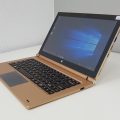

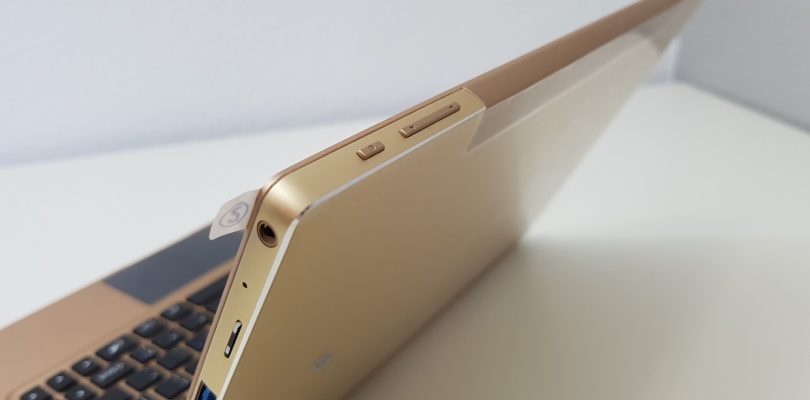
Sorry for the delay on this one, the drivers for the Onda OBook 11 Pro Core M3 are now online and in the downloads section. I’ve tested it myself when I did my own new install of Windows on an SSD it worked without issues. The Silead touchscreen driver is in there to of course and touch works fine.
The Onda oBook 11 Pro drivers dump can be found here: https://techtablets.com/onda-obook-11-pro/downloads/ or below
[wpfilebase tag=list id=240 tpl=data-table pagenav=1 /]
Windows 10 recovery image for this model is still downloading and will be online soon.


Italo Loureiro
Hey Chris… I’ve this tablet/notebook for a year now. I’ve written some stuff on a medium post as I did not find anywhere else that info. I’l probably increase content as I write ’em. https://medium.com/@itanium/onda-obook11-pro-drivers-support-et-al-39f83876373b Western support is obviously scarce and I solved the touchscreen issue with driver backup/restore as I formatted mine.
Italo Loureiro
resolved *WITHOUT* restoring previous driver backup (that didn’t work).
Juanjo
Thanks for all the help you always give us. I bought an onda obook 11 pro one week ago. I want to start from my usb CD drive but I can´t find the right configuration in the Bios, Can you help me please. Thank you in advance.
Alexander
Thank you much for this. I almost went crazy searching for a working driver. Lets see how they work when update 1703 turns into a mandatory. There are many reports that 1703 fucks up the touchscreen driver.
Chris G
Really, I hope 1703 doesn’t screw it up. Why should it?
Alexander
I don’t know. What I found is that with that update certain aspects or elements necessary for the driver are handled differently. Don’t ask me about precise information or reasons. That leads too deep into the professional knowledge of a programmer that I don not have.
AND it is Microsoft we are talking about they don’t really need reasons to fuck it up 🙂