
TouchSetting.gt

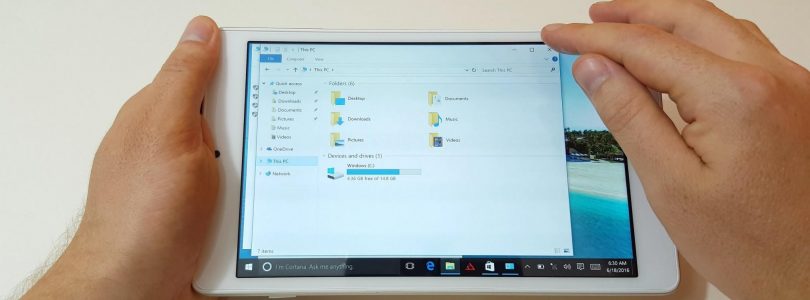

Teclast X80 Power Downloads
Teclast X80 Power drivers dump, restore with double driver (Windows 10 64bit drivers) Please note included is the touchsetting.gt file. Move this to C:/Windows/INF and reboot to fix the reversed touch screen. [wpfilebase tag=browser id=177 expanded=1 /]


TouchSetting.gt file for inverted screen touch Teclast X10HD 3G
If you have installed Windows yourself over the Windows 8.1 Bing version then you could have issues with an inverted touch on your X10HD 3G, here is the file you need for your X10HD, the TouchSetting.gt file, move and replace if needed with this file here. This should restore you touch settings and stop the inverted touch and screen issue. TouchSetting.gt file Teclast X10HD 3G
