

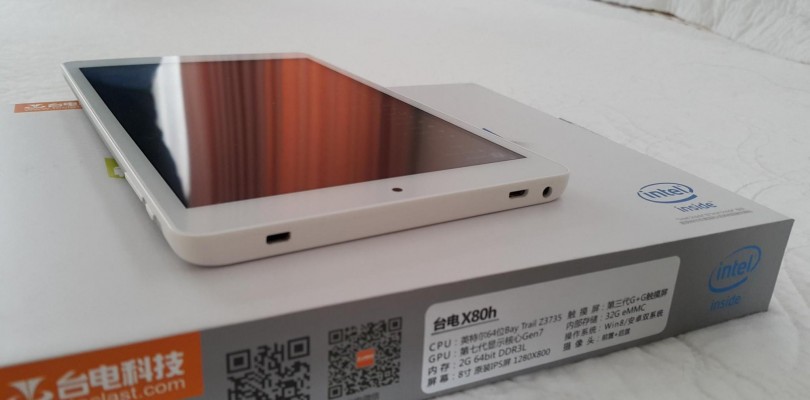
In this video you’ll see how easy it is to use the Teclast X80h as a full blown desktop PC, of course a low powered one at that. But with the HDMI output, and a keyboard and mouse. You can easily use this tablet as a tiny desktop for web browsing, watching youtube, movies and videos and basic light gaming on it.
Using the Teclast X80h as a desktop PC with its HDMI


Anthony
I forgot to mention that I want to use the above mentioned feature using Windows OS only
Anthony
I have a question that i hope you can provide,
is it possible to connect this tablet to an external LCD and use it as a second display which acts independently, showing a different content (not showing a clone of what is shown on the tablet’s LCD).
Have you tried this feature before on this tablet? If you haven’t would you be so kind as to give it a try?
I also would like to know of the maximum resolution the tablet is capable of in doing this dual display. My hope is that it can to 2560*1440 or 2560*1600.
If it can not achieve such a feat, maybe an x80 with cherry trail (Z8300) will be capable?
Thanks so much in advance