
Beelink AP42 recovery image

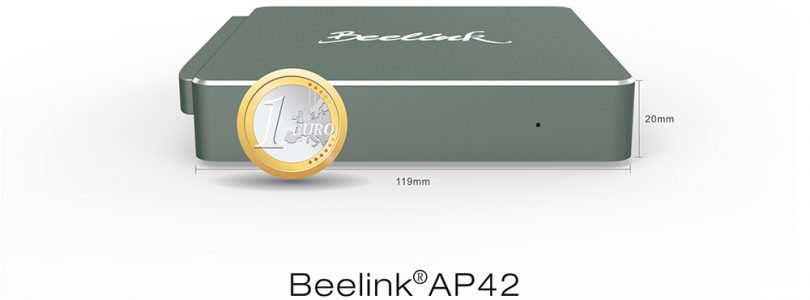

Beelink AP42 (N4200 version) Windows Recovery Image
If you need to restore your Beelink AP42 mini PC, then you’ll be needing this file. It’s the Windows 10 recovery WINPE files. Simply make a GPD formatted NTFS Pen drive and move these files over to the root of it and boot from the bios that USB drive. Use Rufus to format and created the bootable drive. [wpfilebase tag=list id=235 tpl=data-table pagenav=1 /]
