

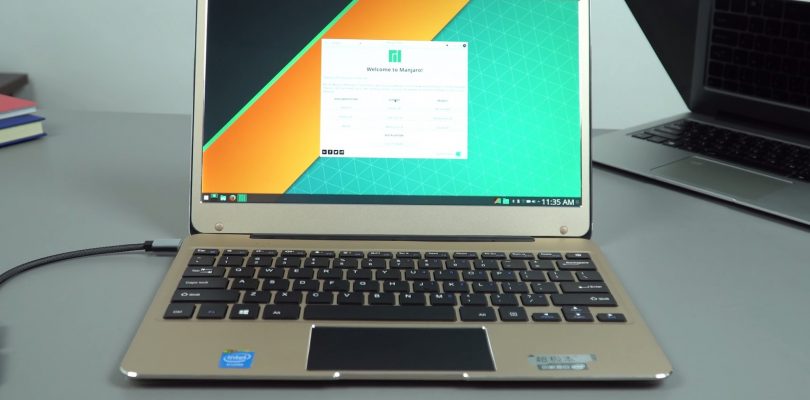
Finally, I got the fingerprint reader the ELAN one of the Civiltop Air aka T-Bao Tbook Air working. It was easy, just had to dump the working drivers from the Onda Xiaoma 21’s working fingerprint reader and then installed them via the device manager. Since they are using the same touchpad and basically the same laptop I thought it would work, glad it did! I spend hours trying all sorts of drivers trying to fix the broken reader out of the box. So this will sort it out. Drivers below:
[wpfilebase tag=list id=239 tpl=data-table pagenav=1 /]


Ian D
still have issue here similar to Daniel above.
have installed all the onda drivers using the install.bat
right clicked on on the elan device with exclamation mark in device manager , update driver
browse to the fix folder
no compatible driver found…
Chris G
Install it via the device manager and it works.
Ian D
you mean right click uodate driver and browse to the unzipped fix folder??
doesnt work says no compatible driver found..
is it windows version based? im on a clean install of win 10 pro 64 bit.
Chris G
No from the device manager. Update driver, browse to the folder and update it.
Ian D
hi chris thanks for help, honestly not being stupid thats exactly what im doing in device manager.
can i ask what driver you have installed for the touchpad? im thinking maybe im missing that first part of the chain
also when i try to restore via double driver there are 2 drivers listed?
WorkBike
thank you very very much for all your hard works, this t-bao airbook was pissing me off after 3 hours of usage..it give me the bluescreen of death..i got so mad, that i went to buy a brand new samsung m.2 250 ssd, reformat again and again till i got all the bios tweak RIGHT..till today only the fingerprint driver was not installed, but with your researched..i finally hav a tbvao air with no yellow exclaimation drivers issues
Daniel
I know that procedure to install, but in the search where the windows files are not accepted and finishes the search saying that I did not find anything compatible, and the only executable there is to uninstall.
Daniel
I have tried installing the drivers you have attached, do not recognize them, can you make sure they are correct and work? Thank you very much for your web greetings
Chris G
Download them and use double driver to restore or use the install bat in the folder. The fingerprint reader driver must be installed via the device manager.