
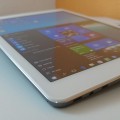

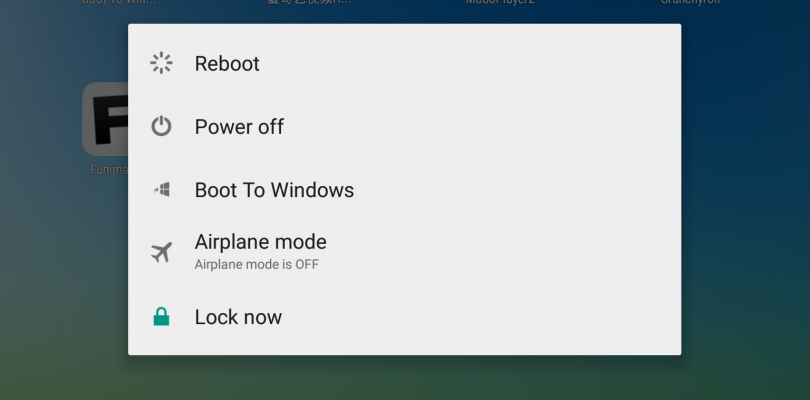
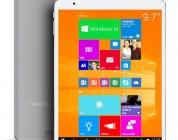
Robert in our forums has posted a great guide on how to convert the X98 Pro (k9C3) model which comes in only Windows 10 to a dual boot Android 5.1 and Windows 10 image. The guide and download files are here: How to dual boot Android 5.1 and Windows 10 on the X98 Pro . And you can also download the files from the X98 Pro downloads section.
Update: After using the rom for a bit now, I can report it has sleep issues and eat up the battery when the screen is off. Seems it will not go into a deep sleep. The rom is clearly a beta release, so keep that in mind. You also lose your cameras if you flash the dual boot bios. So I recommend to hold off for now. A new release Rom has also come out today in China.
I made two videos to help people converting their X98 Pro’s to dual boot.



Elroy Alva
How do I convert a dual boot x98 Pro to Windows 10? Where do I change the bios to single boot?
luca
hello , I am following your guide http://techtablets.com/forums/topic/how-to-dualboot-androidwindows-on-k9c3/..i arrived to the point number 7 and flash tool does not recognize my tablet . suggestions ?
Ben
I heard in the forums when this was first being attempted there was issues with things like wifi etc.
Are there still issues or have these all been resolved?
Chris G
Wifi works, just the cameras don’t work in both OS’s. The first attempt we didn’t have the dual boot bios.
Chris G
Also battery drain in sleep is very bad on the Beta Android 5.1 Rom.
Johnson
Did u ordered for d dual boot version
Sam Parr
Chris has the first Batch (Windows only), Chinese version, converted to English with Dual Boot.
Chris G
Correct, my Dual OS order via Gearbest has taken so long I have canceled it.
JaviBull
I bought the X98 Pro with the dual boot BIOS installed and the battery drains like hell! Just browsing the web, the battery lasts 2 hours. If I don’t use the tablet, the battery drains in 3-4 hours. Is that normal? Any solution? Would that change if I switch to a different BIOS? Thanks, guys!