

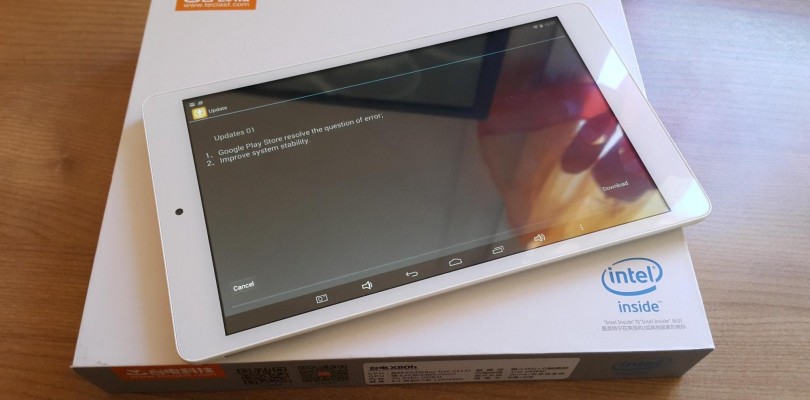
These are dumped directly from my Tecalst X80h Dual Boot, Windows 8.1 & Windows 10 drivers using Doubledriver. You can use doubledriver to restore the drivers more quickly, but some things like the touch driver will need to be install manually and the orientation sensor.
These also work on Windows 10. You can download the drivers and doubledriver here: http://techtablets.com/teclast-x80h-dual-os/downloads/


Narudin Naru
Help me,, I can not plug in flesdisk via usb OTG ,, in the device management instaled driver complite but my tablet fix not read flesdisk via OTG,, please solution for me,, Thanks,,, [email protected]
Bernardo Brenande
Is there a guide to install the orientation sensor and the touch drivers? My touch display isnt fully working… There’s a part of the display that isnt working…
Also, I need to manually set the orientation…
Mostafa
Hi Chris ,
Is the Teclast x80h a dual boot Win 10 + Android like pic