
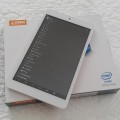

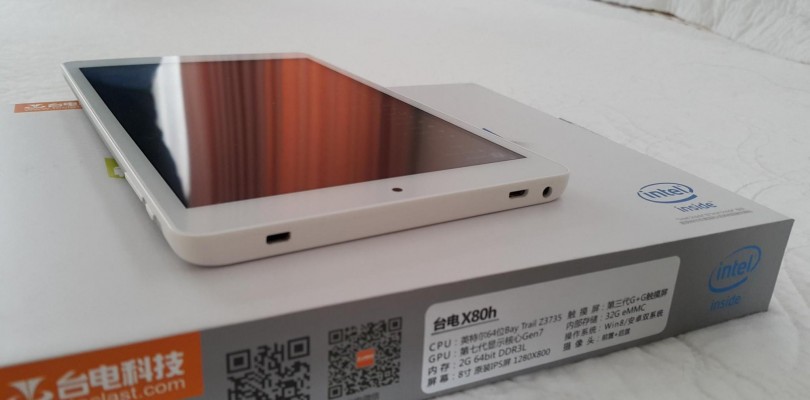
I’ve been requested a few times to try my OTG 4 x USB 2.0 charging hub on my Teclast X80h, I can report that it works just fine as per the below video. The best way to make sure it charges correctly is to connect it up before powering on the system in the switch position #2 This position allows for both USB hub functions and charging at the same time. Position number 1 on the switch is just USB and allows you to use a keyboard and mouse for say, entering the bios.
If your interested in this hub, you can get one here.


Igor Chelev
Can this be used for teclast x80hd?
Amnon Zohar
my usb gps also works only in position 3 where there is no charging
lppooks like positiosns 1 and 2 are the same
you remark “not everyone know how to use it” is not very constructive!
would have helped a lot if you gave instructions for how to get both the reading of the memory stick and charging simultaniously
Amnon Zohar
on my vi8 it charges on both 1 and 2 position but i can only see the memory stick on position 3 where it does not charge so basically i have bought a useless hub!
the tablet idenifies a 2.4g mouse but no cursor on scree!
Mick Ray
Thank you. Not everyone know how to use it. Especially in BIOS or after reboot.