
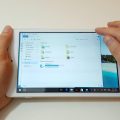

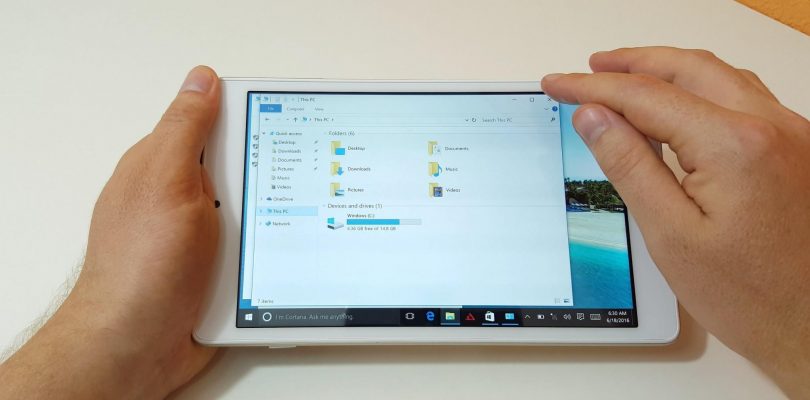
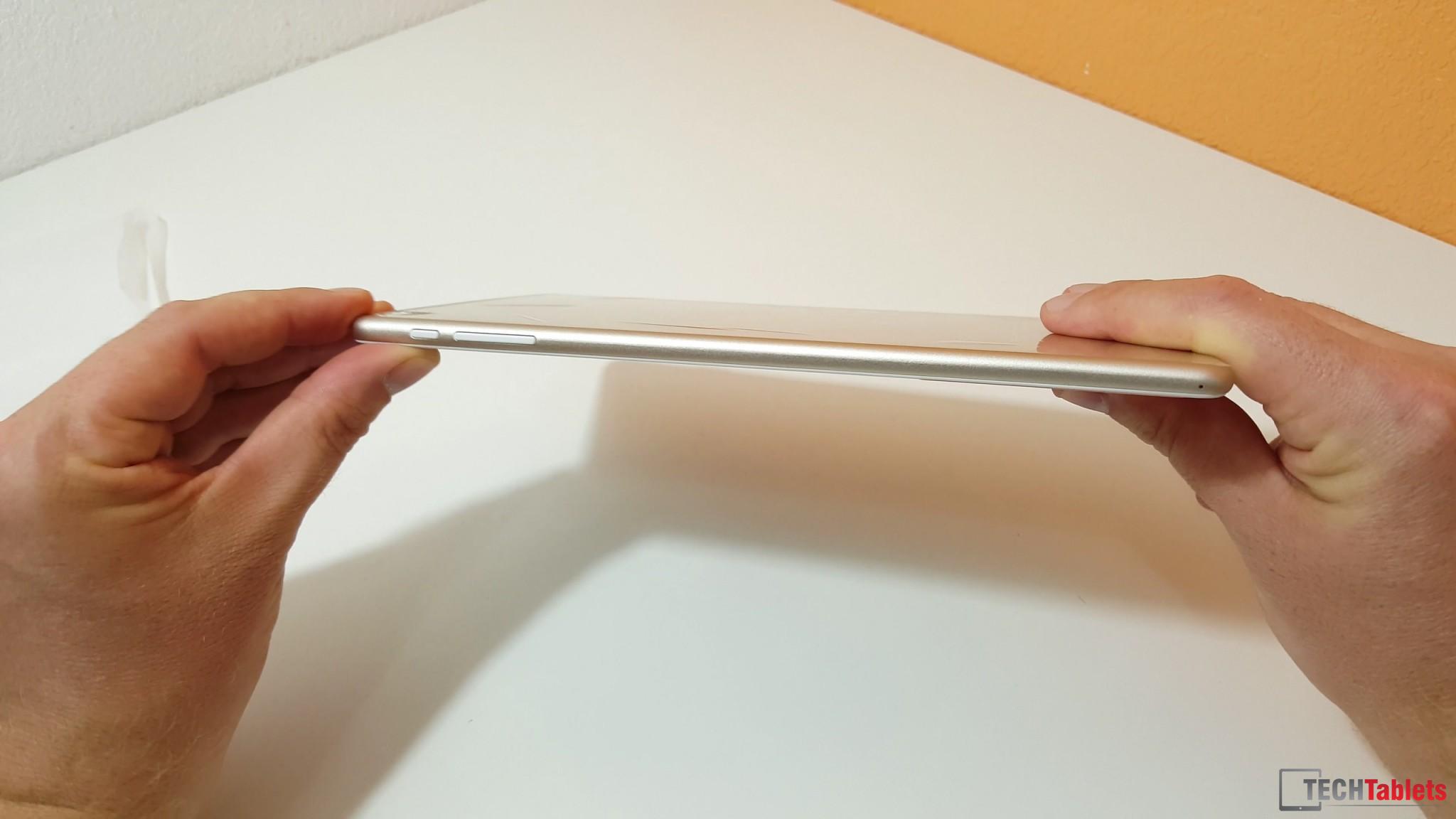
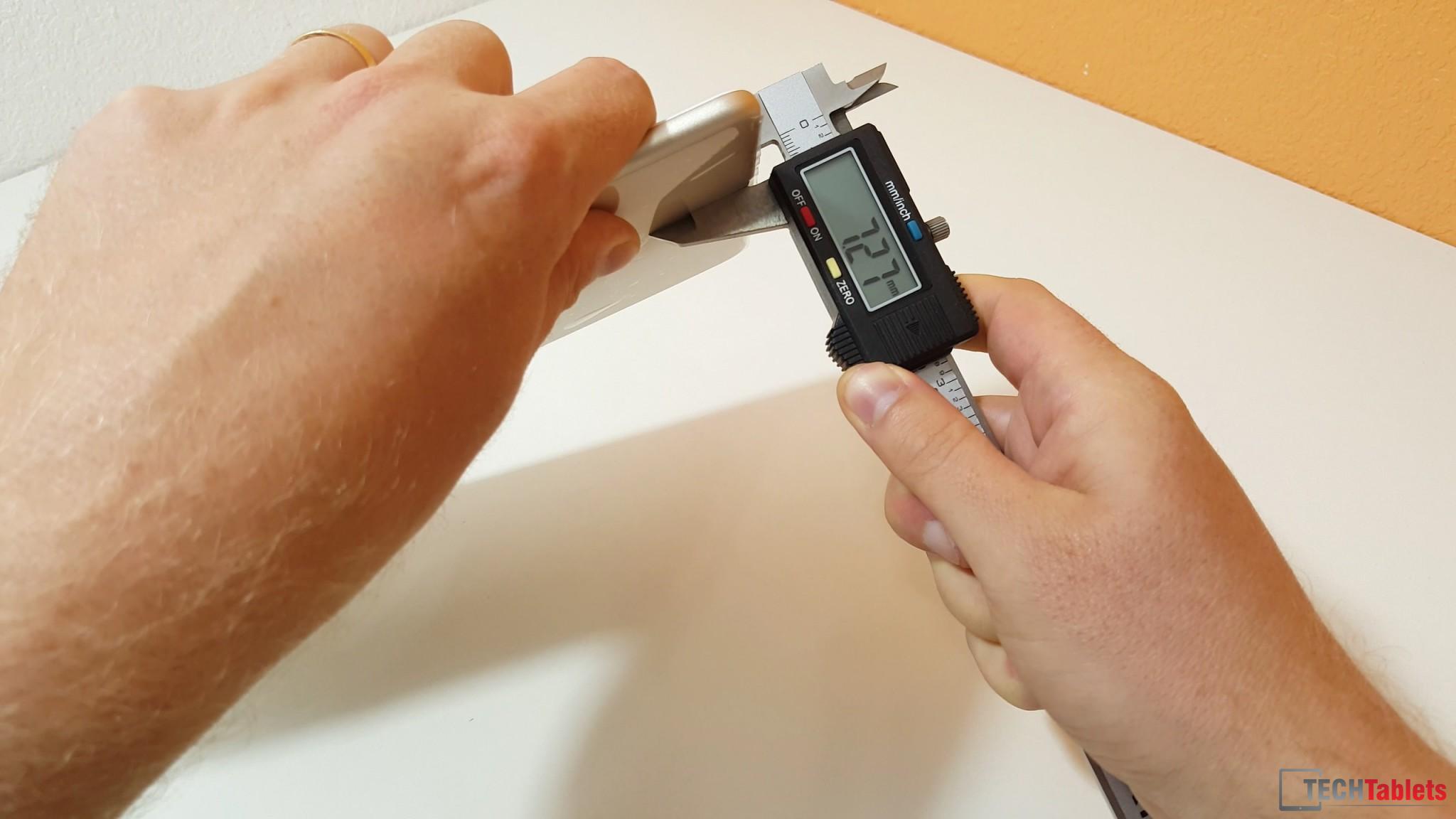
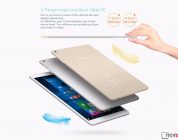
This was a surprise, I never expected the Teclast X80 power to be much slimmer than the X80 Plus or Pro. But it’s is in fact 7.3 mm, the build is very nice. The alloy housing, fit, finish are very good, it has a premium feeling to it apart fro mthe plastic power and volume buttons. The rear reminds me of the Xiaomi Mi Pad 2’s build, the screen is glass (not plastic) and the speakers sound better than most 8 inch tablets. It looks like it could even be on of the best 8 inch 16:10 tablets in this price range, at least the build of it.
But I’ve discovered that the screen has a slight shimmer to it when moving images are displayed on screen, and on camera it’s very bad. I tried a few cameras and I cannot capture the screen without some serious PWM flicker happening. Windows has only 4.3GB free, which is downright useless. Teclast went with a larger 64bit WIndows 10 image (32bit is smaller) and the partitoning has given most of the free space to Android. I will see if I can free up some space disabling hibernation and looking for any large files or bloat.
The Android 5.1 ROM is light and the bloatware found can be uninstalled. There is 9.33GB of user storage available which we could have done within Windows. I’ll have more on this model soon. Future videos of the X80 Power in action might have to be screen captured due to the flicker visible only on camera.
This unit I got from Geekbuying.com and they are shipping it out now.


Mark Star
Which is the best in the 8″ tablets right now as your review sort of indicates this is not a good tablet with screen flicker, lower wifi, only 4 Gb storage on the Windows side.
So which 8 or 9 ” table in the same $75-125 tablet is best?
Mark Star
You stated Windows 10 is not going to be usable with only 4GB memory. Can Android /Windows storage sizes be adjusted?
zyi
https://youtu.be/breM7d0CSh8
Wes
Just a quick question, but does this tablet come with Office 365 Personal 1yr like many of the other small tablets? Geekbuying says “MS Office” but doesn’t specify what that means.
OpenIDUser1
It’s possible to remove android partiton?
Pawel
Or windows?
kakashi07
Come on, we’re waiting for your review of the Power
Chris G
Reviews take time. I have 4 other things on the go too, not just the super. Soon…
zyi
Pipo W4 Pro
http://www.pipo.com/product.php?id=223
Specification:
Display Size 8“
Resolution 1920*1200, IPS wide viewing angle
Ratio 16:10
Touch Panel Capacitive 5-touch
System CPU Intel Cherry trail Z8300.
CPU speed up to 1.84GHz
Storage 32GB/64GB EMMC
RAM 2GB/4GB
Operation System Windows 10 Home
Office included office 365 , 1 year subscription
Sensor G-Sensor
Camera Front 0.3M, back 2M
I/O ports Micro SD slot x1
USB port micro USBx1
HDMI output micro HDMI port x1
Earphone jack x1
DC-IN jack No, charge from USB
Microphone x1
Speaker x1
Communication Wifi 802.11b/g/n
3G No
GPS module No
Bluetooth Yes
Power AC adapter 5V 2A
Battery capacity 4200mAh * 3.7V=15.54Wh
Physical Characteristics Material plastic back
Weight 375g
Dimensions 209*122*10.2mm
Accessories AC adapter x1
OTG cable x1
USB cable NO
dawei
too bad the pipe might not be good in general
Pawel
LOL do we have a propaganda war here?
Chris G
Looks like it Chinese IP address. Pipo don’t like this haha.
dawei
lol maybe I am from teclast. lol
J-Paul
Is it possible to change 64 bit windows to 32 bit?
Chris G
Yes I think so, do a drivers dump and then wide and install it. The key should be valid in the bios for both 32bit and 64bit.