
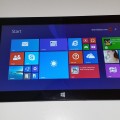

Another broken Play Store due to a miss configured build.prop from Teclast, sigh… They really should get someone to test if the Play Store works outside of China as this isn’t the first time.
Here’s the fix, you’ll need root. Get that here in the X98 Air 3G Toolbox: Run 1_Toolbox.bat and then later use option “E” to root your X16HD
File you’ll need:
[wpfilebase tag=file id=23 tpl=data-table /]
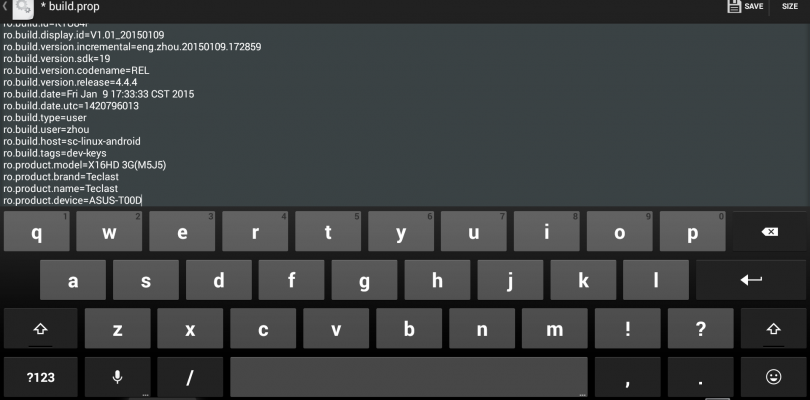
Install the root browser and then edit the build.prop in /system to the following:
Find ro.product.device=X16HD 3G(M5J5)

Change to read ro.product.device=ASUS-T00D

Teclast X16HD 3G Google Play Fix build.prop edit required.
Save and grant super user access, then reboot. Now once your back in Android Play Store will work!
Tip: You might loose the dual boot menu from rooting on boot, on the next power on hold the volume up button to get the menu back!


Chris G
I used the Padfone X device id because it has the same screen res as the X16HD 3G. Not sure if it really matters. Does this work for everyone? Worked for me and root using the toolbox.
List of device lookups can be found here: https://www.otaupdatecenter.pro/device-lookup