
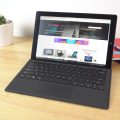

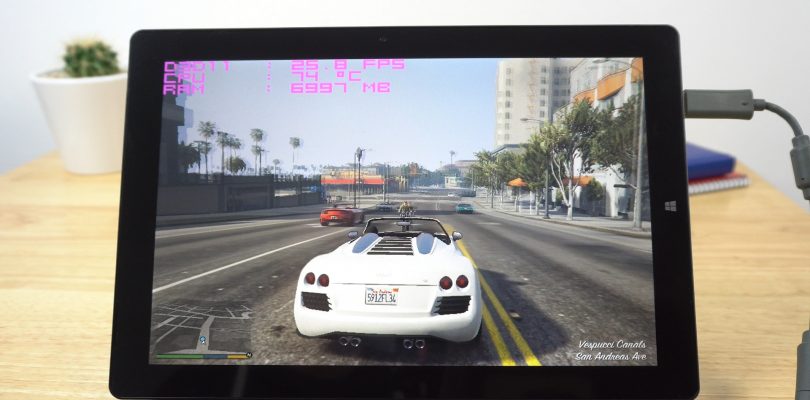
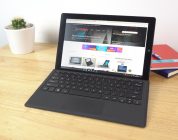
The Teclast X5 Pro is my first Intel Core M3-7Y30 powered tablet tested, this is a step up above the Intel Core M3-6Y30 with slightly faster clocks and on paper a better GPU. So I decided to throw a few games at it, some popular titles and some demanding ones to see how it would handle a bit of gaming. The X5 Pro has 8GB of RAM and Intel Wireless AC with a Surface Pro 4 like design. And as you’ll see below it’s not bad considering it’s a fanless dual core CPU.
Games tested:
00:43 – GTA V 1024 x 768
03:03 – Rise of the Tomb Raider
03:49 – League of Legends
05:19 – CoD:MW3
06:15 – Battlefield 1 800 x 600
06:40 – Asphalt Xtreme
07:25 – Project Cars 768p
08:26 – Thermals & XTU Power tweak
Thermals turned out to be good, no thermal throttling. This only happened when I pushed the stock power limits up as expected it boosted performance for a short time, but the tablet just got too hot as a result and throttled to prevent damage. Surface temps of the tablet were just warm nothing alarming. So Teclast has done a good job here with the heatsink.



Denis
Hi Chris,
I’m quite interested in that one but the type C / micro USB ports issues you experienced could be a deal breaker. Anyway, the tablet is advertised as being able to “data transfer and charging at the same time with type-C”. Do you think your example has a specific hw issue?
Is the screen the same as in Cube I9 / Iwork12? I already got the iwork12 and find it good. Do you think the Cube keyboard be compatible? it looks like the same…
Thanks 😉