
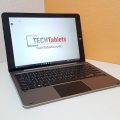

Didn’t expect this one, DHL dropped off my Hi12 Keyboard. Banggood changed it from PostNL and sent it DHL, which normally means extra taxes. But luckily I didn’t have to pay 15 Euro + 21% tax on top of it. Just as well!
Here’s the unboxing video covering everything I could think of with the tablet to give you an overall impression of the keyboard dock.
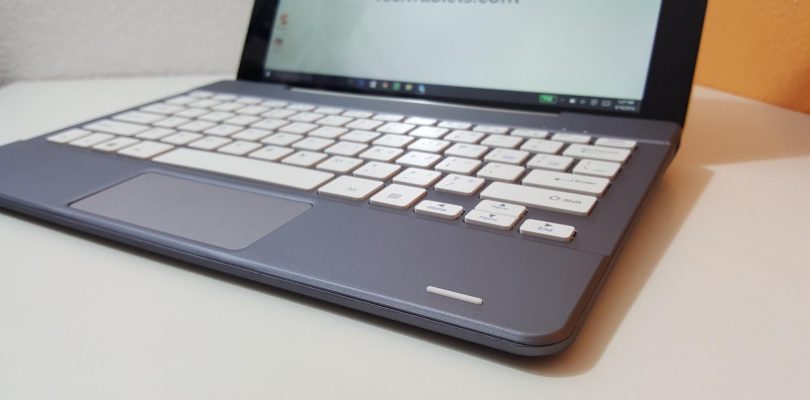
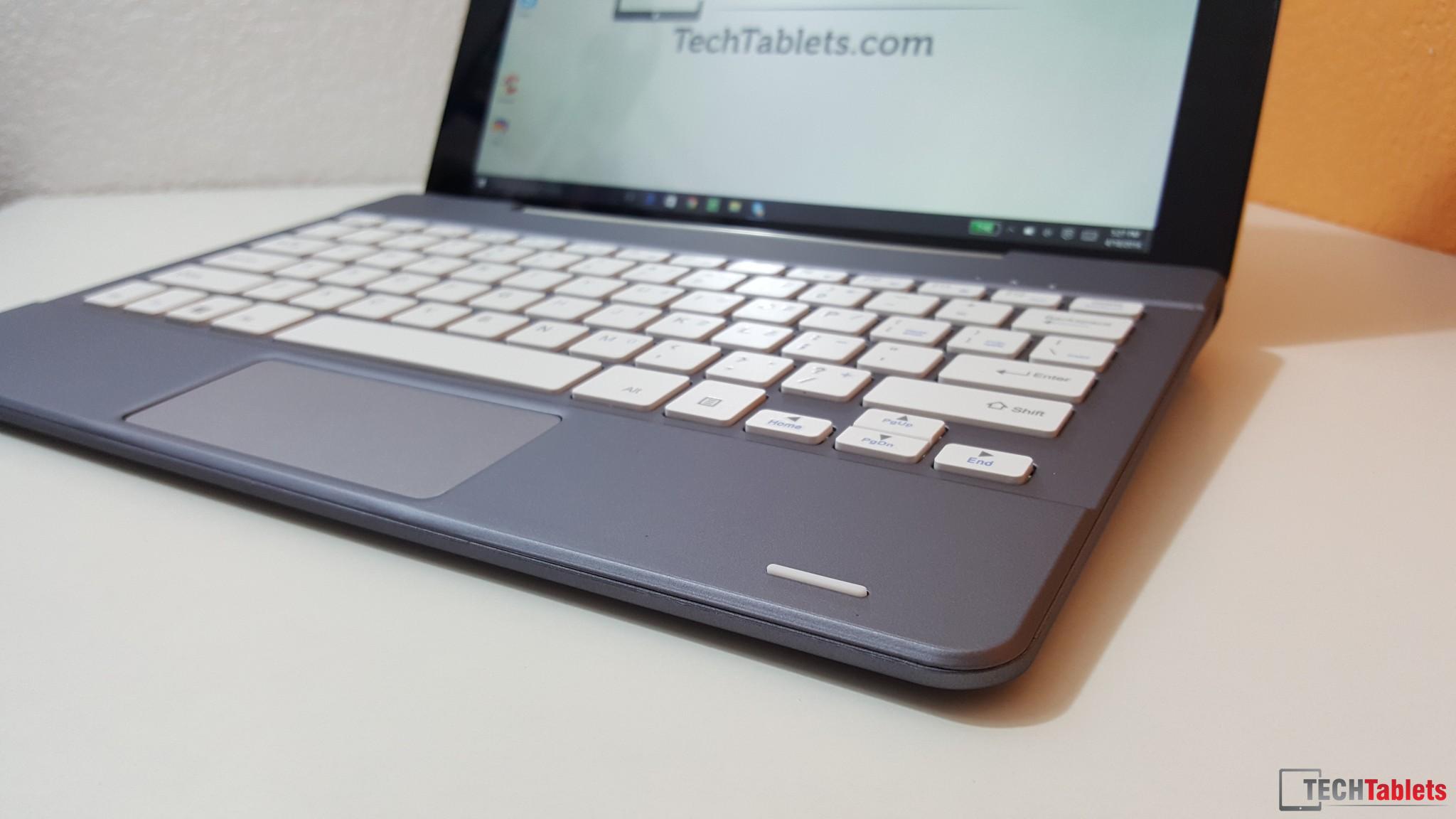
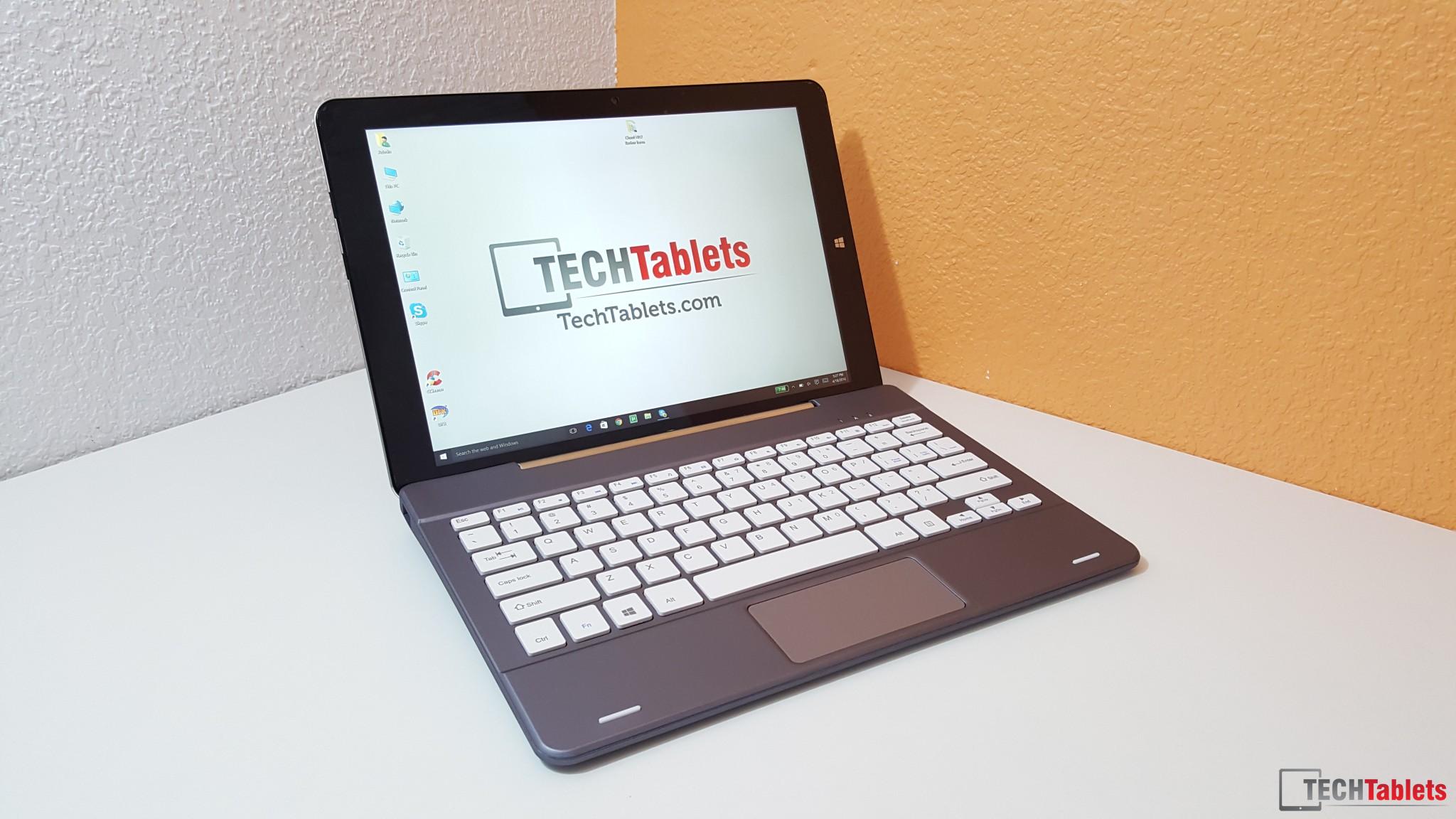
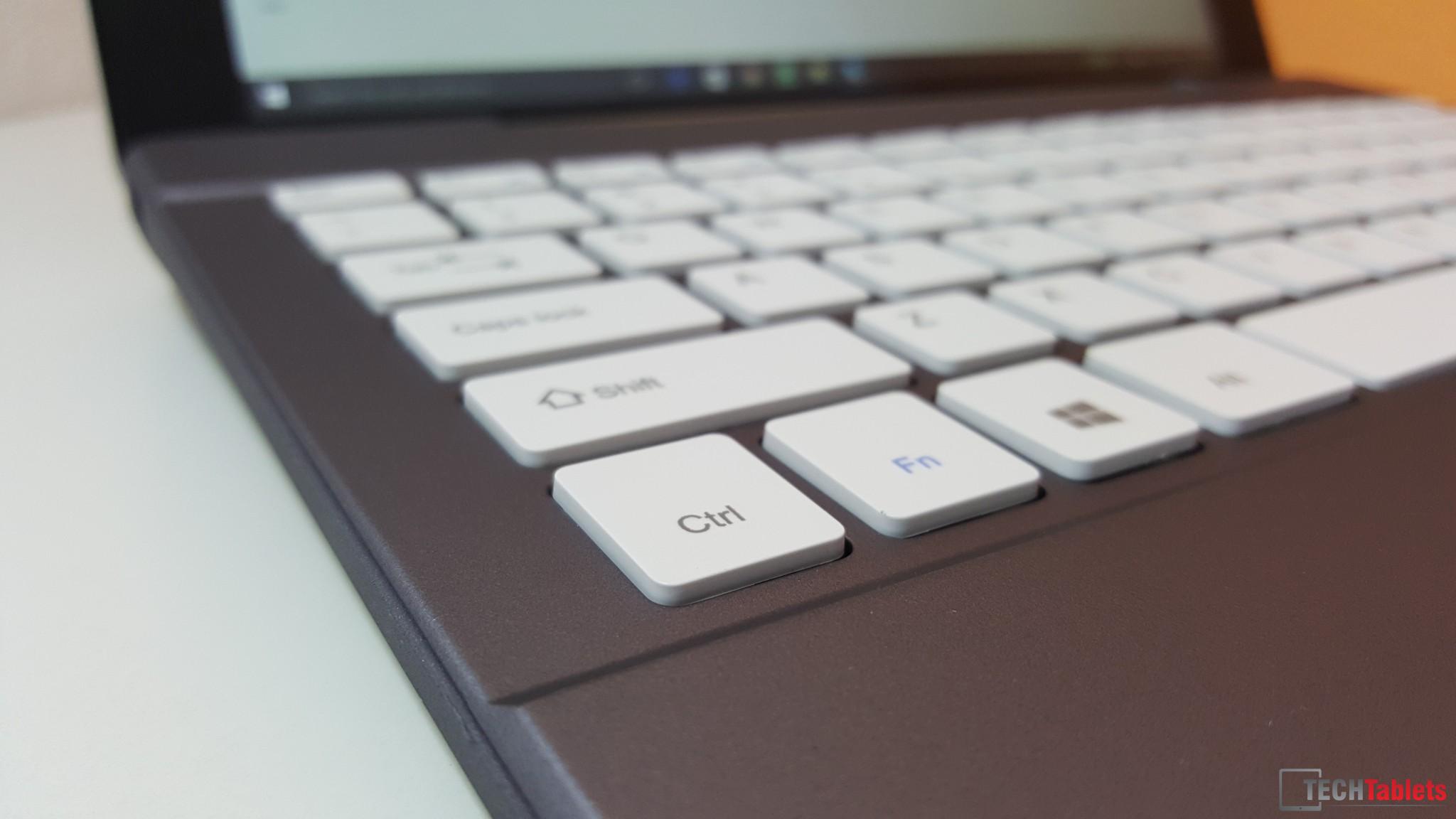
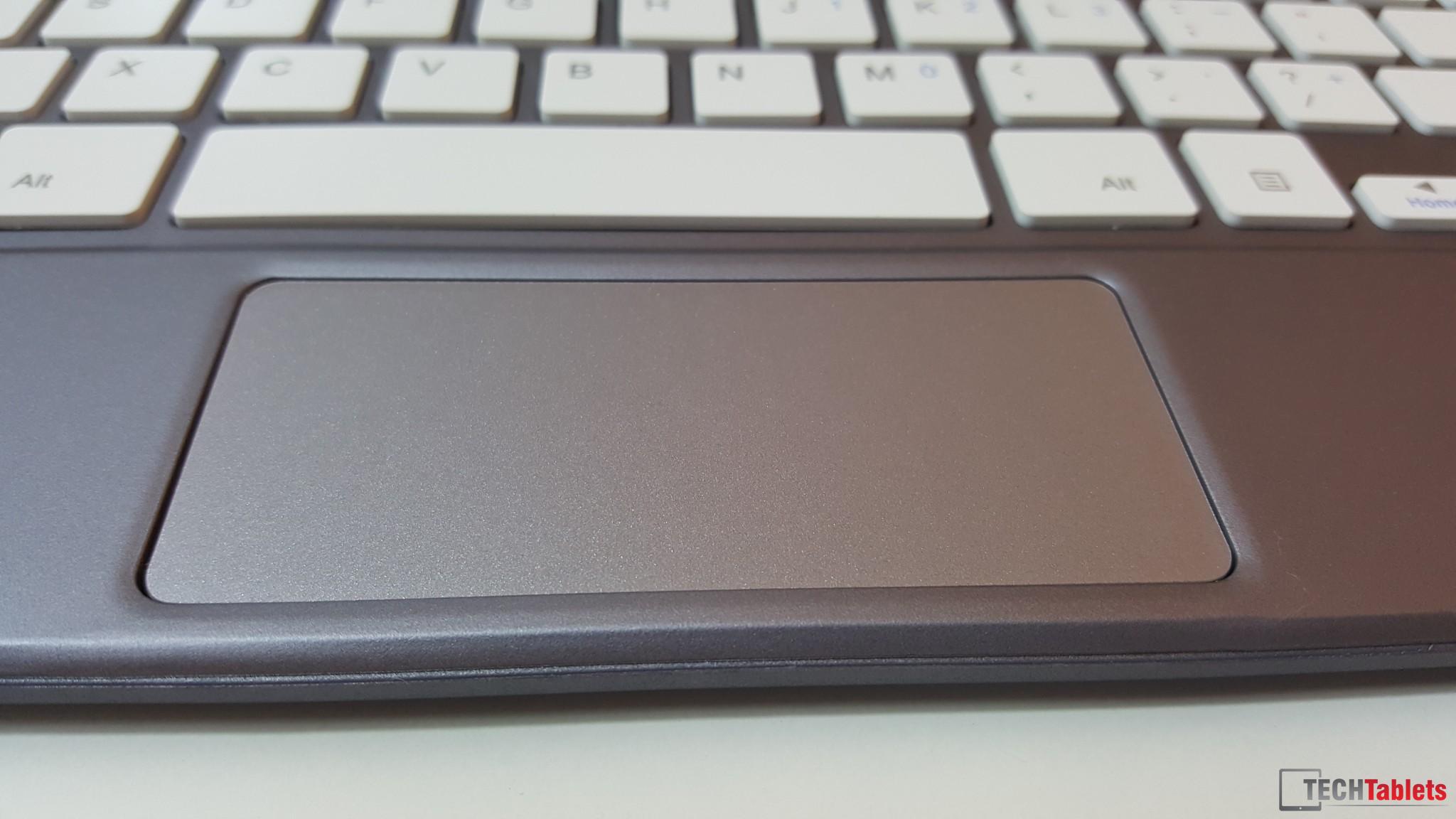
Typing on it is good, around 2mm of key travel and the size is great. The trackpad is average and while it’s wide, I feel it’s not high enough. (It has left and right mouse buttons within it.)While it is fairly responsive, but not the best I’ve used, definitely not the worst. It’s okay, I need some more time with it.
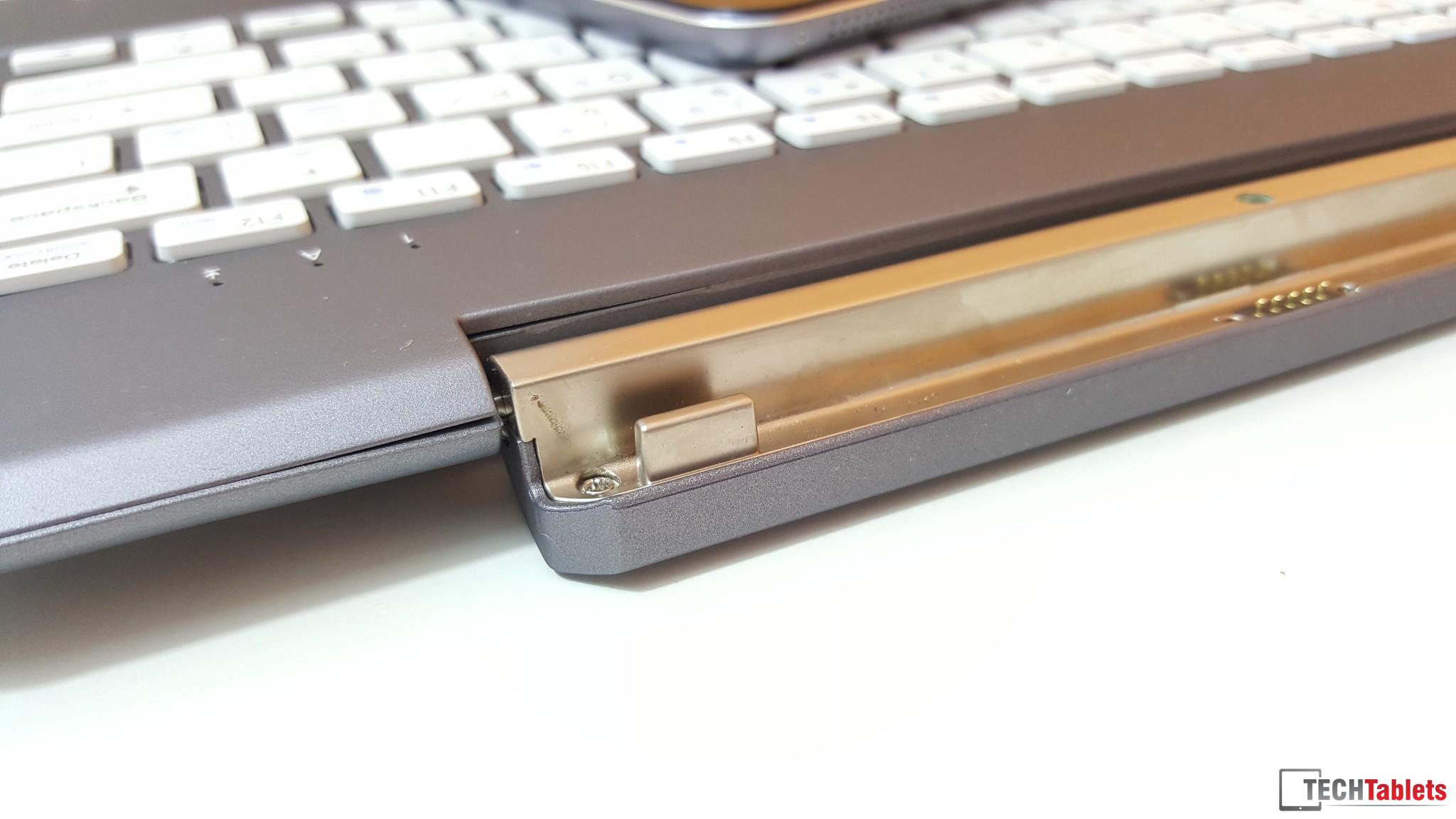
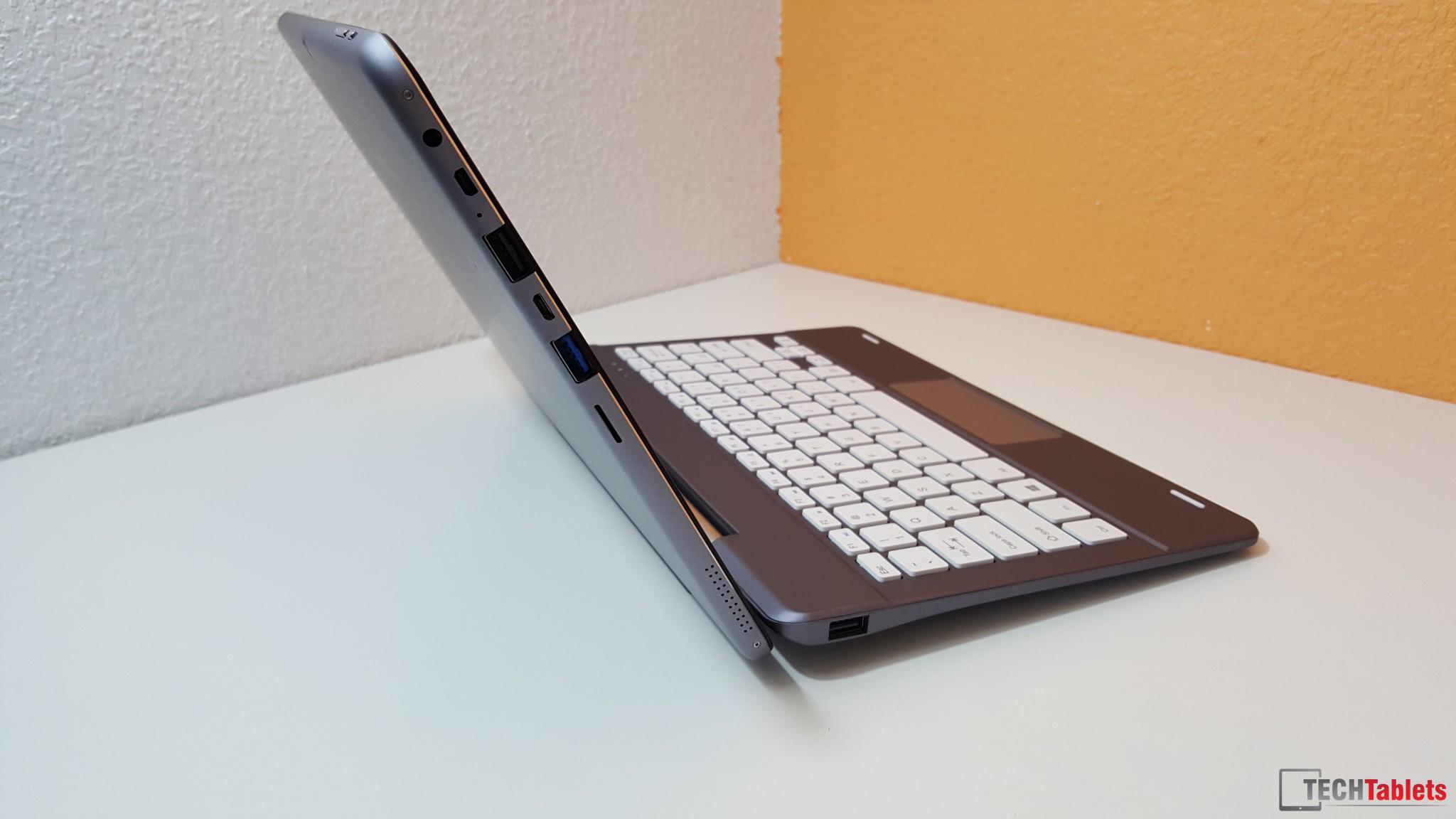
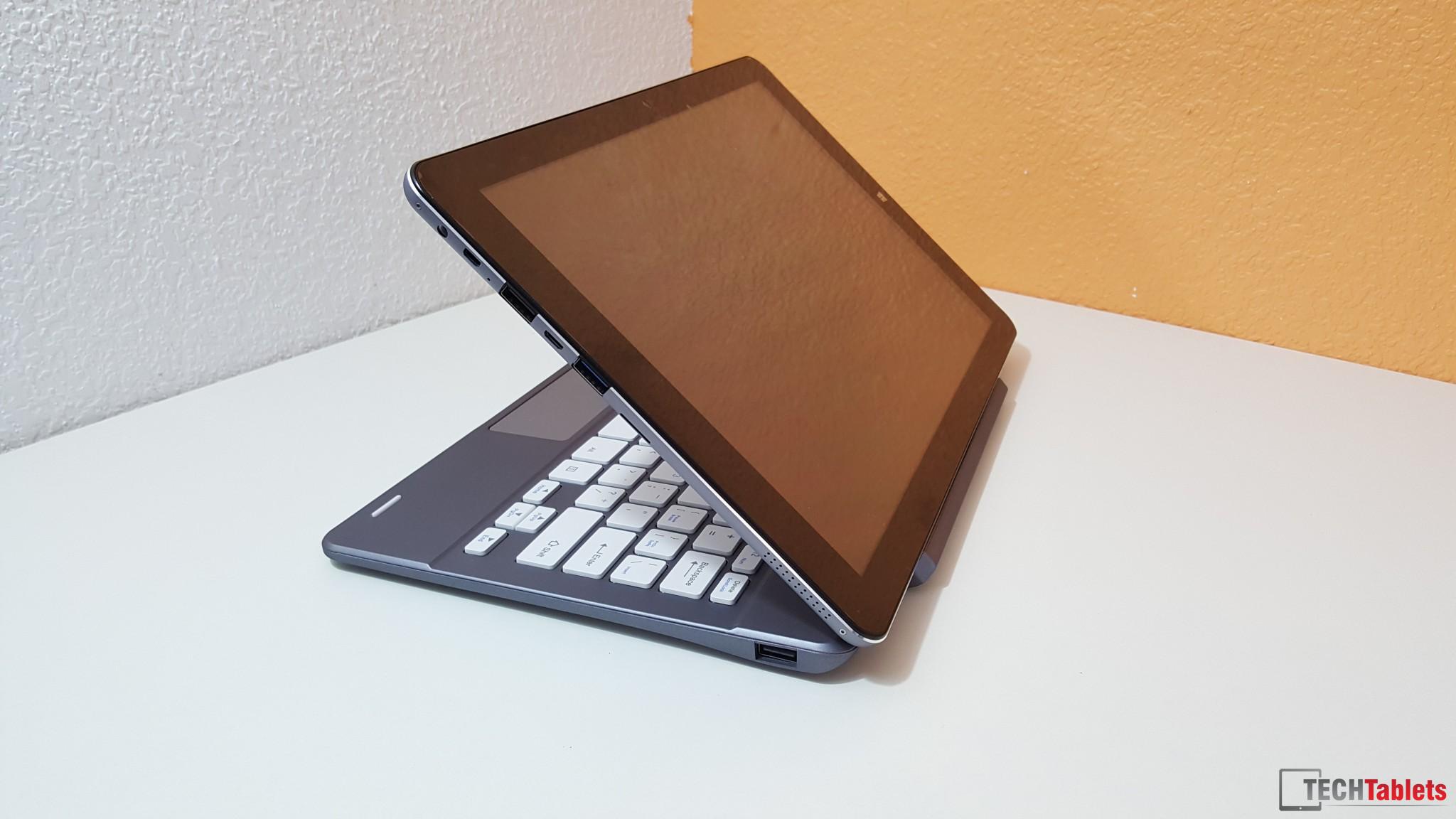
The trackpad can also be disabled with FN + F11, good to see that. The hinge is strong, but not strong enough to hold the tablet in it flipped around to watch a movie at a 45-degree angle for example. The weight of the tablet will cause the hinge to slowly lower the tablet. Slotting it is is easy with magnets giving it a gentle pull into place.
The counterweight is good, it means it will not fall back on a tablet using the touch screen.
Build:
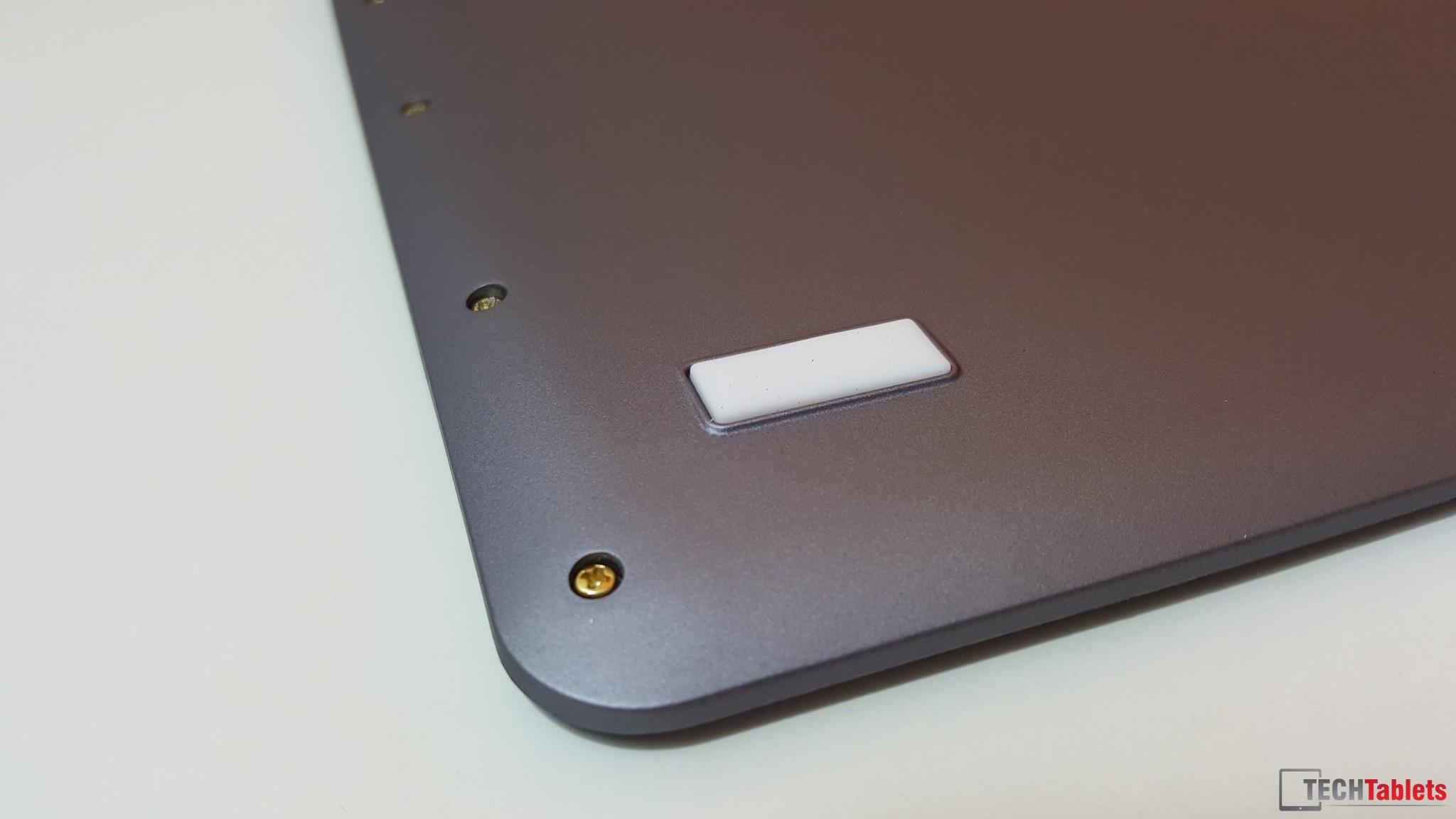
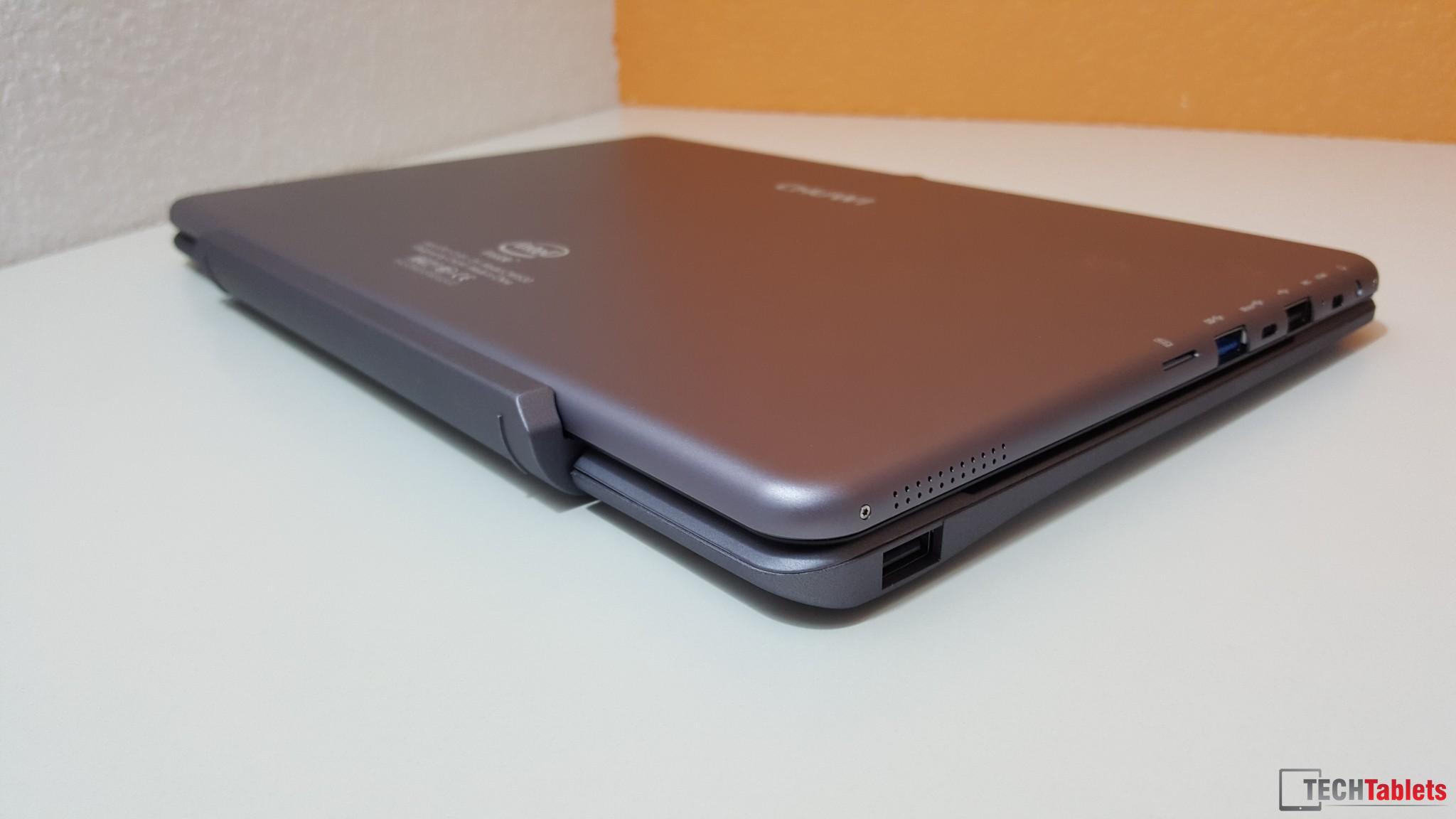
It’s all plastic apart from the hinge, which the finish of isn’t 100%. It’s a little rough around the edges. Chuwi’s assembly line or the ODM line has their electric screwdrivers with the torque setting too high, the have stripped most of thread on the screws in the side. And as seen in my hands on video, I was able to just pull one out in the video since it was loose! Not good. I’ll see if some glue in the thread will fix it.
The keyboard has some bounce and flex (I expected this being a cheaper plastic keyboard) and around the touchpad has some flex.
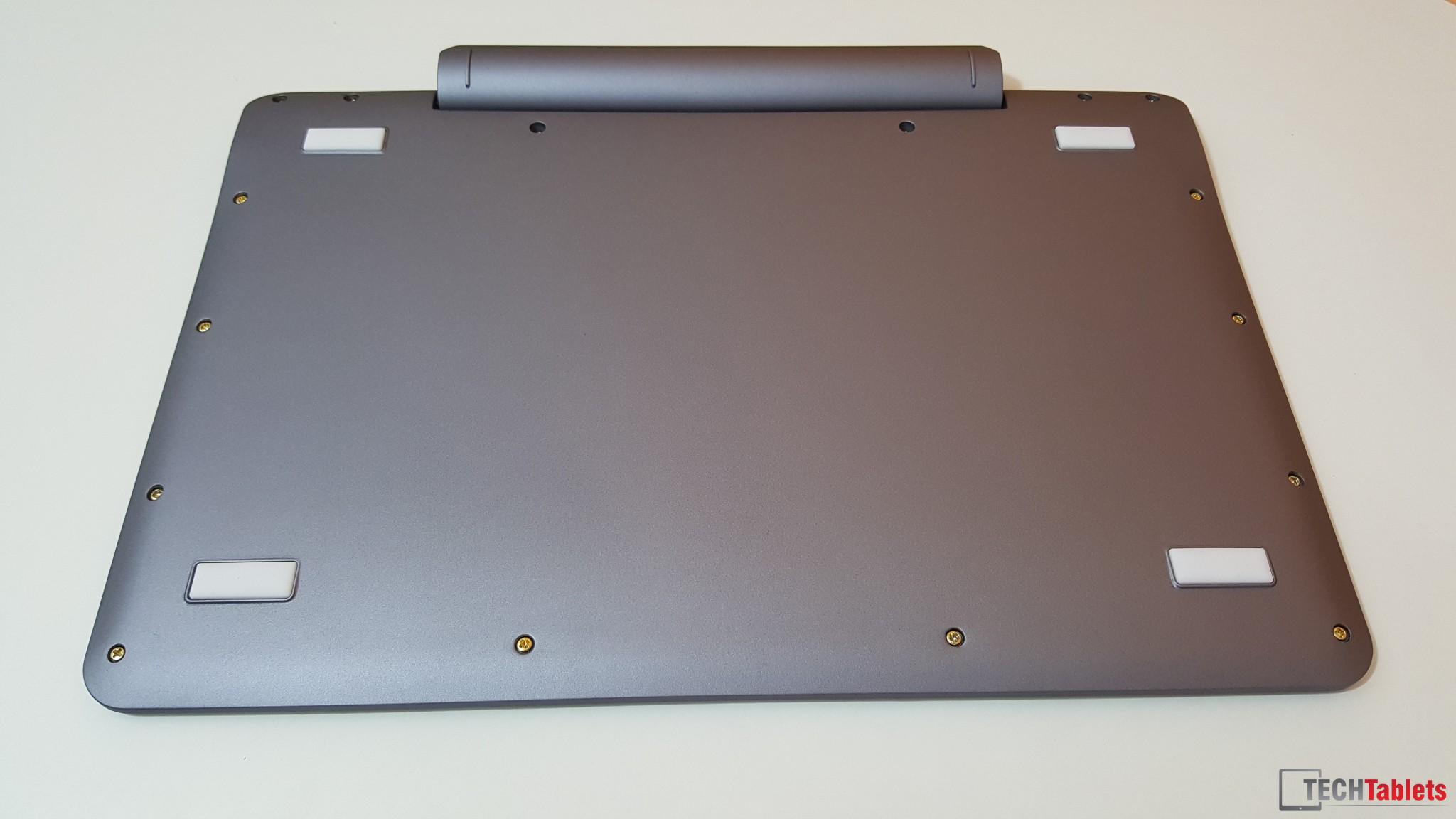
The front and rear plastic has been sprayed with a rubber paint finish and seems to be resistant to fingerprints and feel nice to the touch. The screw falling out and the flex make this keyboard feel a bit cheap. But I do like the size of the keys and the typing experience.
When closed the keys just miss touching the screen, but I can see if pushed into a tight bag the pressure on the keyboard will cause the keys to touch and possibly rub on the screen scratching the screen proctors.
The Cube iwork10 Ultimate and HiBook keyboards are one of the best in terms of build, very solid with a metal top and the Cube i9 keyboard, which is a type cover style offers a very high level of build.
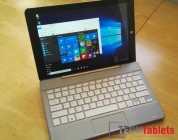
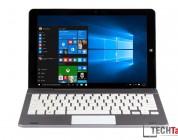
Chuwi Hi12 Keyboard Photos:







Kailash Kumar
Hi Chris,
Thanks for the keyboard review and all your hard work! You convinced me to buy a Chuwi hi12. But I was thinking of buying the cube i9 keyboard rather than this official chuwi hi12 keyboard which seems too cheap… They both have a pogo 5 pin I think, do you think the chuwi hi12 will work properly with the cube keyboard?
Thanks for your help! Cheers from France
Chris G
Hi, unfortunately not, not without it fitting correctly. You would have to do some heavy modding to make it work.
Kailash Kumar
Oh so bad… thanks for your reply!
Arturo
what a bad design, not for the main keyboard but for the tablet. Power and volume buttons are on the top and when you use the combo on a yoga style, volume buttons are pressed all time.
David Golverdingen
I received the tablet with the docking keyboard yesterday.
Noticed 2 things:
* Keyboard is connecting and disconnecting when you are positioning the screen to an other angle.
* There are unworkable mousepad gestures that are impossible to disable. (http://techtablets.com/forum/topic/touchpad-setup-as-mouse-cant-turn-gestures-off/) This is a serious fault!
Tech Lover
The mouse gestures were driving me crazy as well. So I turned the corresponding hot keys off completely (e.g. Win-D, Win-Down, etc.). To do so I used AutoHotKey (https://autohotkey.com/) with the following script:
#D::
Return
#Tab::
Return
#A::
Return
#B::
Return
#Down::
Return
#Up::
Return
The script may need some refinement, but it made the touchpad work for me.
Deric
This is turning out to be not too shabby.. Thoughts on getting a tempered glass screen protector, or do you think that wouldn’t fit with the keyboard?
Cheers!
clarafioata
That keyboard looks really bad compared to the Chuwi HiBook Dual OS Tablet.
clarafioata
keyboard*
Chris G
Chuwi HiBook & Cube iwork10 Ultimate are the same keyboard made by the same ODM and very nice quality.
ice.man
[QUESTION]
Does the touchpad feature side scroll o 2-fingers scroll?
(I have an old Acer Iconia W510 with an orrible trackpad, with no gestures support and I’m quite sensitive to the issue)
regards
Peter Pablo
Did you see this?
https://youtu.be/E1IkT7x4zH8
Pipo KB2 – keyboard with W10 on it! 😀 clever idea
vgiozo
Although I understand the functionality and aesthetic attraction (to some extent) of the 2-in-1, tablet and dock/keyboard type of device, I am really NOT a fan of these keyboard-covers.
…they are generally quite mediocre in their prime functionality, i.e. typing, and as a cover, well the back side is naked, the screen is in danger of scratches and the weight/mass is quite bigger.
I would always opt for
– a simple cover with a couple of stand positions, which is what >10$ covers generally offer with adequate results
– a proper, business but portable keyboard, like the “LENOVO THINKPAD BLUETOOTH KEYBOARD”.
…awesome feedback from the keys, great TRACKPOINT (instead of that horrible trackpad), which allows you to always keep your hands on the keyboard, while precision of the trackpoint is much better compared to these trackpads.
So, my advice would be to get:
1) the simple cover for the tablet: http://techtablets.com/forum/topic/chuwi-release-official-case-in-taobao/
2) The Thinkpad bluetooth keyboard/trackpoint: http://www.aliexpress.com/item/New-original-Lenovo-ThinkPad-Compact-Bluetooth-Wireless-USB-keyboard-with-Trackpoint-US-0B47189-Tablet-PC/32624055480.html
…it costs 85$, but you won’t be needing any other portable or PC keyboard ever…
Chris G
That is also not a bad option. I used before this keyboard arrived, my Logitech Travel keyboard. The case of the keyboard works as a stand it’s good. Just the issue is the BT does slow my internet which is why I prefer a pogo pin keyboard dock.
vgiozo
The Logitech Tablet keyboard was on my top list for a long time (available for just 34€ on Ebay with shipping), but on some occasions you might miss the “mouse” function, when doing some more “business” oriented work.
In my experience the Wifi reception must be really struggling to be seriously upset by the BT (e.g. large house / with multiple floors and/or bad router placement), otherwise not really an issue…
…but it could also vary by device / hardware etc…
e.g. the Teclast x98 Plus I owned for a little while combined good Wifi with tremendous BT reception (would have my regular headset on and didn’t miss any audio 3 walls away to the other side of the apartment) without the one interfering with the other.
…but didn’t really have “wifi coverage issues” inside the house…
Lately I do find too many active routers, as I live in an apartment-block, and this can affect the Wifi much more than the activated BT…
…as you regularly point out, most users would welcome a few extra dollars cost in exchange for DUAL BAND wifi, even for “n” standard alone.
…this would solve many connection issues, without worrying for BT aggravating the situation.
By the way, the size of the Lenovo Thinkpad BT Keyboard and Chuwi Hi12 are very much alike.
– Chuwi Hi12: 296.7*202.8 (*8.9mm) …. Cube i7 Stylus is also a good size match (273.77*172.03*10.5mm)…
– Thinkpad KB: 305.5*164 (*13.5mm)
Marc
I do understand your reservations.
Besides the drawbacks you mention, it’s not very ergonomical to type for a long time on a small keyboard attached to a small screen. Screams cramped shoulders and neck…
But after my experience with my Surface Pro (which I really like but not use as much as I could) I have 2 reasons to buy this keyboard for my just (2 days ago) ordered Chuwi:
– the possibility to use it on your lap. It just isn’t possible without the flat surface of the keyboard
– to quickly type text longer than 2 lines (which you can do with the on-screen keyboard).
The 1st use I often really miss with my Surface Pro.
I do have a touch-cover for my Surface (not type-cover…), which I often use when I need to write some text like this post, which isn’t very good to type on without the tactile feedback of real keys.
But although I do own a MS Edge keyboard, one of the best compact BT keyboards available, I still use the touch-cover because of the hassle to fetch the separate keyboard (always lying somewhere else so you have to get up…) and setting it up. Typing on the (poorly functioning) attached keybord is much less of a hassle. It’s already attached to the tablet or lying beside you to put back on as protection for the screen after use.
Only when I know that I’ll work on my Surface for about an hour or more, I’ll set up the MS Edge keyboard along with a bt mouse, so I can work productively and not ruin my neck, back and shoulders.
vgiozo
Yes, using the tablet *literally* as a “laptop” requires a steady base and a docking position for the tablet.
Still, if efficiency is your number one priority, there are still Thinkpad Tablet Keyboards with Dock…expensive, yes; top-notch, also.
http://www.aliexpress.com/item/New-original-Lenovo-ThinkPad-Tablet-2-Bluetooth-Keyboard-with-Stand-US-English-0B47270/32244078677.html
– However, even in this scenario, one is severely limited in the “safe” angles one can keep the tablet docked at this keyboard….
…you have to keep the base very level/horizontal, like on a desk…
> If this is a common scenario, a “convertible” 180o hinge tablet is a much better option…
Much of the rest of what you are saying, though, is predicated upon using the dock as a “case”…which not, and it cannot serve that function…
…I would not leave my tablet exposed to dust and scratches, by leaving it with no cover…and I keep it on all the time.
…that why I prefer 1) Proper cover/case 2) Business keyboard
– better protection
– better efficiency in typing.
Marc
That Thinkpad keyboard certainly looks nice.
And if I ever had gotten used to that trackpointer, but alas….
vgiozo
I can’t buy a laptop without a trackpoint anymore…I am limited to a few models by Lenovo, Dell and HP.
Igot hooked with a Thinkpad L520 laptop, then after giving it to my father after his broke down, I ordered myself a T520 from ebay (just 280€ with i5 2520m cpu and HD+ screen) and I am just loving it.
Lack of necessity for a mouse, no reason to take hands off the keyboard is just too good to pass up.
Didn’t take me more than a 2-3 days to get used to it…I think the only reason not to like it, is not taking the minimal time to using it exclusively.
Vernal Scott
Thanks for this, Chris. It looks like it’s worth having, despite losing a screw at the end – like, huh!!! LOL. Roll on for the delivery of the dual boot and let’s hope the screws don’t fall out of that. Ha!
Chris G
It’s in Spain now the dual boot looking at PostNL tracking, but looks like I’ll miss it by a day or two. Next 10 days I’ll in London and southern England. I hope no screws fall out of the tablet. My Hi12 is still holding up well after 2 months of use, how’s your one going?
Vernal Scott
My Windows Hi12 sold in no time on Ebay. I really couldn’t justify keeping both. I was seduced by the functionality of the dual boot in the end, despite telling myself that I didn’t need it. Yep, I’m now a Chinese tablet junkie, thanks to you. LOL Anyway, we’ll be raving about another tablet in a month or two from now. Its great that we can sell unwanted gear on Ebay and move on to the newbie tablet on the block. Hey, the weather is very spring here in London right now, so you’ve timed your visit well. Have a happy time.