
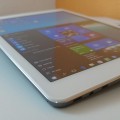

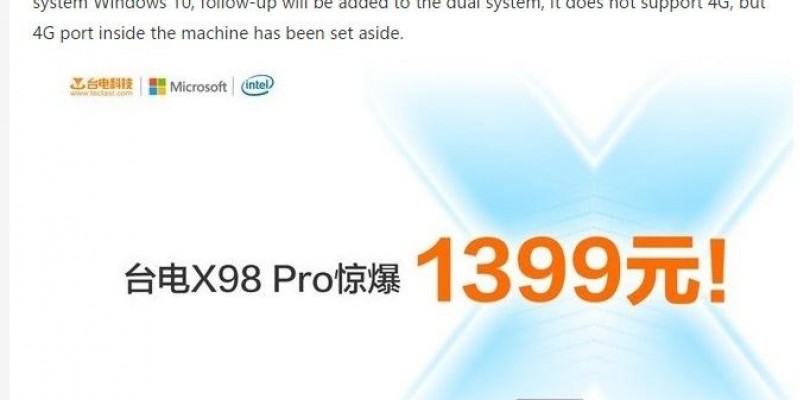
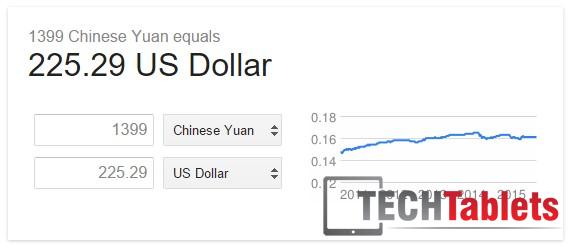
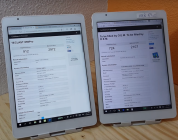
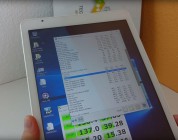
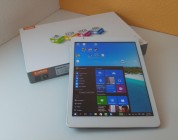
In today’s live Teclast X98 Pro launch event in China, the price of the X98 Pro will be 1399 Yuan, that’s $225 USD at today’s current exchange rate. Remember this is the Chinese price for their domestic market. Retailers that sell and ship the tablet overseas will have their markup on top of this.
Teclast also mentioned they have plans for Dual Boot system to follow and have space on the motherboard for a 4G LTE modem, so an X98 Pro 4G and dual OS models are to follow the first X98 Pro single OS Windows 10 version.
Release date, today in China.
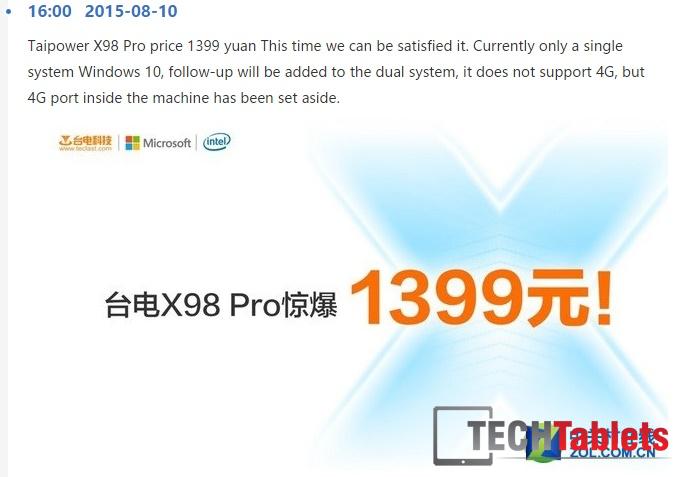
The current X98 Pro doesn’t have 4G, but a port inside the tablet has been set aside for a future 4G model.

![[Updated] More Details Emerge On The Teclast X98 Pro](https://techtablets.com/wp-content/uploads/2015/08/Teclast-X98-Pro-image-15-178x140.jpg)

Victor Azevedo
Please help with this doubt, which one to buy, teclast x98 pró – cube i7 – onda v919 core m?
Chris G
If you want more power go for the Core M models. I’m waiting for my v919 3G Core M and X98 Pro so can’t tell you much about them until I use them, but the i7 Stylus is good http://techtablets.com/cube-i7-stylus/
Dan
I was really hoping for dual band wifi as well, this is saddening. Is dual band a “name brand” thing only? For what reason? Hasn’t this been around for several years enough to be a standard?
Chris G
Should be the standard now, but it seems the Realtek or cheaper solution, still isn’t cheap enough for them to be able to use it. I would really hoping to see the RTL8192DU-VC which has dual band Wifi.
I had it when my BT mouse slows the Wifi connection down due to them both using 2.4Ghz.
Kris
Stop your mouse addiction and enter the era of touchpad 🙂
james u
Hi Chris,
Now that you mention Teclast X98 Pro will come with 4G and Dual OS probably later part of the year, kinda had me drooling a little. I will wait till it is officially release. Tried a little CAD drawing on my current Teclast X98 64GB, it runs but a little lag, I need it i might use to draw simple 3D model for my work. i hope it will run a little better on more powerful cherry trail couple with 4GB ram. By the way, how does the performance of Atom A3637 compare to cherry trail?
david251
Hey Chris! What would you recommend a cherry trail or core m tablet? Which one has a more powerful cpu the Cube i7 stylus or the Teclast x98 Pro?
Chris G
The Core M 5Y10 is more powerful. if you need the best power, it’s the one to get.
disqus_b0WYO7T8kx
Hi, maybe a dumb question, but this Tablet will be able to run Age of empires III perfectly?
Yury Maximov
even current atom tablets can run AOE3
Skanob
Hey Chris,
A bit of an off-topic. When do you think main-stream Cherry Trail tablets will come out?
I hope one of these tablets will hit my requirements: http://forum.xda-developers.com/showpost.php?p=62166189&postcount=4
Chris G
Well the expensive Surface 3 that covers this is already out. I think by September/October and the end of the year we will see Chuwi and Cube Cherry Trails.
Ann B
Hey Chris which one to buy I’m confused between onda full USB vs teclast
Please make post by giving expert opinion which one is good
Chris G
I will have them both in under two weeks to compare them, pros and cons of each.
Jo
by purchasing this version of Windows 10, there will be possible after installing the dual boot?
Chris G
I’m sure it will be released at a later stage on the Teclast forums.
Methanoid
Damn good price… withe better eMMC, better graphics, it is already a must buy. I think I might hold out for the LTE model. Dual OS is no doubt just a s/w upgrade.
Chris G
Yes, the dual OS bios, Win 10 image and Android 5 ROM will be released via their forum first and later model revisions will ship with it. Much like the X98 Air 3G when it first just had Android, later Windows and dual boot. Looks a good tablet, the spec is great for the price. It will only be a tiny bit slower than the Surface 3 which is over twice the price. Just a shame it has no micro-USB 3 port.
Adam_F2
You’re right about USB 3.0, although I’ve been using my HP Elitepad (Atom z3795) with a USB 2.0 displaylink dock for a week or so now, and I’m happy to report it’s pretty smooth. Of course USB 3.0 would be better (esp. for higher resolutions like your monitor), but 2.0 is OK for 1080p. Oddly, my tablet supports 3.0, but Hp doesn’t make a 2.0 dock – almost worse than Teclast not supporting it at all!
PS X98 Pro also seems to have mini HDMI (as opposed to micro in every other Teclast tab) – weird.
Adam_F2
Oops I meant 3.0 dock. Could you enable comment editing please? 😉